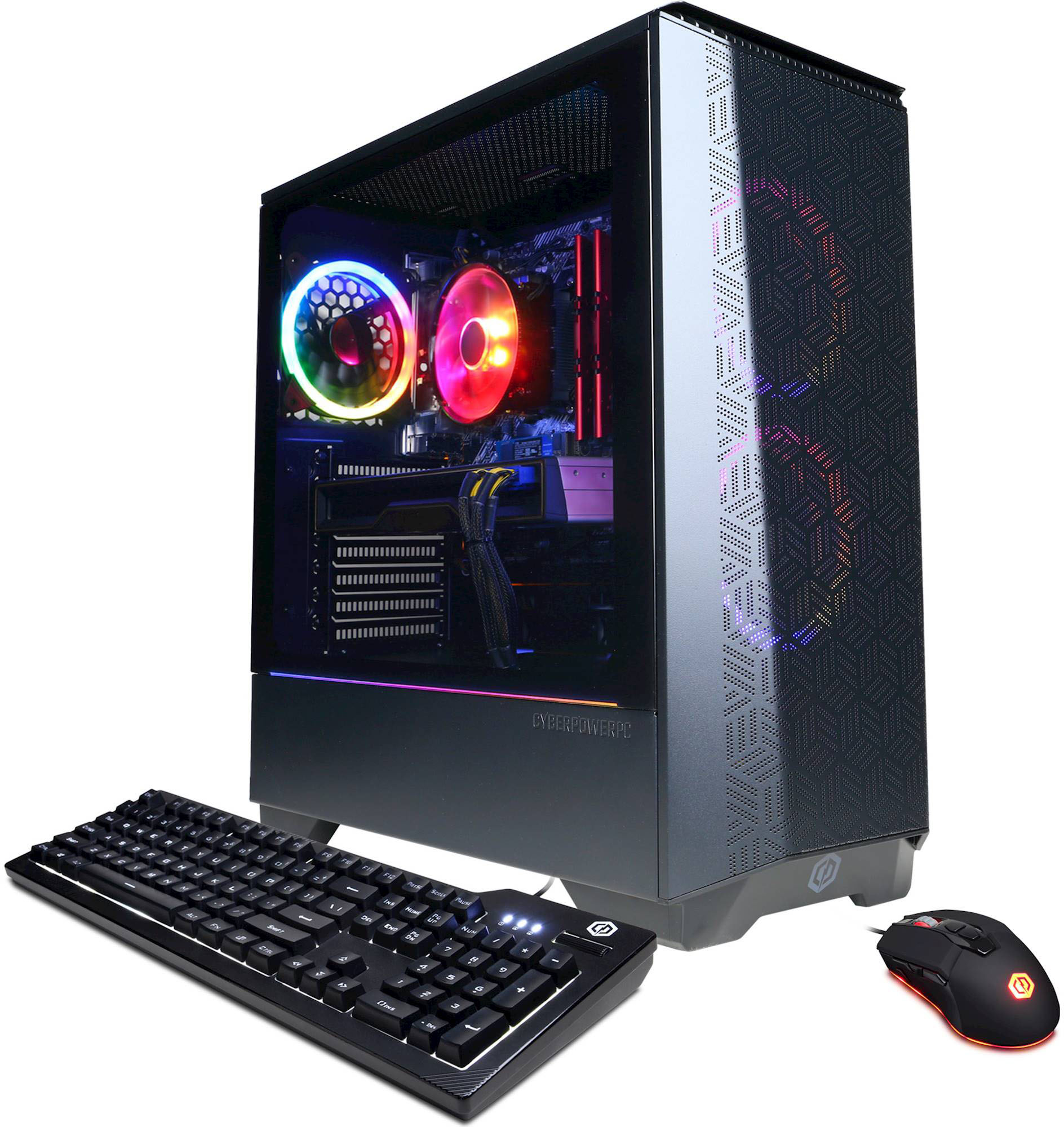
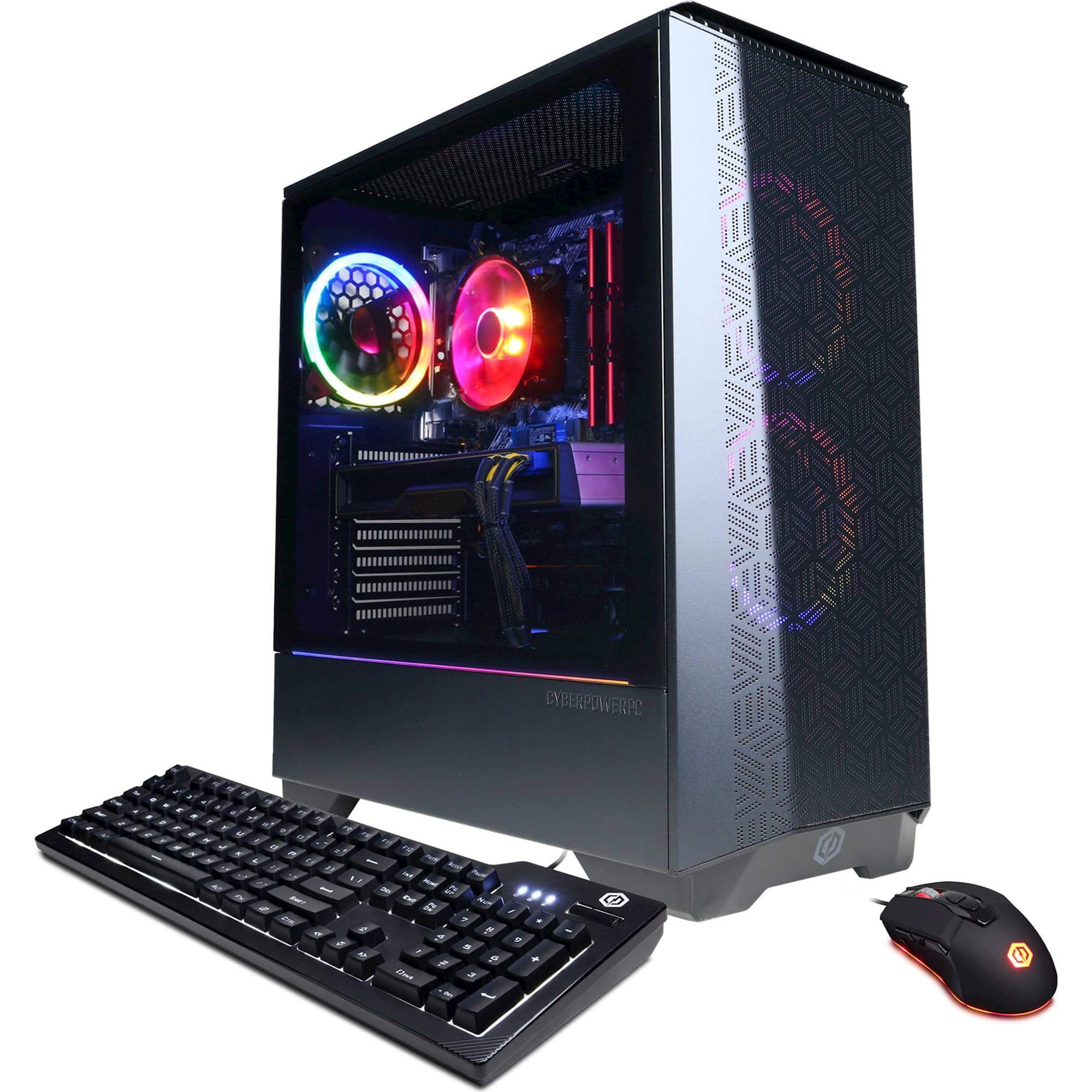
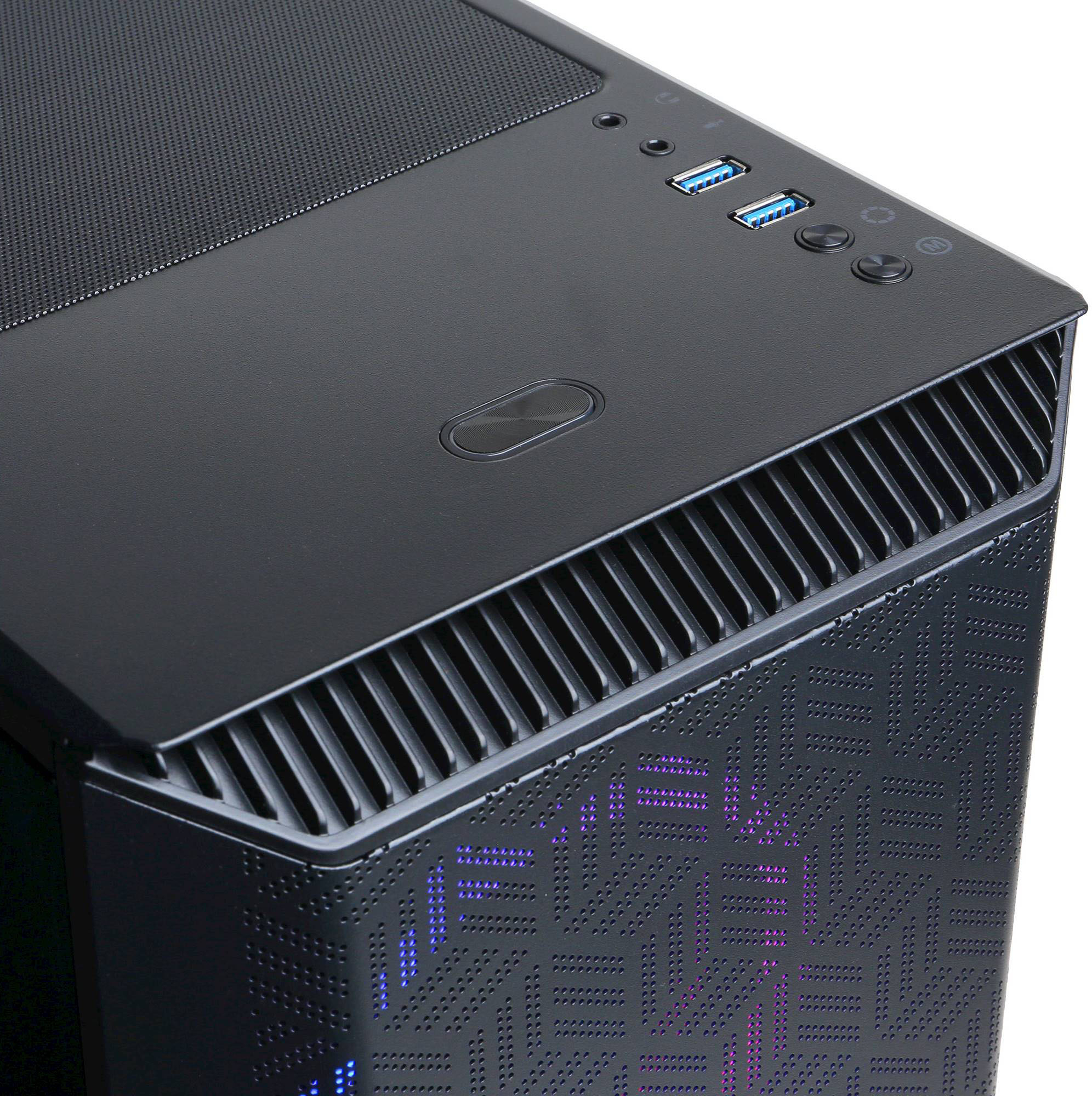
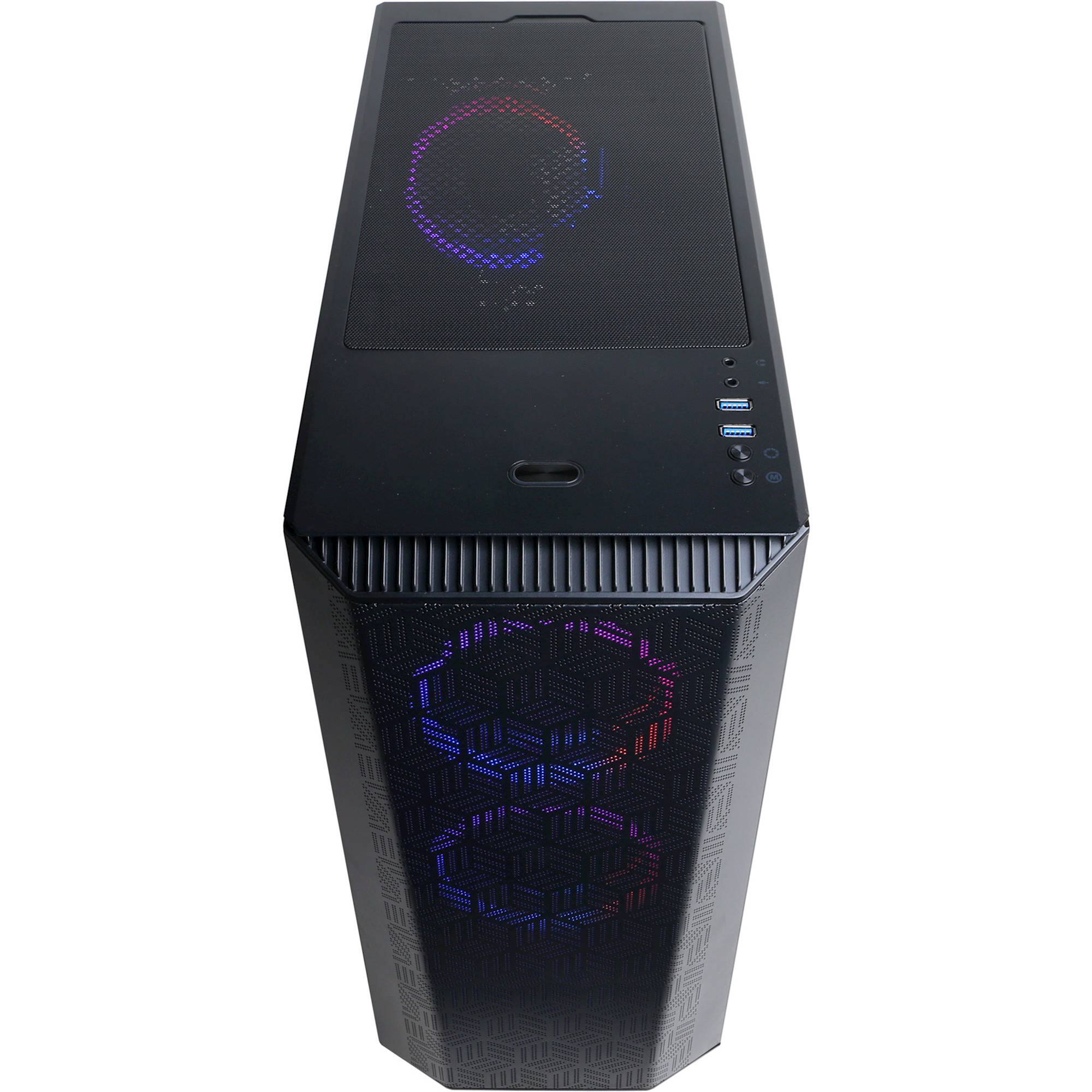
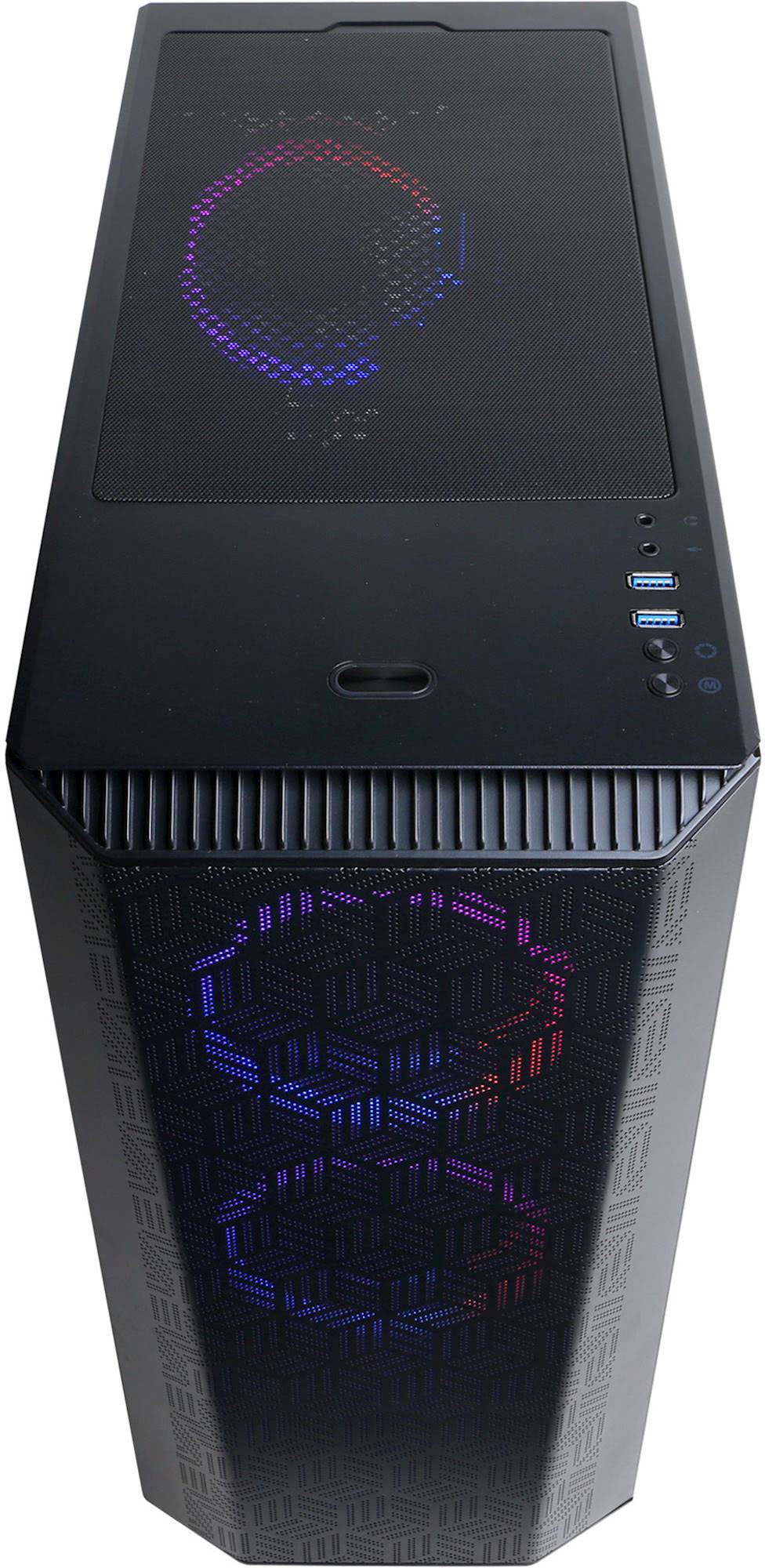
A:AnswerI recently bought this desktop. There are 2 (3.1) USB ports on top and 2 (3.1) USB ports in the back. There is also 4 (3.0) USB ports in the back.
A:AnswerThank you for reaching out to us. Unfortunately, it depends on when the system was built so you can either get Windows 10 or Windows 11. If you have any further questions or concerns then please do not hesitate to give our tech support agents a call for any assistance; we're always happy to help.
Tech Support:
(855) 888-2039
[email protected]
Hours of Operation:
Monday - Friday: 8:30AM - 6:00PM PST
Saturday: 9:30AM - 3:00PM PST
-CyberPowerPC Support
A:AnswerComes with (1) HDMI Port. If your second monitor has HDMI cable, must buy a HDMI splitter to plug in to your PC's port. Go to your windows' display setting to add the second monitor.
A:AnswerMine did, but you might not get the same motherboard. Plus I've only used the GPU's HDMI port.
My guess is almost all motherboards come with an HDMI port nowadays.
A:AnswerIt's a specific motherboard for this company. You can find the bios for it under their driver support section. It's listed under CyberPowerPC Brand Hardware > Motherboards.
A:AnswerThank you for reaching out to us. We suggest that you check the system requirements and the game requirements to make sure that both the games that you want to play and the system are compatible with each other. If you have any further questions or concerns then please do not hesitate to give our tech support agents a call for any assistance; we're always happy to help.
Tech Support:
(855) 888-2039
[email protected]
Discord.gg/cyberpowerpc
Hours of Operation:
Monday - Friday: 8:30AM - 6:00PM PST
Saturday: 9:30AM - 3:00PM PST
-CyberPowerPC Support