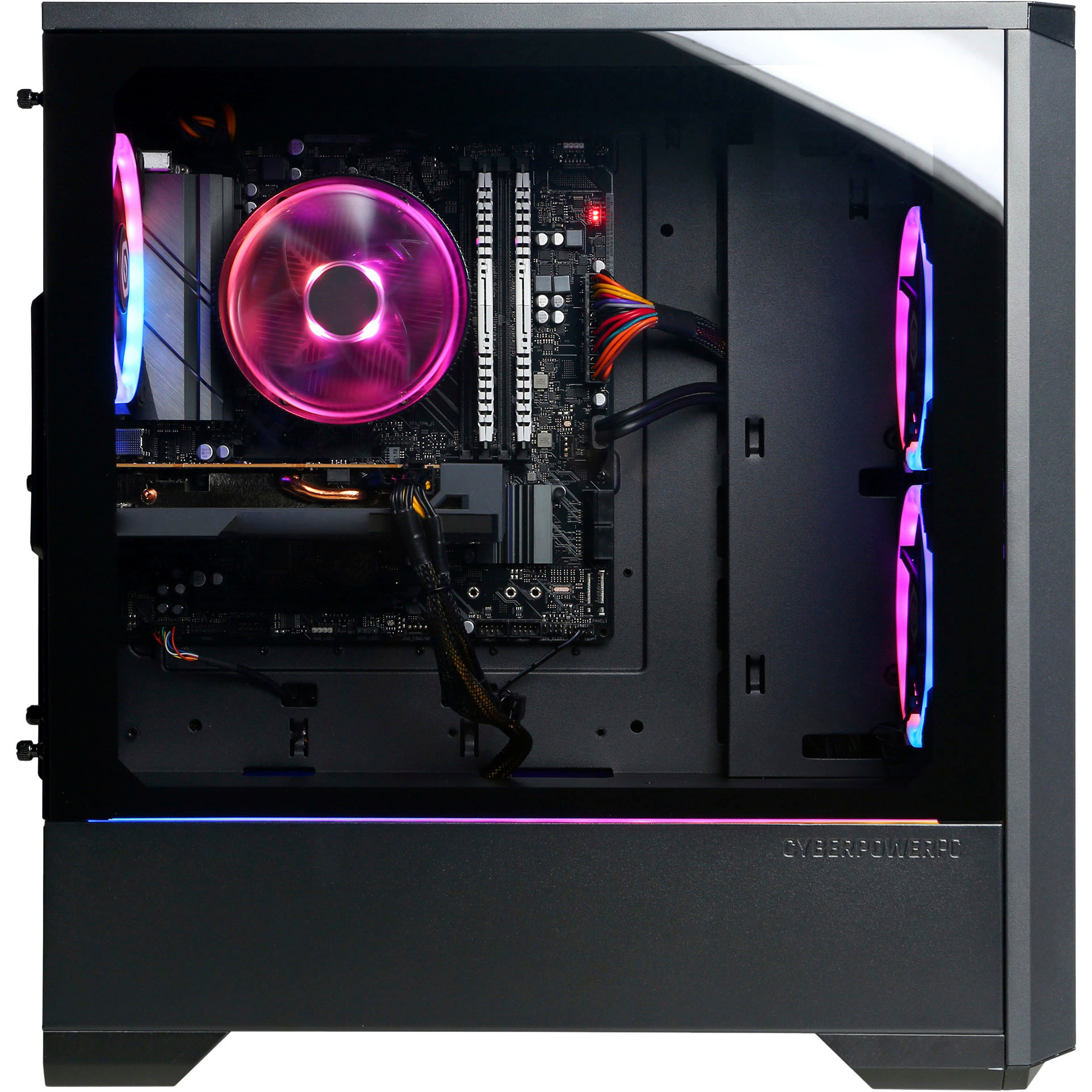
A:AnswerMine came with 16gb of Tforce VulcanZ DDR4 3600 MHz ram in dual channel mode (2 sticks of 8gb each). The Asus Prime B550 Plus motherboard supports up to 128 gb of ram according to the manufacturer but if you’re just using the PC for gaming that is definitely overkill. 16gb is perfectly fine for most modern games. But if you want to run editing/rendering software, or if you multitask/ put your PC under heavy workloads 32 gb is suitable as well. I upgraded mine to 32gb to future proof my machine for more demanding games in the future. A fair warning is this motherboard does not support quad channel despite having 4 dimm slots (very confusing, I know). So if you want to get the listed speeds on the ram make sure you get a new set of 2x16 ( 2 sticks of 16gb =32 gb total) You can use different speeds so 3200 MHz, 3600 MHz, etc is fine (faster speeds just means faster ram essentially). BUT make sure the timing speeds are the same. The original sticks should state it on the sticker on the side of the ram. For example mine was 18-22-22-42. That clock speed is common and shouldn’t be hard to find.
A:AnswerYou can put pretty much whatever you want in it. I opted for a better air cooler. But liquid cooling is just fine (might be a bit overkill for the included CPU, depending on which version you get). I also just don’t like the idea of liquids around my PC but in most cases you’ll be perfectly fine. But yes a AIO will work just fine, or your can get a better heat sink/ fan cooler. Just make sure it’s not too big and your have enough clearance if your go the air cooling route. Especially if you change ram and the new ram is taller. Other than than an AIO/ liquid cooler or better air cooler would work just fine. The stock air cooler works ok, I just preferred something more quiet and efficient.
A:AnswerHey I wanted to add something to this other person's response. This computer's motherboard uses an AM4 Socket type. This means that the highest possible processor you can upgrade to would be a Ryzen 9 5950x. This means you will not be able to upgrade to a Ryzen 3/5/7/9 7xxx processor because the 7000 series processers use the new AM5 socket which isn't supported by this motherboard. All that being said you would need to upgrade your motherboard to support those processors which can be rather expensive. It would also require you to upgrade your RAM to DDR5 sense the new motherboards tend to only support DDR5 RAM, not DDR4 like this computer's motherboard. However, you can freely upgrade your graphics card to the newest generation if you wanted to do so. Hope this helps!
A:AnswerI’d say you should run a speed test on any other devices in your home and see if the speeds are similar or if your PC is the only one with this issue. If everything is slow it might be an overall internet/router issue. If it’s just your PC keep reading. It also depends on whether you use WiFi or Ethernet. You’ll typically have faster and more reliable/stable speeds over a wired connection so try that if you’re using the included WiFi card. Regardless, I’d suggest resetting your router/modem. That seems to fix 99% of slow internet problems. A cheap and simple issue and fix may be a damaged Ethernet cable, so replace that if you’re still getting slow connections on other devices with the same cable. If you are using WiFi/ or unable to use Ethernet, your PC may be too far from your router which could cause slow speeds. So you could get a WIFI extender (they typically come with a Ethernet port on them so you can indirectly hardwire your PC into the network). If that fails you can go into your network settings and change your DNS. A good one to start out with is the Google DNS. I believe it’s 8.8.8.8 for primary and 8.8.4.4 for secondary. If that also fails I’d suggest contacting your internet provider. The other, somewhat more costly and laborious, scenario may be a damaged or faulty motherboard which should be covered under warranty through Best Buy depending on how recently you purchased your PC but don’t quote me on that. If all else fails google can be your best friend for trouble shooting. I believe windows 11 may have a network troubleshooter as well. Best of luck my friend.
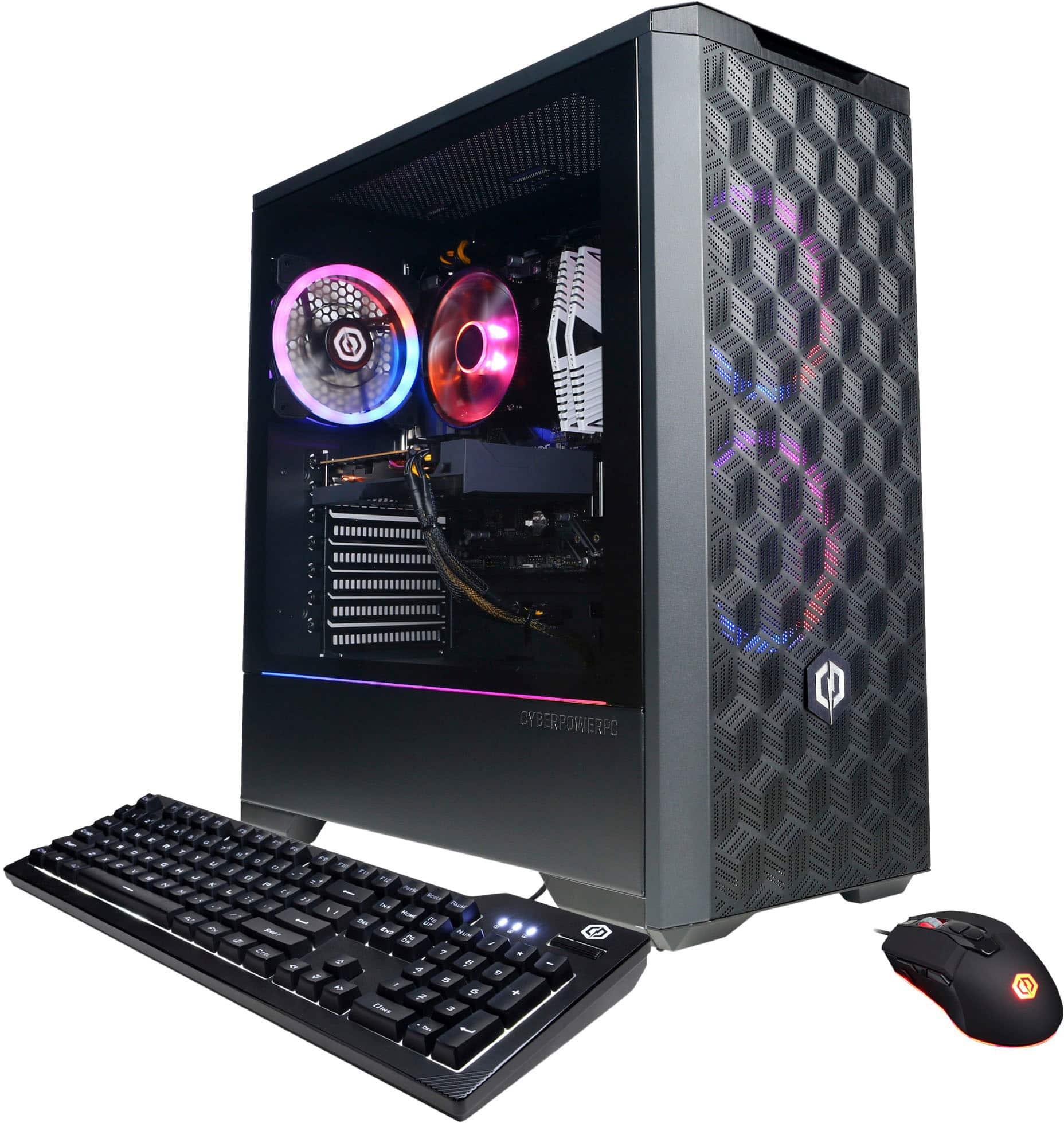
A:AnswerIt definitely supports multiple monitors. I currently have 3 monitors that I use with an hdmi splitter with all of gaming systems. Definitely does not impact performance at all.
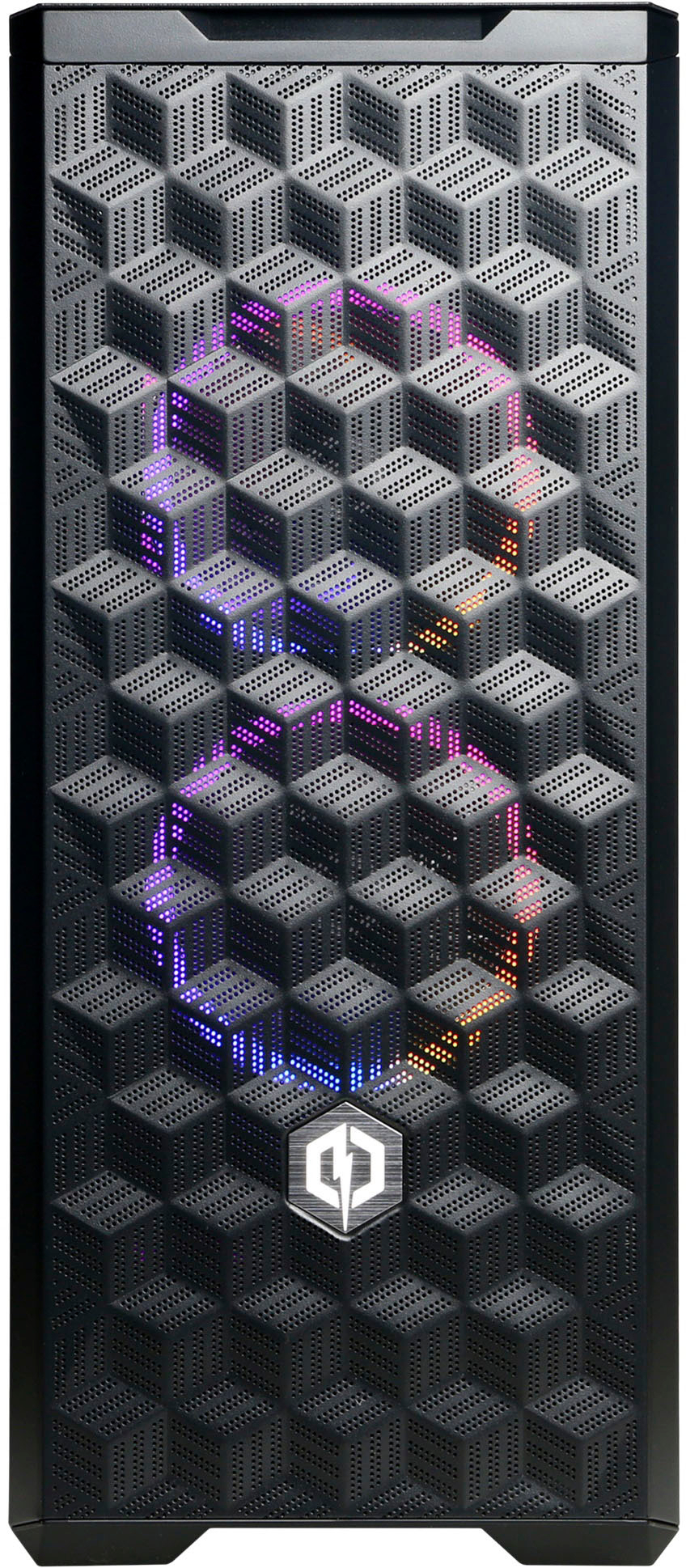
A:AnswerThe VRAM of the GPU (mine was the 3060 ti) is 8gb. As for SSD’s the slot with the boot ssd ( top slot on the motherboard where there’s already one inserted is gen 4). The open slot on the motherboard below the GPU is gen 3 but a gen 4 drive will work fine. It will just use gen 3 speeds. In the back cover there’s three mounts for 2.5in sata ssds. And I believe you can fit some hard drives in if you remove the front panel (where the RGB funds are behind the mesh). As for capacity, I don’t think there is one. Just keep voltage/wattage in mind. As the PC only comes with a 600w power supply.
A:AnswerAbsolutely, the 3060Ti has 3 disp ports and one HDMI. If you want the onboard graphics HDMI graphics to work, you'll need to get a 5700G chip or a chip with a G suffix.