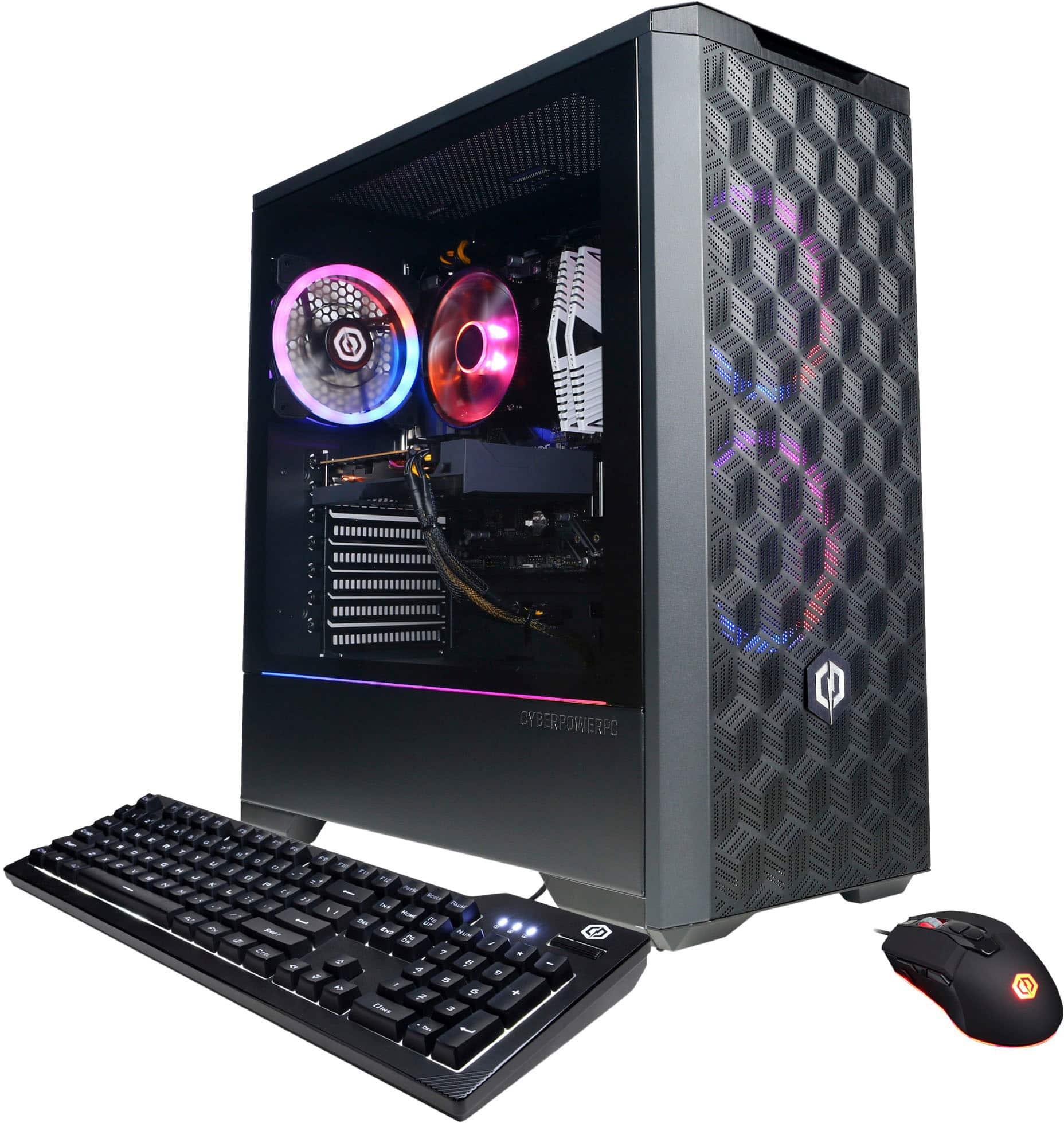
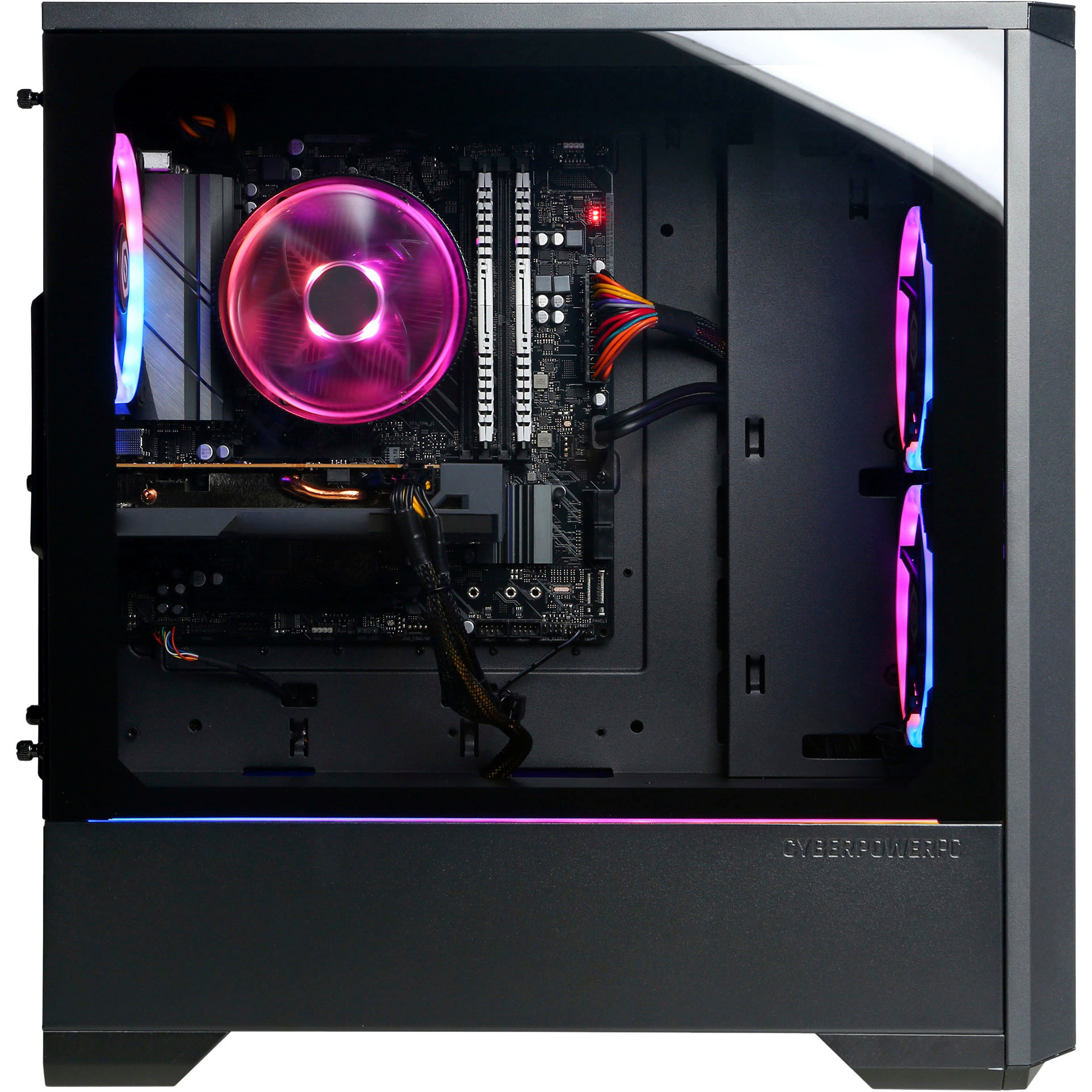
A:AnswerIf it’s connected to a little black box that swivels then it’s the WiFi adapter. Just screw them into the round gold fitting on the back of the motherboard where all the usb ports are. You don’t have to attach it if you plan to use Ethernet.
A:AnswerWe are sorry to hear about your experience and apologize for any inconvenience this may have caused. We always recommend you contact us as soon as you run into any issues with your PC as we are usually able to resolve it over the phone. If you haven't already, please contact our tech support agents at your earliest convenience so we can look into the matter further.
Tech Support:
(855) 888-2039
[email protected]
Hours of Operation:
Monday - Friday: 8:30AM - 6:00PM PST
Saturday: 9:30AM - 3:00PM PST
CyberPowerPC Support
A:AnswerDownload a free utility called Speccy or another one called HWINFO. These utilities will give you the MB Model number.
Once you get the Model #, you can google it or go to the MB Mfg's website and look it up.
The Mfg should have a support section that will allow you to download a manual.