A:AnswerI swapped my power supply out and it fixed the issue. I installed an EVGA 1000w modular supply. I believe the included power supply has the cables daisy-chained, so it's throwing a low-voltage fault.Seems very lazy on the manufacturer's part to do this. Doesn't seem to cause any issues, but it shouldn't occur in the first place. Hope this helps.
A:AnswerWith the GPU and CPU combo it shouldn’t be a problem. The problem me and apparently other people are having is the cooling fans are inadequate and overheating is a serious problem.
A:AnswerYou are at the power Base and it is suggested you catch a 1000 watt PSU on Sale to handle your setup; if your running a R9 5900X / RTX3080 etc.
Mine came with an Apevia 1000 Watt PSU which I replaced with a Corsair 1000 Watt due to online reports of Apevai failures.
Power spikes to the CPU can shutdown your PC.
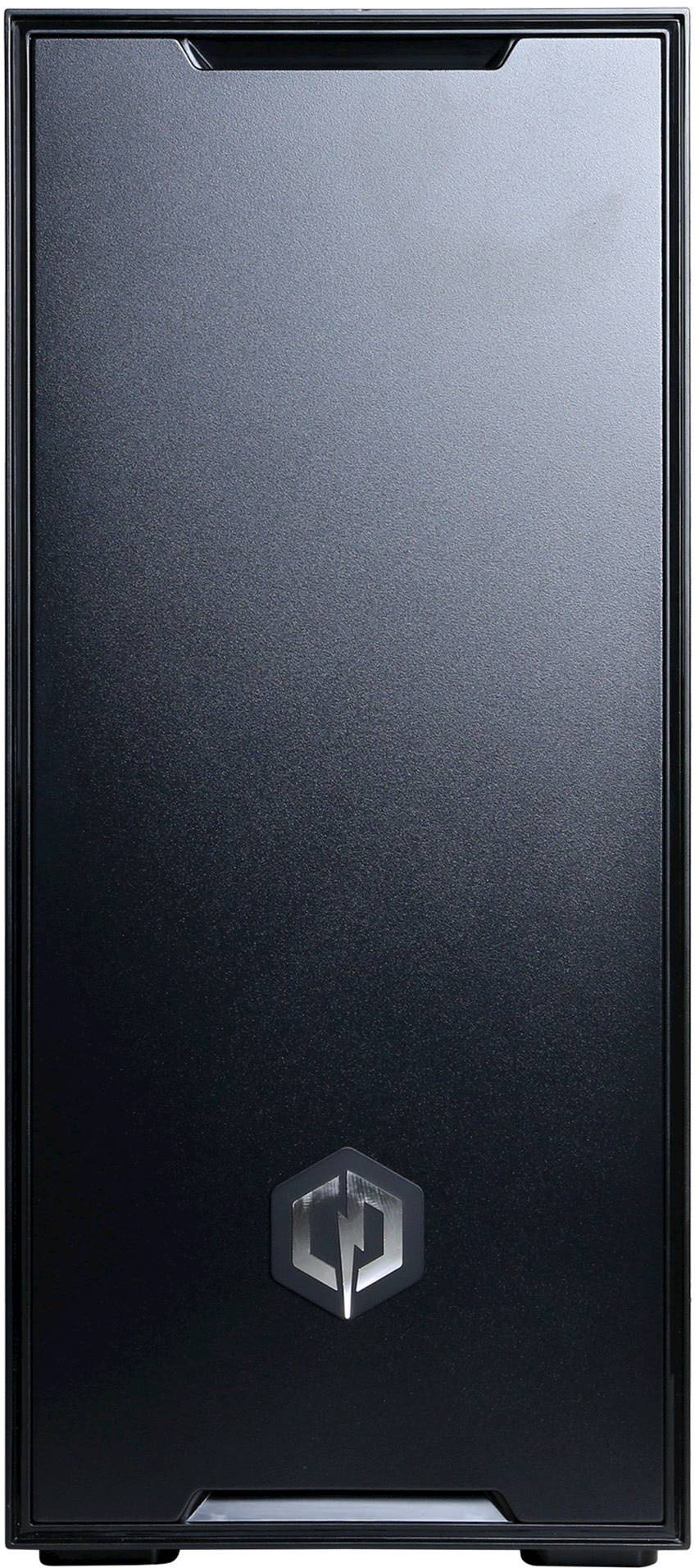
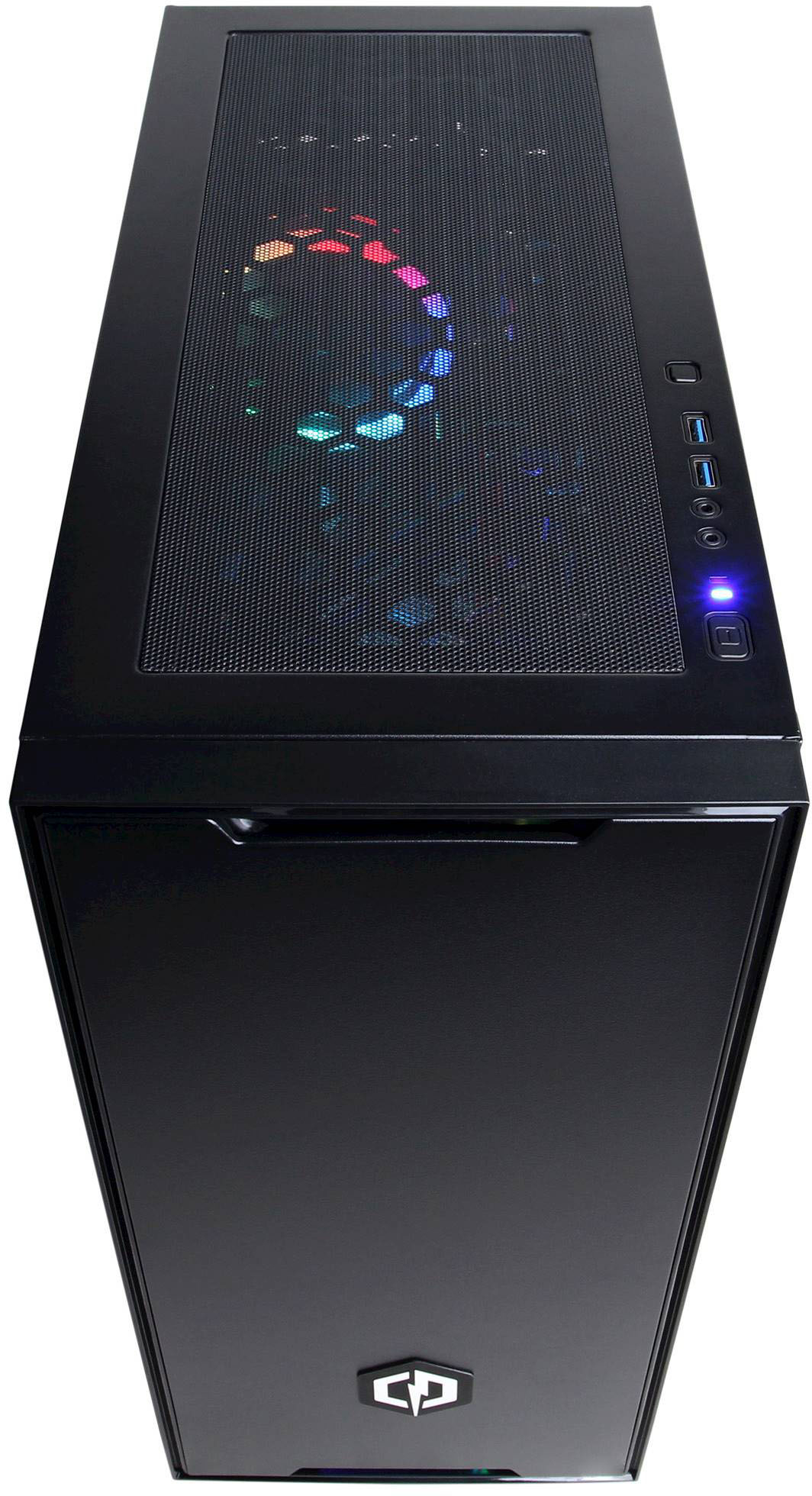
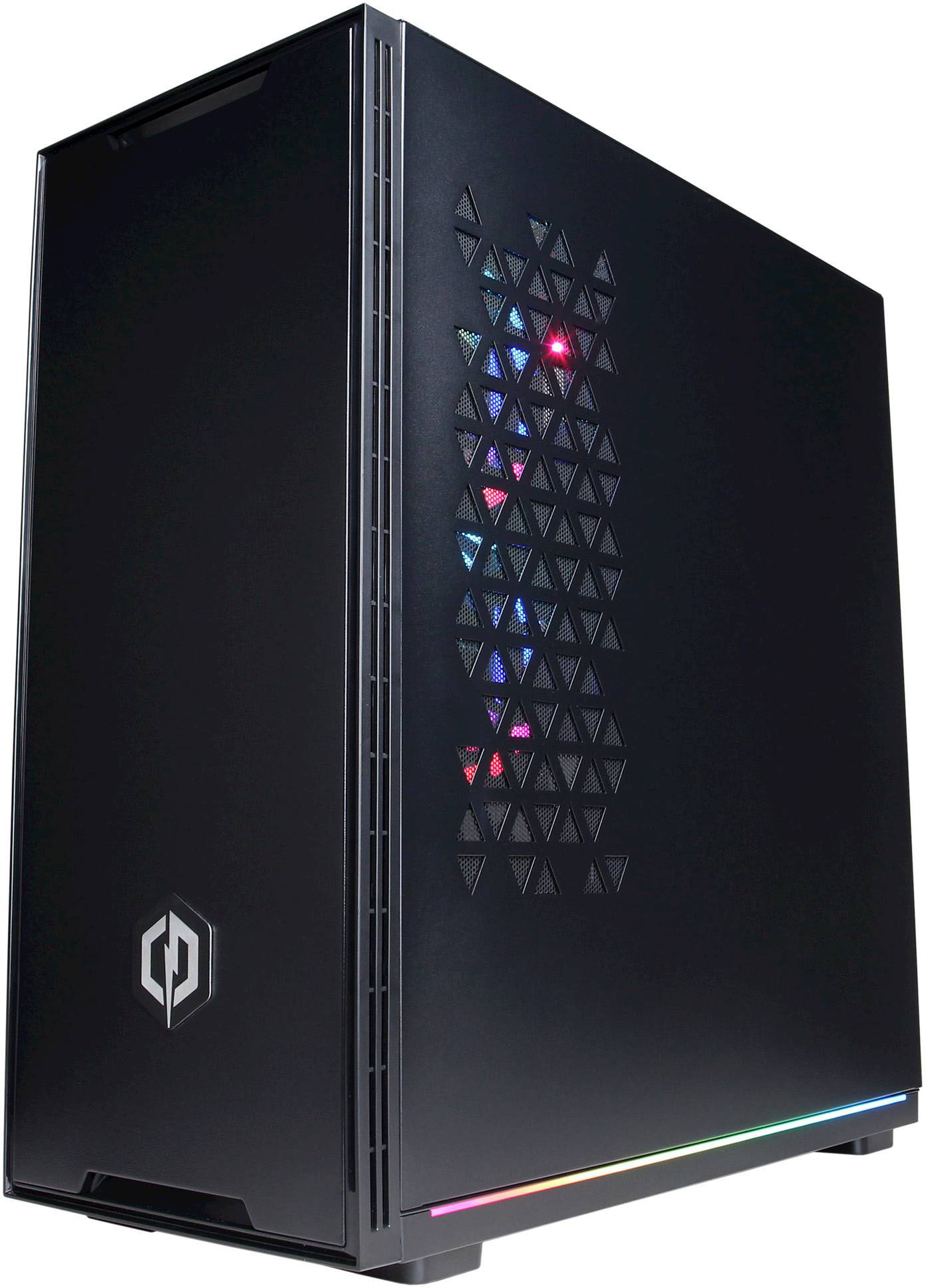
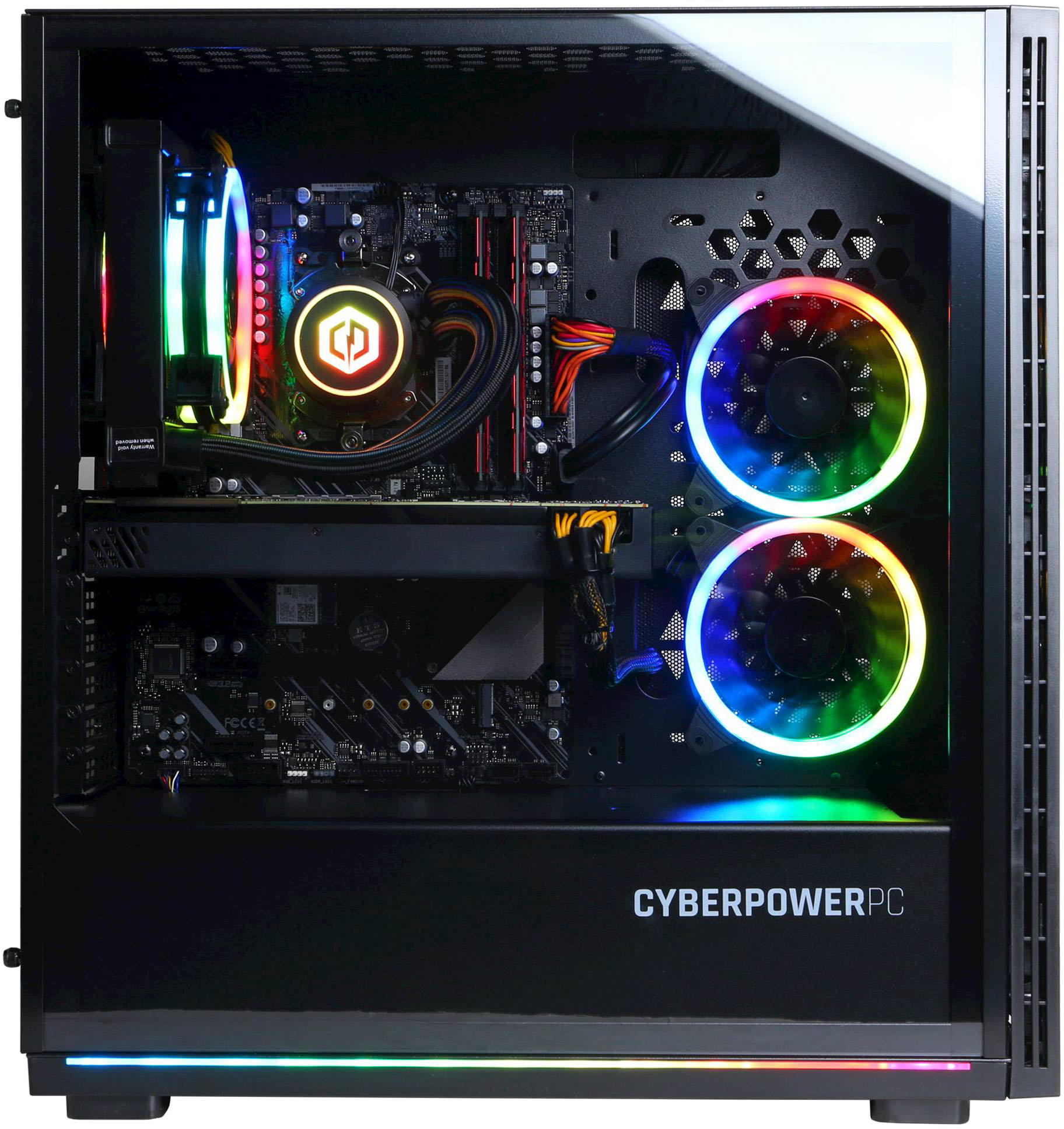
CyperpowerPC Gamer Supreme from best buy with R9 5900x / RTX3080 / 6 fans on Asus Prime X570 Pro AM4 Motherboard. I added 3 fans for cooling.
A:AnswerI would imagine you could contact CyberpowerPC with your order number and ask, but it's going to upgrade when you do your windows updates I would imagine. Windows 11 takes a few minutes to get used to but I've been able to find my usual tools and pin them.
A:AnswerI installed 64Gb (4x16) of Trident Z RGB F4-3600C16D-GTZR
Ensure you turn on D.O.C.P in Bios and on the front BIOS page where it says Normal mode I Changed to optimized
Had to install one stick at a time starting with B2 or the second slot, then the 4th, back to the 1st and lastly the 43rd position, restarting the machine each time so that they are recognized correctly..
You will see the slot listings on the x570 Board -2 have stars above them and you start with them.
Checking Task info (CTRL +Shift+ESC) each time ensurees they are being seen as 3600Mhz as does CPU ID / CPU Z
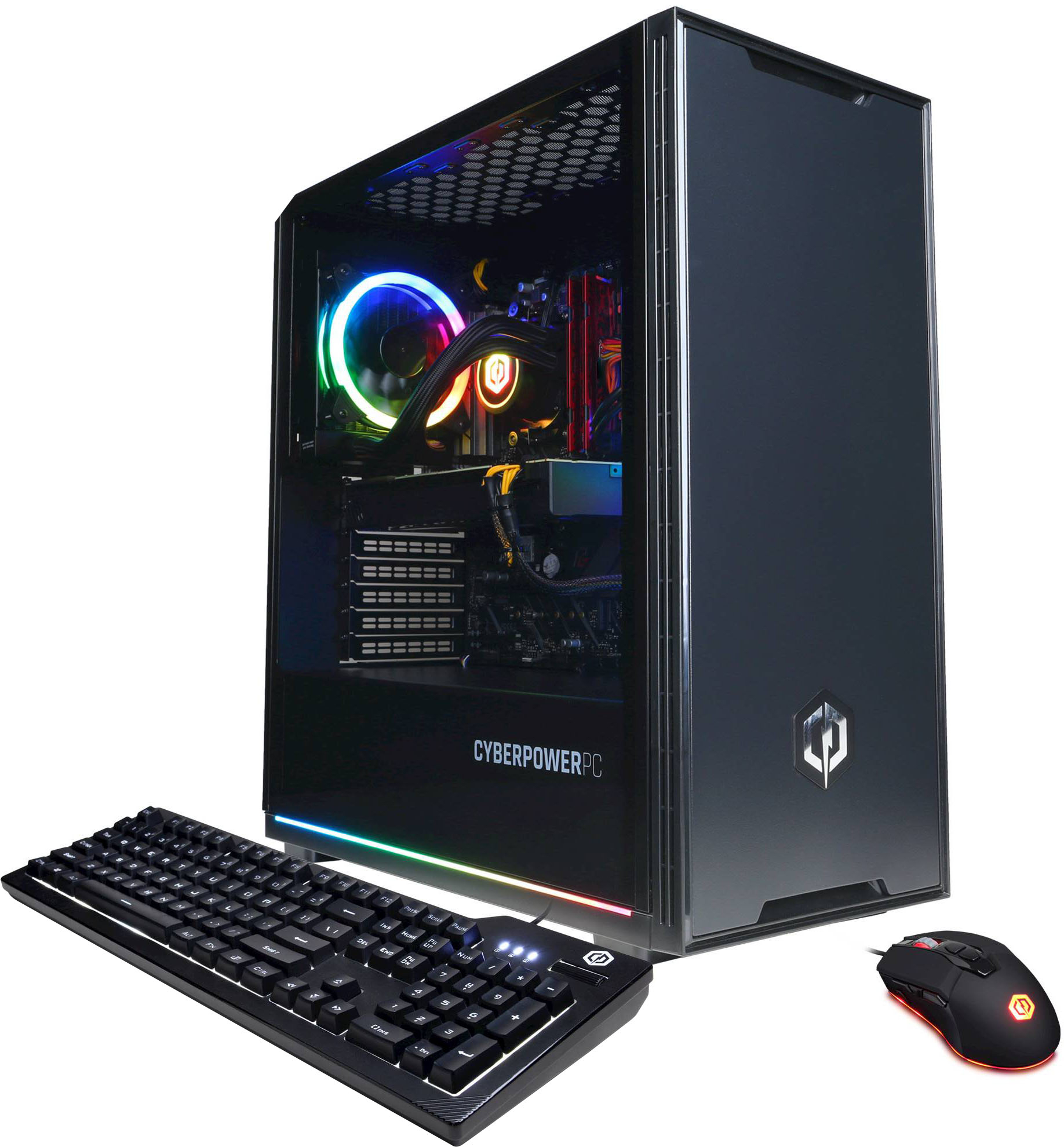
A:AnswerCheck the Asus Prime x570 Pro Motherboard specs here to see what will best work with yours as mine came with an add -on WiFi/Bluetooth card installed with an antennae that is magnetic and sticks to the top. The QVL List may help you out here along with the included TURBO LAN settings.
Link: https://www.asus.com/Motherboards-Components/Motherboards/All-series/PRIME-X570-P/techspec/
A:AnswerThank you for reaching out. For further assistance on this matter, please contact our tech support team at your earliest convenience; we're always happy to help. Tech Support: (855) 888-2039 [email protected] Discord.gg/cyberpowerpc Hours of Operation: Monday - Friday: 8:30AM - 6:00PM PST Saturday: 9:30AM - 3:00PM PST -CyberPowerPC Support
A:AnswerThere is one USB Type C port available on the Rear Panel. There are also multiple USB 3.1 Gen 2 10 Gb/s available for use.
I used the USB Type C for my SSD Drive (in a SSK Enclosure) In that spot and my External HDD's in the others.