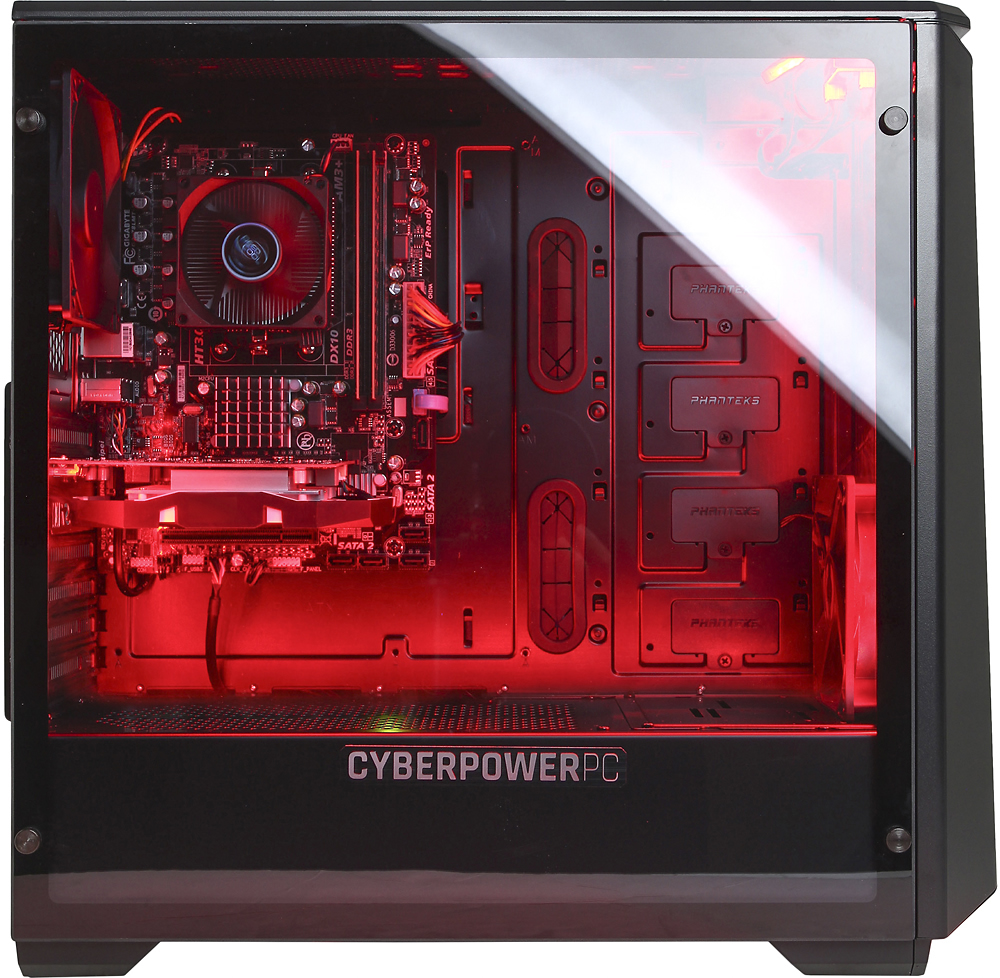
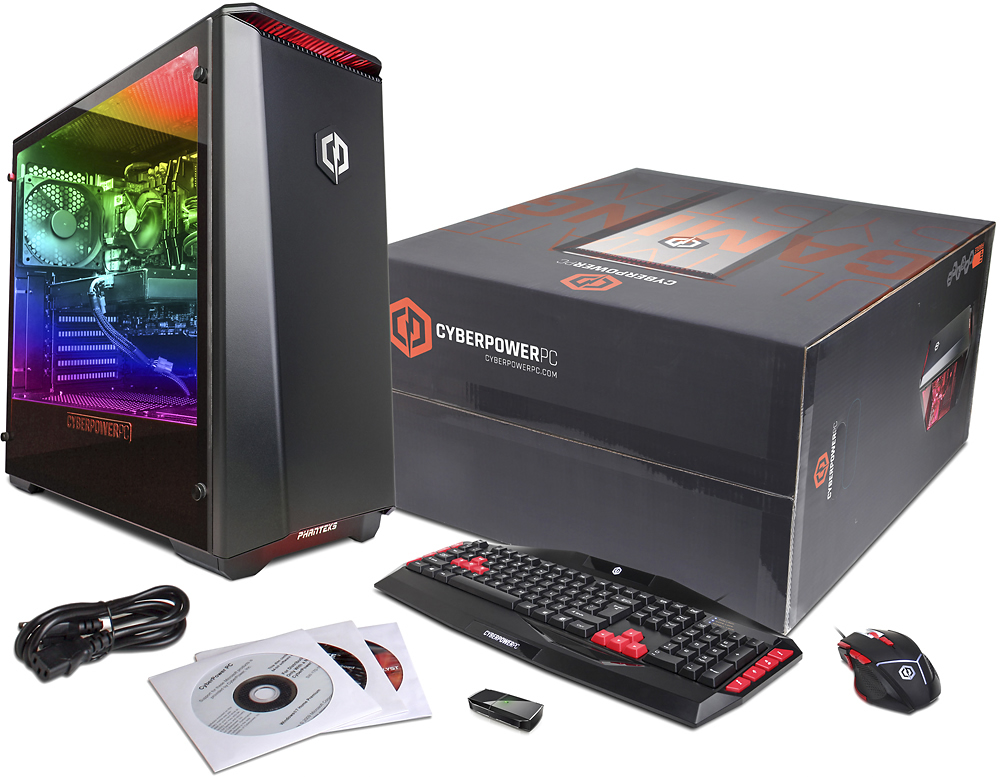
A:AnswerYes, the AMD Radeon RX 460 graphics card should have no issues running dual monitors. The graphics card will have a DVI, HDMI and Display Port connections available. Please feel free to call us if you have any other questions at 1.888.937.5582 Monday through Friday from 7am to 7pm PST
A:AnswerNo. This PC's motherboard is only compatible with AMD FX processors. Please note that this question has been asked several times previously and the same answer has been provided. Please feel free to call us if you have any other questions at 1.888.937.5582 Monday through Friday from 7am to 7pm PST
A:Answerthis system can run Rust however we are unsure as to what graphical setting the software can run at. The settings may vary based on the resolution you wish to play in. If you have any further questions or concerns please feel free to get in touch with our tech support team for assistance; we're happy to help.
Tech support:
(888)937-5582
- Cyber_Tech2
A:AnswerThere should be no problems running that game at the highest settings on this model PC. Please feel free to call us if you have any other questions at 1.888.937.5582 Monday through Friday from 7am to 7pm PST.
A:AnswerI'm pretty sure you do. To use your monitor it must be connected to the graphics card, which has an hdmi, dvi, and another type of input that is unknown to me. For now I am using the hdmi, but I did buy a vga to dvi adapter on amazon for future use.
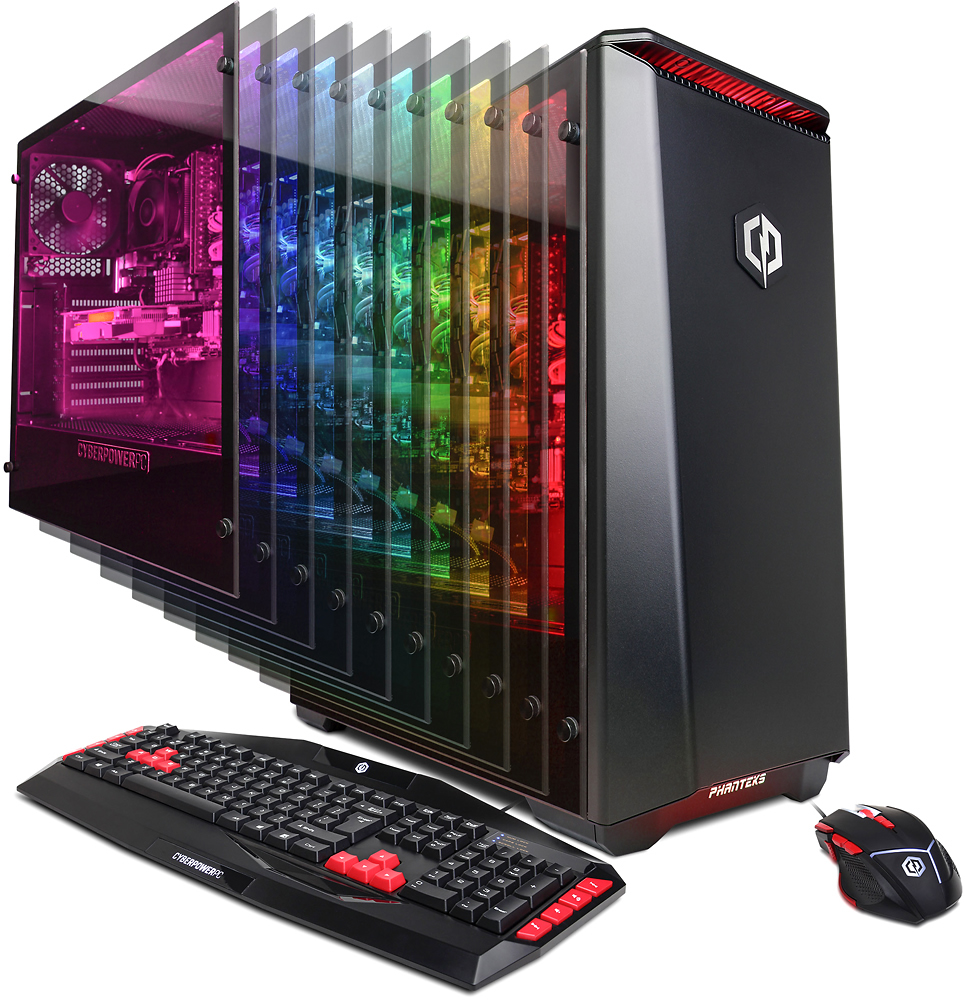
A:AnswerThis model PC will have one available standard PCI slot on the motherboard for installing a PCI expansion card. Please feel free to call us if you have any other questions at 1.888.937.5582 Monday through Friday from 7am to 7pm PST.
A:AnswerJust unpacked this yesterday. If you have the same system setup we do, the monitor must be plugged directly into the graphics card, not into the standard VGA monitor connection port. We had to use an HDMI cable as our graphics card had no VGA port.
A:AnswerYes, you can run up to 5 monitors according to the specs for the graphics card.
Out of the box, you can run 3 monitors from the port connections built onto the tower.
A:AnswerI found the answer! I apparently have to make my computer get less power or else it will overclock and overheat, so what I did to fix it was to go to Options - Edit Power Settings - Change Advanced Power Settings - Processor Power Management - and set it to 99%, so It never reaches 100% and having a chance to overheat.