A:AnswerMost AMD B350 chipset motherboard used in this model PC will have 2 4-pin fan headers to connect additional case fans directly, otherwise you will need to pull apart the 4-pin white molex plug from each other to disconnect that from the power supply. Please contact our technical support department if you need additional assistance at 1.888.937.5582 Monday through Friday from 8am to 7pm PST. Please note that we are closed on Holidays.
A:AnswerPlease contact our technical support department if you need additional assistance at 1.888.937.5582 Monday through Friday from 8am to 7pm PST. Please note that we are closed on Holidays.
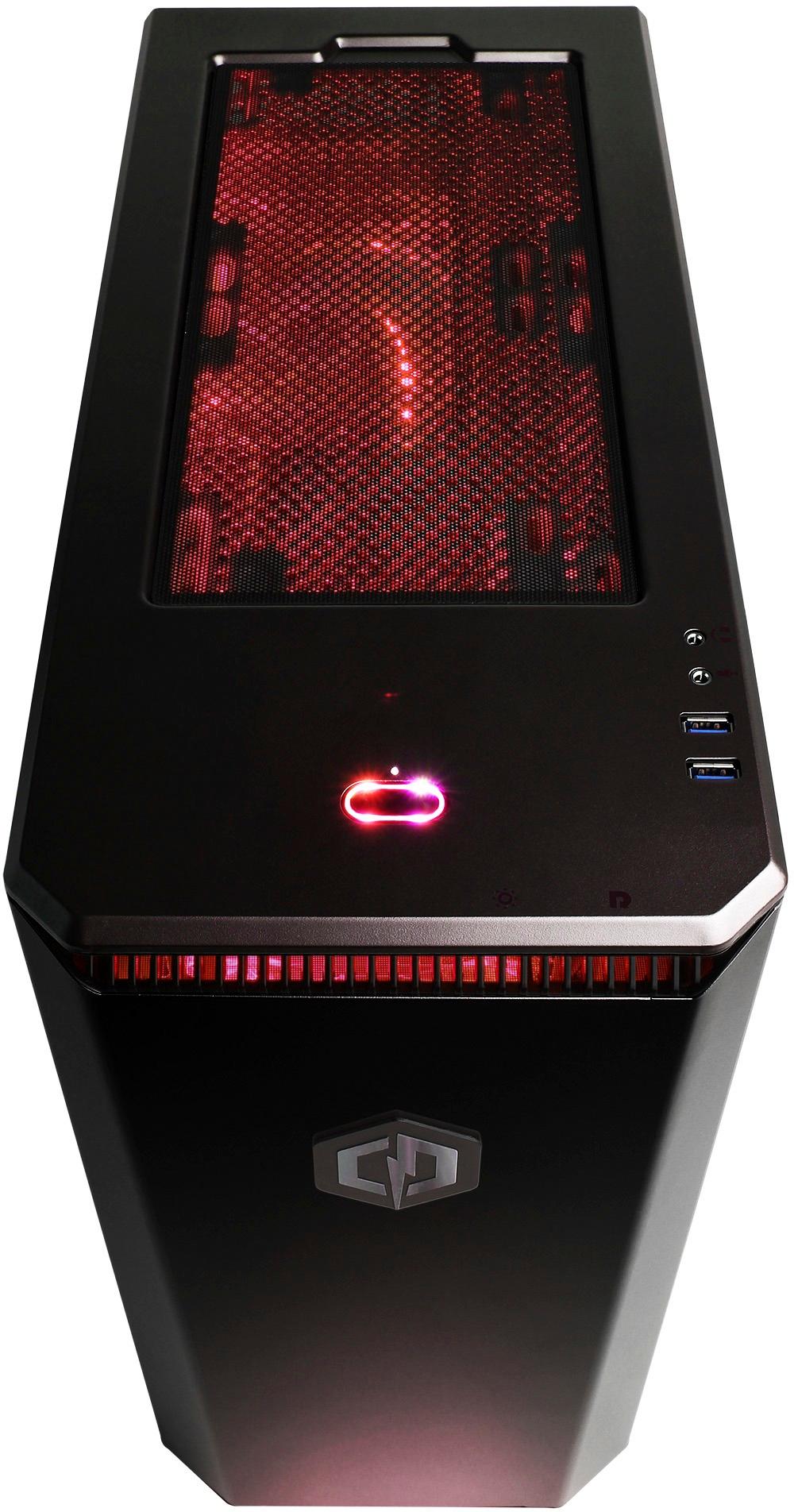
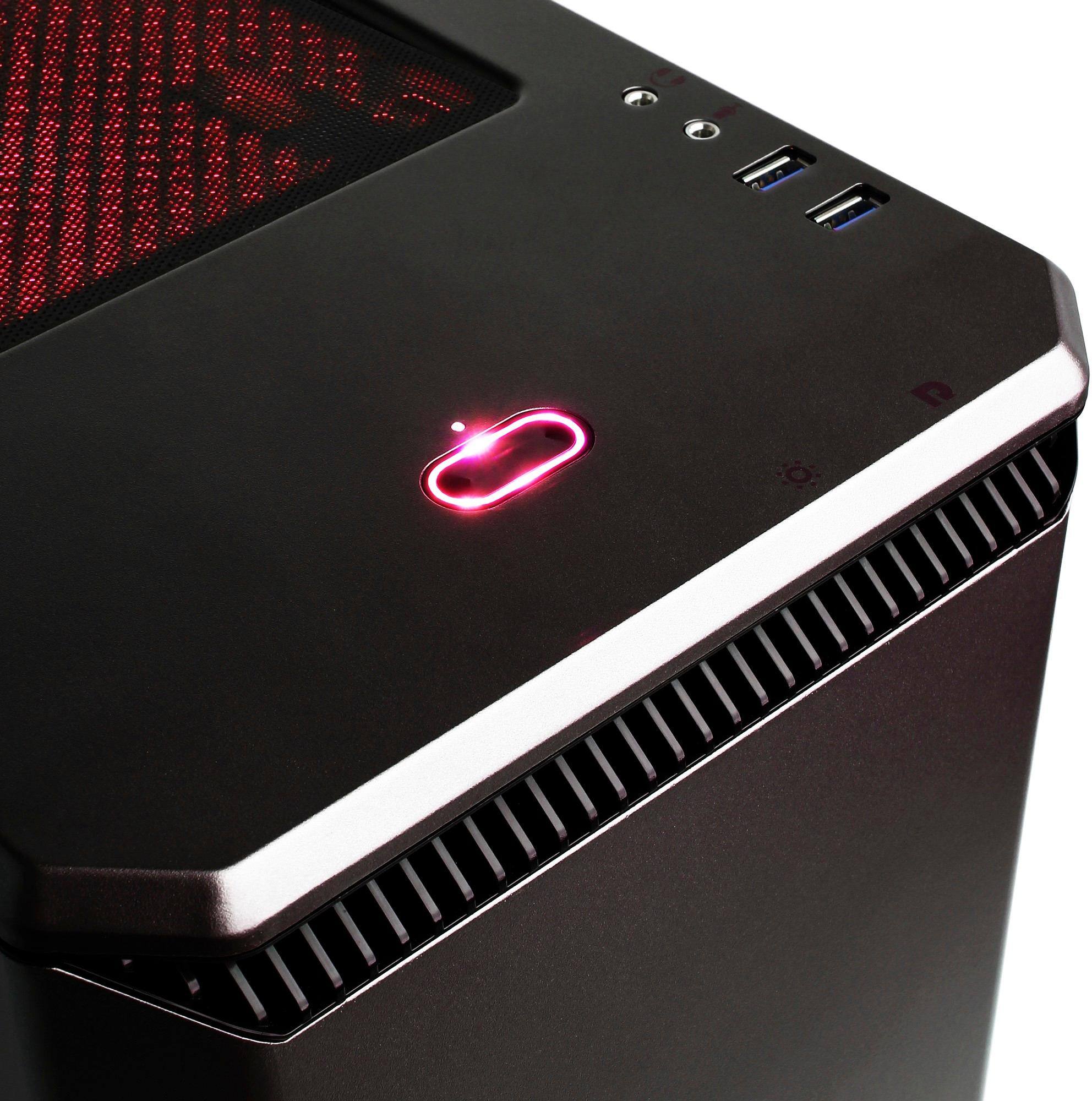
A:AnswerYes. To change the colors of the LED strip in the case all you do is press the hidden button under the top front lip of the PC case. There are two hidden round plastic buttons under there. The one on the right re-starts the PC in case it crashes, and the one just to the left changes the case LED colors. There are about 10 different colors to choose. If you hold that button for 5 seconds, you can turn off the case lights. I found this out by accident when looking all around the case.
A:AnswerYou may need to install additional software for that device to work in Windows. Please check the manufacturer of the device to check for compatibility and find out if software is needed to make that device work on a PC running Windows 10.
A:AnswerI don't think it will go any lower than the price I got it for which was 629.00 before tax. If u see it at this price again buy it because it won't go any lower.
A:AnswerMost all desktop PC regardless of brand typically use a standard computer power cord which is typically standardized for home computers in the PC industry. These can be purchased for as little as $3-4 online or locally for $10-20. Here is one available from Best Buy: https://www.bestbuy.com/site/insignia-6-ac-power-cable-black/5884334.p?skuId=5884334. Please contact our technical support department if you need additional assistance at 1.888.937.5582 Monday through Friday from 8am to 7pm PST.
A:AnswerWe apologize to hear you're experiencing issues starting up your new CyberpowerPC desktop. Please contact our technical support department so they may provide you assistance at 1.888.937.5582 Monday through Friday from 8am to 7pm PST.
A:AnswerMonitors have better refresh rates than TV but that being said, sure u can play on a TV. Also yes u can add more space by adding a bigger hard drive or adding a second hard drive.
A:AnswerYes, an internal PCI-e wireless card can be installed in the PC however you will need to purchases that separately. Please feel free to call us if you have any other questions at 1.800.707.0393.
A:AnswerThe PC specifications exceed the game's system requirements, so it can run those games. Please keep in mind actual performance can vary depending on settings and internet connection. Please feel free to call us if you have any other questions at 1.800.707.0393.
A:AnswerThe actual performance can vary depending on resolution, but the PC specifications exceed the system requirements needed to run the game. Please feel free to call us if you have any other questions at 1.800.707.0393.