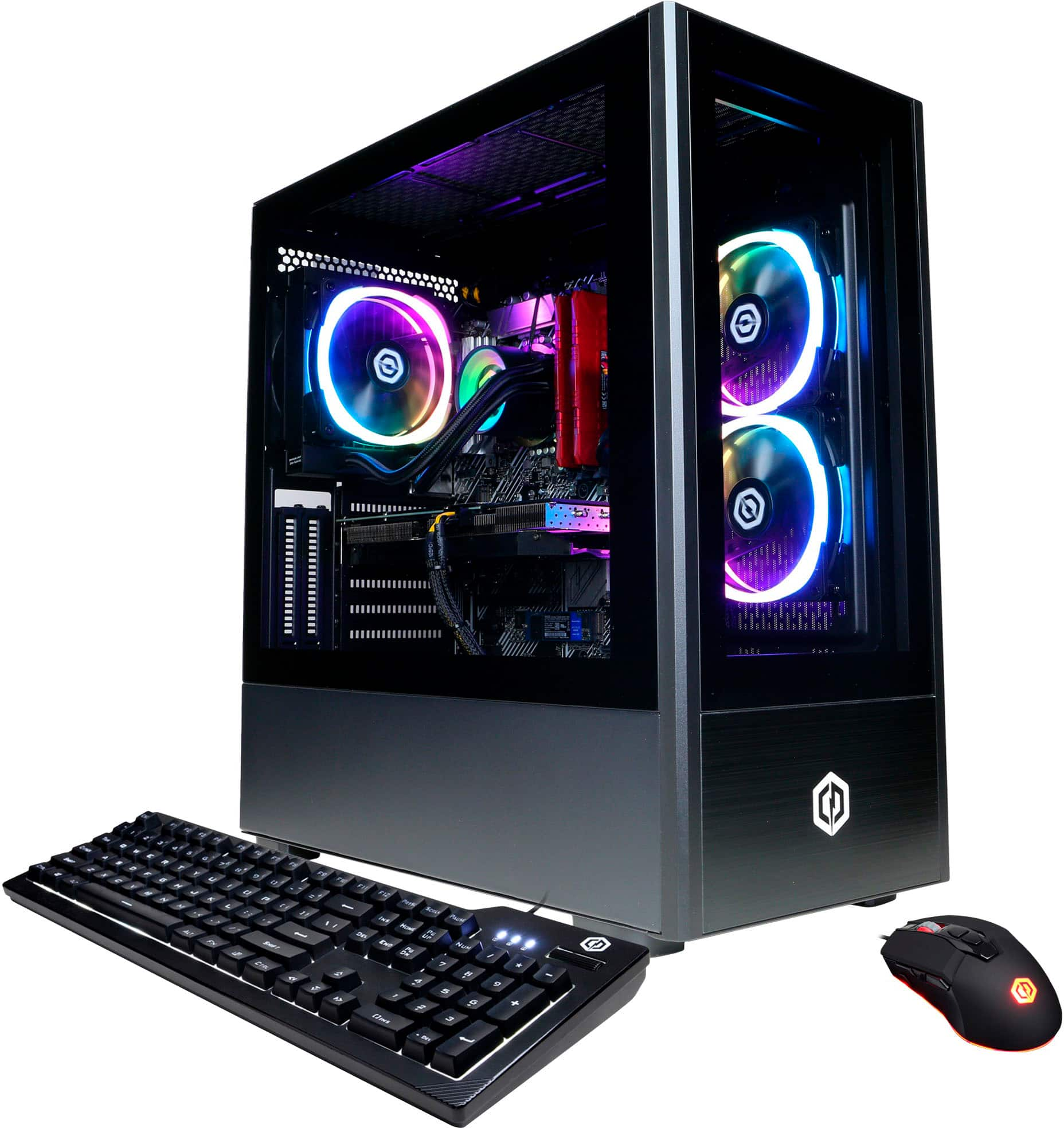
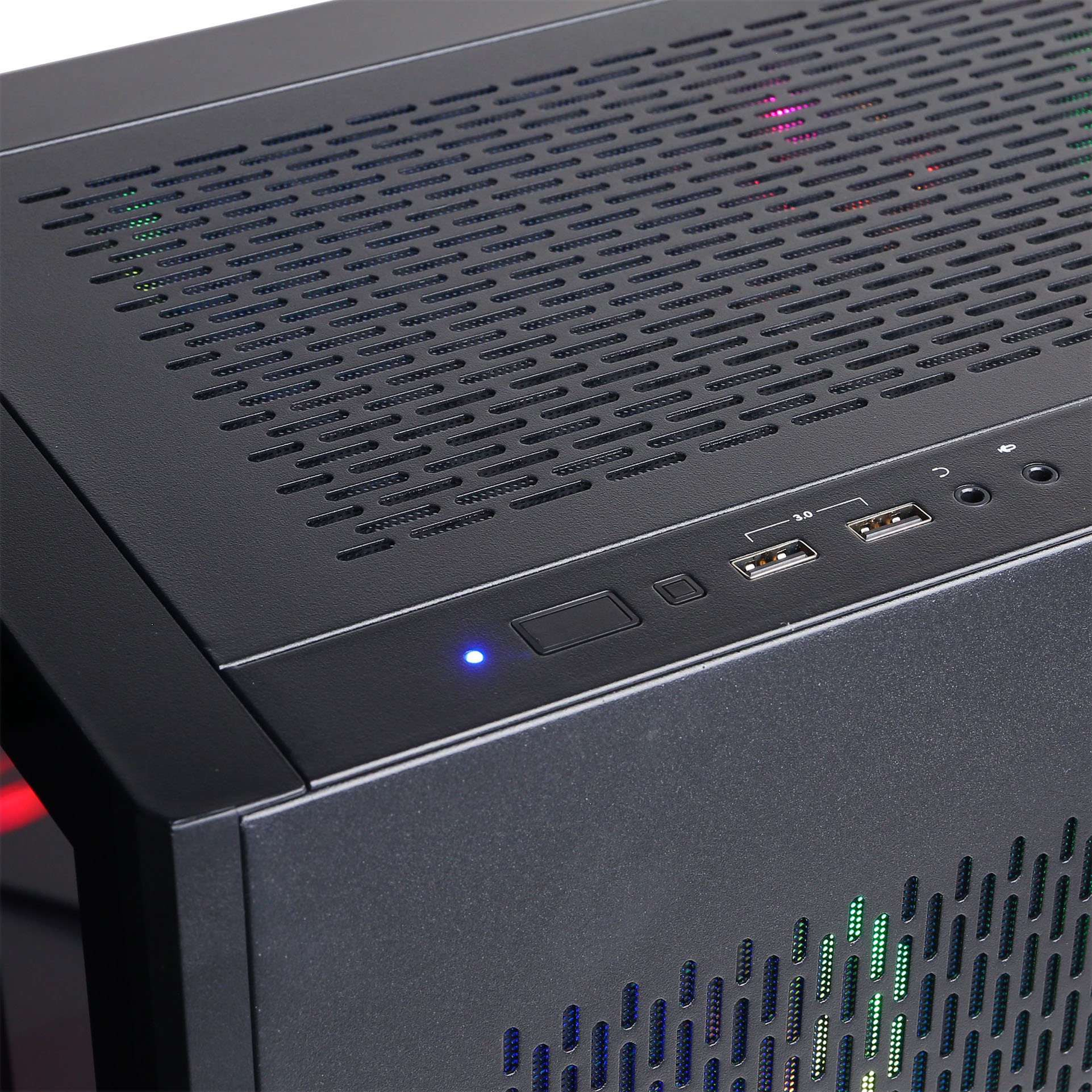
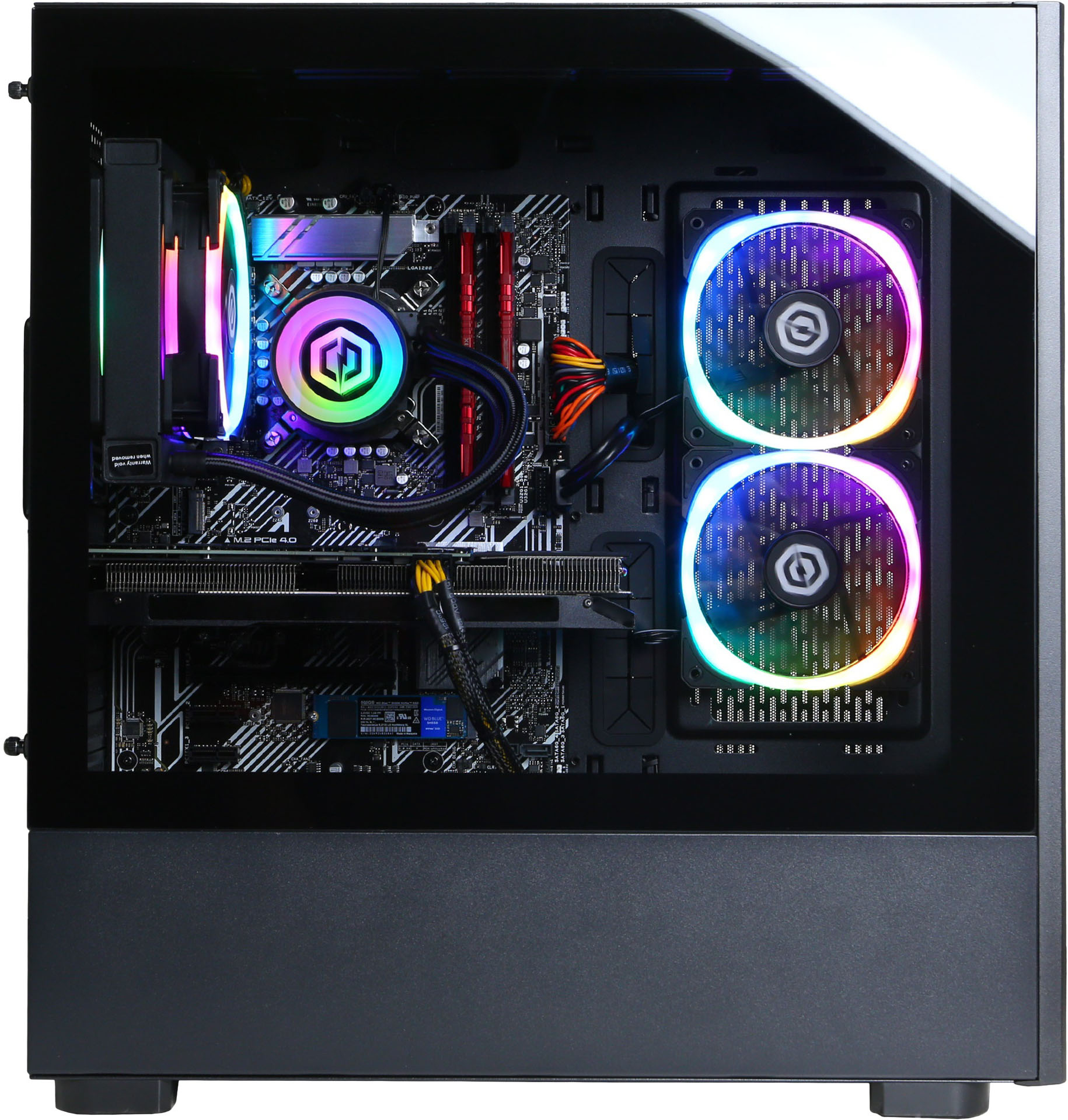
A:AnswerThank you for reaching out to us. The manufacturer, model, and specifications of the components included with this system may vary depending on what was currently available at the time the PC was built.
A:AnswerSo short answer is it can... it apl depends on how hard you push it, sich as framerate how much detail you want in the picture etc... so on low settings and low frame rate absolutely it can but it may not be the experience youre wishing to have
A:AnswerShould absolutely not crash. Ensure all driver updates for Graphics Card and all Windows updates. You very well might need to upgrade storage (adding an additional M.2 ssd is what I would highly recommend- you can see open slot clearing on Asus board).
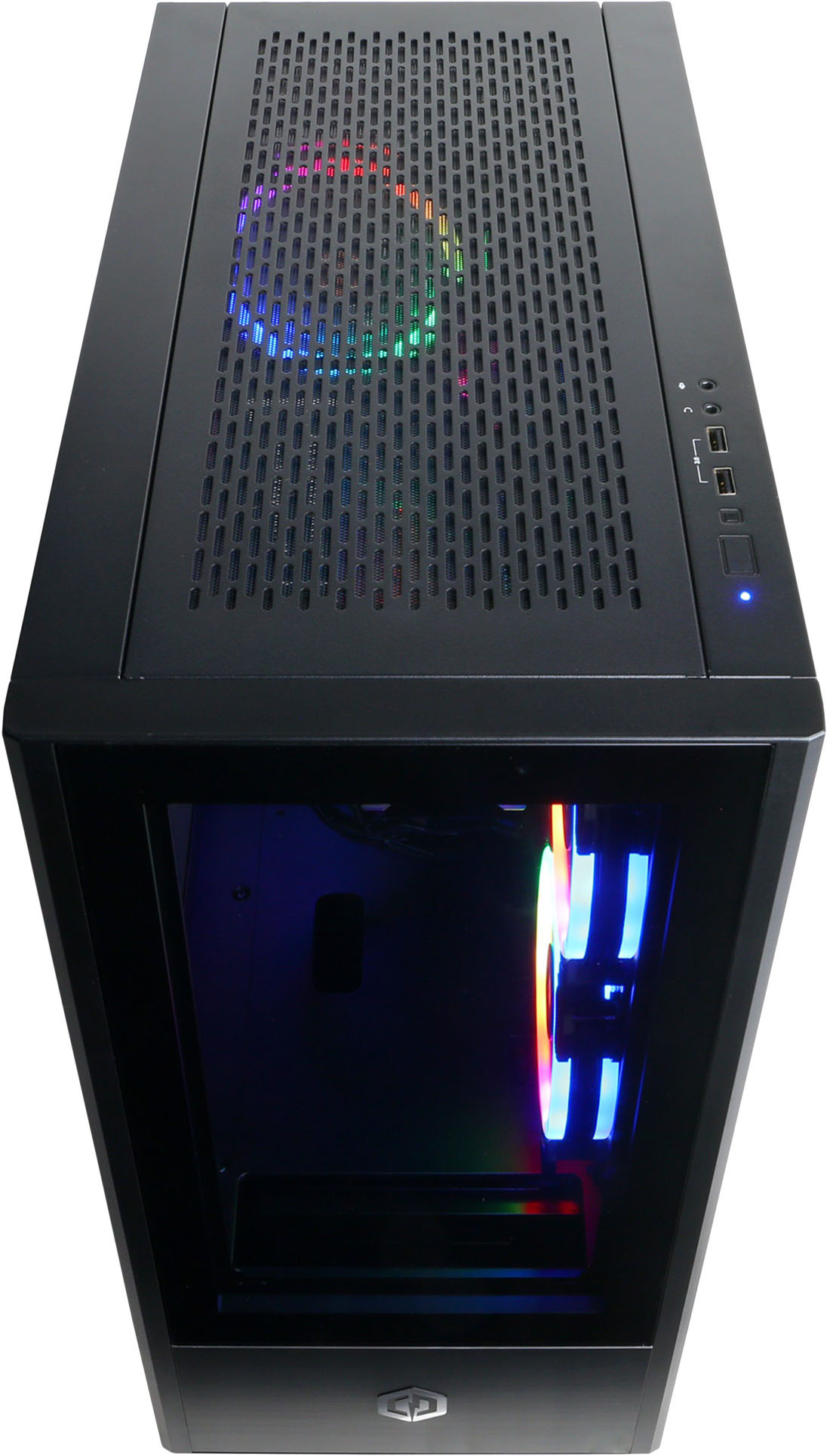
A:AnswerYes you can install a fan at the top of the case, its very easy to swap out and upgrade parts though im not sure how much effort it would take to complete remove everything to swap the case
A:AnswerYou need to make sure that you are plugging your dpi or HDMI cable into the graphics card connection ans not the motherboard connection. If you dont connect with the graphics card it will not work properly.
A:AnswerThank you for reaching out you can connect two monitors at the same time. once you connect both monitors into the GPU(ports in the bottom of the pc) you will need to tell windows to extend the displays or mirror them. If you haven't already, please contact our tech support agents at your earliest convenience so we can look into the matter further.
Tech Support:
(855) 888-2039
techteam@cyberpowerpc.com
Hours of Operation:
Monday - Friday: 8:30AM - 6:00PM PST
Saturday: 9:30AM - 3:00PM PST