A:Answer From forum:
I searched all over for this exact question a few weeks ago; this afternoon I was using my computer and for some reason decided to try the below, and it worked.
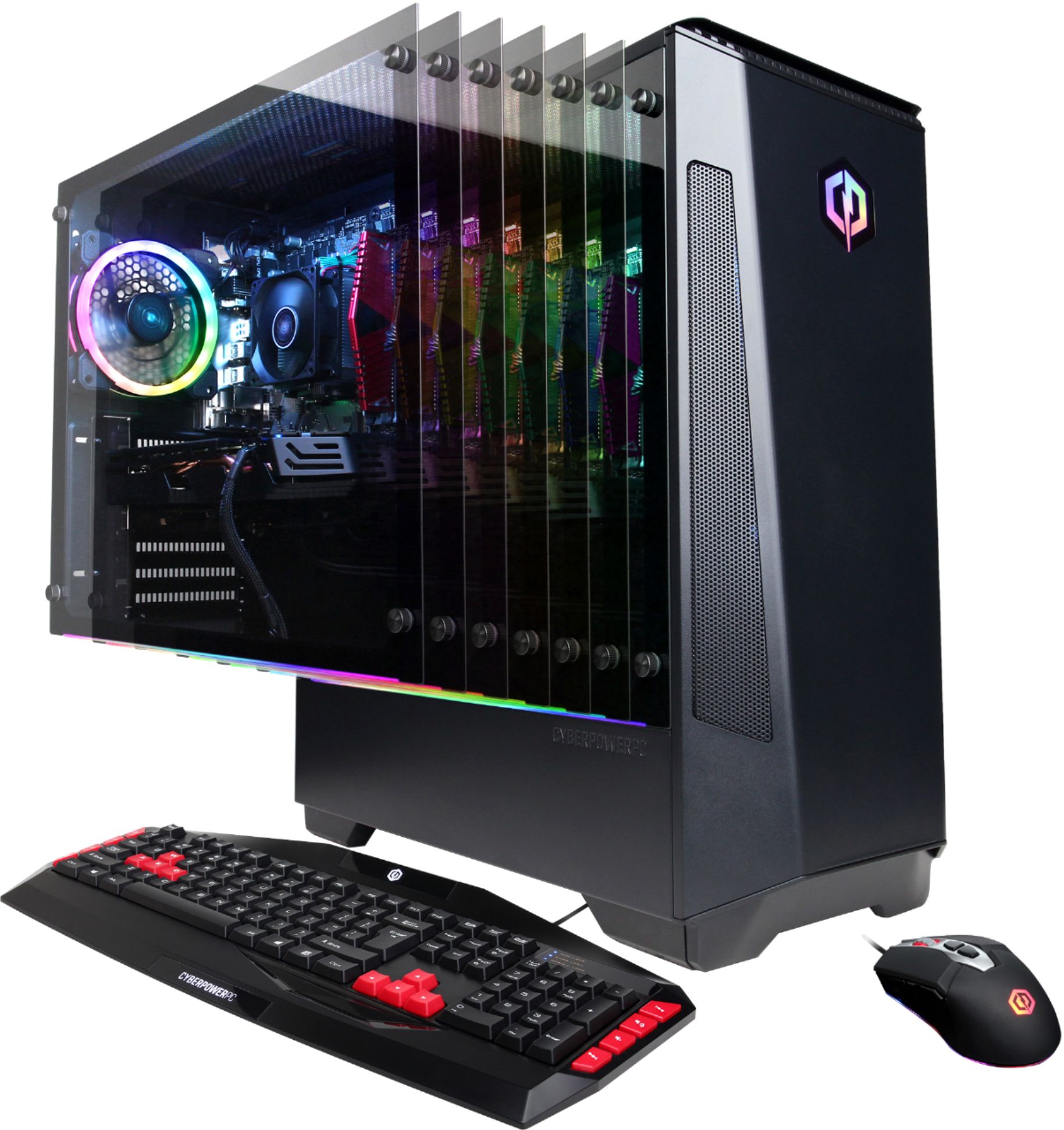
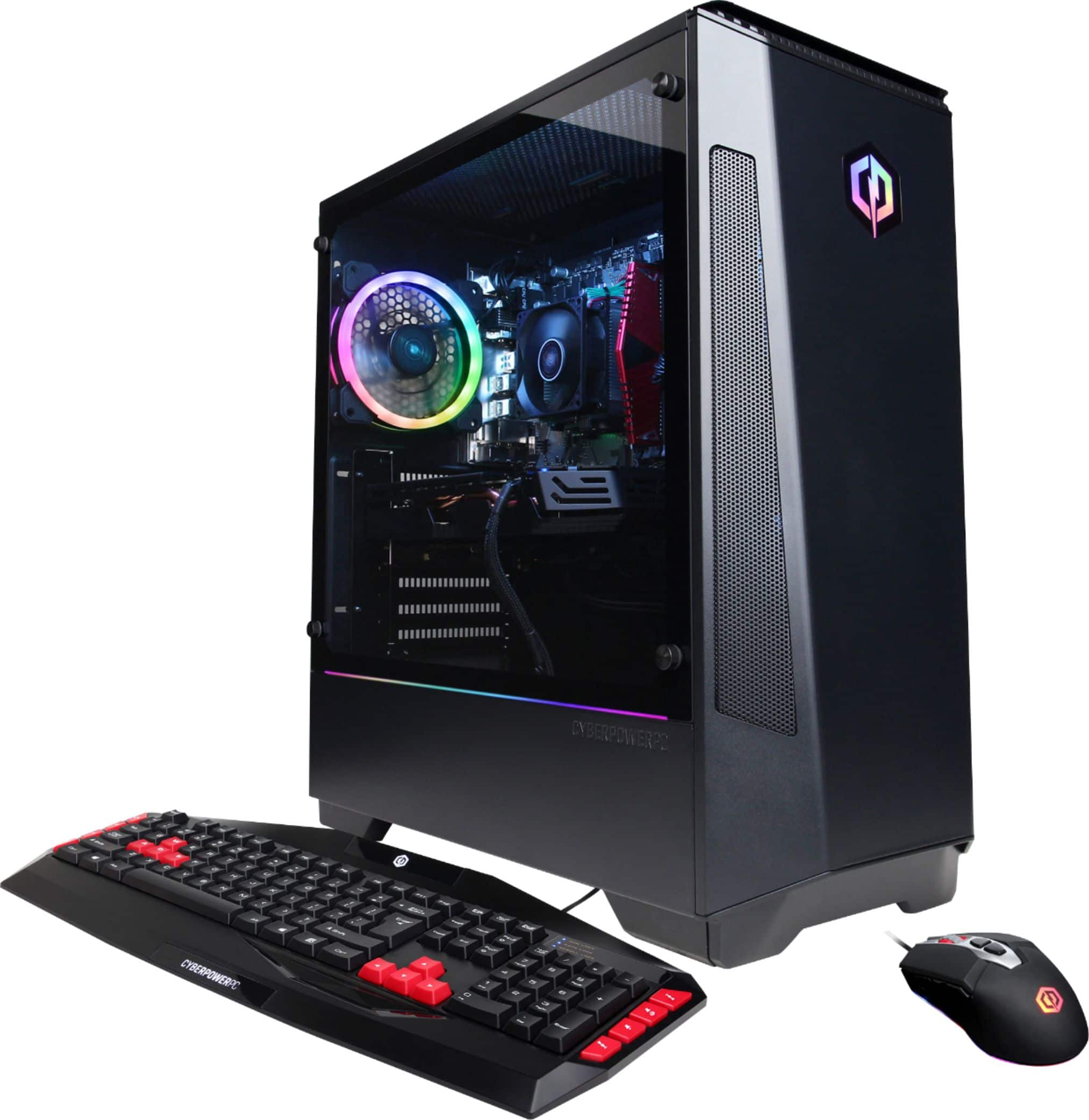
Press and hold the button just above the mouse wheel for about 5-10+ seconds, and the RGB will toggle on or off.
The two DPI buttons will still function as usual. However, the color will not display.
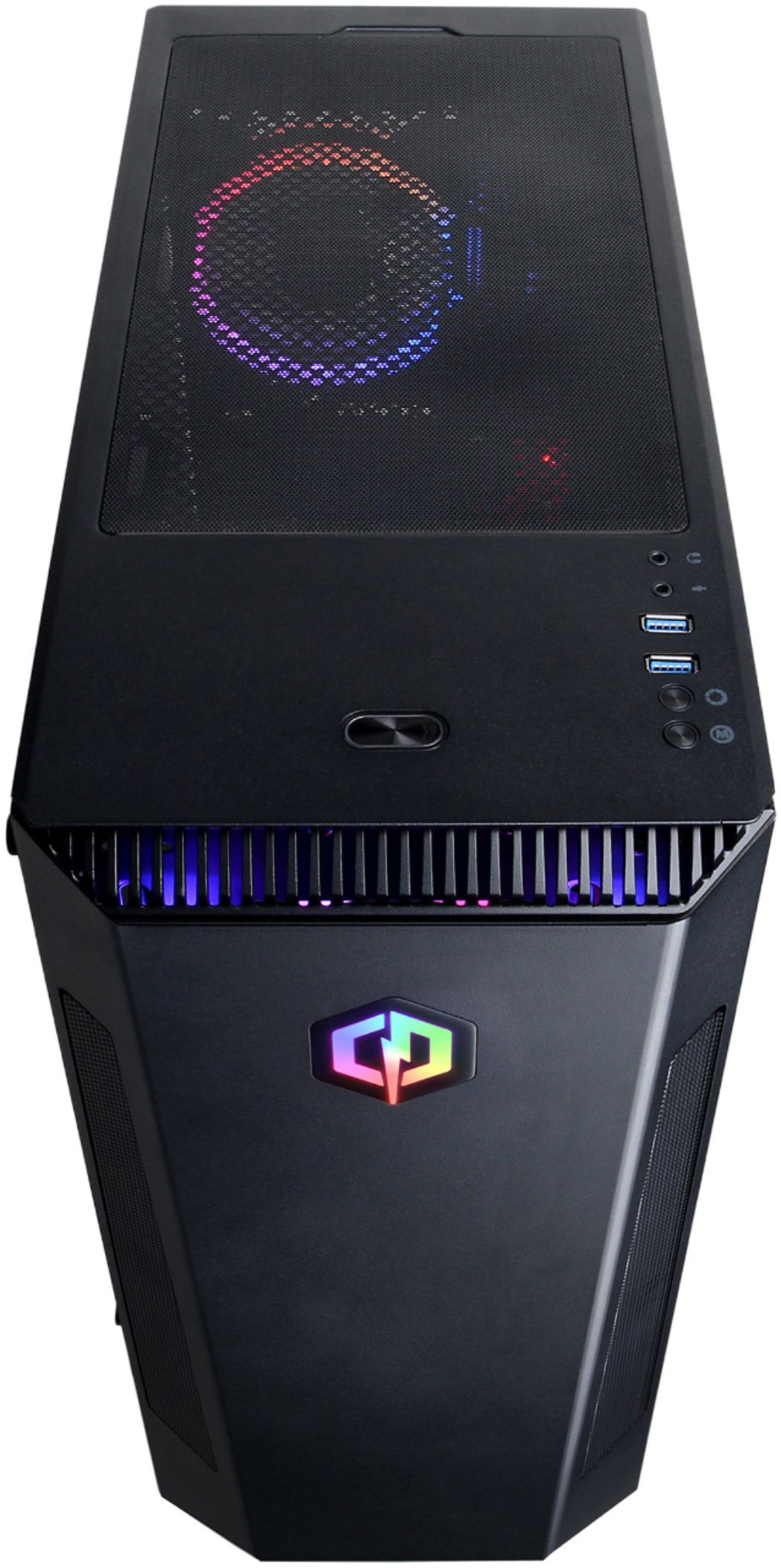
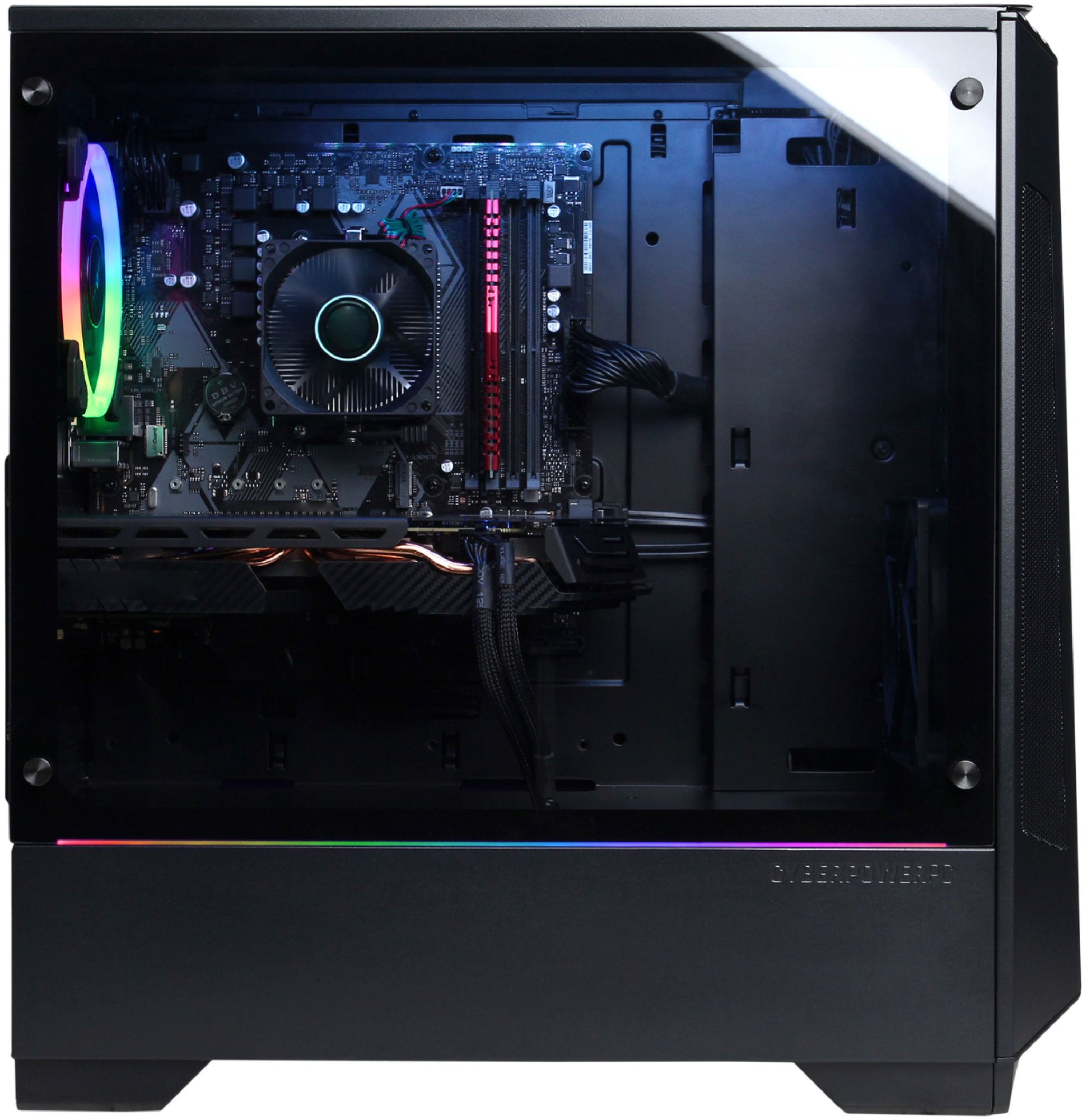
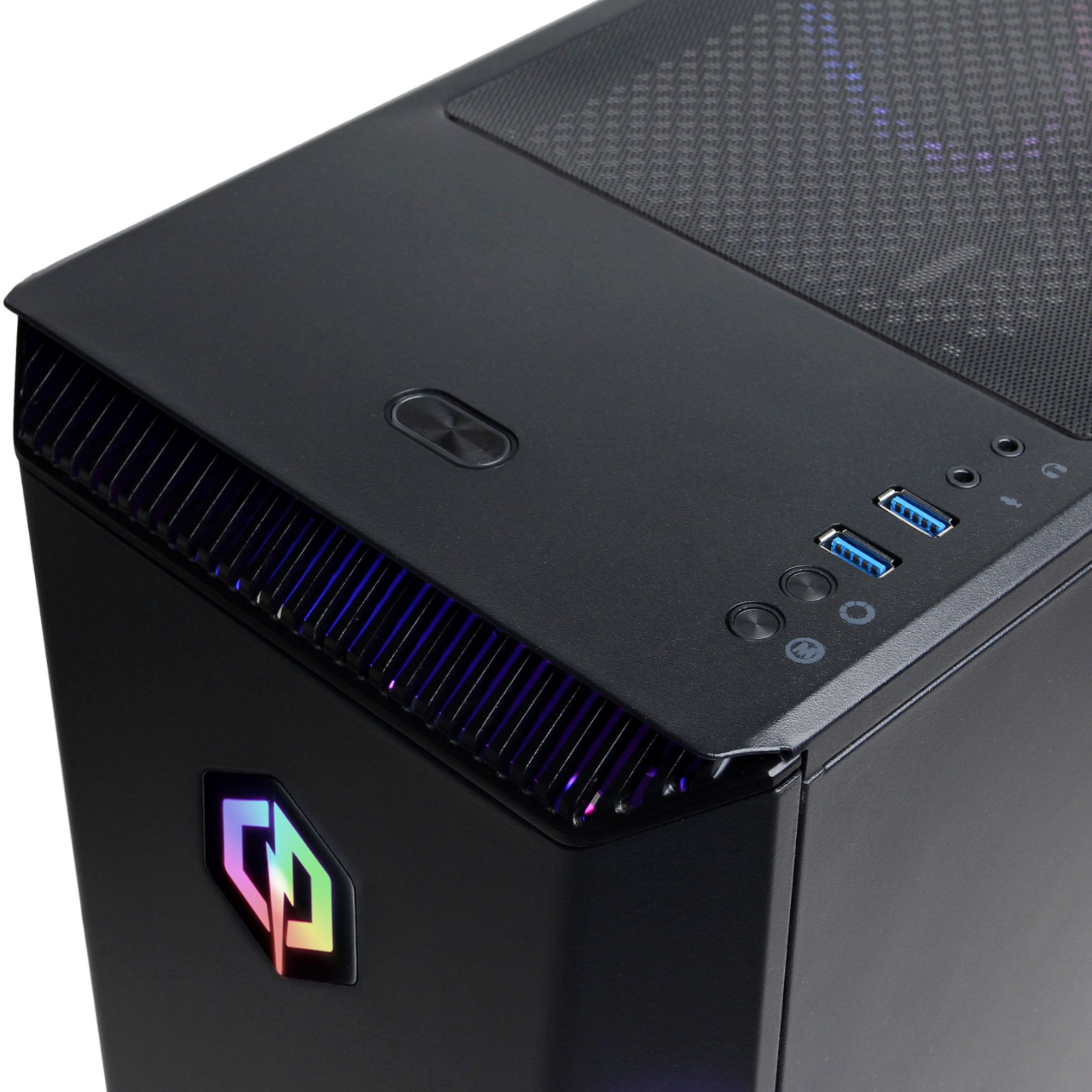
On my CyberPower PC, the same method worked to turn off the RGB inside the case. At least the RGB that is assigned to the controller switch built into the front. I assume if it is a "CyberPower" branded case vs. one of the premium cases, it should be similar to what I had.
Anyway, hold the buttons on top of your mouse for 10 seconds, and the light turns off.