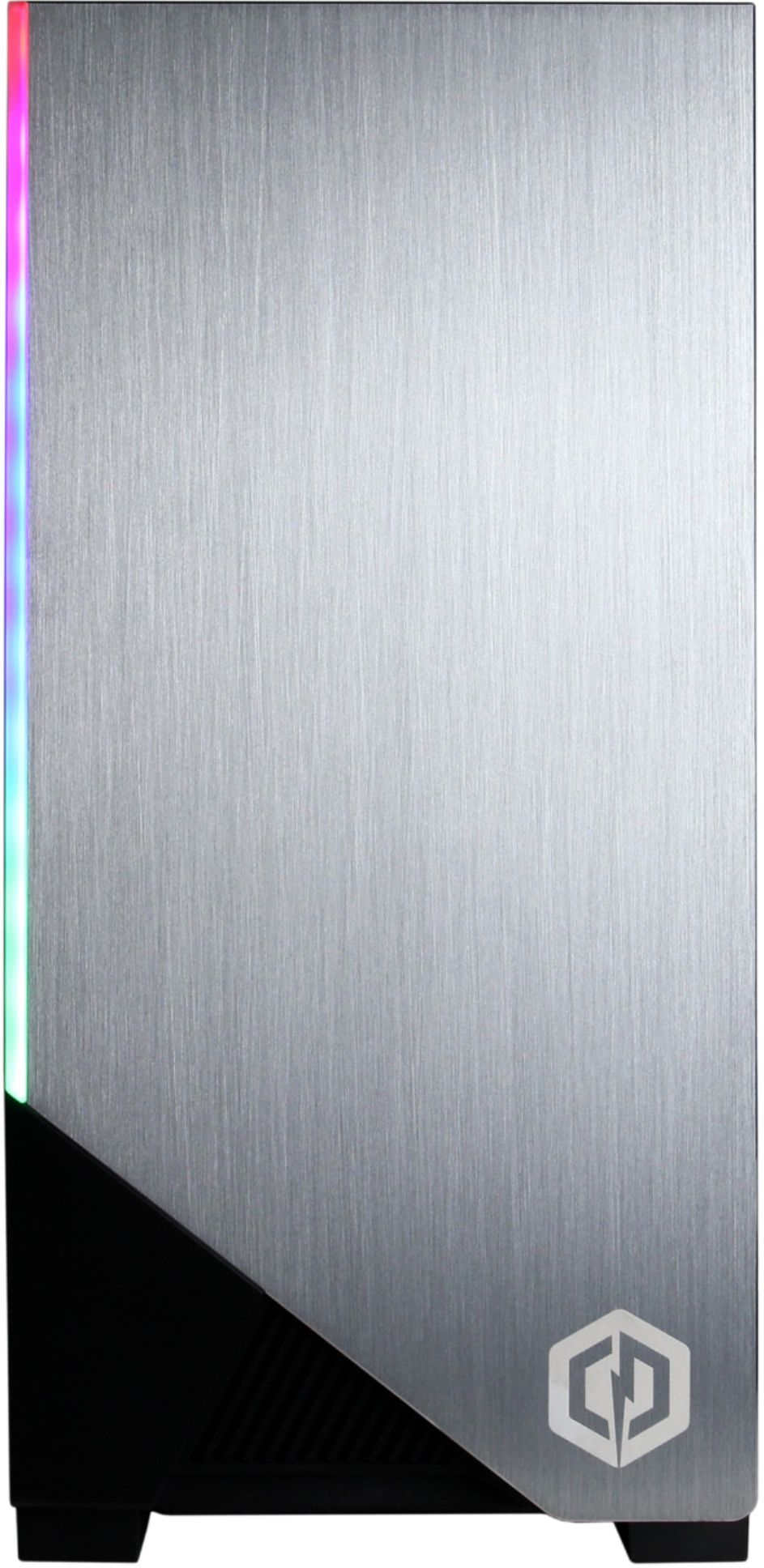
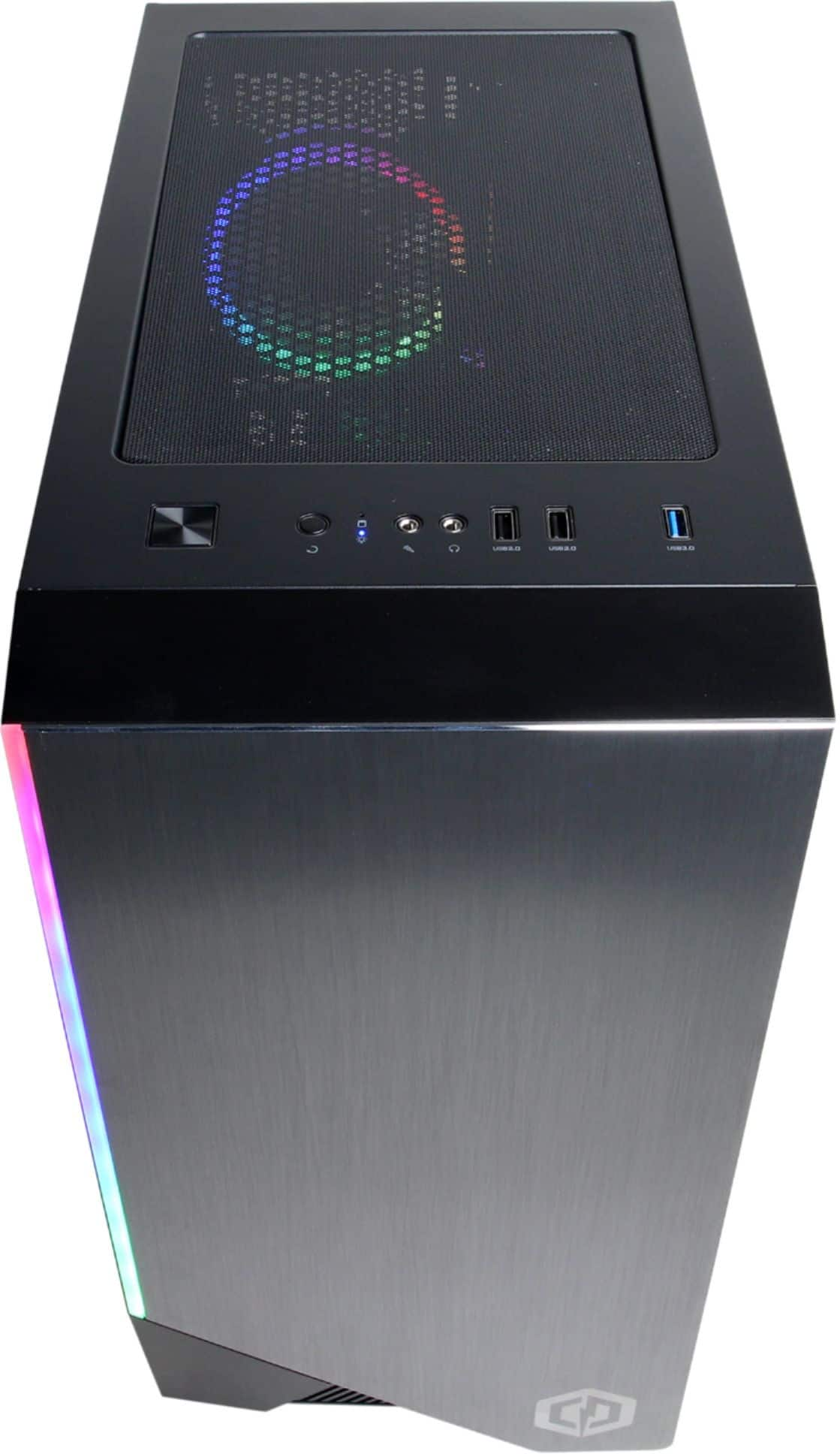
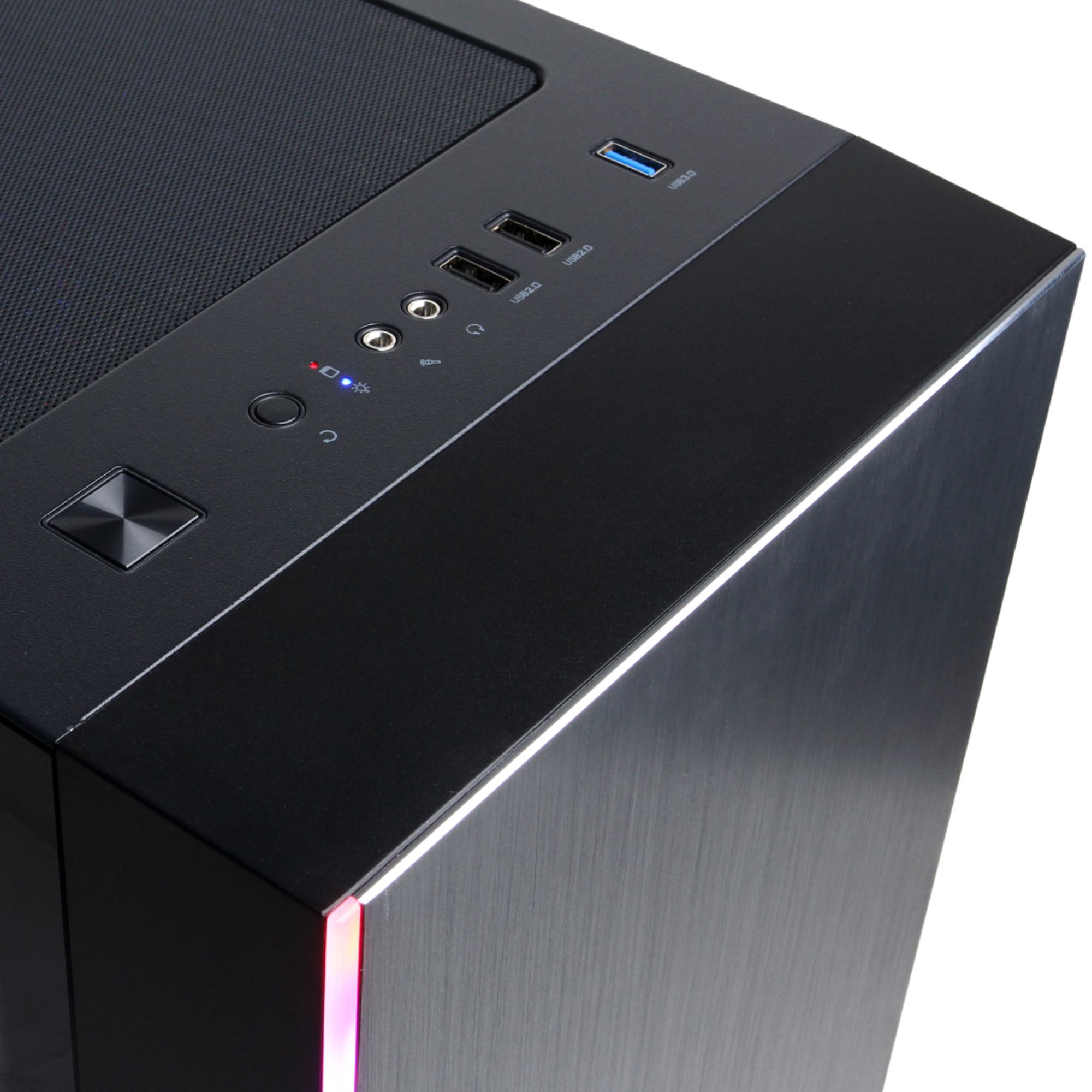
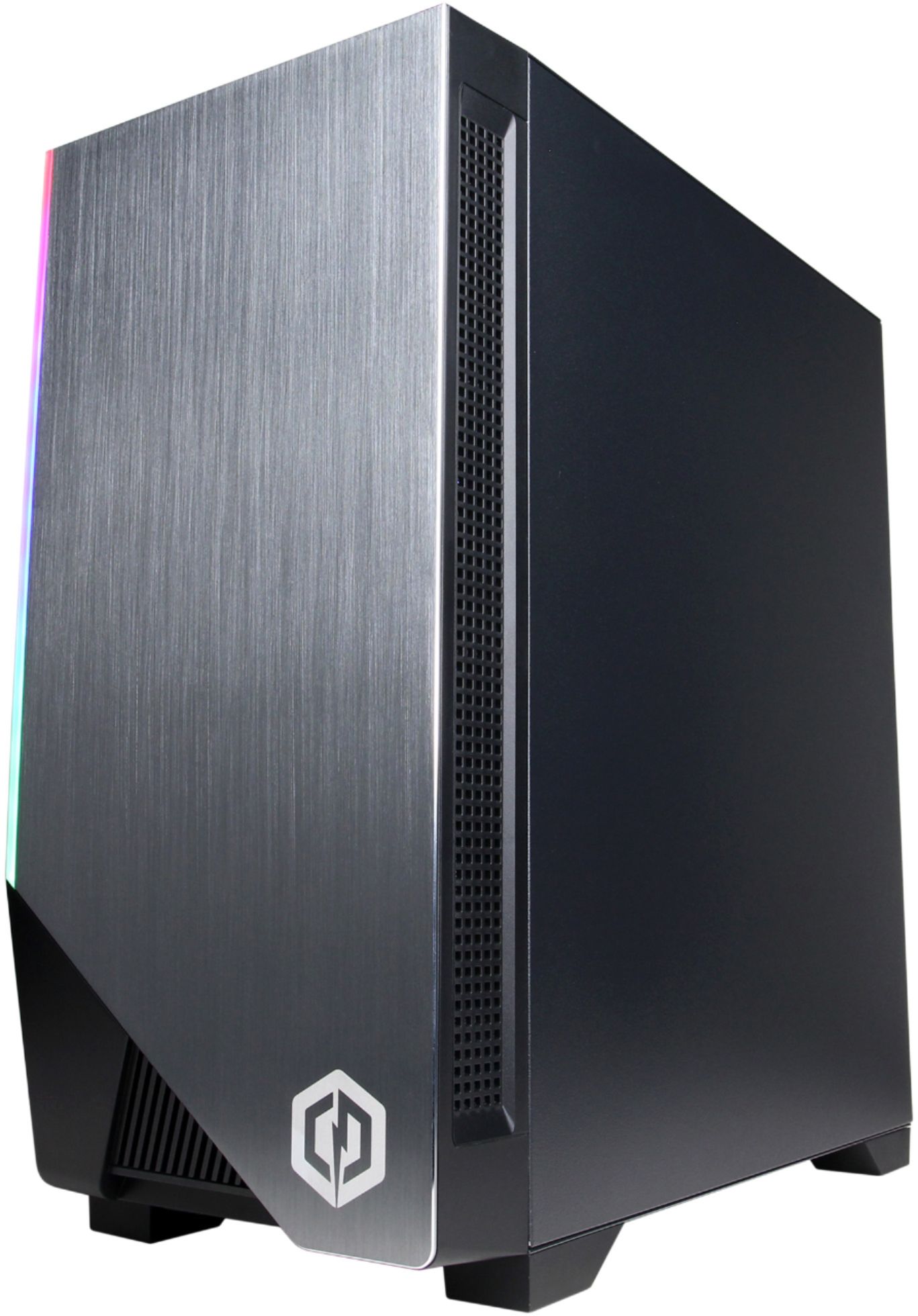
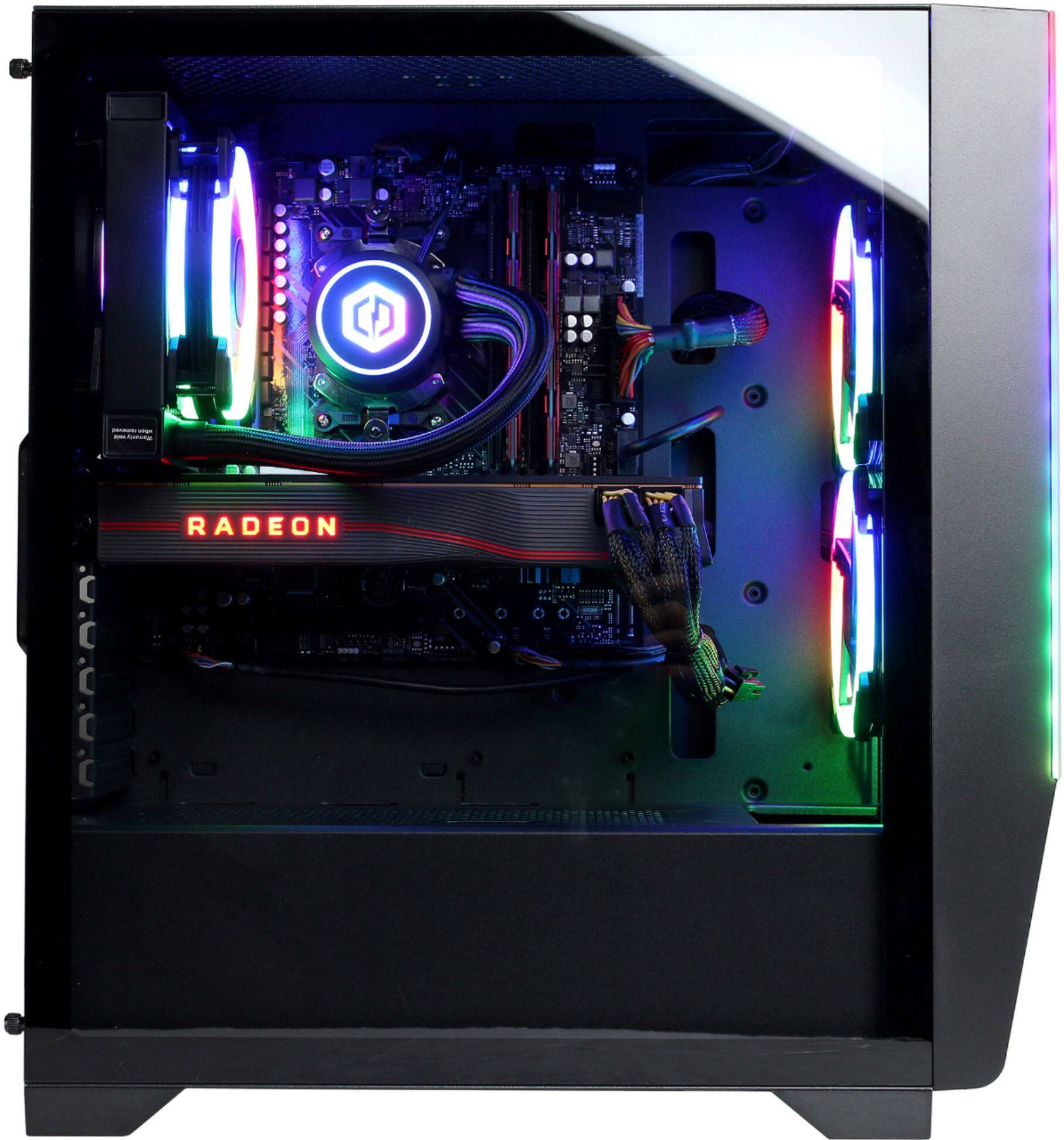
A:Answer It is possible to change the LED color and pattern for the SLC7200BST Model listed here. It MUST be done in the BIOS (at least at this point) .
-When your system is booting up and you see the CyberpowerPC logo hit the delete button on your keyboard in order to load into the BIOS.
-Once in BIOS, select the 'Tool' tab
-Click the first selection under that tab which should be 'RGB LED'.
-Make whatever changes you want (I love green, so i changed mine to static movement and zeroed each color except green-which I set to 255).
-Make sure to click 'Apply' after each section that is changed
-Finally, Click on 'Exit' and then 'Save Changes and Exit'.
At this point the system should reboot and your color choices should now be active.
Hope this helps!