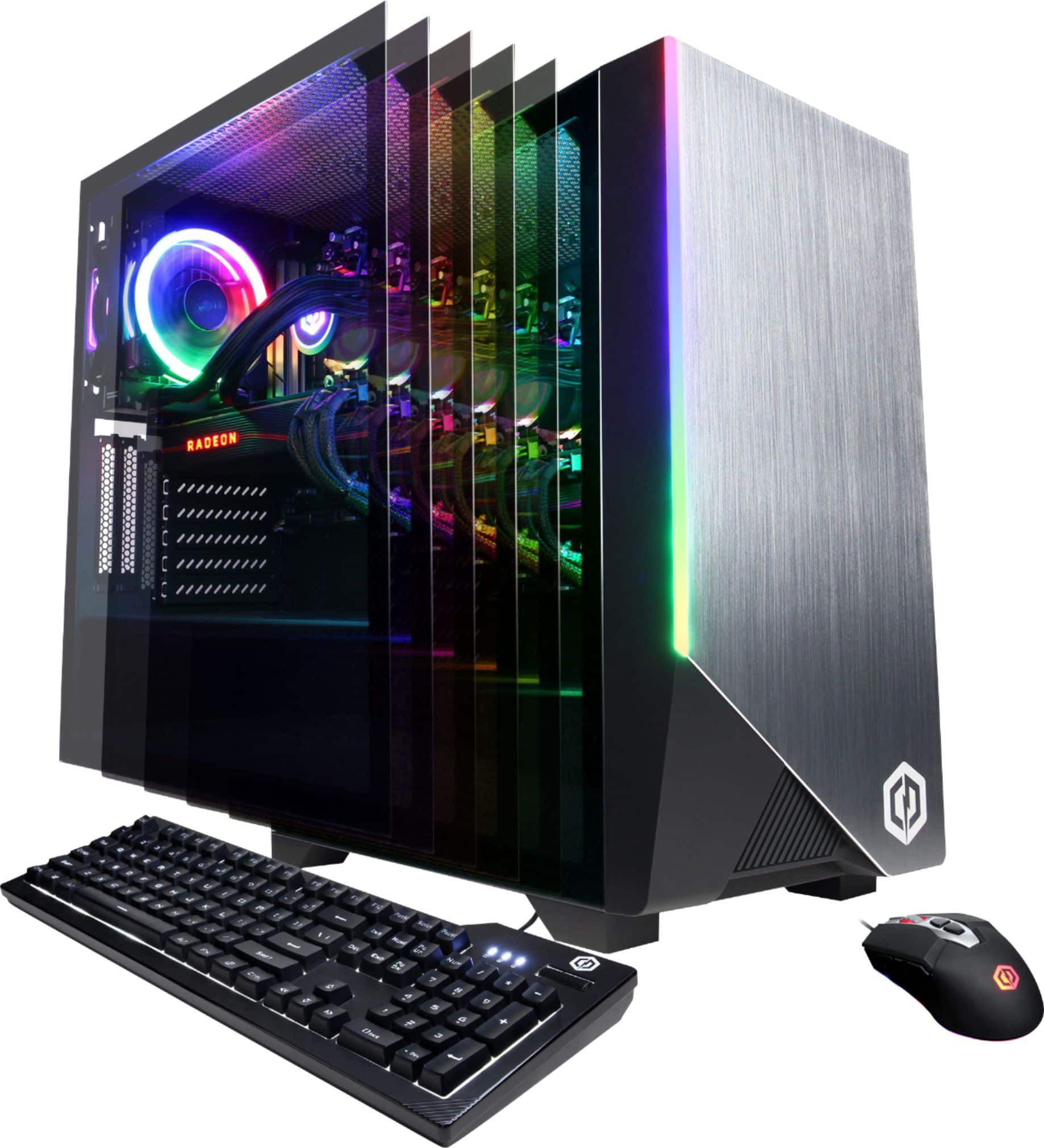
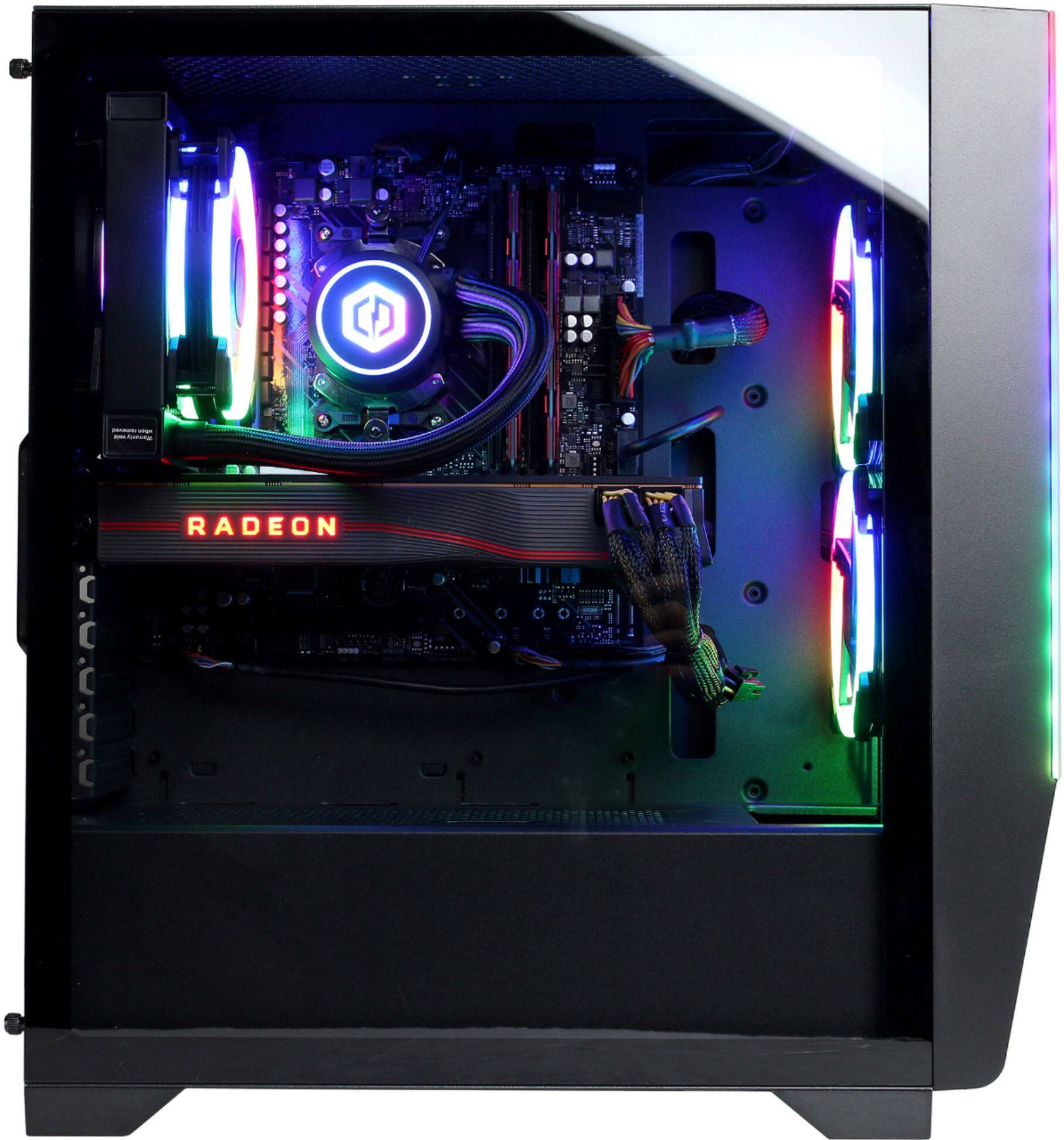
A:AnswerThere's an application on the top left of your desktop that comes standard with the computer. Open that up and you should have access to the color wheel. If not you can always look into your files and open it up through there. And if for some reason you don't even have it in there. You should be able to access it in your BIOS which is just F2 from startup. [email protected] if you have any more questions.
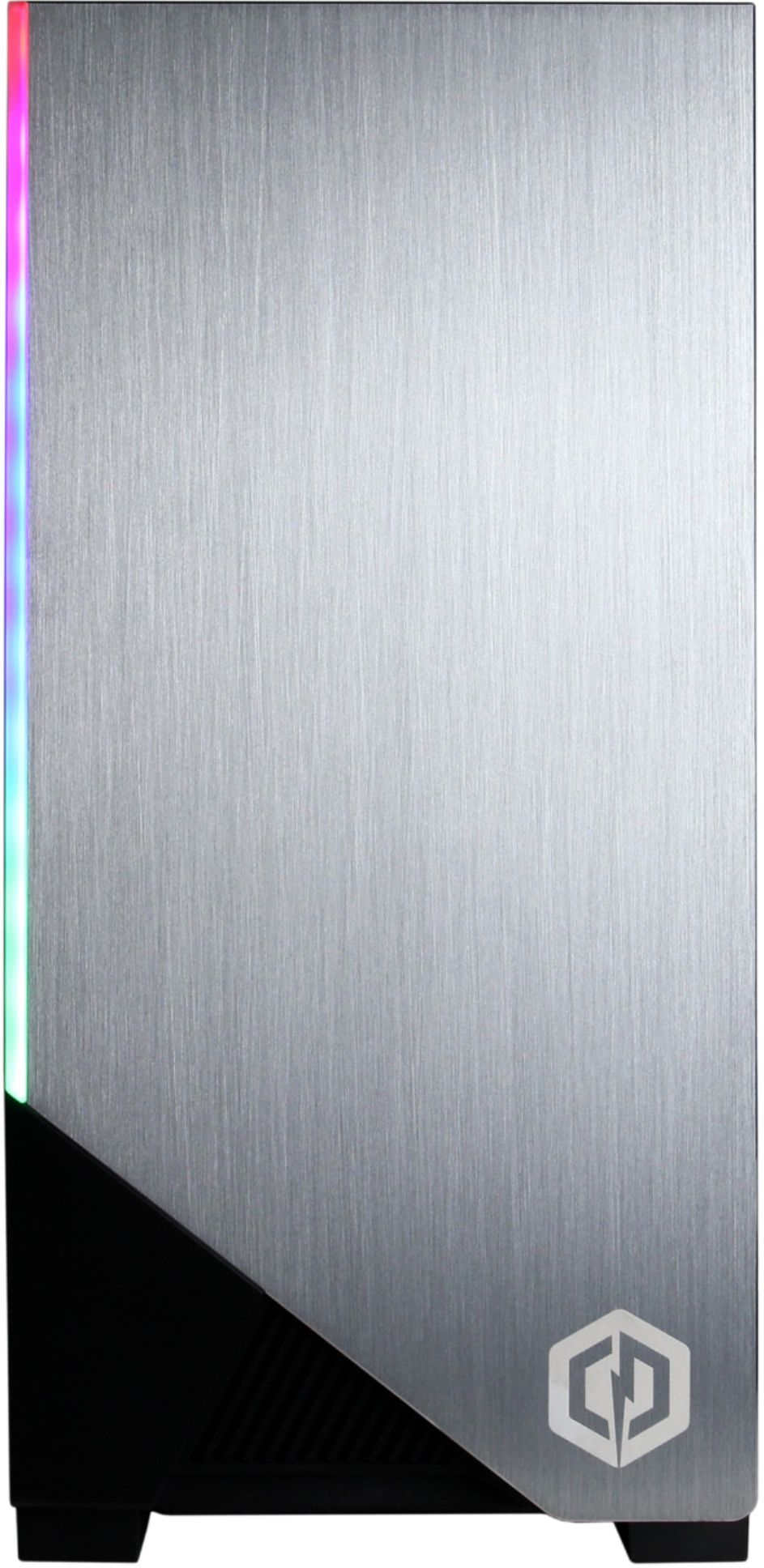
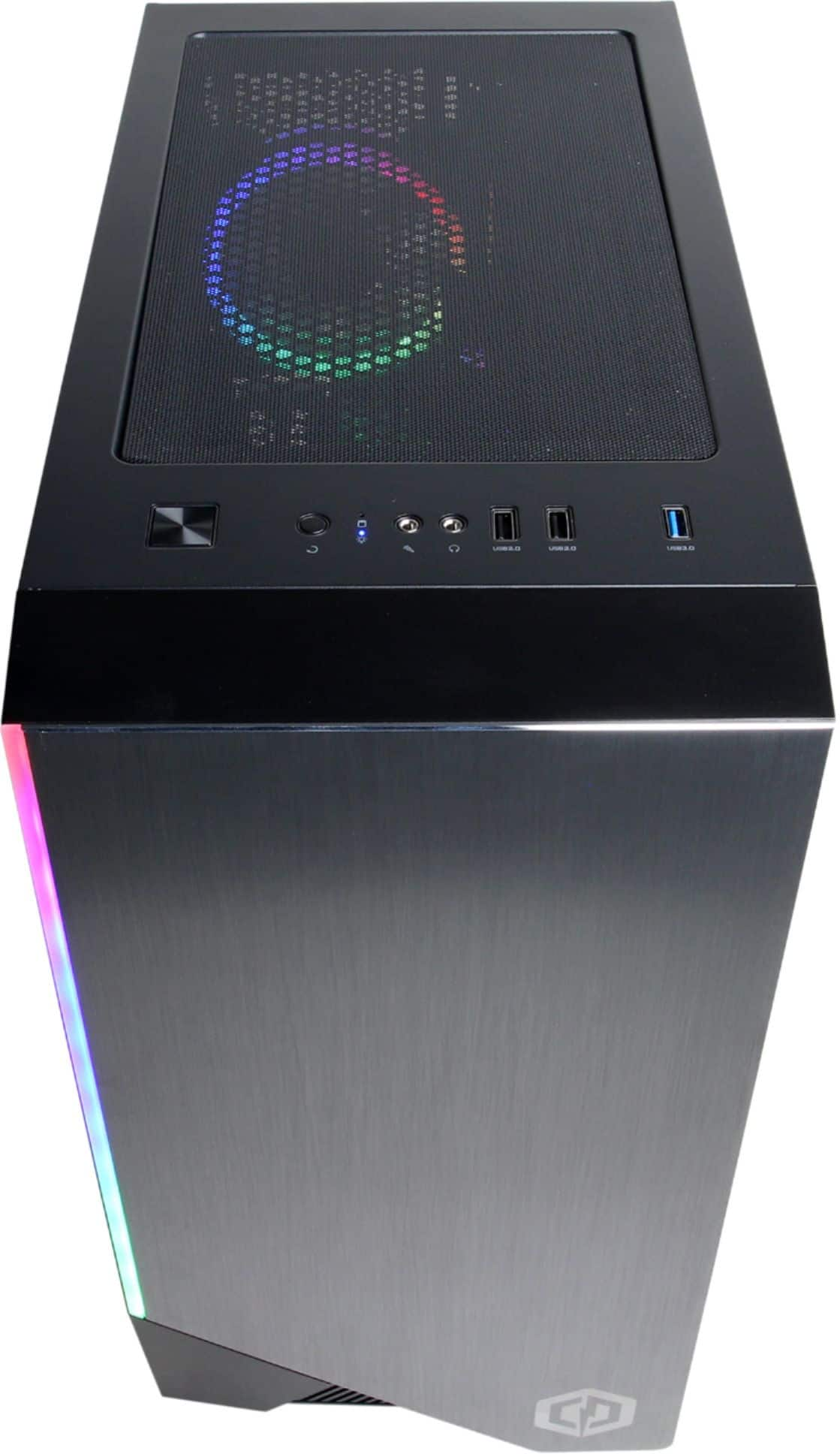
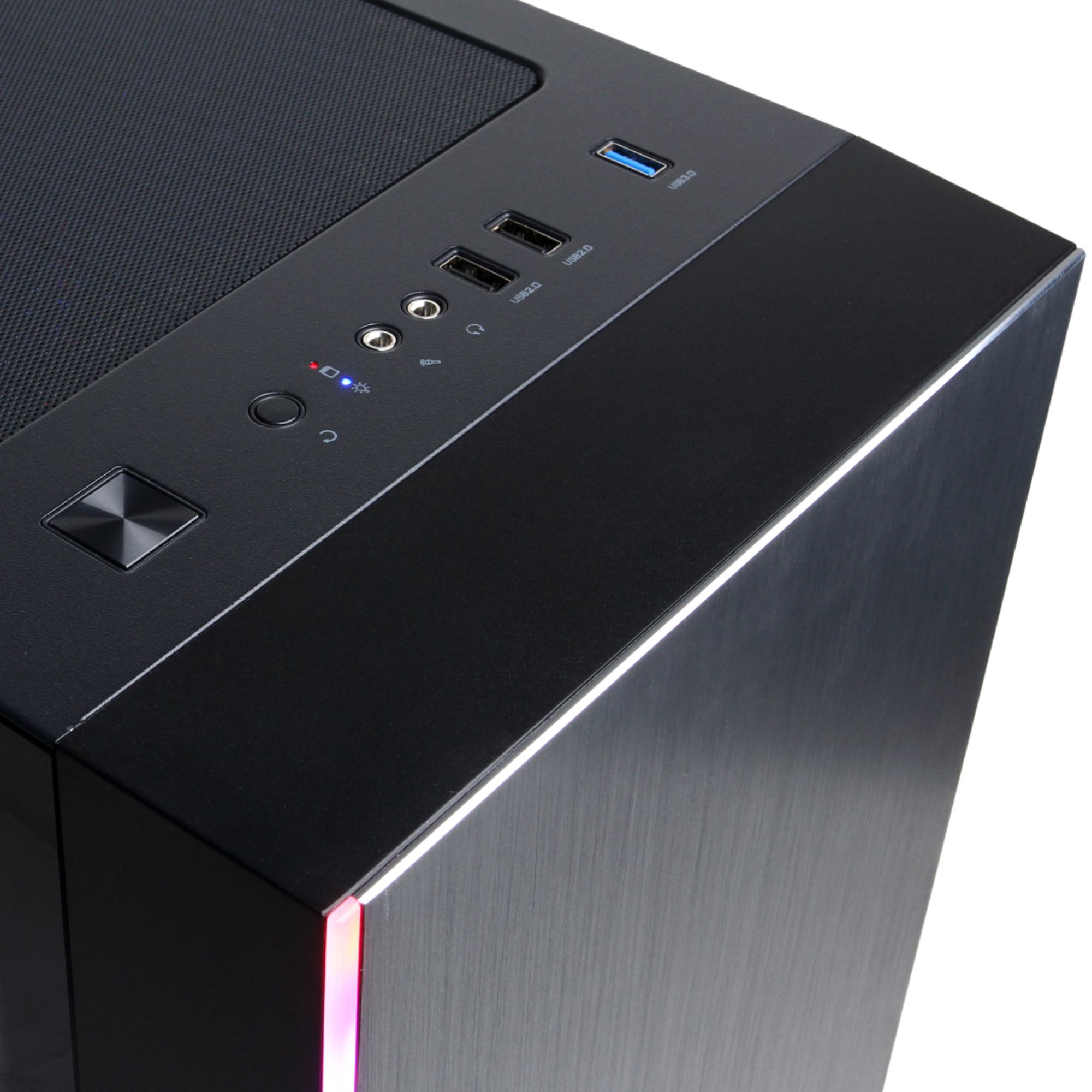
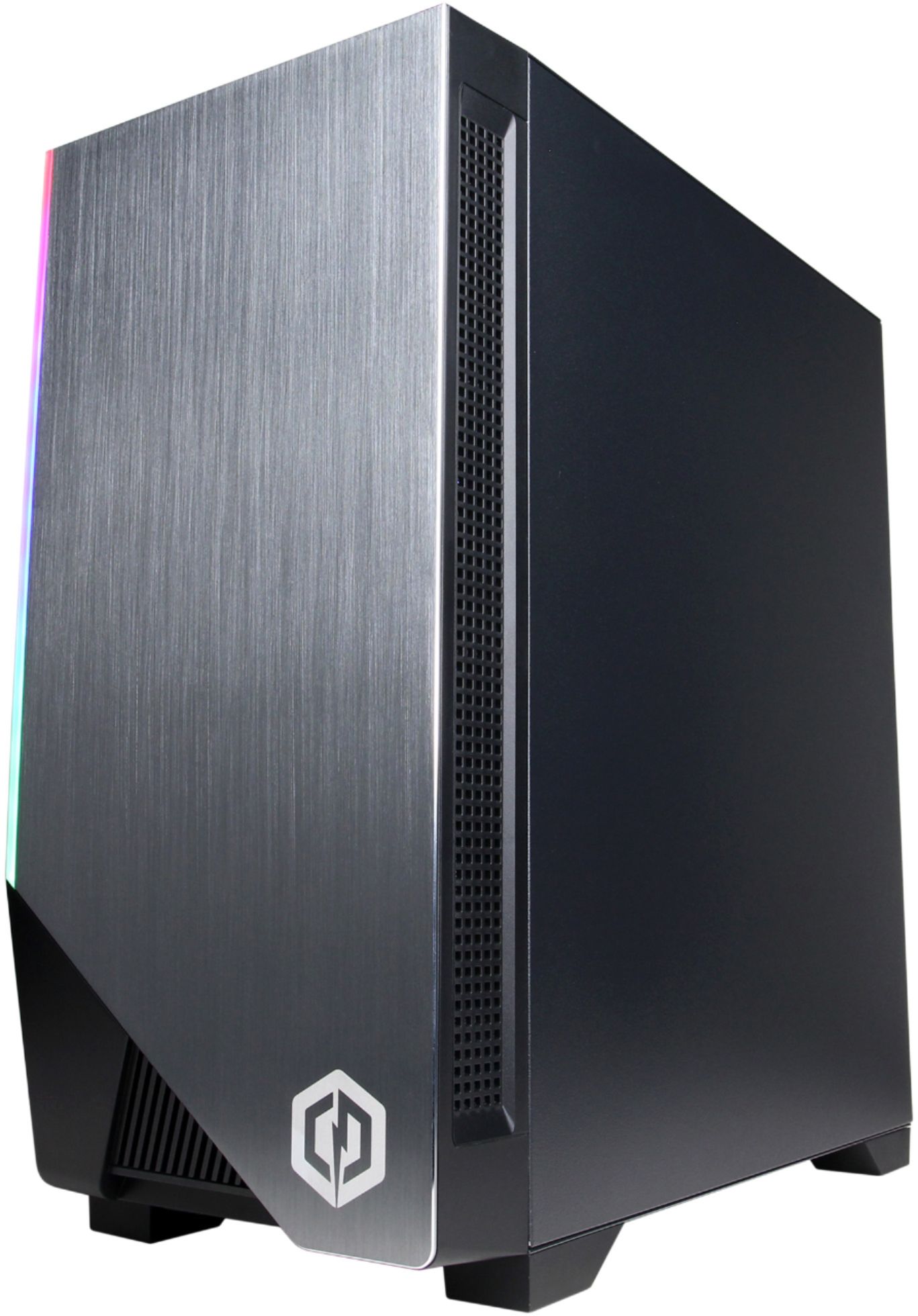
A:AnswerThank you for reaching out to us Jen. The case included with this system is an OEM case from CyberPowerPC. If you have any further questions or concerns then please do not hesitate to give our tech support agents a call for any assistance; we're always happy to help.
Tech support:
(855) 888-2039
-CyberpowerPC Support
A:AnswerYes, in the BIOS there are a number of options on how to set up the RGB on the fans and the CPU water block, including off entirely. I don't believe the video card RADEON lighting can be disabled, after some light googling.