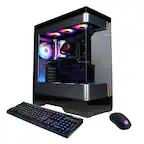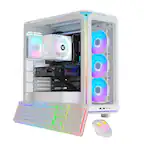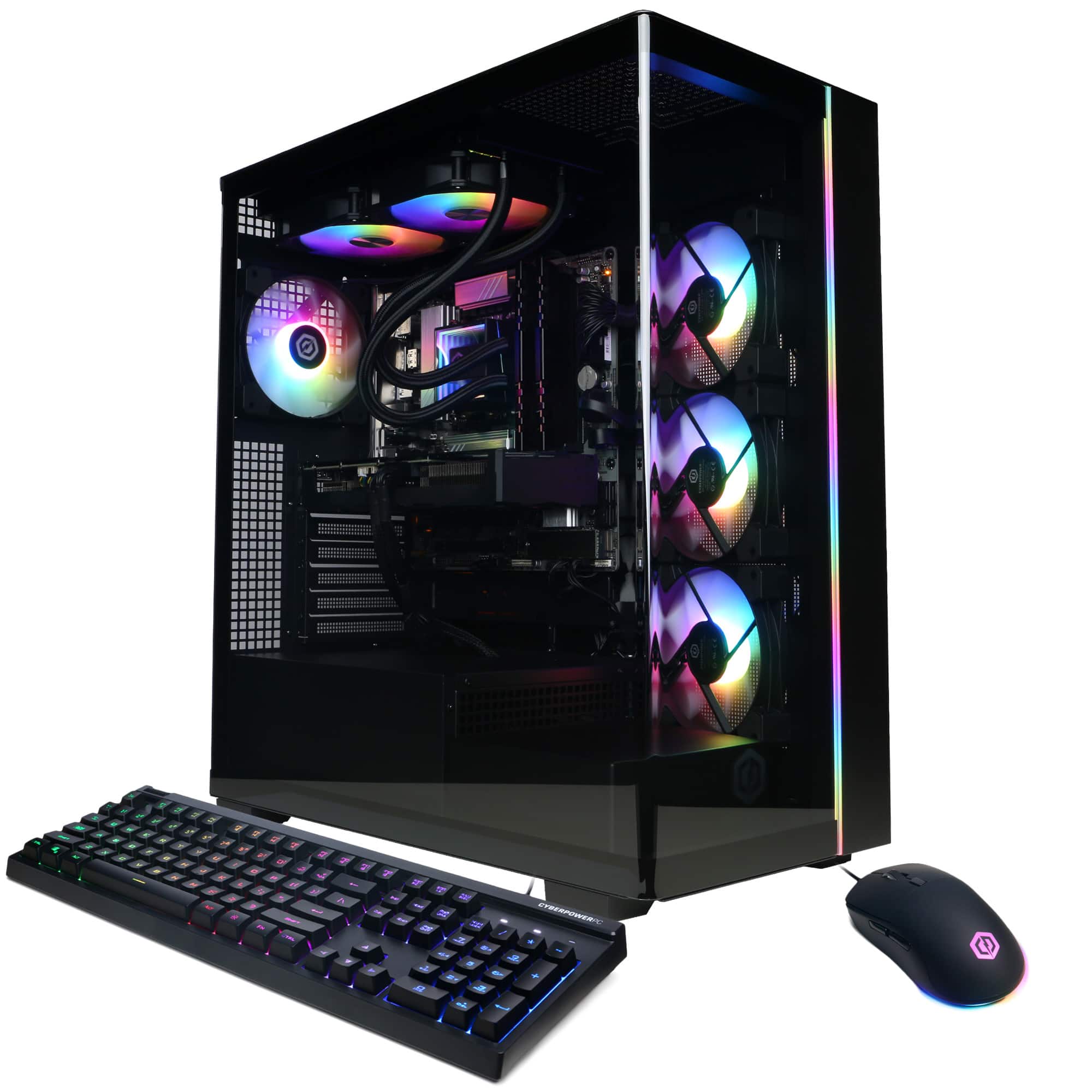
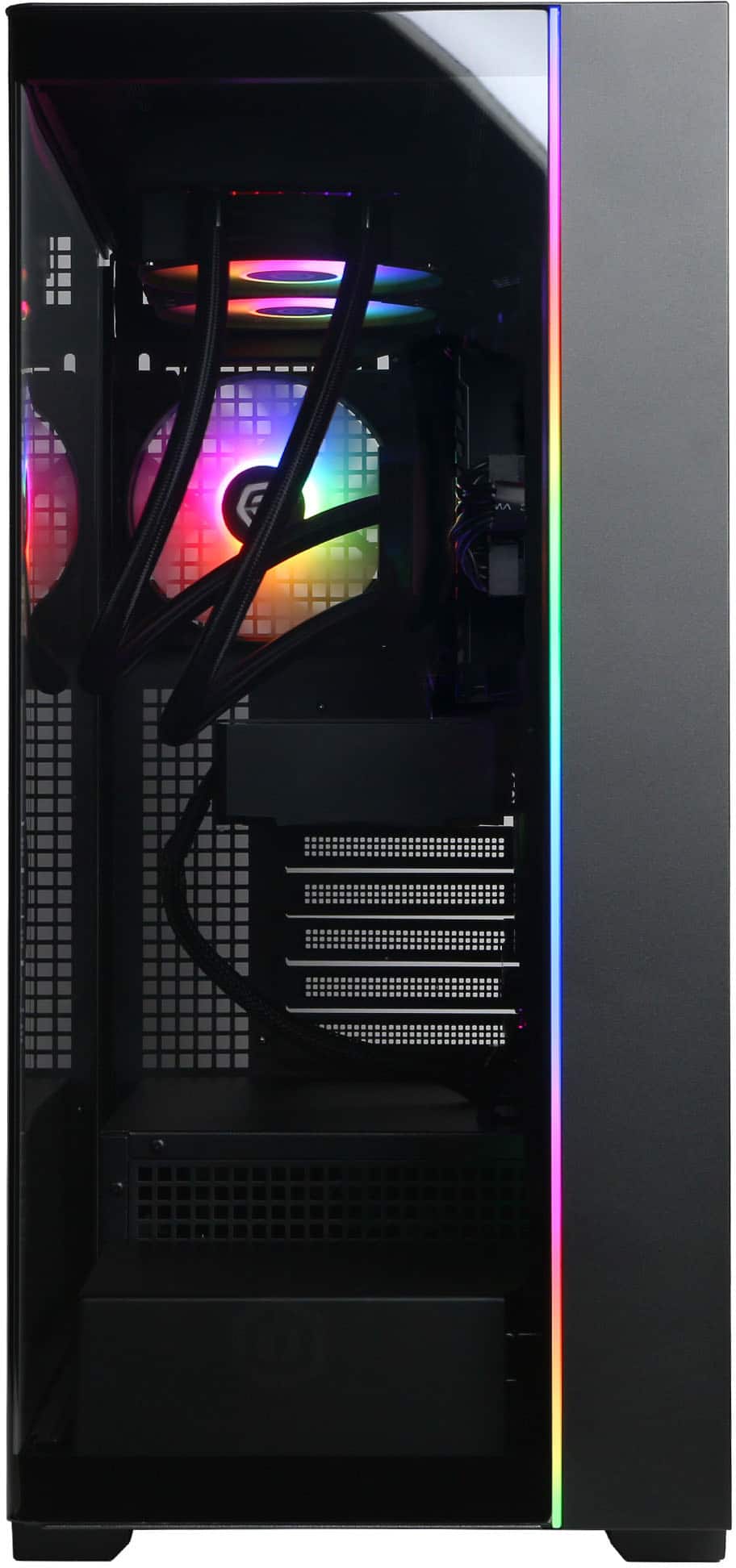
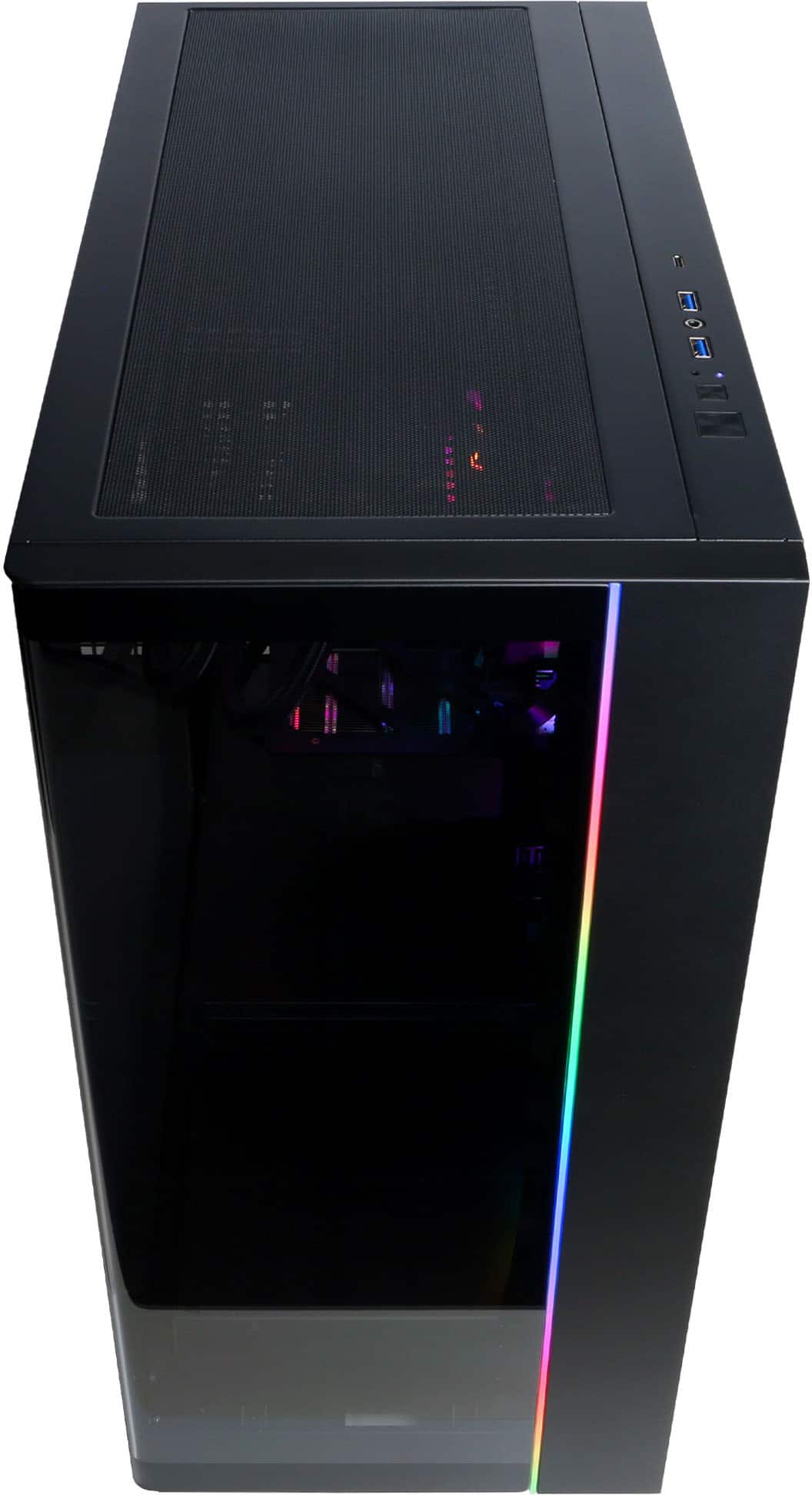
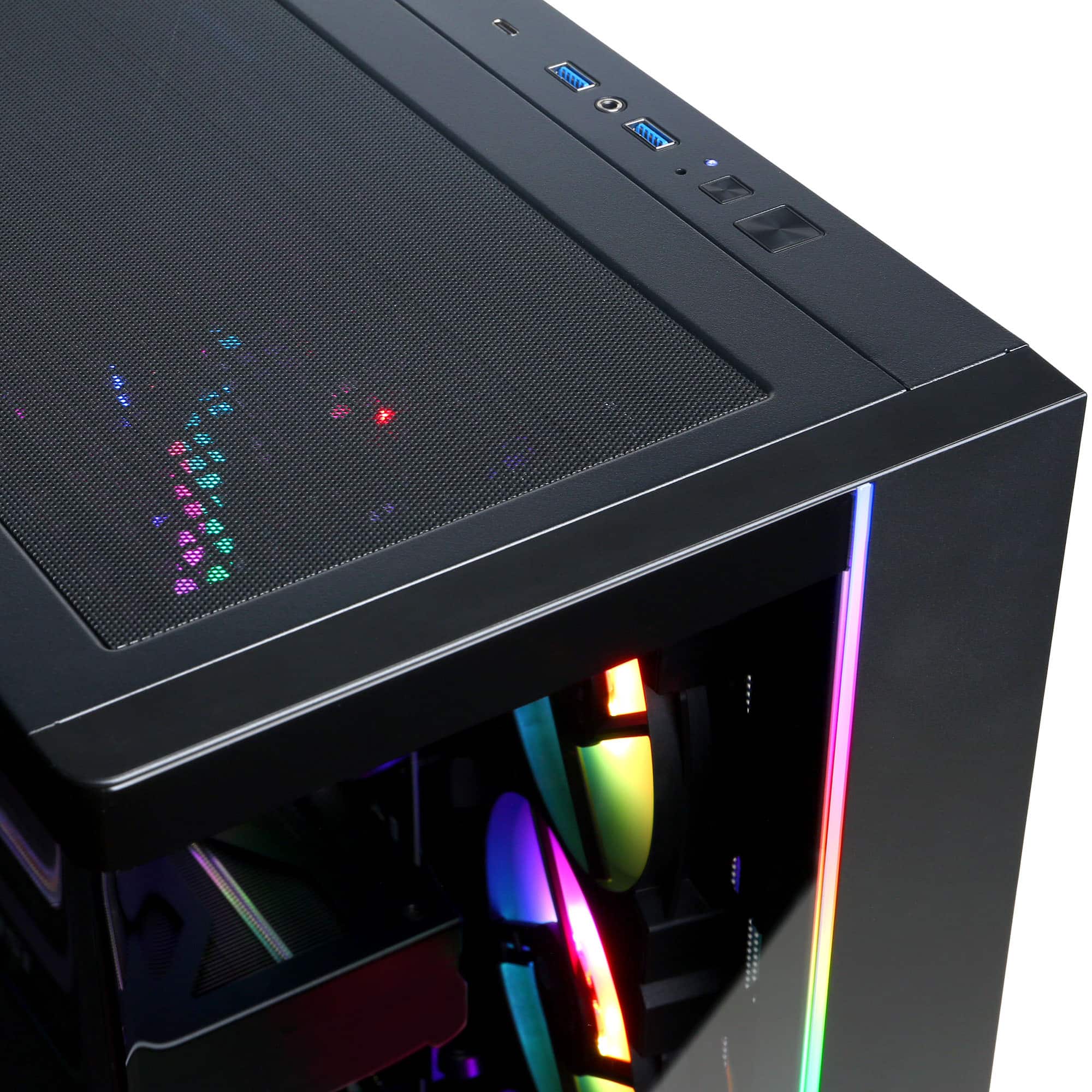
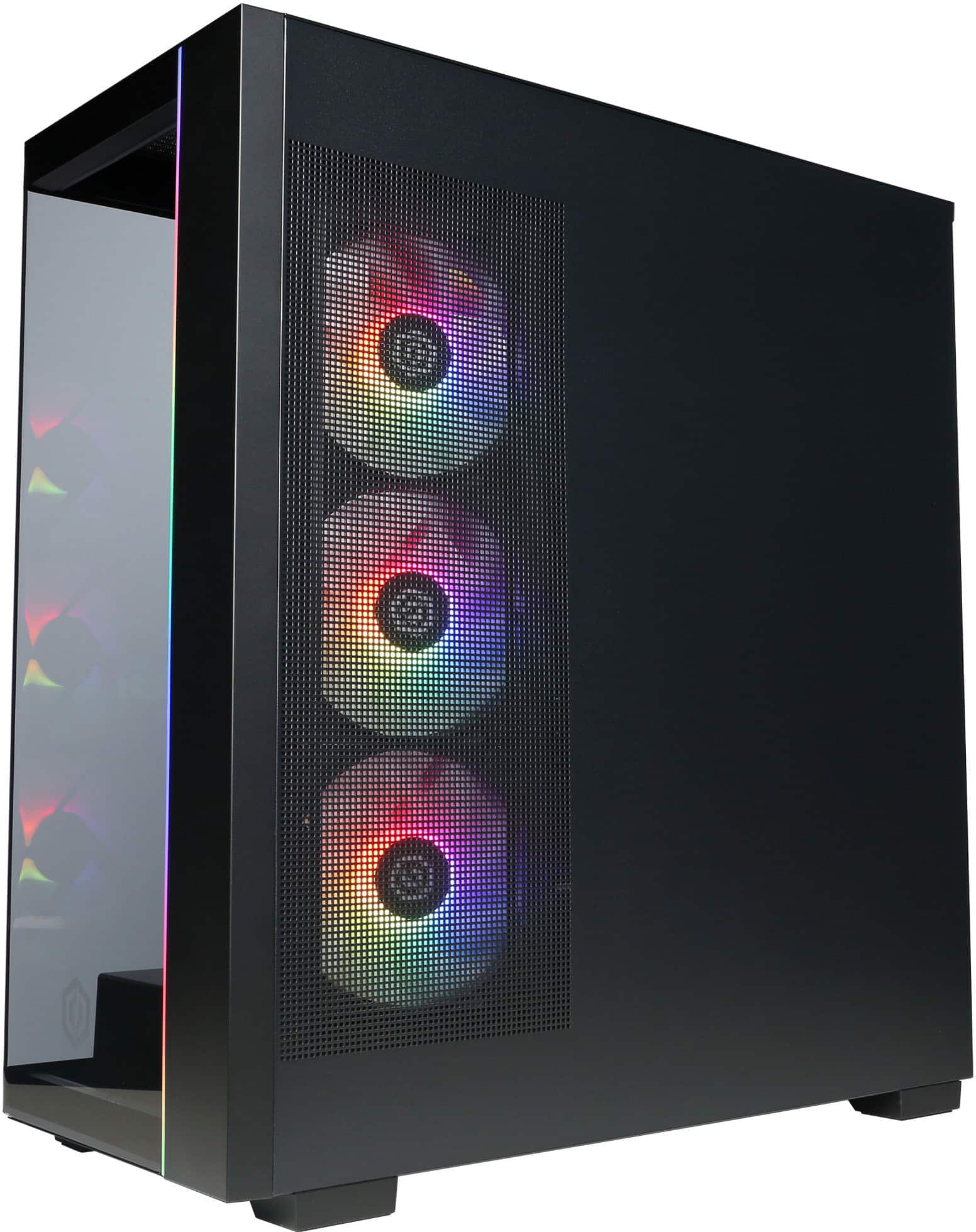
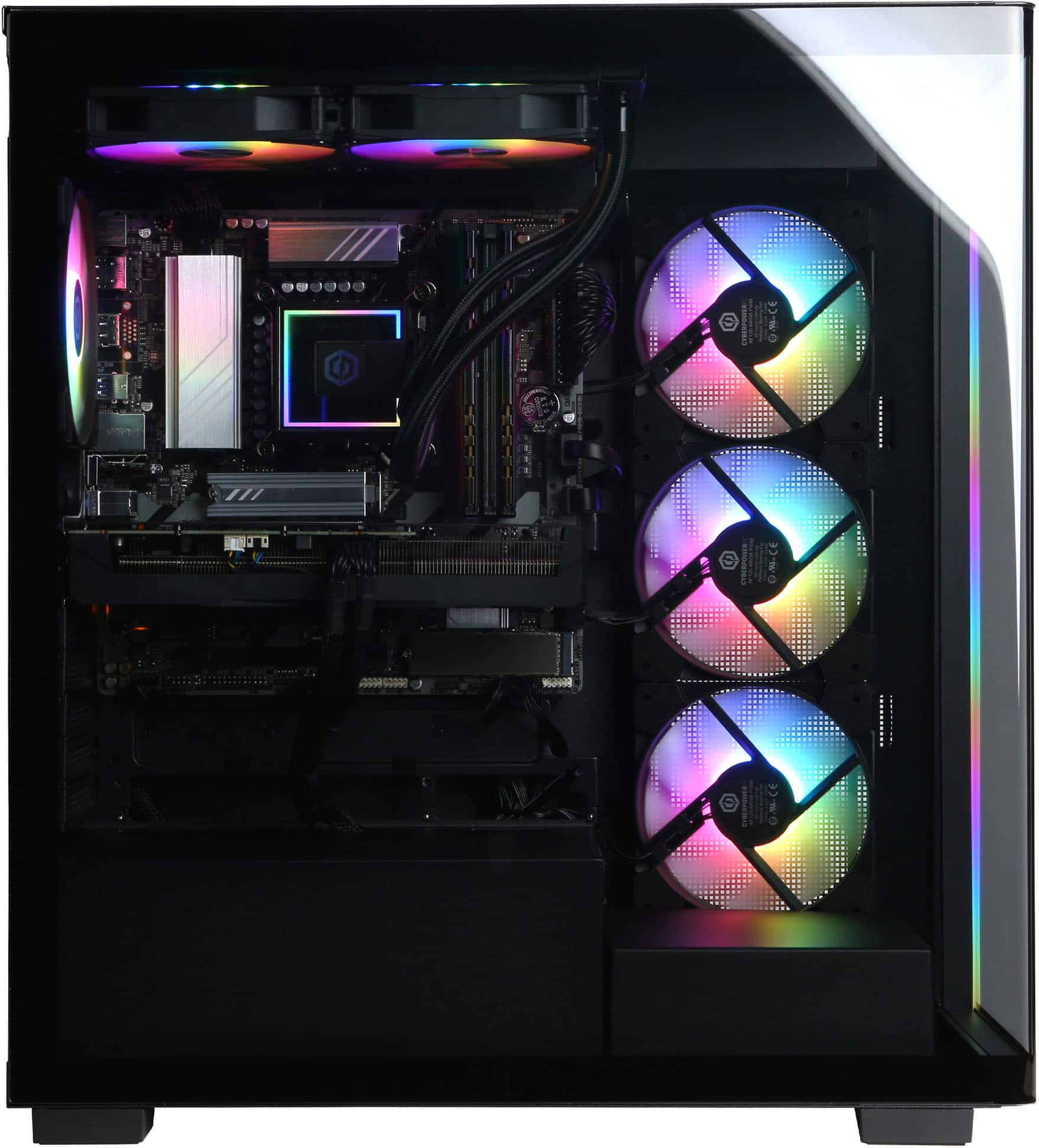
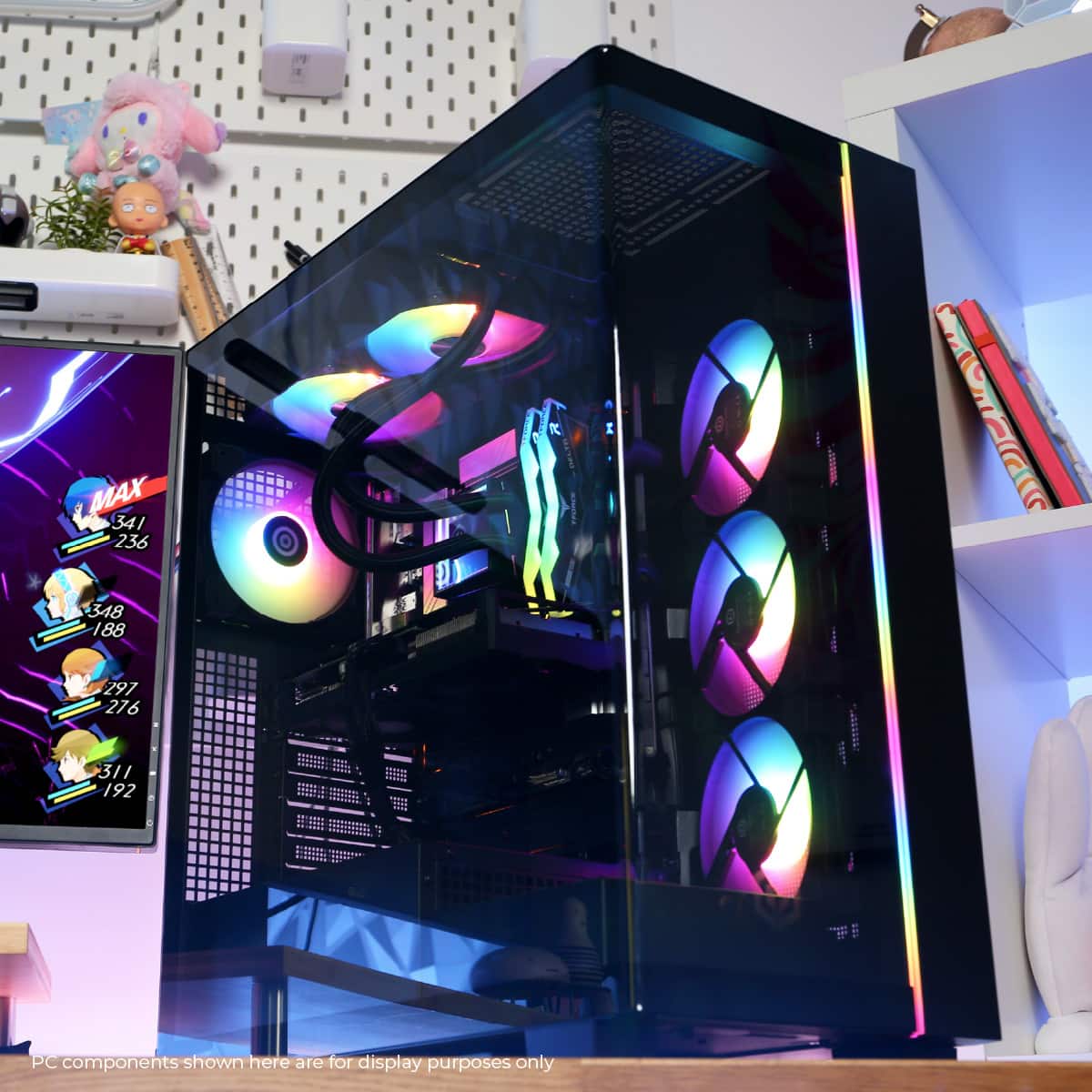
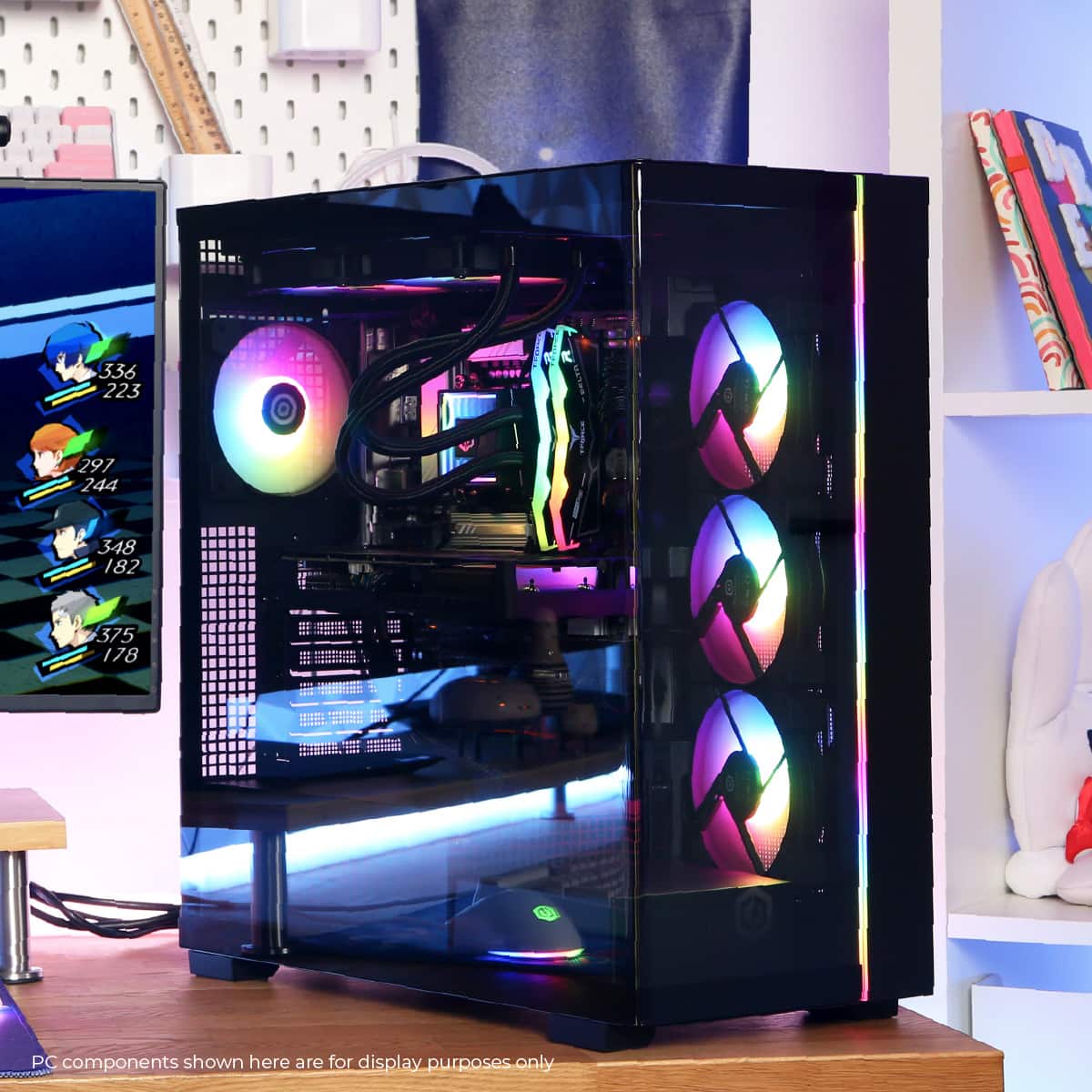
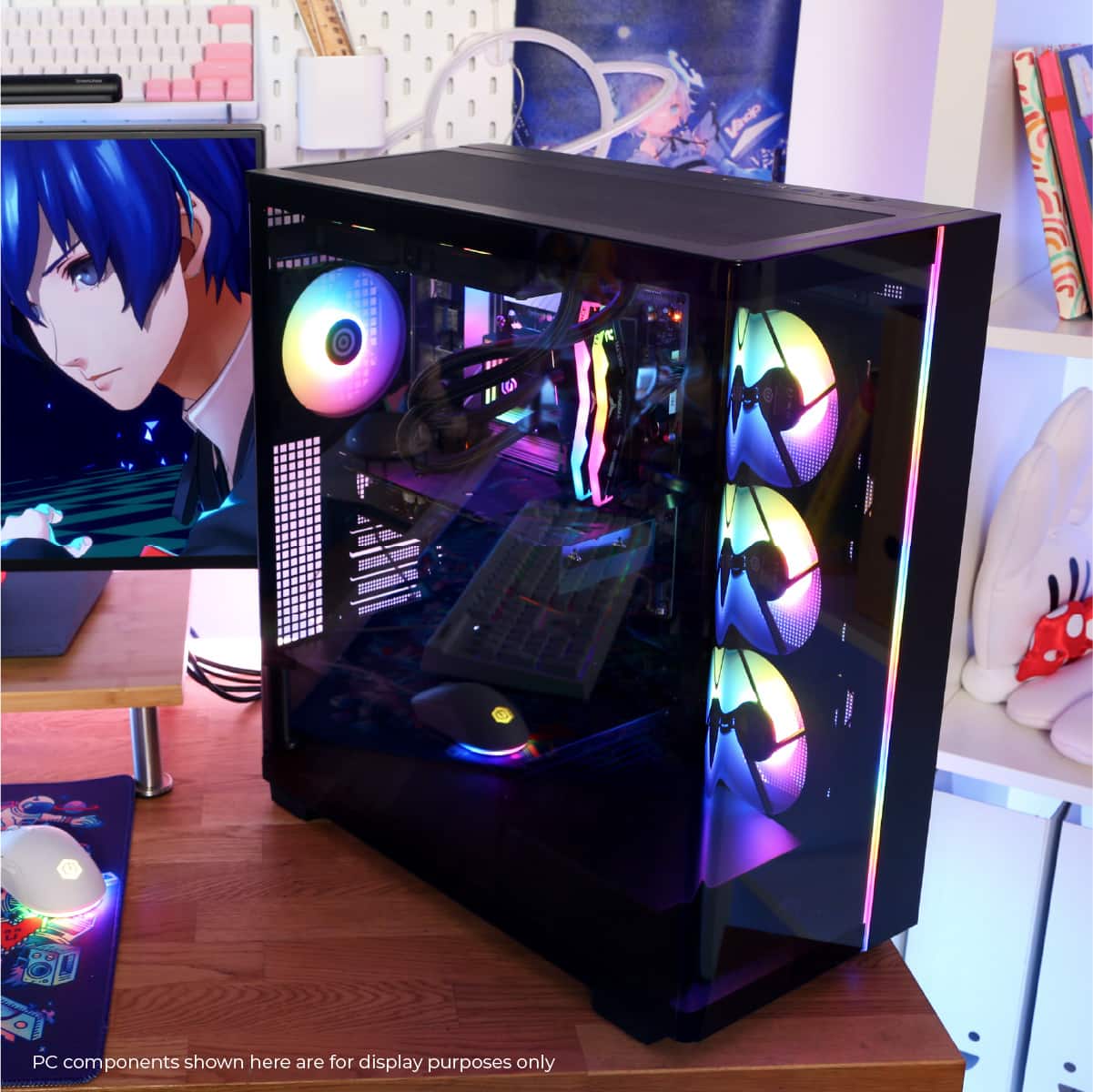
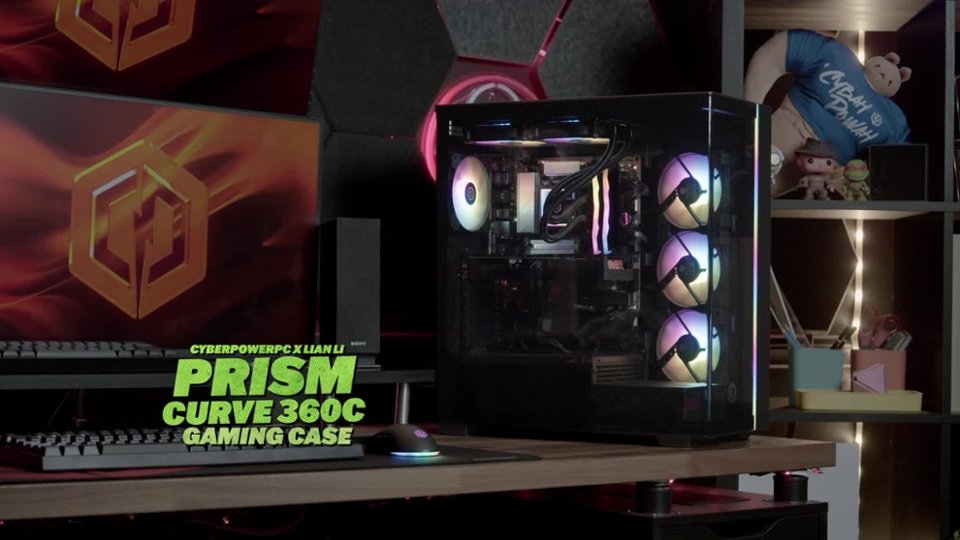

A:AnswerI figured this out on my own. This instructions in the box were for a different model. This PC has 1-piece of plexi glass the wraps from the front face of the pc to the back left side of the pc. There are not 2- screws to remove (per instructions in the box) Lay the PC on its right side. (metal side) Place fingers in the grooved notch on the top left on the back of the PC. Place fingers at the bottom of the left side of PC & push forward towards the "front" of the PC. It slides straight off. I hope this helps
A:AnswerIts possible, go to Windows setting, Personalization, Dynamic Lighting, and then set brightness to 0. But if you want to turn of RAM, you need to install Gigabyte Control Center. You also can control rgb in that app.
A:AnswerThank you for reaching out to us. Please feel free to contact our tech support team at your earliest convenience for further assistance on this matter, we're always happy to help.
Tech Support:
(855) 888-2039
[email protected]
Hours of Operation:
Monday - Friday: 8:30AM - 6:00PM PST
Saturday: 9:30AM - 3:00PM PST
-CyberPowerPC Support
A:AnswerThank you for reaching out to us. The manufacturer and model of the components included with this system may vary depending on what was currently available at the time the PC was built. However, the PC comes equipped with an 850 watt power supply.
A:AnswerThank you for reaching out. The liquid coolers we use are factory-sealed before they arrive, and they are designed to be maintenance-free. No servicing is required throughout their lifespan.
A:AnswerI took this cpu back as it completely froze up. They sent me another one. Immediately on start up I knew I was in the clear. The liquid cooling hardware was not the same as the last one. CPU is running quiet at 35C. This is acceptable. Computer is super fast and runs all the games perfectly. Love a working Cyber!
A:AnswerThank you for reaching out to us. This PC should be able to run VR games as it does meet the minimum system requirements. However, the amount of FPS you receive in-game will vary depending on the resolution and refresh rate of your display, in-game graphics settings, as well as your network connection. It is always recommended that you check the system requirements of the game you would like to play before making your purchase. If you have any further questions or concerns then please do not hesitate to give our tech support agents a call for any assistance; we're always happy to help.
Tech support:
(888)937-5582
-CyberpowerPC Support
A:AnswerThank you for reaching out to us. Please feel free to contact our sales team at your earliest convenience for further assistance on this matter; we're always happy to help.
Sales:
(800)707-0393
[email protected]
Hours of Operation:
Monday - Friday: 8:30 AM - 5:30 PM PST
A:AnswerThank you for reaching out to us. Please feel free to contact our sales team at your earliest convenience for further assistance on this matter; we're always happy to help.
Sales:
(800)707-0393
[email protected]
Hours of Operation:
Monday - Friday: 8:30 AM - 5:30 PM PST
A:AnswerThank you for reaching out to us. Please feel free to contact our sales team at your earliest convenience for further assistance on this matter; we're always happy to help.
Sales:
(800)707-0393
[email protected]
Hours of Operation:
Monday - Friday: 8:30 AM - 5:30 PM PST
A:AnswerThank you for reaching out to us. Please feel free to contact our tech support team at your earliest convenience for further assistance on this matter, we're always happy to help.
Tech Support:
(855) 888-2039
[email protected]
Hours of Operation:
Monday - Friday: 8:30AM - 6:00PM PST
Saturday: 9:30AM - 3:00PM PST
-CyberPowerPC Support