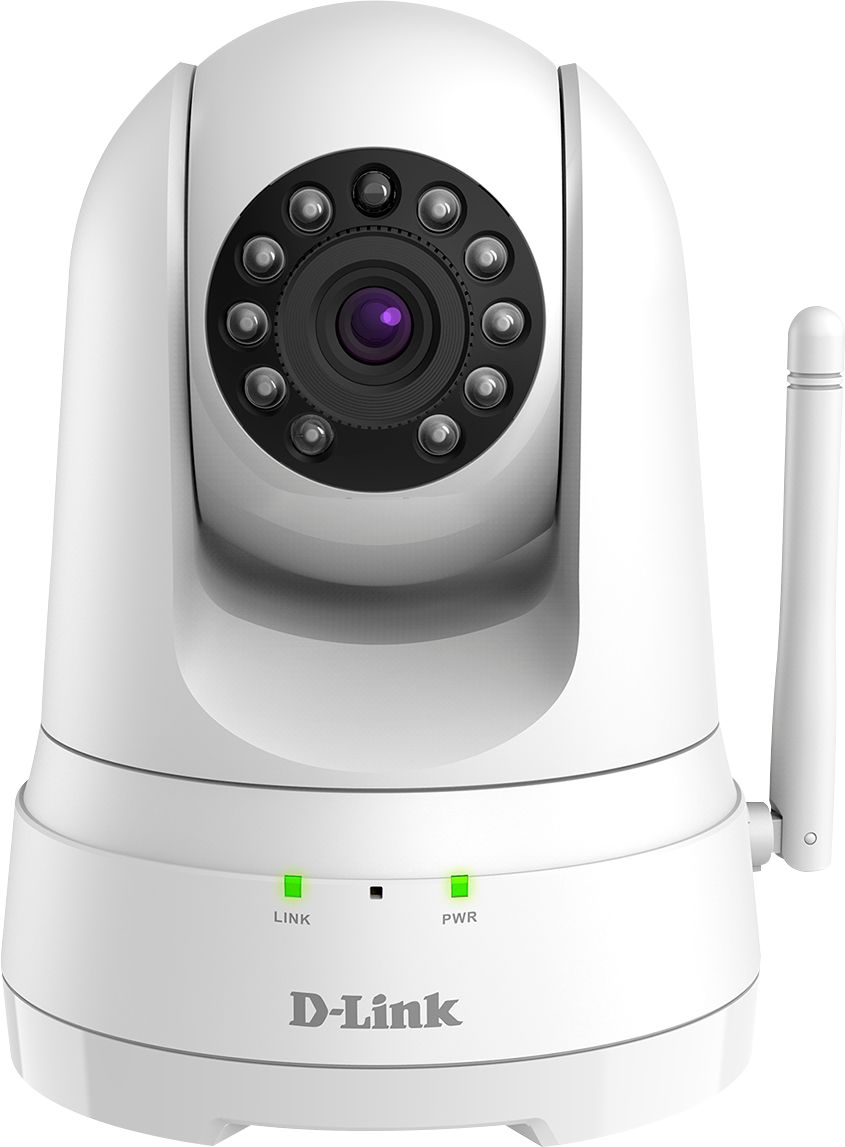
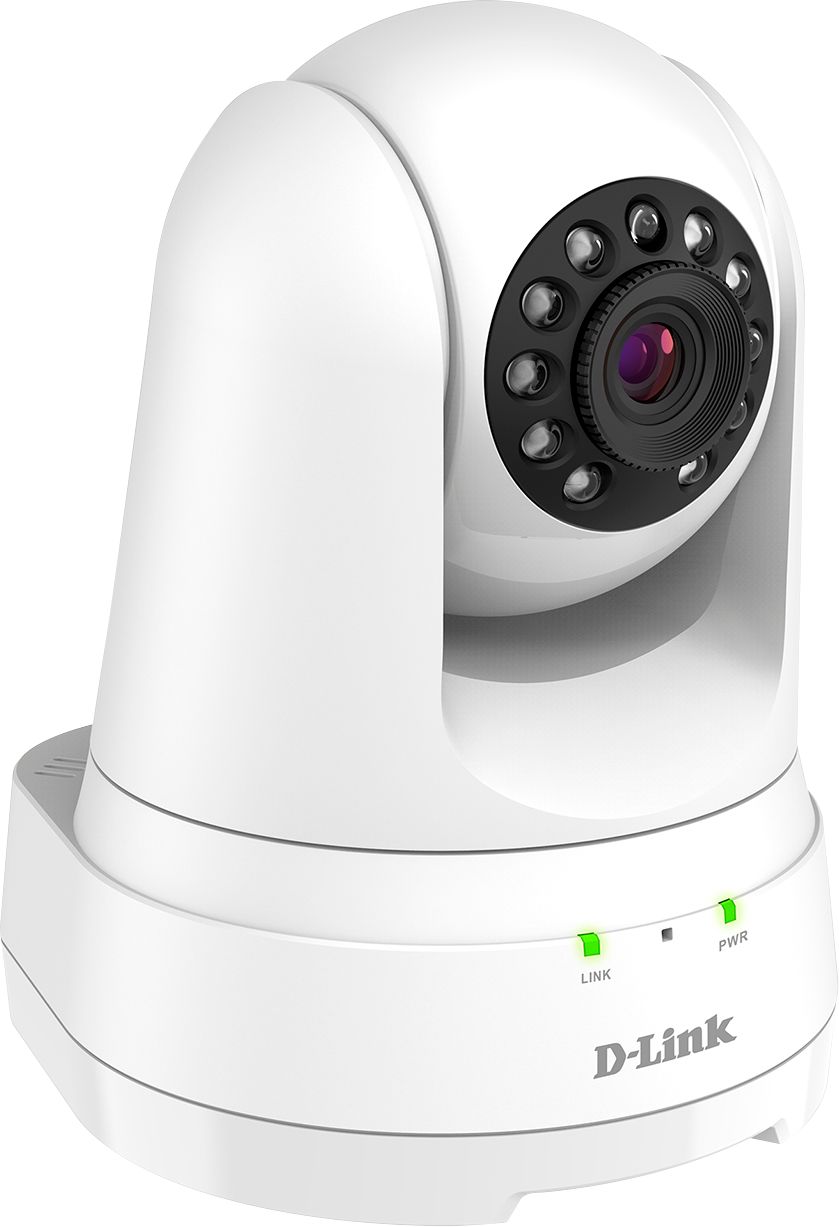
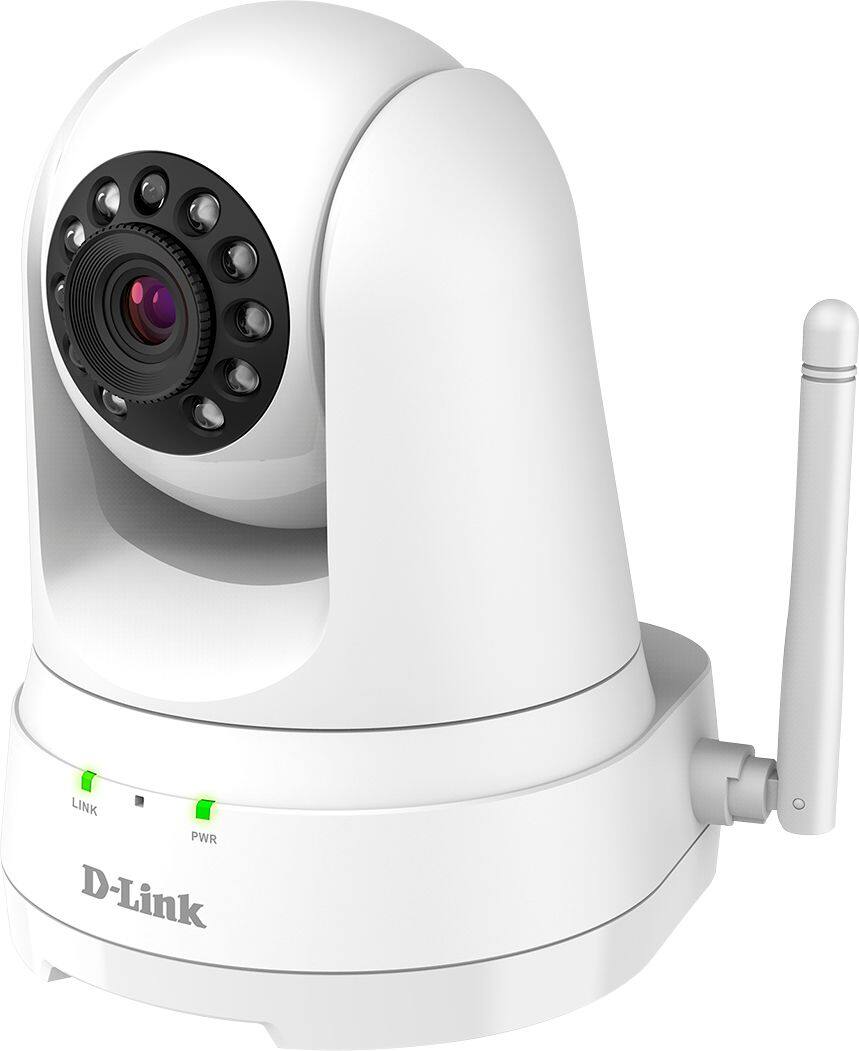
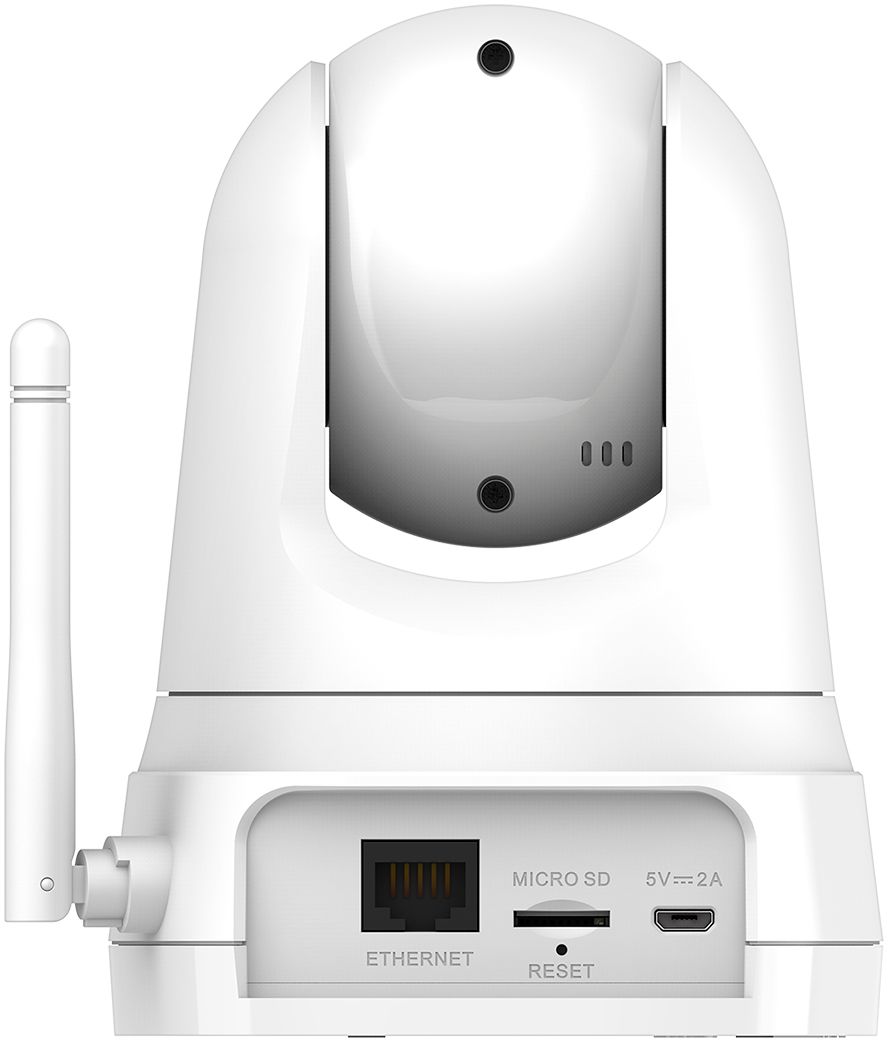
A:AnswerYes absolutely. I was shocked at how good it is. You have to use the app and wireless capabilities though. Can't say how much I like this product as a business owner honestly. Just ordered 3 more today.
A:AnswerThere is a selection you can make for night vision B/W or auto which will automatically at night turn to infrared so you can get a clearer picture. You can however use color at night too.
A:AnswerCan you get to cast live to your phone or tablet? I so in settings choose tap rather the swipe , you shouls see several arrows on the scree that allow for panning and tilt. once you familiarize yourself with getting to the spot you wish to monitor click /tap the screen 1-2 times and you should see the arrows and the orange circle in the center disappear. from there you can max/min the subject just as you would a picture you took on a cell phone and be able to drag the camera image around the room etc. Hope this helps. mine works fine.Good luck.
A:AnswerIf you set it up correctly. All three cameras will show in a list on the D-Link app. Each one can be viewed and controlled individually. There is no feature for a "gang" viewing.
A:AnswerUnfortunately, no, there isn't. Based on the information that I found on the DLINK site, it seems like they are in no hurry to allow this to happen. The only way to view this camera is via the DLINK phone or tablet app - which is inferior to their DLINK Lite app. The DLINK app for this camera is not very user intuitive and it cumbersome to use. Instead of this camera, I would recommend the DCS-5030L which has similar features, is usable via a computer/browser (except Firefox) connection. The picture is below.