A:AnswerThank you for the question John. Defender HD wireless cameras run on the 2.4GHz frequency band which can be quite crowded in a normal home. Using two of these systems close together does have the potential to cause interference between the two sets. In this situation, it can originate from both the camera and receiver as they search for each other.
We do not recommend the use of two in the same location, but if they are being used this way, they should be as far from each other as possible. Thank you for being a part of the Defender Family!
A:AnswerThank you for your interest in Defender, Curious! We do not recommend positioning the camera to look outside a window as this could cause a reflection that will distort your image. Thank you for considering Defender to give you the peace of mind you deserve!
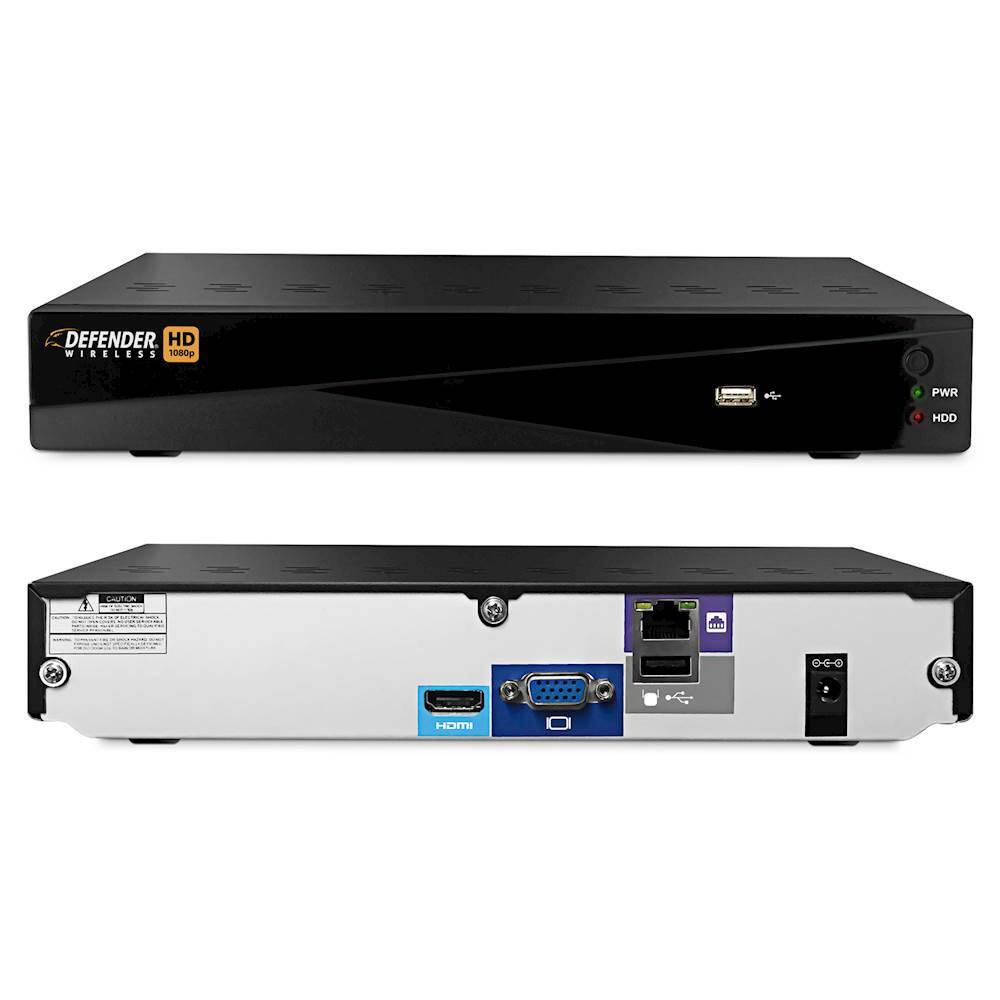
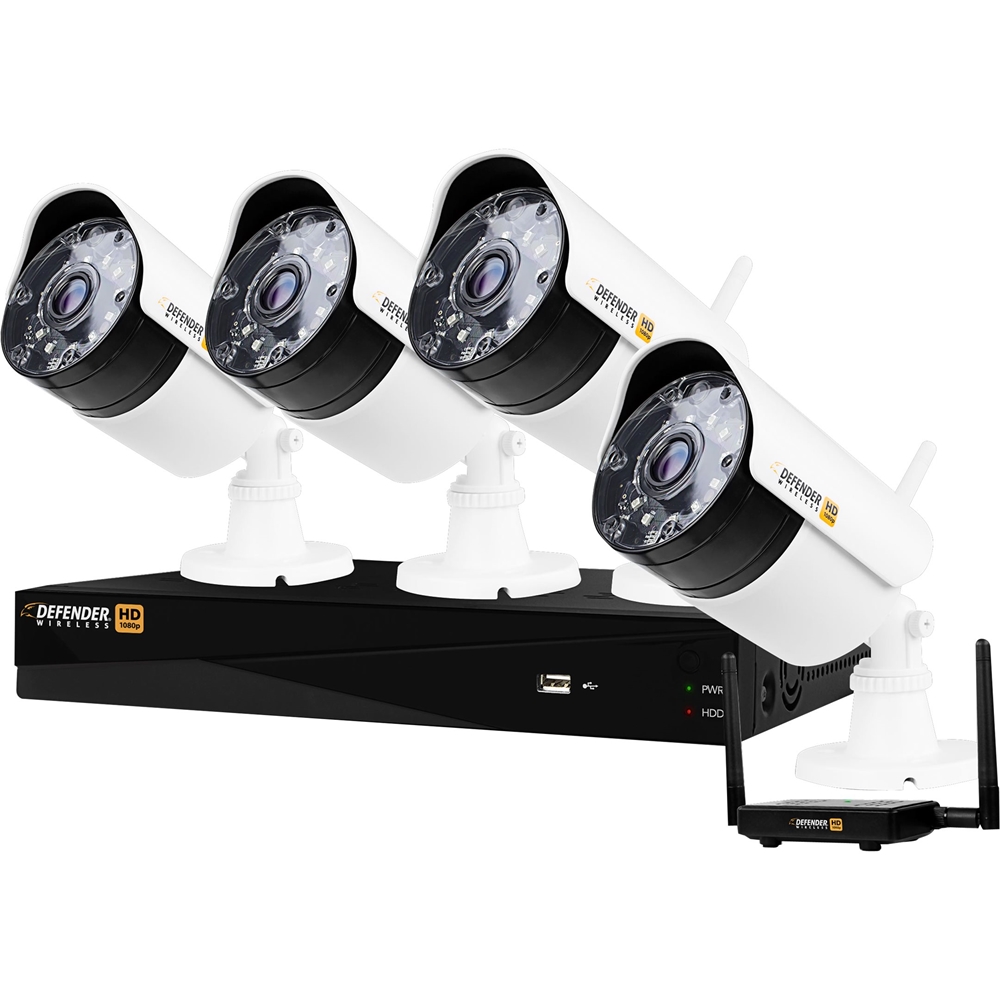
A:AnswerGreat question, RacerX! A WiFi connection is not needed to connect the Wireless HD cameras to the DVR. The cameras connect to the DVR through the included transmitter and a secure pairing process. If you choose to view the cameras while you are away from the phone using your smartphone you would need to have the DVR connected to your router by the included ethernet cable. Thank you for considering Defender to give you the peace of mind that you deserve!
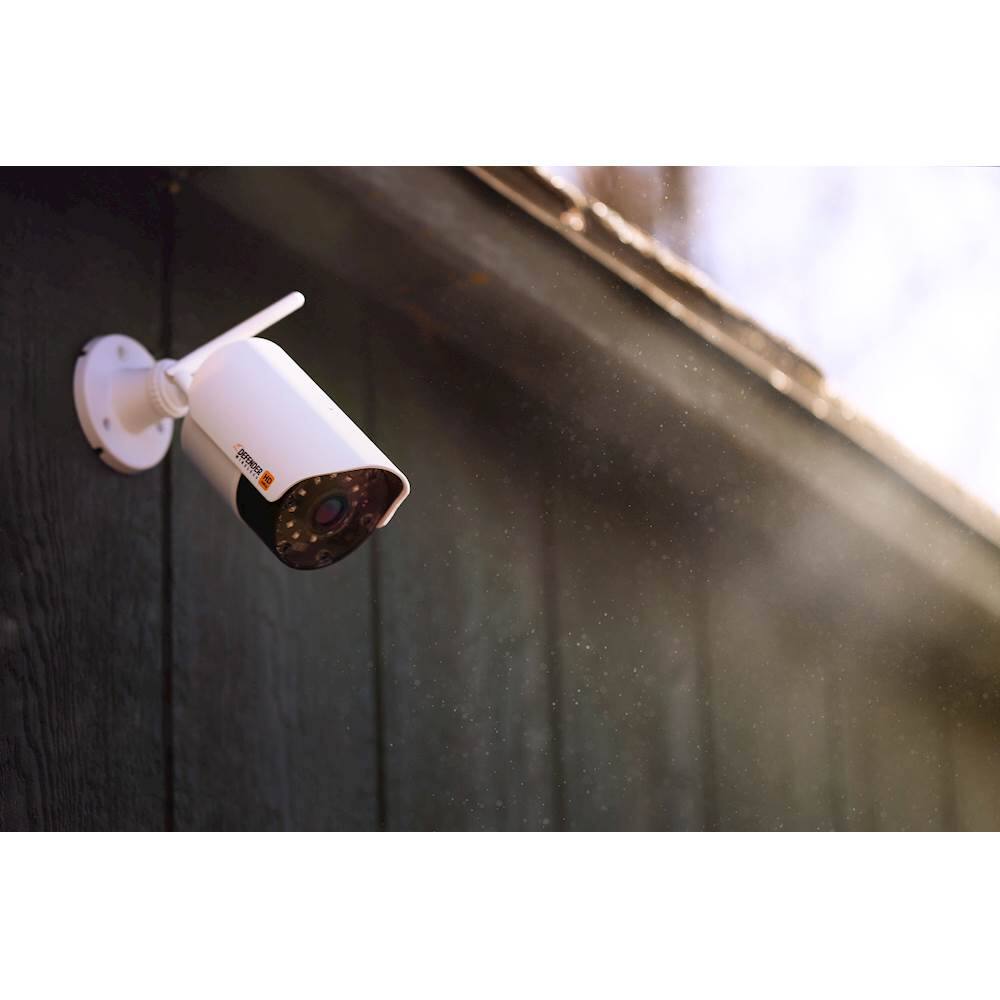
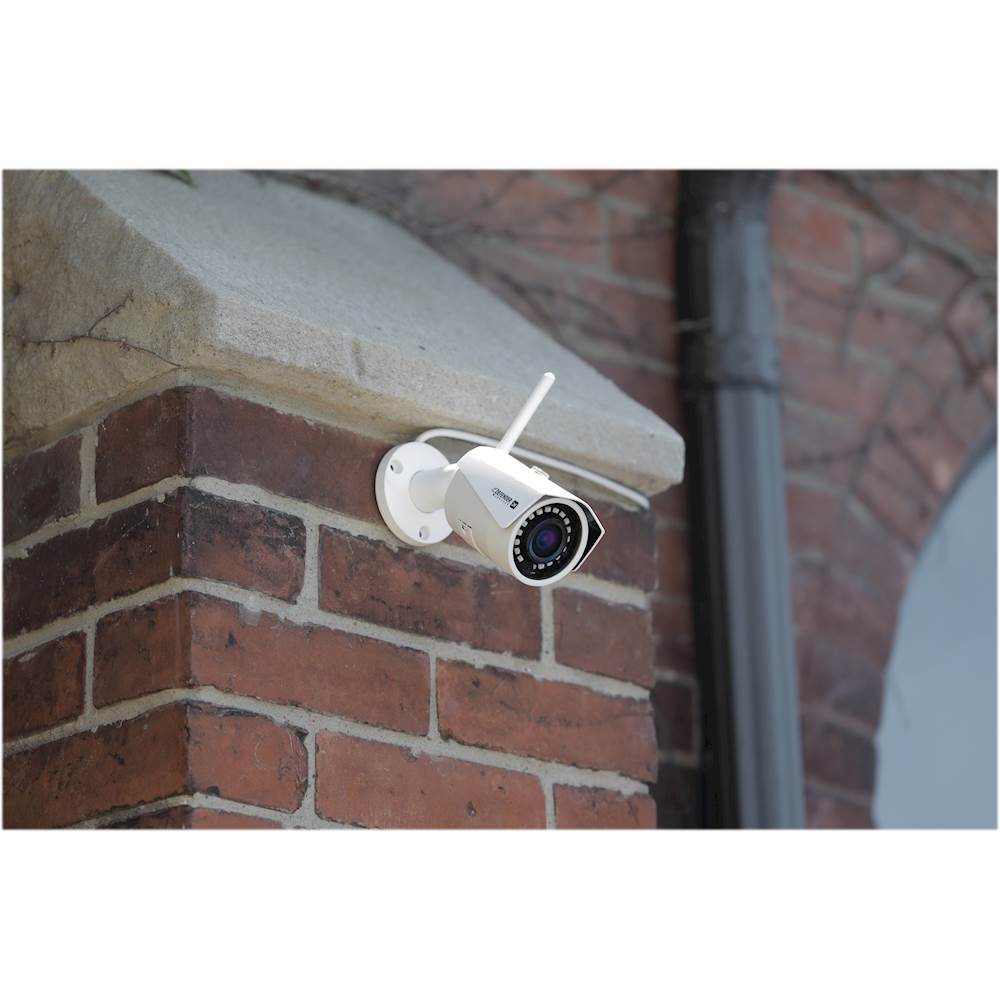
A:AnswerGreat question Sus! The operating temperatures for the camera are -10°C - +40°C. We use them year-round in Canada and the cameras have never let us down! In Winter, Spring, Summer or Fall you can count on Defender for the peace of mind that you deserve!
A:AnswerThank you for your interest in Defender, sam24! You will only need to have the DVR connected to the internet if you wish to view the cameras while you are away from home. Thank you for your question and we look forward to having you as a part of our Defender Family!
A:AnswerThank you for the question Mark, using the QR code on the top of the DVR should give you access to the cameras while both home and away. If you require assistance with troubleshooting please contact your place of purchase and they should be able to assist. Thank you for being a part of the Defender Family!
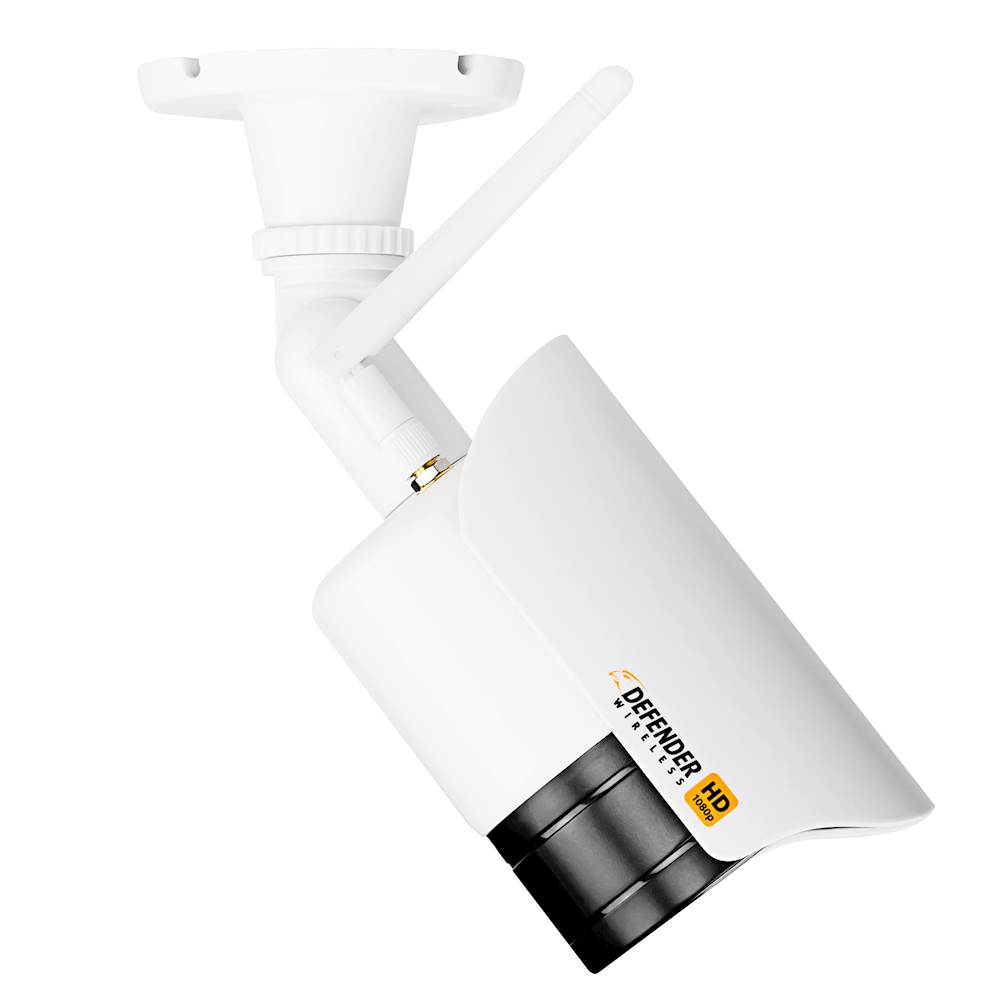
A:AnswerThank you for the question, Rich! We do not manufacture a battery powered camera; all Defender cameras need to be plugged into a standard power outlet. If you find that the power supply is not long enough for you, an extension cord that is rated for the environment in which it is being used may be the solution. Thank you for considering Defender to give you the peace of mind that you deserve!
A:AnswerThis is a great question! The footage can be saved onto a USB and downloaded onto your computer, from there you should be able to move the footage to a DVD. Thank you for considering Defender to give you the peace of mind you deserve!
A:AnswerThank you for considering Defender, Nick. You can view the cameras live by connecting the DVR to your TV or monitor using the included HDMI cable. The live feed can also be viewed on your smartphone or tablet by using our Defender HD app. With Defender on the watch you will have the peace of mind you deserve!