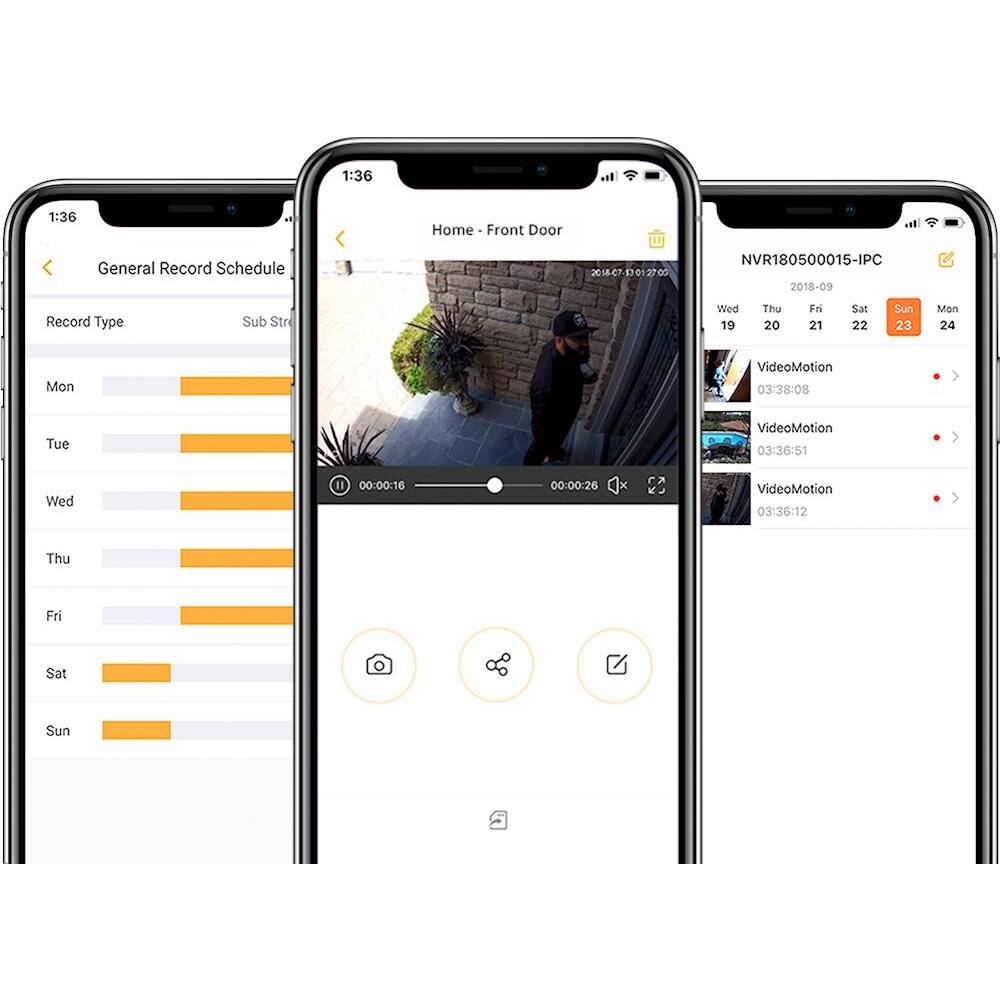
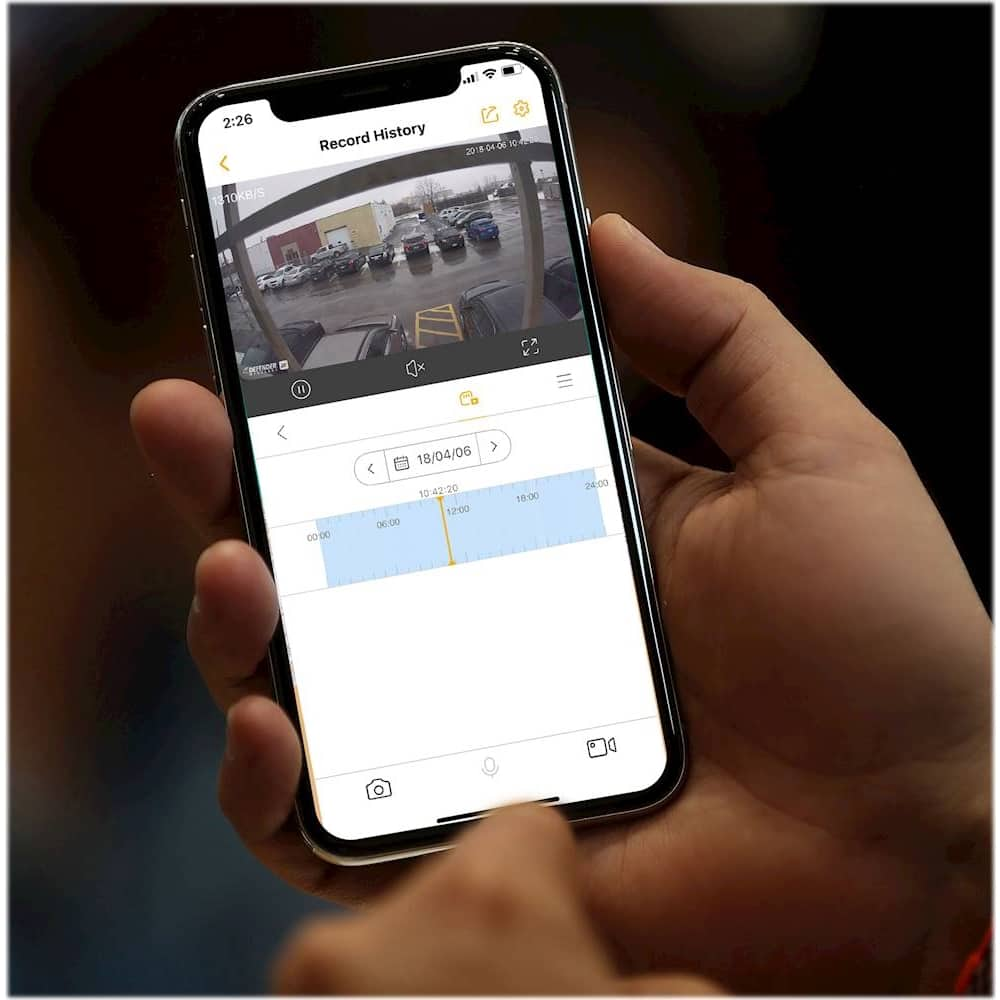
A:AnswerGreat question, Duke! The SmartSignal app is compatible with our 2K camera specifically and we are unable to confirm if third party cameras would be compatible with the app. You will be able to allow other users to access the cameras. Thank you for your interest in Defender!
A:AnswerHello JJT. Thank you for your inquiry! The amount of continuous recording on the 16 gb SD card will be approximately 5 days in HD and 16 days in SD.
A:AnswerI can't tell you exactly how far but I have one in a metal shop that is separate from the house and modem and it works perfectly. I would recommend this camera every day all day. It sets up easily too. But if you have any issues whatsoever, Lorex will work tirelessly to fix your issue. I have been a long time consumer of Lorex cameras. The original model is still working perfectly. The fxc model was a fantastic camera. Lorex stopped supporting the Lorex Secure app that the camera needed to function. Lorex sent this camera to replace that camera for free. I had 10 of the fxc cameras between mine and my Mom's home. They replaced all 10 at no charge. Now that is customer service! They didn't have to do that but they did. This camera is their best one yet and because of that I purchased 2 more of them. You won't be sorry if you purchase this camera.
A:AnswerThank you for reaching out, Bound! Please contact Defender at 1-866-353-1217 we are available Monday to Friday from 8:00 am to 6:00 pm EST and we will be more than happy to get you up and running!
Melissa C. | Defender Customer Experience Expert
A:AnswerNguoivuive, we are sorry to see that you are having problems getting your camera set up. Please contact our support department by phone, email or live chat and they can assist you.
Martin R. | Defender Customer Experience Expert
A:AnswerThanks for the question JJT. There is a light under the plate that has two little screws to indicate if it is connected to the network. This is also where the SD card is stored. Other than that there are no other lights on the camera. Please contact out support team by phone, email or live chat if you need further assistance.
Defender Support
A:AnswerThank you BR, great question! The Defender - Indoor/Outdoor 2K Wi-Fi Wireless Security Camera does not use batteries. The unit has a power supply that needs to be connected to a power outlet.
Defender Support
A:AnswerHi Dork, thank you for your question. Due to the continuing browser changes and upgrades we are not able to guarantee a seamless experience for our customers using the web user interface. Instead, we are focusing on bringing you the best possible mobile viewing experience on iPhone and Android smartphone devices through our Defender apps which are available through the app store and Google Play on most smartphones and tablets!
Defender Support
A:AnswerThe cameras work on batteries but if you want to connect it to an outlet you can. Another vendor sells cords up to 25 get long. You will need to check the internet.
A:AnswerThe SD card overwrites once it is full. Meaning it records over the oldest videos first. You can view the contents of the SD card on your phone without taking the card out. However, if you want to save any of the videos for keeping then you have to remove the card from the camera. You can then access the contents of the SD card on your computer and save the file for the date and time you want to keep. You can format the card in the settings of the camera or if you have the card out and in the computer, you can format it via computer as well.