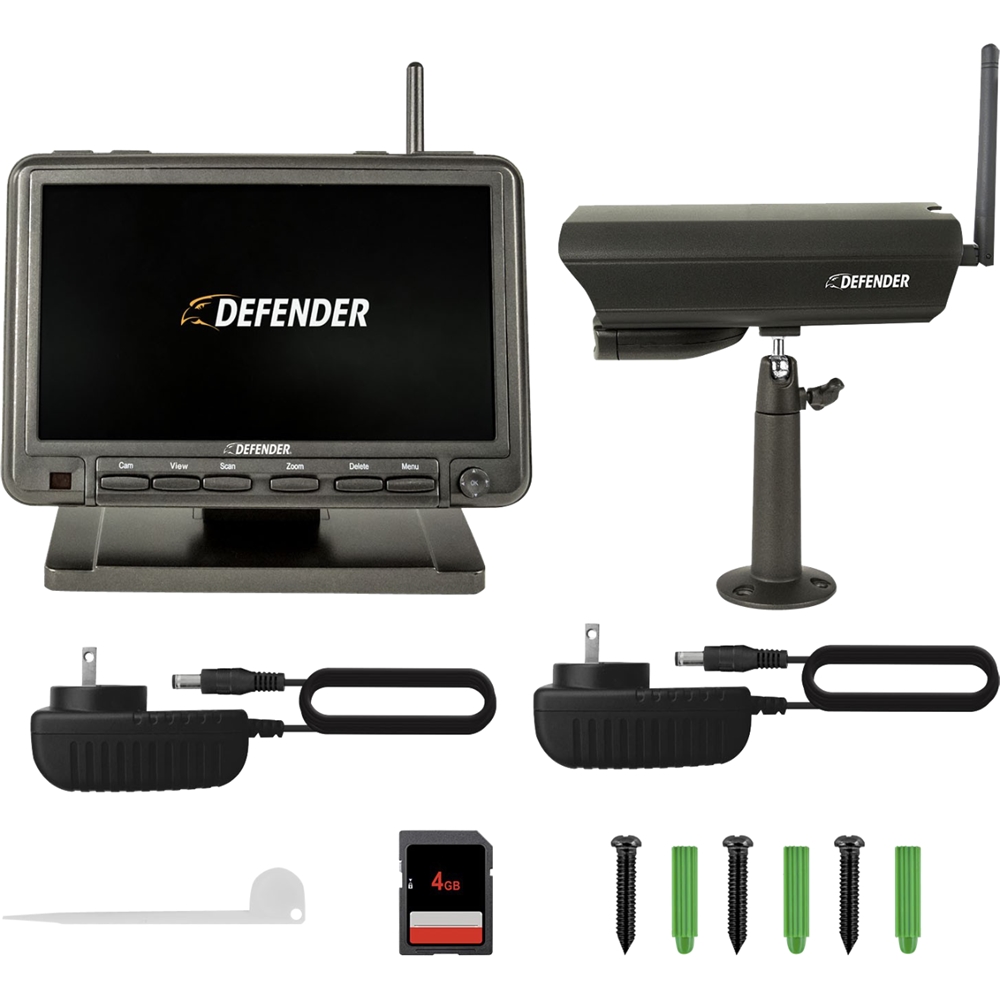
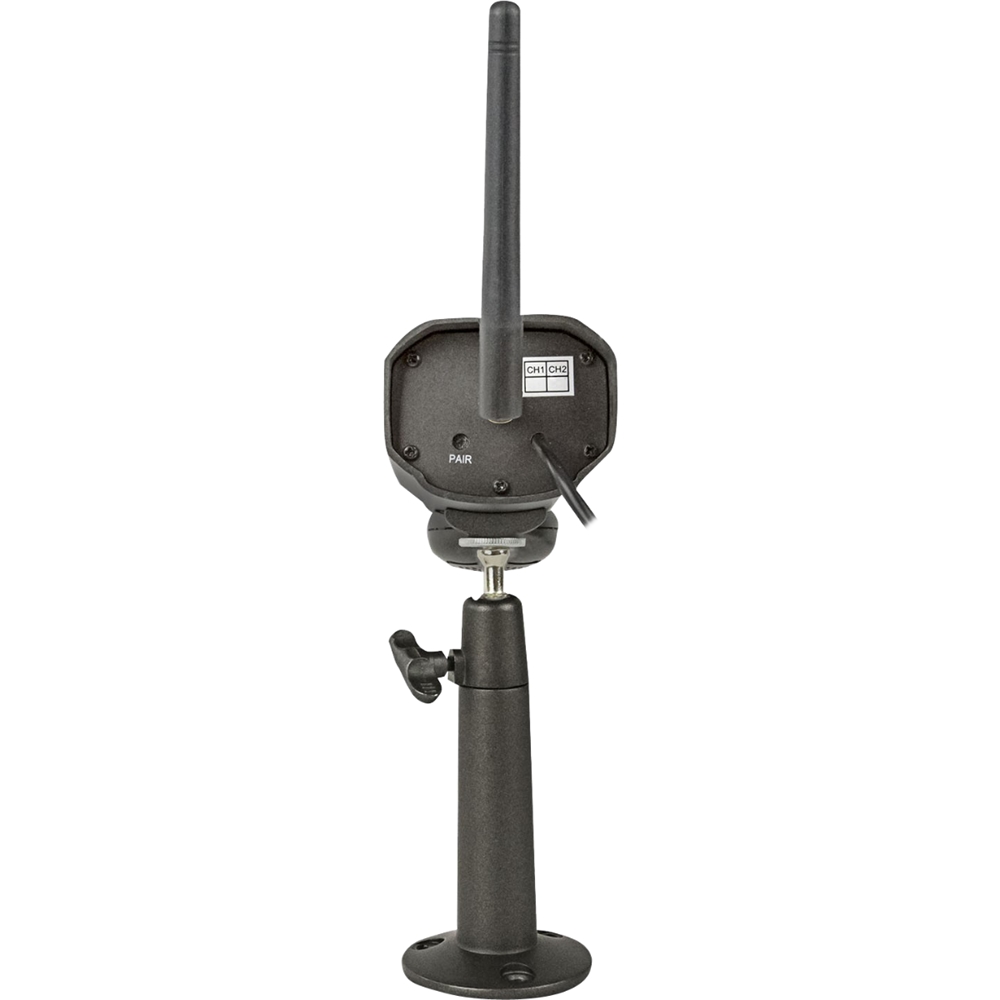
A:AnswerThank you for your question Darrin916. This message will appear if the monitor cannot connect with the camera. Pairing the camera should restore your image, instructions to do so can be found on the quick start guide included with your PhoenixM2 System. If you continue to experience this, the product includes a one year manufacturer's warranty. We want to ensure you get the peace of mind you deserve.
A:AnswerHello Julie. Thank you for taking the time to post your comments. We are sorry to see that you have experienced this dissatisfaction. Regertfully, we cannot provide information on your concerns as mentioned.
As you posing technical inquiries with respect to product design and value your feedback, we do recommend that you contact Defender directly from our website, where you will have both Live Chat and completion of the online contact form for options.
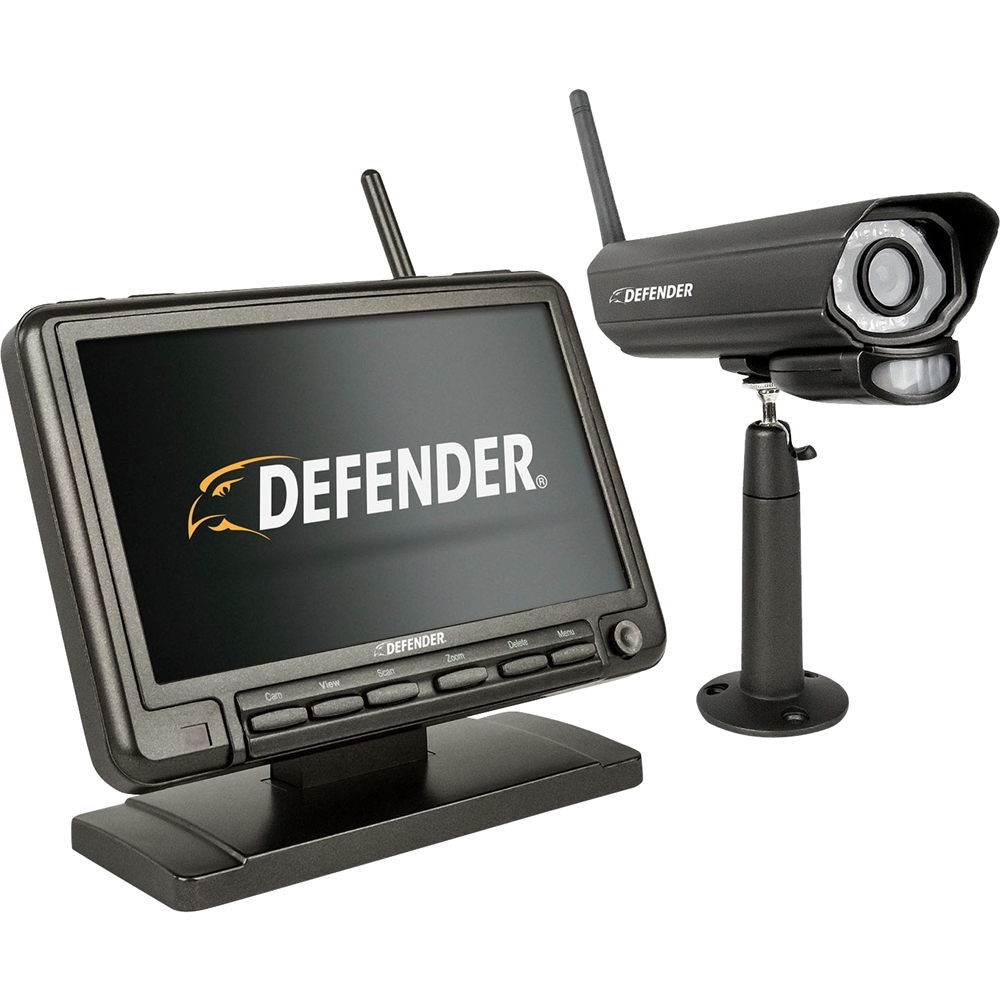
A:AnswerGreat question Kaiser, thanks for your interest in PhoenixM2!
The monitor must be powered on to record using the cameras. If you don't want to see the camera feed at all times, you can use the sleep mode function on the monitor to turn off the screen itself.
A:AnswerThank you for your question Spacer. For something such as this, we recommend contacting our Customer Experience Team directly for further assistance. The monitor should hold the settings you enter, even after powering off or being unplugged.
A:AnswerThanks for your question.
You would be limited to one monitor per 4 cameras. If you were to pair a camera to a 2nd monitor, it would unpair from the first.
A:AnswerThank you for your question NavyDiver.
You will hear a small click when the pairing button is pressed, you should not need to hold it for any more than a couple of seconds. If your camera is not pairing, try moving it closer to the monitor before moving it to it's final location.
A:AnswerOur camera is on a corner by the roof where we have an outlet by another security camera. The monitor is inside where i can watch it anytime. And the monitor is plugged into an outlet in the wall. No batteries needed for this security camera just outlets. One for camera an one for the monitor. I only wish i would of gotten the 2 camera one. Just make sure your sim card is large enough to hold the space you want if you are not checking it weekly or biweekly. Great picture day or night because it has infrared.
A:AnswerGreat question Doreen,
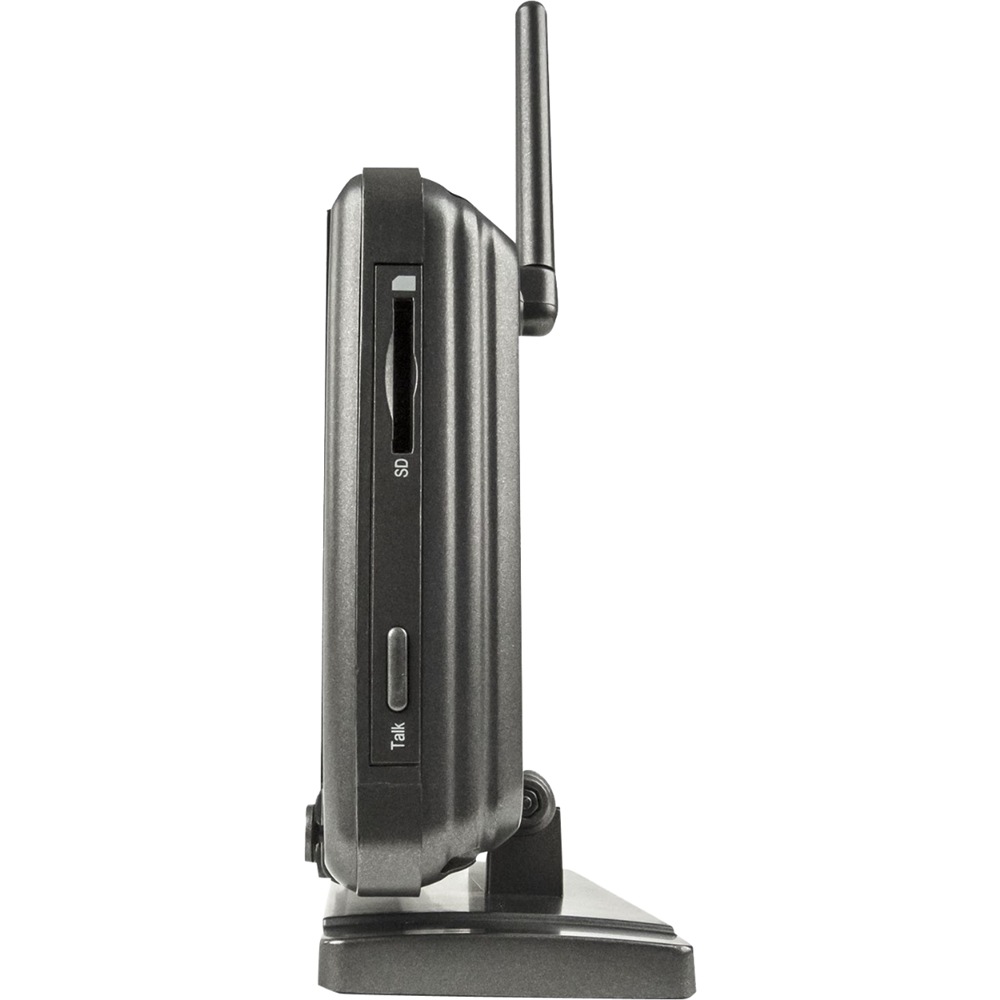
PhoenixM2 supports SD cards up to 128GB in size. When adding a new SD card you may need to format it in the monitor. Be sure that the card is also unlocked (small switch on the side) and that if using a micro SD card, that it's secure in the SD card adapter.
A:AnswerThanks for a great question Rebie!
If set to motion it should be able to trigger 24 hours a day, if this isn't the case, please reach out to us directly. Otherwise, if motion is disabled you can schedule continuous 24 hour recording.
A:AnswerGreat question Toby.
The PhoenixM2 uses an SD card for recording. The recordings can be easily moved from the SD card to a PC or another storage device.
A:AnswerGreat question Osker.
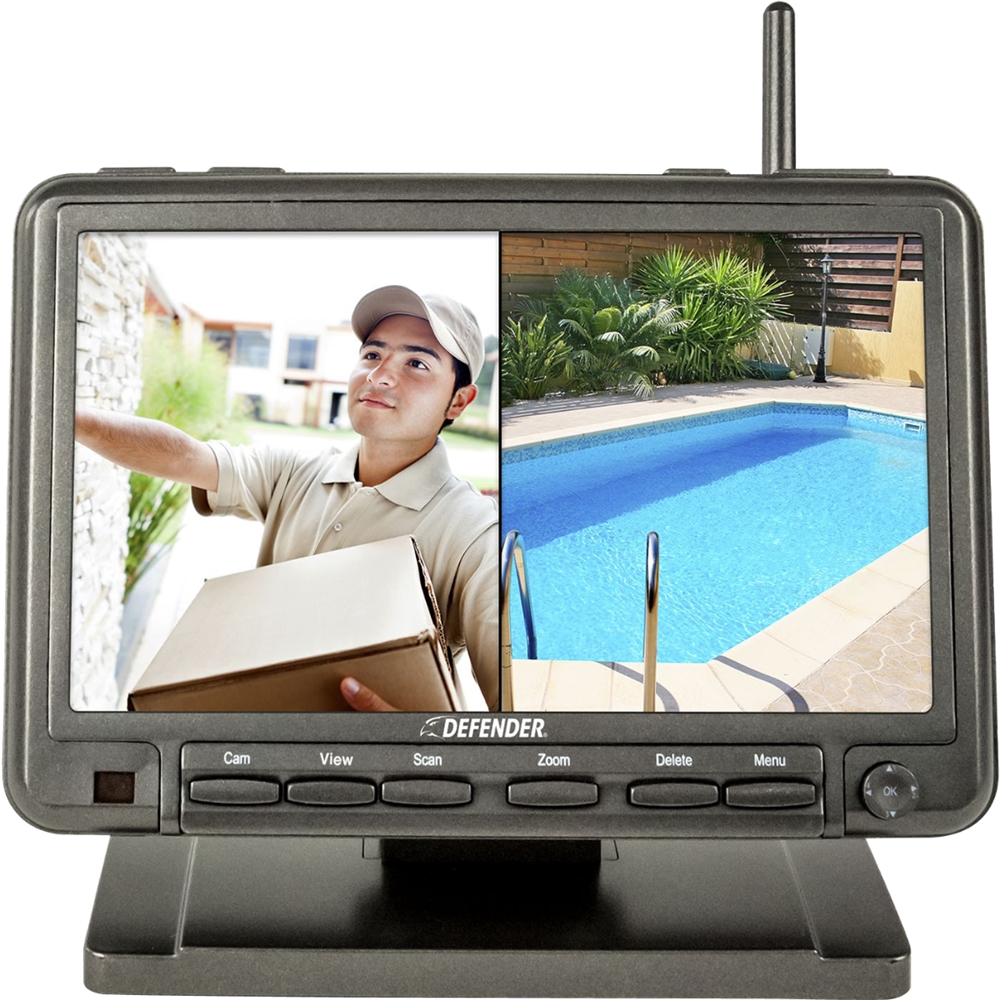
The PhoenixM2 works independently of any internet connection. It does not have mobile viewing capabilities but it will record and be viewable through the included 7" monitor.
A:AnswerGreat question Sal,
Our cameras are rated as weather resistant. The PhoenixM2 is will withstand splashing water, but not direct prolonged exposure to rain.
A:AnswerThank you for your question James.
The PhoenixM2 is designed as a single monitor system. You would not be able to pair a camera to two monitors.