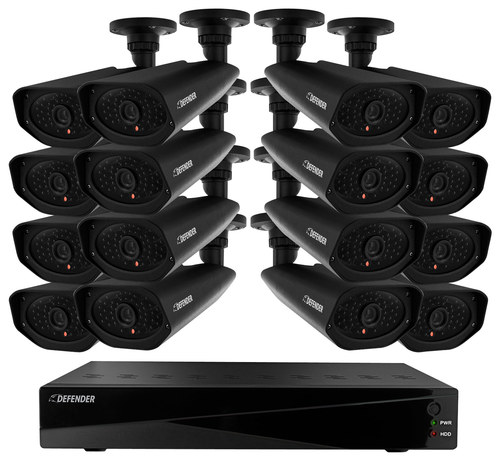
A:AnswerHello GS, thank you for your interest in Defender. Yes, you must have your DVR connected to your wireless router/modem via the included Ethernet cable.
A:AnswerThank you for your question Bill. Our cameras include 65ft of cable per camera, additional extensions can be used to reach out up to 195ft. CAT5 does not have the Video/Power connections our cables include, therefore they are not compatible with CAT5 cabling.
A:AnswerHello and thank you for your inquiry. Yes it can. You would need to download the ClearVu app from the PlayStore, have the appropriate ports open in your router/modem and have the DVR connected to your router/modem with the included Ethernet cable.