Questions & Answers
- Model:
- DELL-P2418HZME
- |
- SKU:
- 6451553
Highly rated by customers for: Screen Size
Page Showing 1-12 of 12 questions
Q: QuestionIs this monitor compatible with MacBook Pro?
Asked by Tabar.
- A:Answer Yes, this monitor is compatible with MacBook Pro.
Answered by YourDellTeam

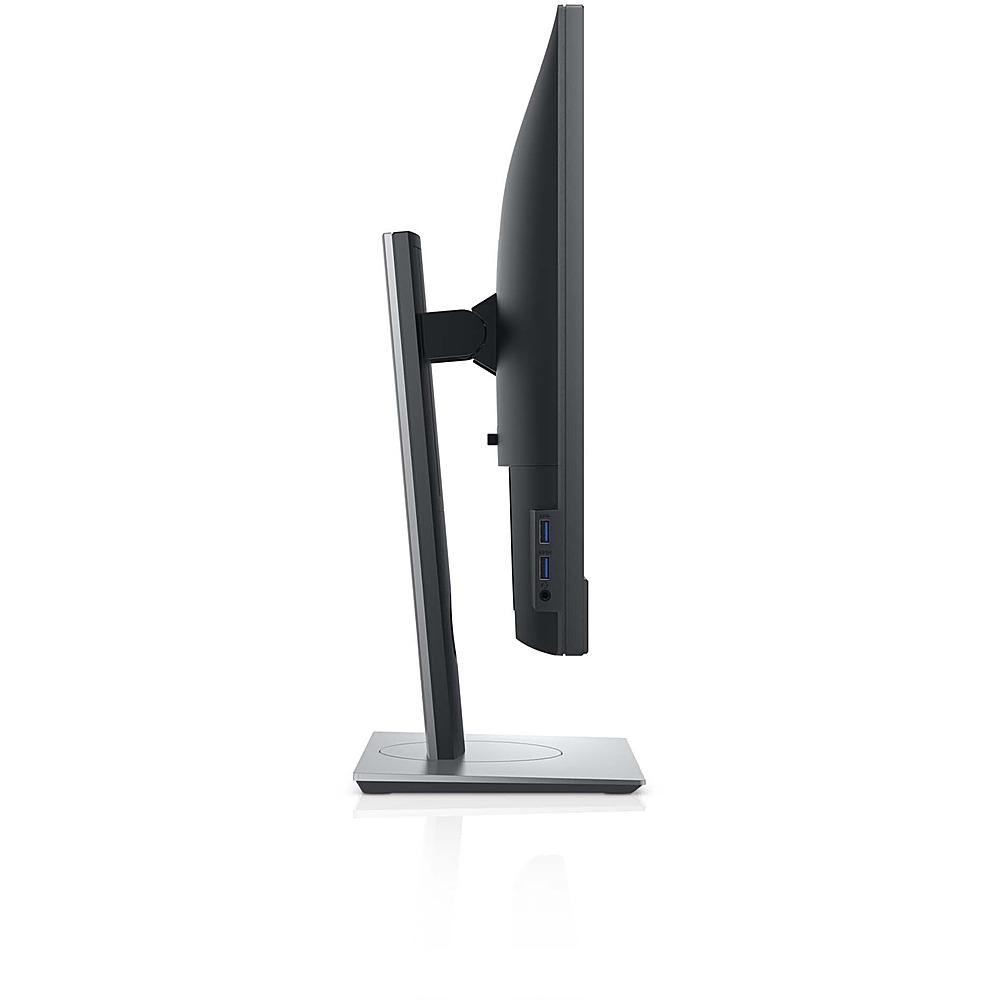
Q: Questioncan headphones be plugged into the monitor? is monitor compatible with HP Pavillion 3100 model?
Asked by glenn.
- A:Answer This monitor does not have the option to plug in the headphone. The monitor is compatible with HP Pavilliob 3100 model.
Answered by YourDellTeam

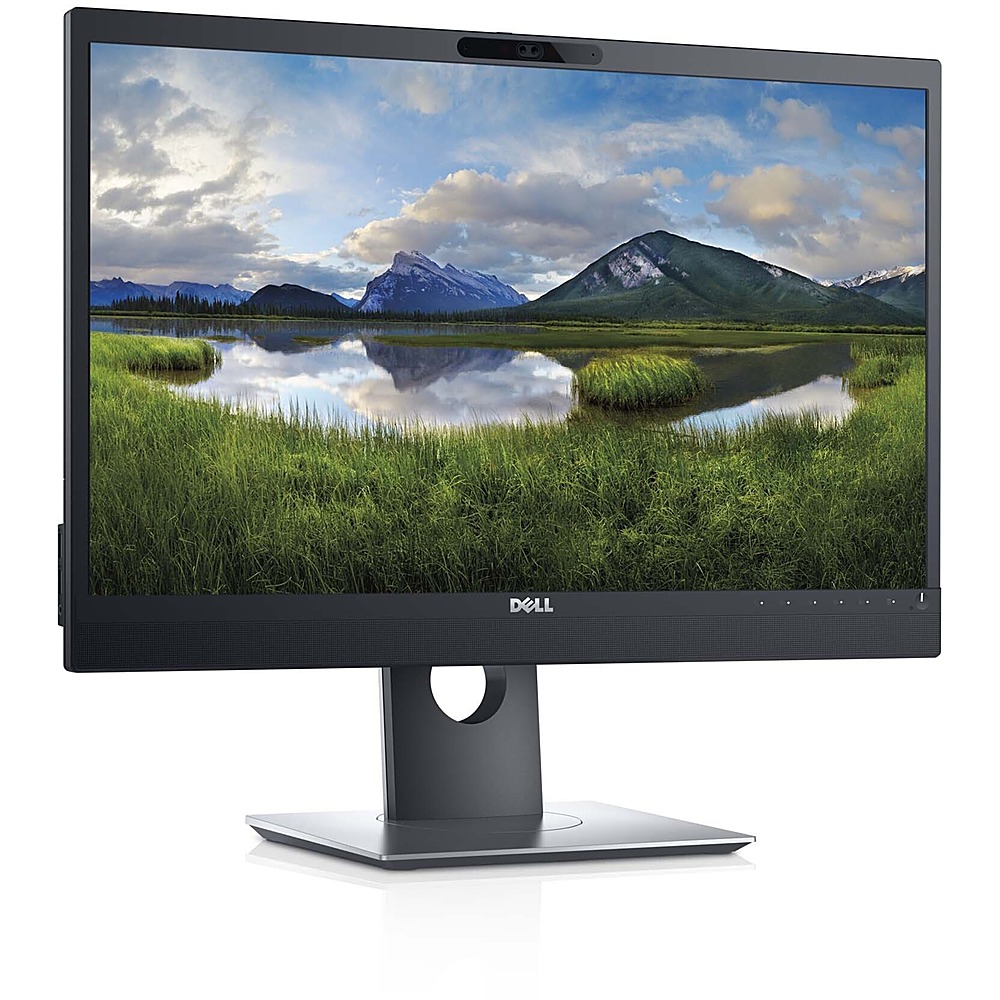
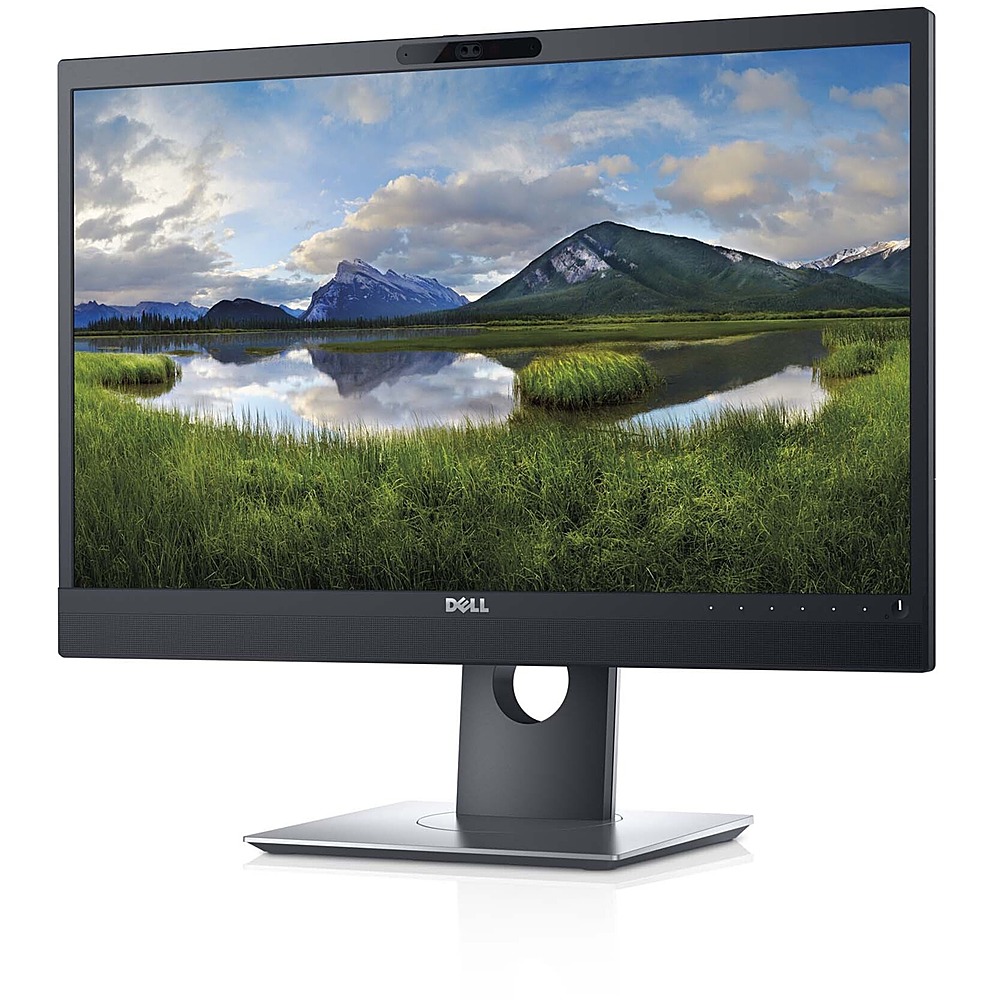
Q: QuestionThe specifications indicate this monitor is equipped with a webcam and speakers. Is it equipped with a microphone?
Asked by Anonymous.
- A:Answer Yes, this monitor comes with Omni-directional digital microphone next to the Web camera.
Answered by YourDellTeam

Q: QuestionHow do I get my laptop to recognize the built-in camera?
Asked by Anonymous.
- A:Answer The camer adrivehas to be installed or updated fromt eh Dell support site to access the camera. should you need any assistance, the Dell technical support team is available 24/7 on Facebook and Twitter(@Dellcares).
Answered by YourDellTeam

Q: QuestionARE SPEAKERS BUILT IN?
Asked by GLENN.
- A:Answer Yes, the speakers are built into the monitor for a streamlined look.
Answered by JohnZ
Q: QuestionIs this compatible with apple products? Specifically a mac mini 2020?
Asked by Anonymous.
- A:Answer Yes, this monitor is compatible with Mac Mini 2020.
Answered by YourDellTeam

Q: QuestionI want to use this as an extra display for my Laptop. I tried only using the Power and USB cables, but I see VGA cable is also required. My laptop does not have VGA, but I can get VGA-HDMI cable. Is the DP cable also required to use as an extra display?
Asked by dillon.
- A:Answer To receive video input from a computer, this monitor could be connected using either a VGA or a HDMI or a DisplayPort cable. Once the USB cable is connected to the computer, you can use the USB connectors on the rear side and bottom side of the monitor. Should you experience any technical issues with this connectivity, please reach out to the Dell Technical support team for assistance. They are available 24/7 on Facebook and Twitter(@Dellcares).
Answered by YourDellTeam

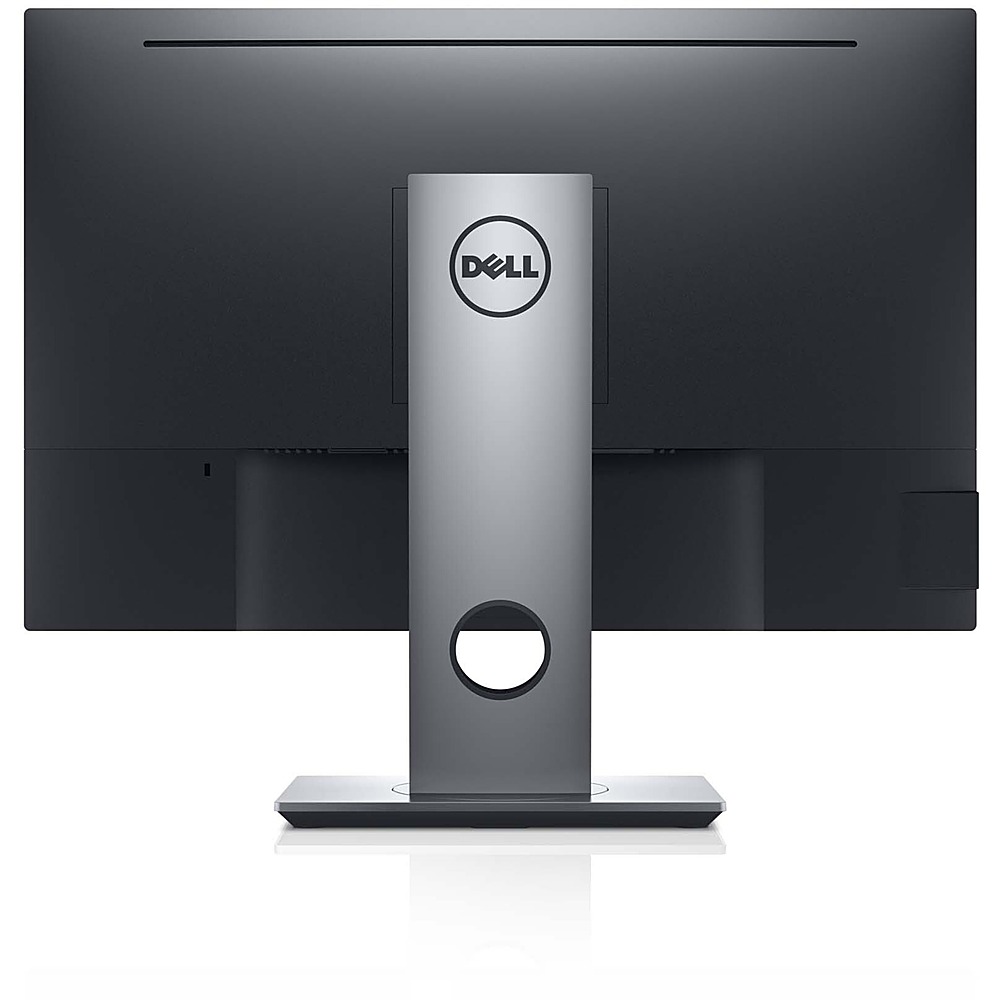
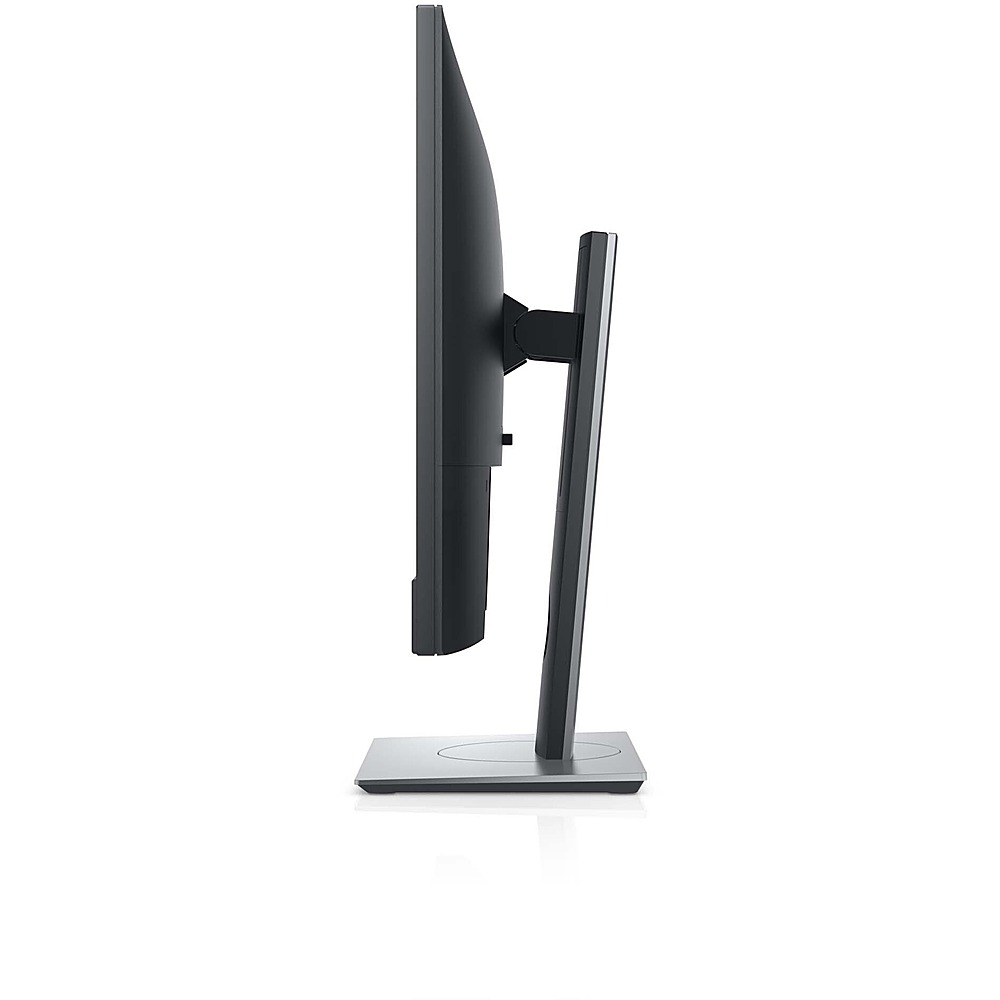
Q: QuestionHow high would this monitor be at it's lowest height setting? I am limited on vertical space and only have 17" of height to work with?
Asked by Ed.
- A:Answer The lowest height of the monitor with the stand is 14.79 inch.
Answered by YourDellTeam

Q: QuestionWhat size is the screen? 27"?
Asked by Mack.
- A:Answer This monitor comes with a 23.80 inch viewable area, measured diagonally. The Horizontal Active Area is 20.75 inch and the Vertical Active Area is 11.67 inch.
Answered by YourDellTeam

Q: QuestionCan this connect with a Microsoft Surface Pro?
Asked by surfacepro.
- A:Answer Yes, this monitor is compatible with a Microsoft Surface Pro.
Answered by YourDellTeam

Q: QuestionIs the Monitor tiltable?
Asked by Joyce.
- A:Answer Yes it is tillable! In fact it will tilt vertically so you can easily connect your devices to the monitor.
Answered by GMcCoy
Q: QuestionDoes this Dell monitor have a built in camera and microphone?
Asked by mj.
- A:Answer Yes, this Dell monitor has a built-in camera and microphone.
Answered by YourDellTeam

Page 1, Showing 1-12 of 12 questions
Most-viewed items
- $499.99$499.99The price was $899.99
- $329.99$329.99The price was $469.99
- $99.99$99.99The price was $129.99
- $299.00$299.00The price was $349.00
- $449.99$449.99The price was $649.99
- $1,149.00$1,149.00The price was $1,299.00