A:AnswerHello! Please reach out to the Geek Squad directly so they can support! Here's a direct link to contact them: https://www.bestbuy.com/services/remotesupport
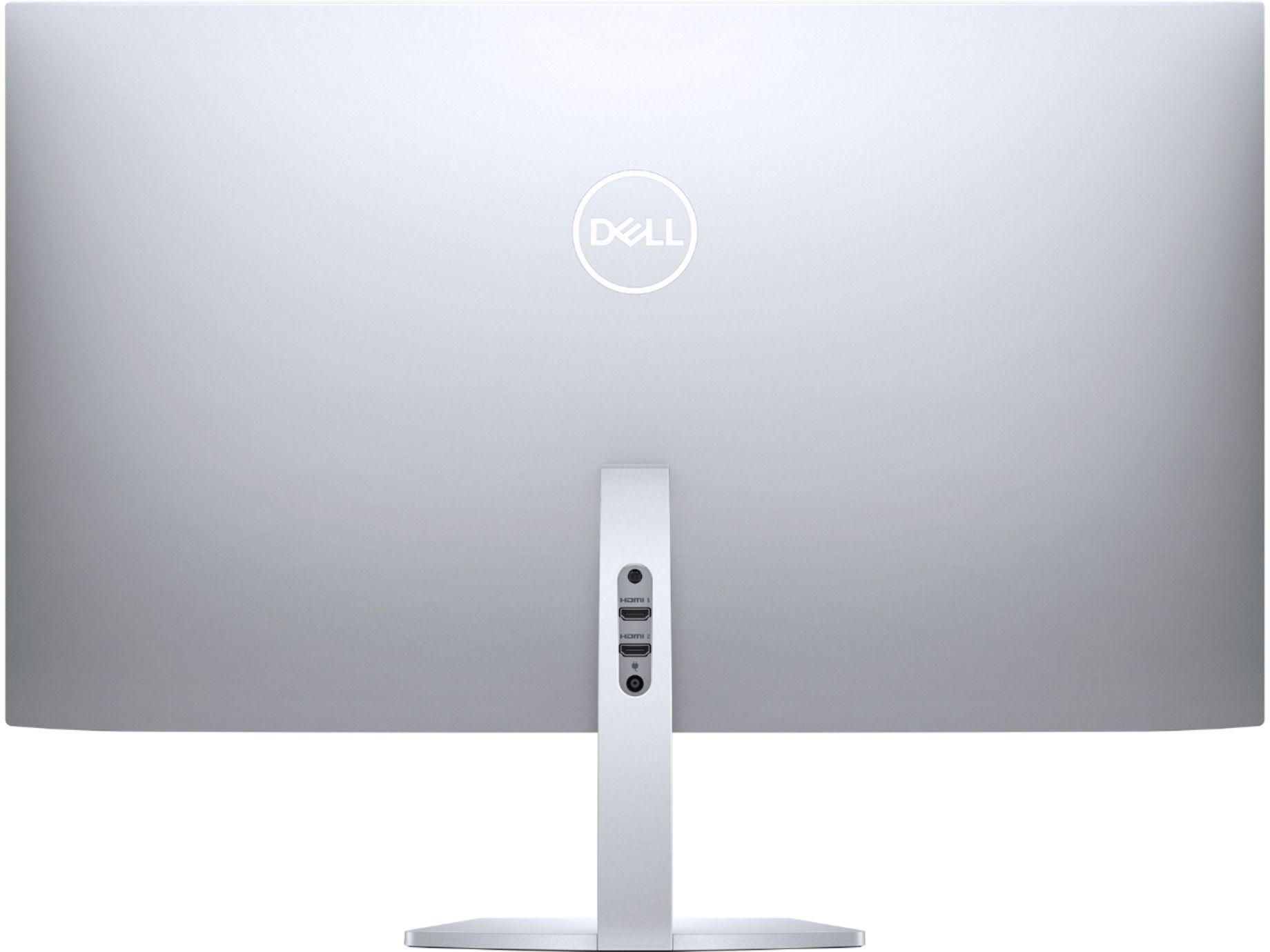
A:AnswerYou have to see if your computer has a HDMI port on the back if you do then it should. Unless your processor inside your computer isn't up to handling 1440p. Check your specifications.
A:AnswerYes, but if you're using Windows you have to go into Settings-System-Sound and tell it where to send the audio. I use it with earbuds so I had to redirect audio to Headphones Don't know about Apple but probably similar. BTW the monitor does have a port for plugging in a standard headphone jack, but you'd never know it from the practically non-existent instructions for users.