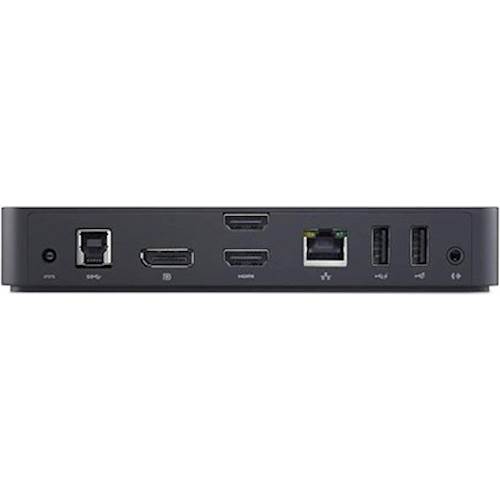
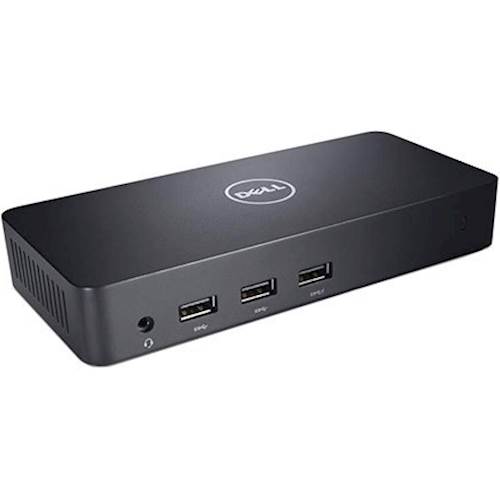
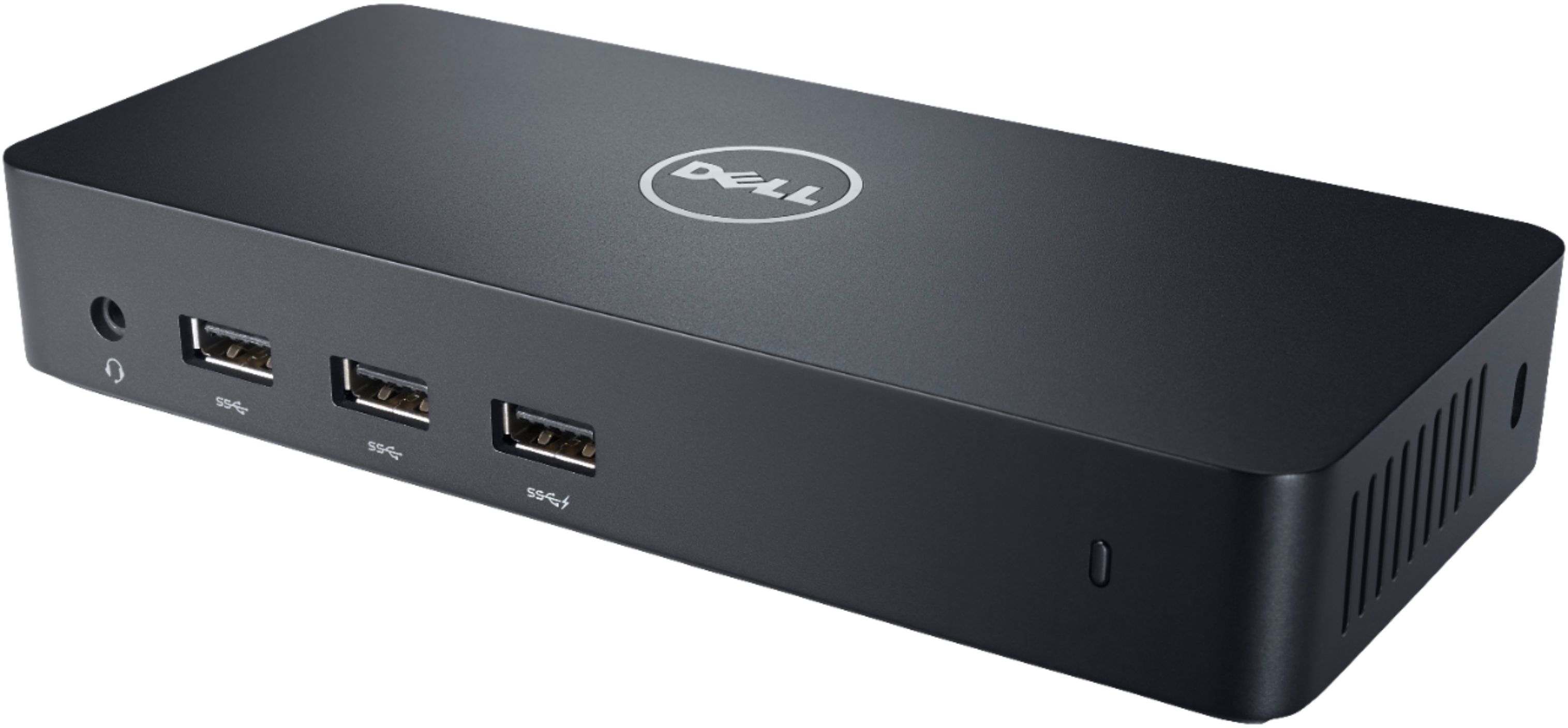
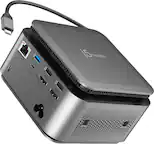
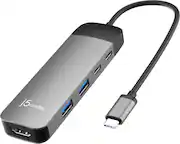
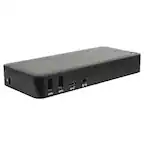
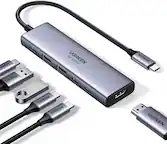
A:AnswerThis docking station helps me to connect 3 monitors simultaneously. I bought this docking station a month ago to use with my Mac Mini with an M1 chip (as M1 chips has limitations with multiple displays). The only problem is a slight decrease in resolution. Other than that it works perfectly.
A:AnswerPlease try downloading and installing the driver through the Dell support page or Support Assist application. If the issue exists, do reach out to the Dell technical support team. They are available 24/7 on social media platforms, Facebook, and Twitter(@Dellcares).
A:AnswerYou could connect the docking station D3100 with USB 3.0 to the USB 3.1 Gen 2 port in XPS 7390 with the adapter. However, the functionality may differ depends on the adapter capacity.
A:AnswerPrecision 7000 series mobile workstations require more power than 130W, so when docked with the Dell Dock WD19 (130W/180W) or Dell Thunderbolt Dock WD19TB, the workstations need to be plugged in externally for optimal operation. For the best experience with Precision 7530 , choose the Dell Performance Dock WD19DC. The WD19DC dock comes with a dual USB-C connector that provides up to 210W of power delivery, so you no longer need an additional power adapter.
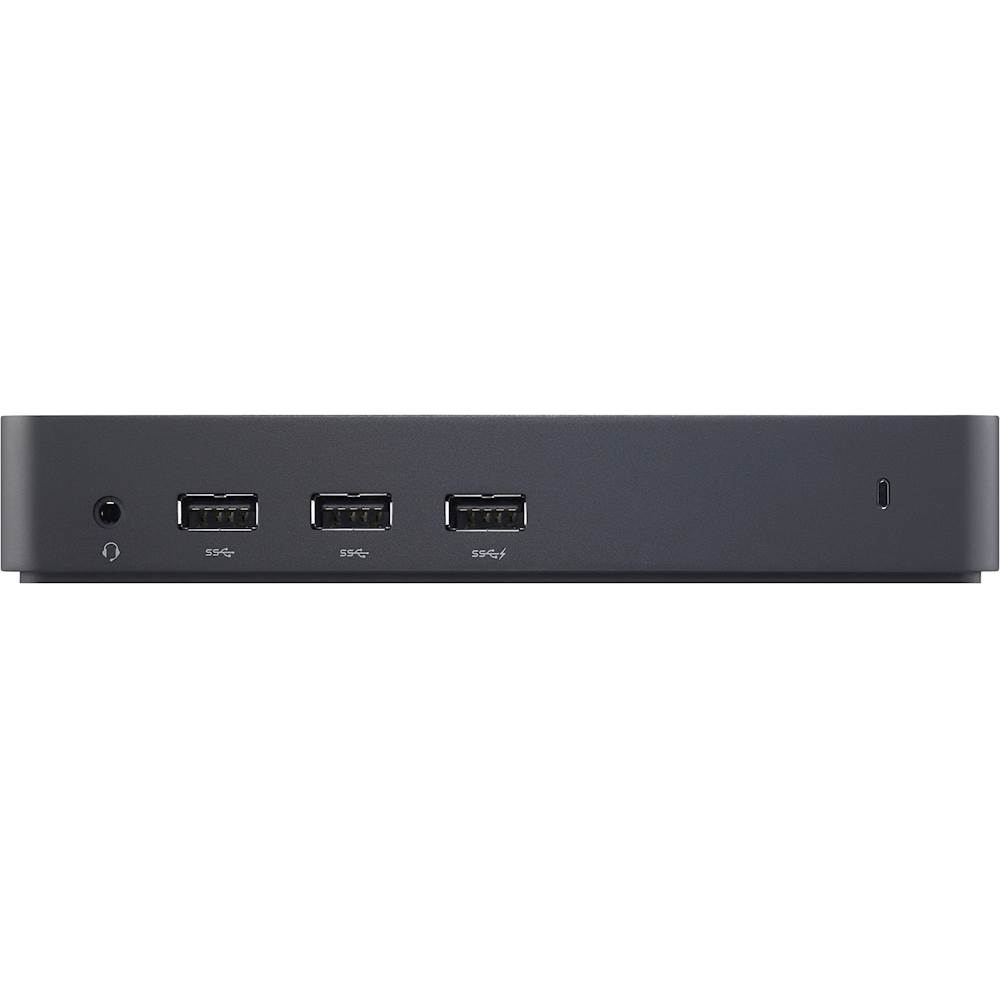
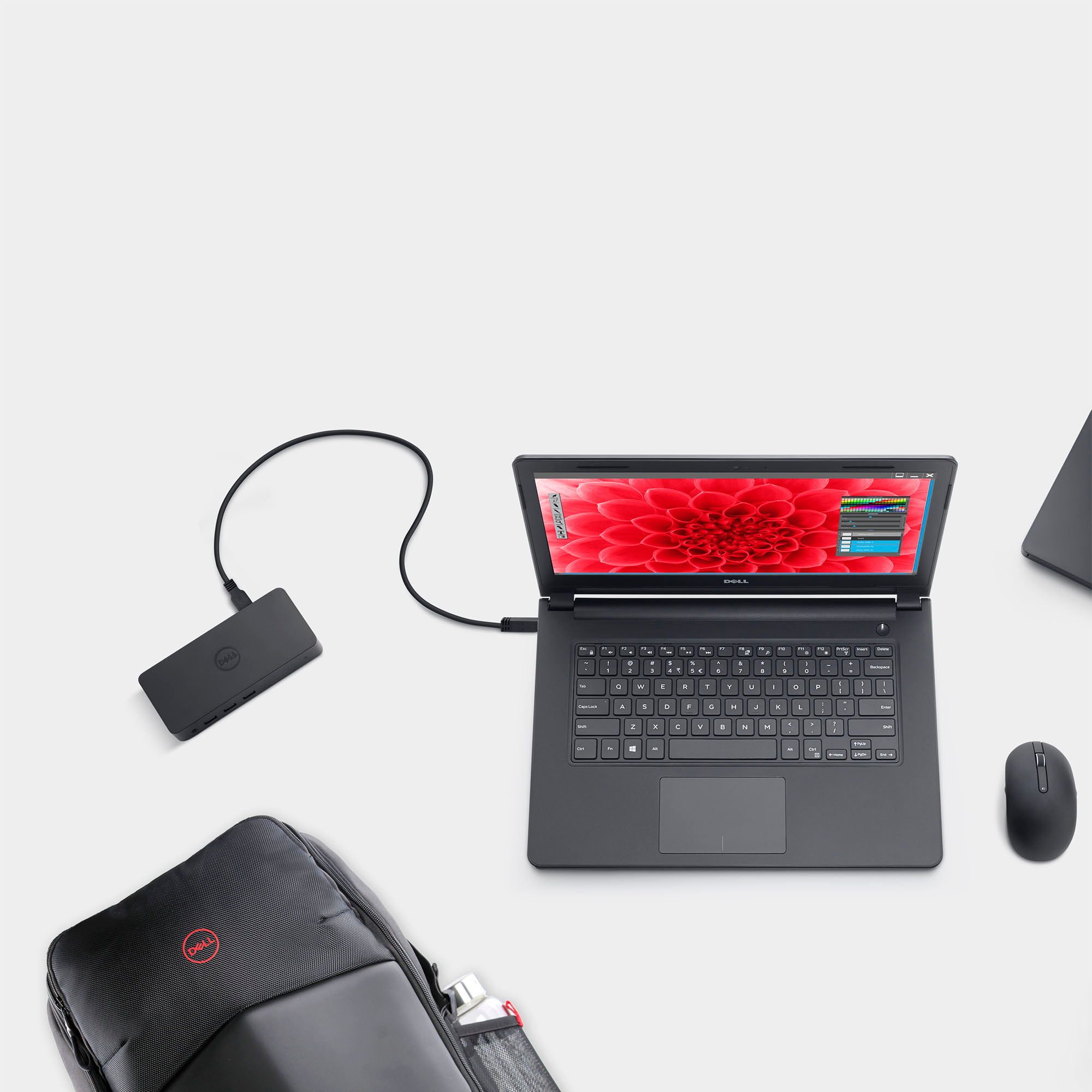
A:AnswerDell offers multiple models under the Inspiron 16 series. This docking station will work with a compatible Dell Windows(7/8/8.1/10) laptop that has a USB-A 3.0(or above) port.
A:AnswerFor technical assistance on this docking station, please contact the Dell Technical support team after the purchase. They are available on Facebook and Twitter(@Dellcares).
A:AnswerLenovo Yoga 7i WUXGA 2-in-1 touch screen laptop's hardware configuration meets the requirement to be connected with this docking station, however, Dell hasn't tested this docking station with Lenovo Yoga 7i WUXGA 2-in-1 touch screen laptop, so compatibility is not assured.
A:AnswerEach docking station offers features to meet your specific needs. For purchase assistance on the docking station as per your requirements, we recommend contacting the Best Buy support team: https://www.bestbuy.com/contact-us
A:AnswerThis docking station is compatible with Lenovo ThinkPad T16 Gen 1 (16" Intel). Dell offers multiple models under the Dell Inspiron 13 7000 series laptops, if the Dell Inspiron 13 7000 series laptop has a USB-A 3.0(or above) port then this docking station will be compatible.
A:AnswerThis docking station is compatible with Dell Latitude 3510. To use this docking station with Dell Latitude 3510 you will be required to install the drivers for this docking station. For more details, we recommend contacting the Dell technical support team after the purchase. They are available on Facebook and Twitter(@Dellcares).