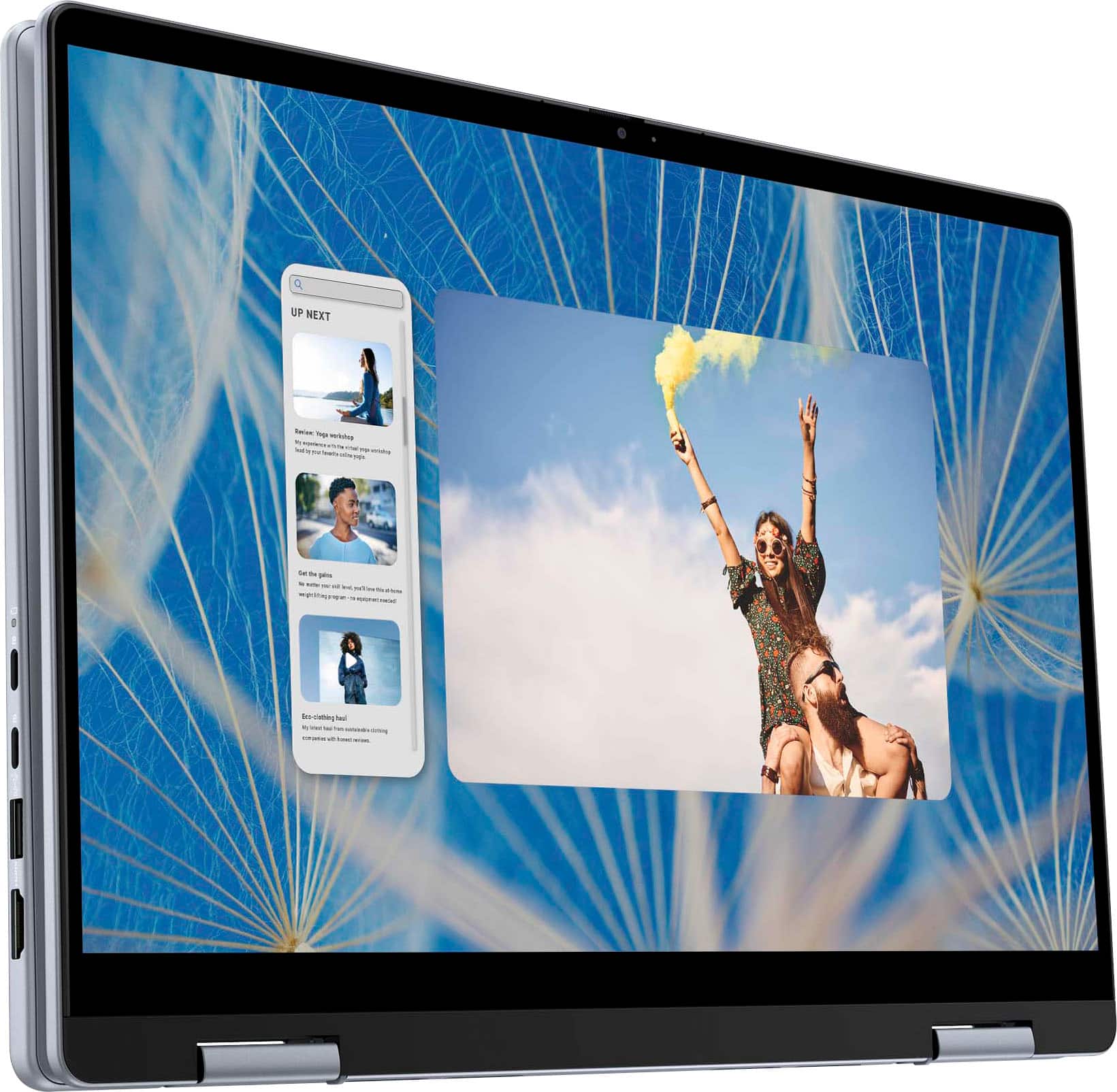
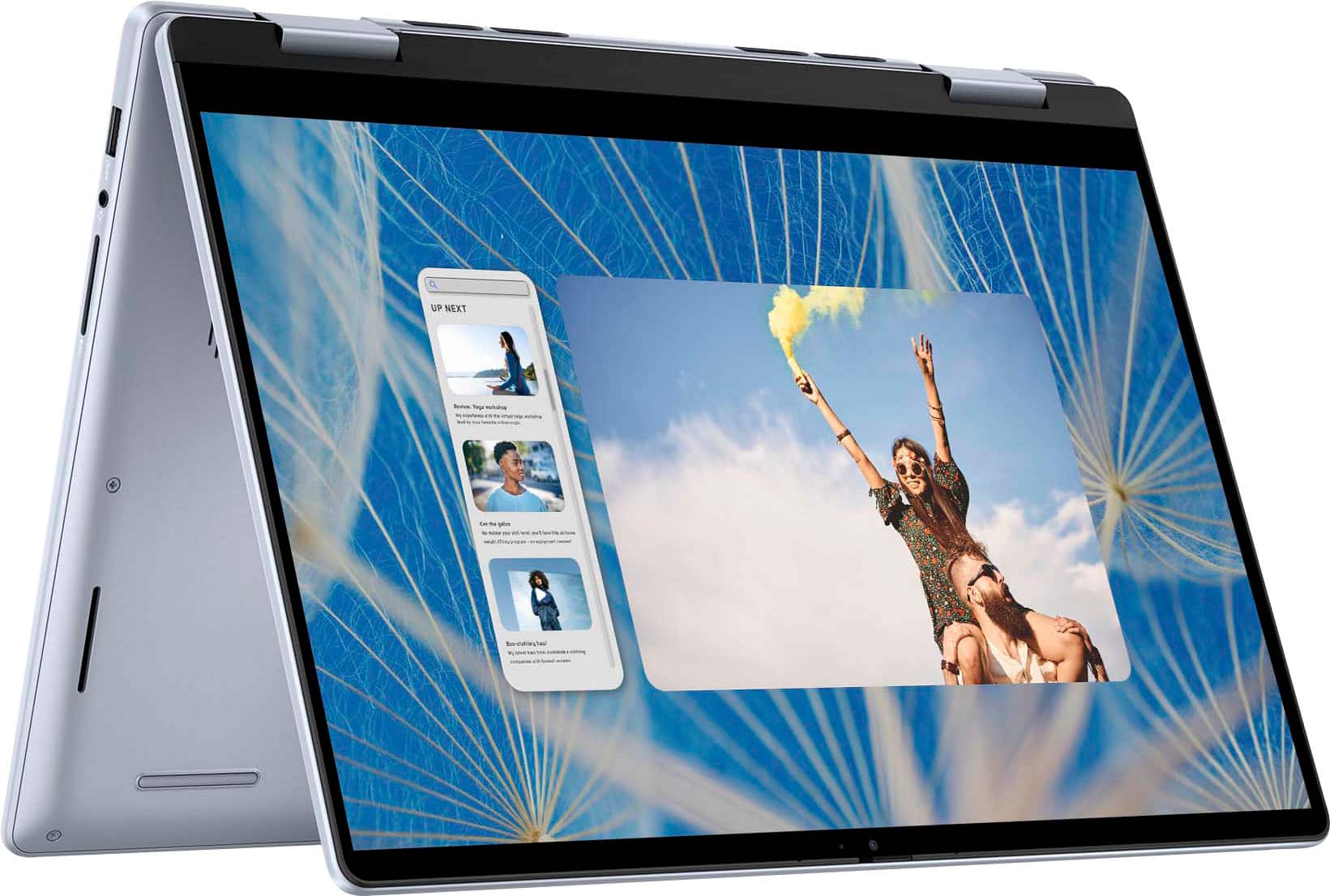
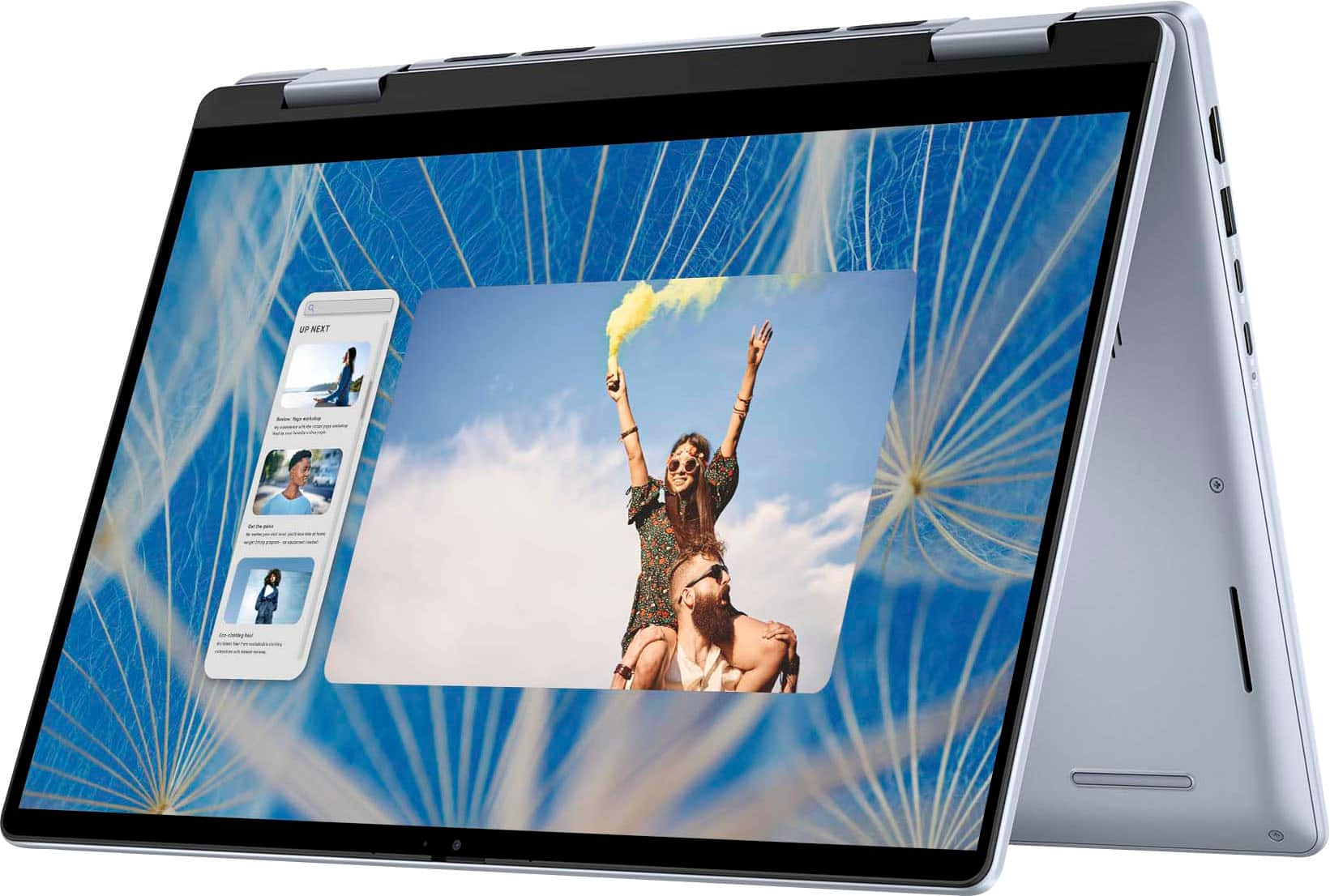
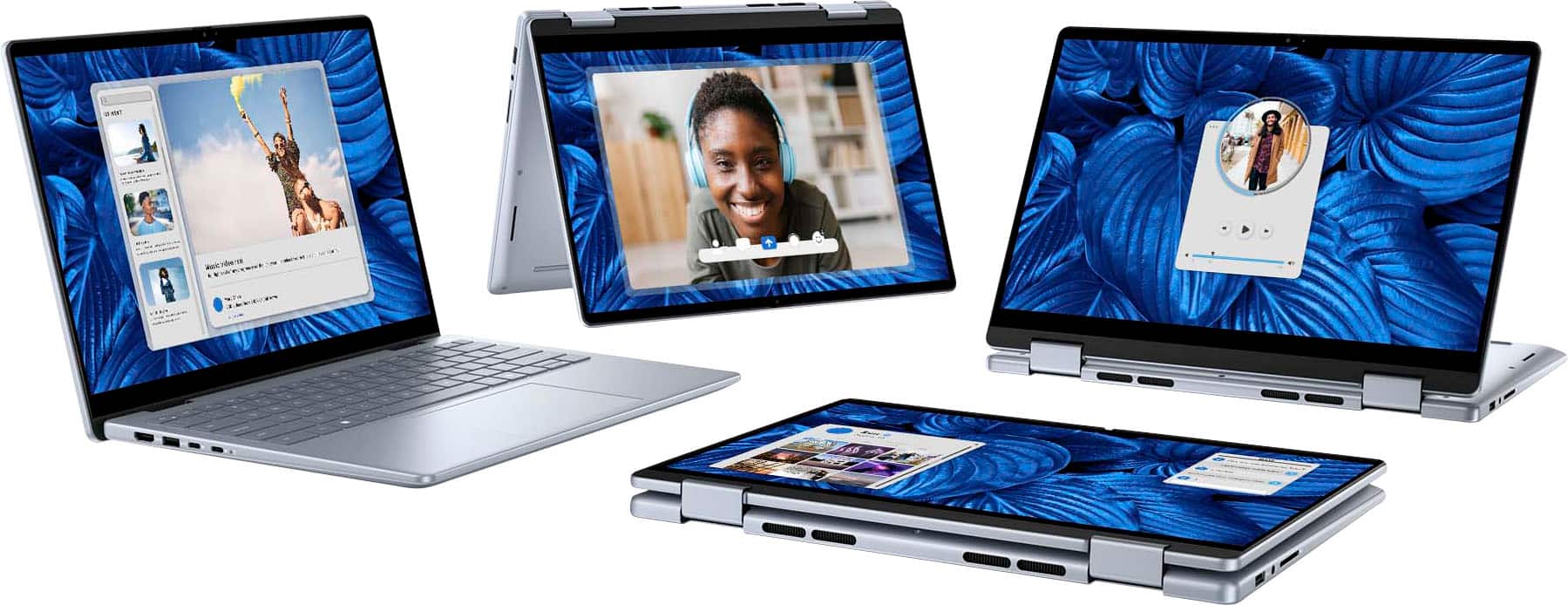
A:Answer Dell Premium Active Pen (PN579X): This pen is frequently recommended for Dell 2-in-1 laptops, offering features like tilt support, pressure sensitivity, and customizable buttons. It uses Microsoft Pen Protocol (MPP) and should work well with your Inspiron model.
Dell Active Pen (PN350M): Another option that is more affordable, though it may lack some advanced features like tilt support.
Third-Party Options:
Surface Pen: Since your laptop supports Microsoft Pen Protocol (MPP), the Surface Pen is a good third-party option.
Wacom Bamboo Ink Plus: This stylus supports both Wacom AES and MPP, making it a versatile choice for different devices, including your Inspiron.