Questions & Answers
- Model:
- i3535-A735BLK-PUS
- |
- SKU:
- 12297878
Q: QuestionIs the charger dual voltage? I live in the U.S. (110V) but I'm traveling to a country (New Zealand) with 220V outlets.
Asked by Steve.
- A:Answer Yes, Dell laptop chargers typically support 100V to 240V AC input, which means they can be safely used in both the United States (110V) and New Zealand (220V) without needing a voltage converter. You’ll only need a plug adapter to fit the outlet type used in New Zealand.
Answered by YourDellTeam
Q: QuestionIs keyboard back lit?
Asked by Krugs.
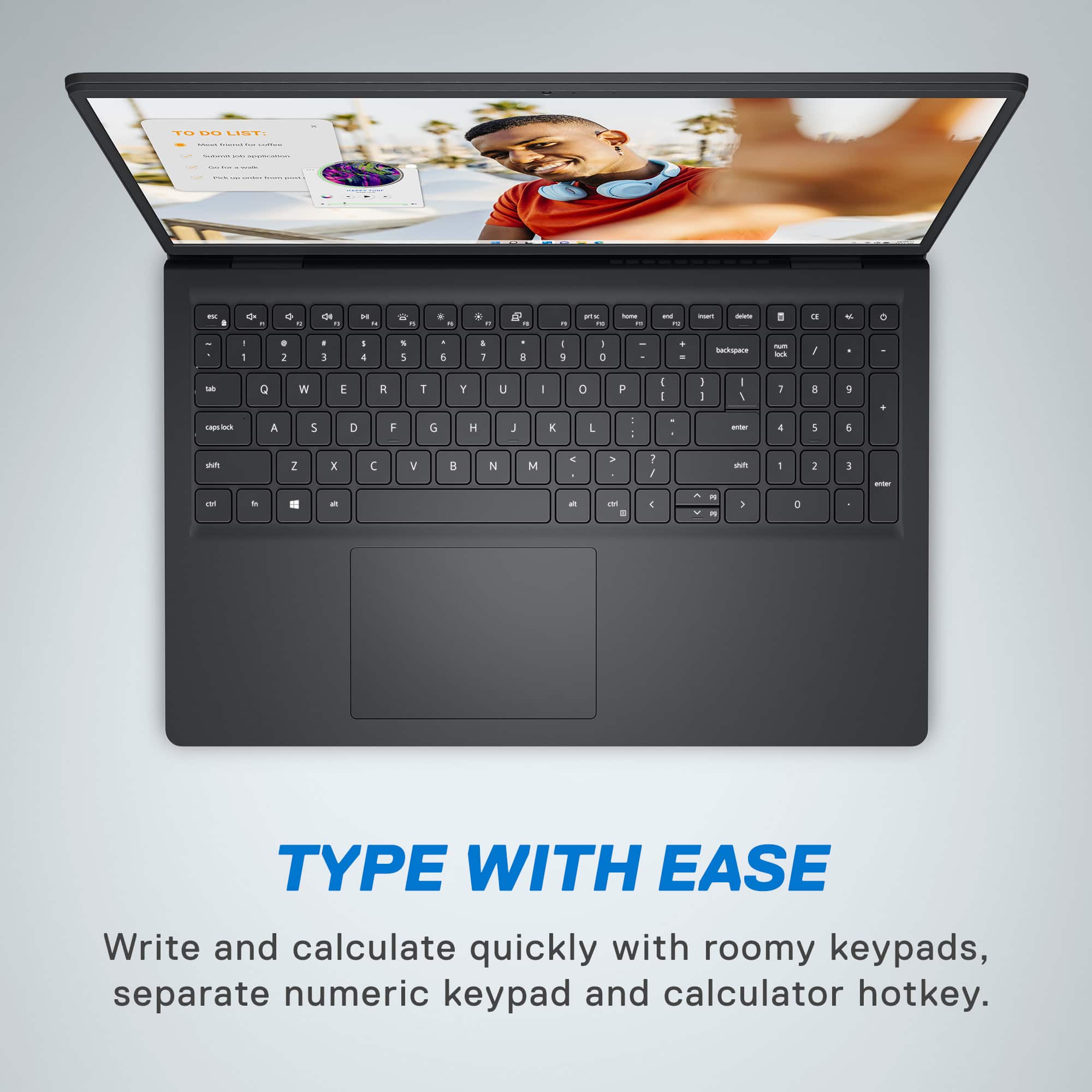
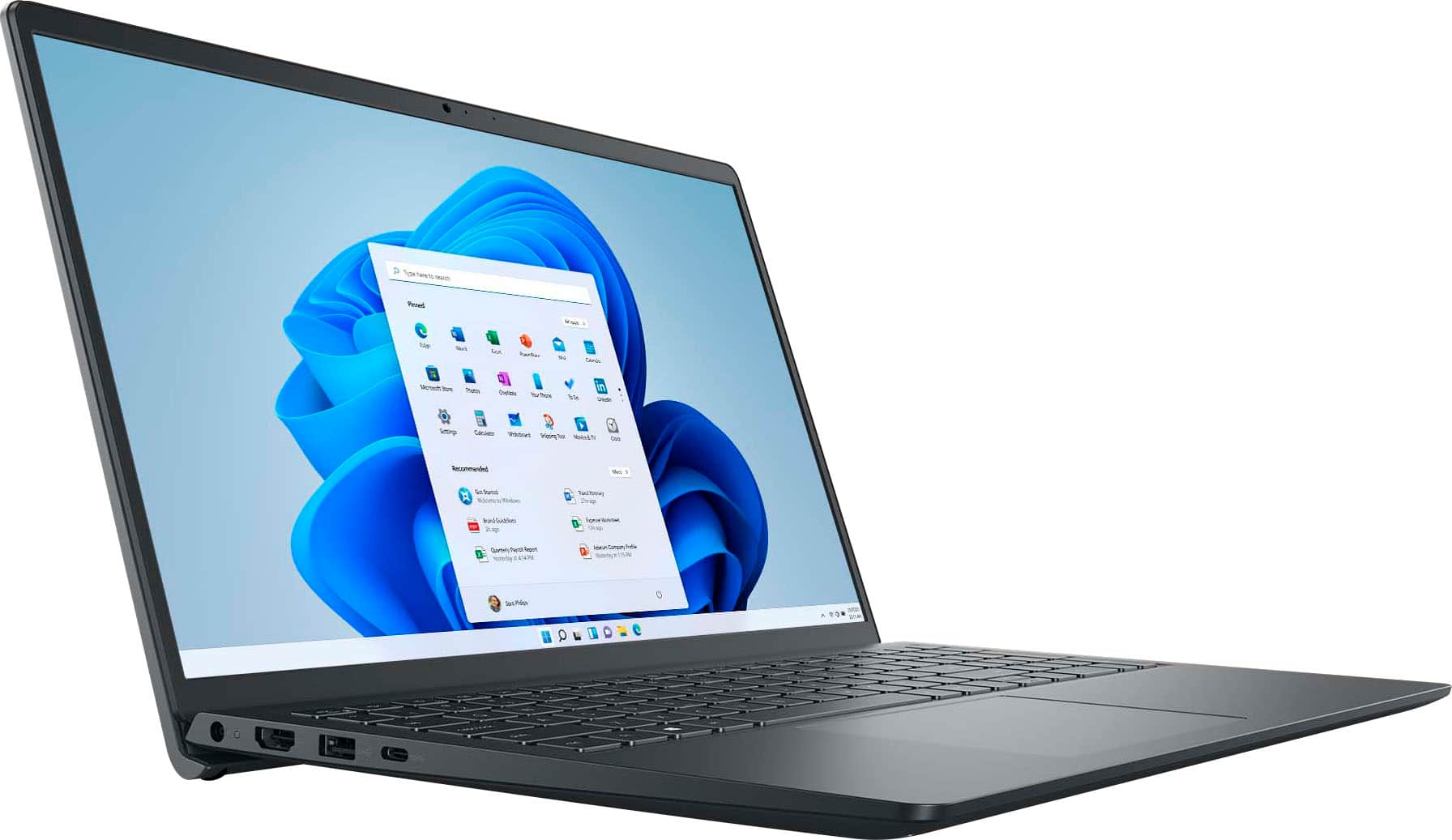
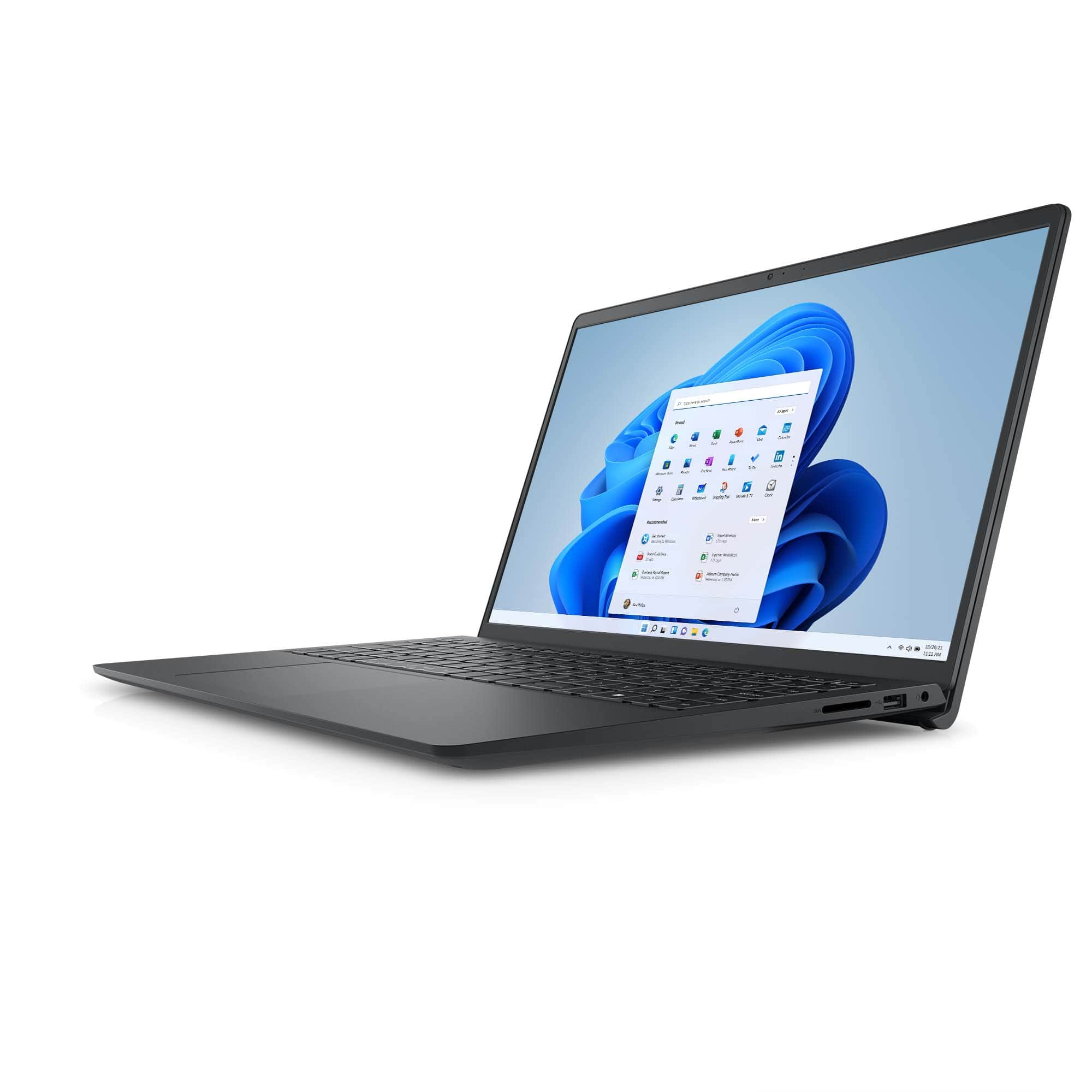
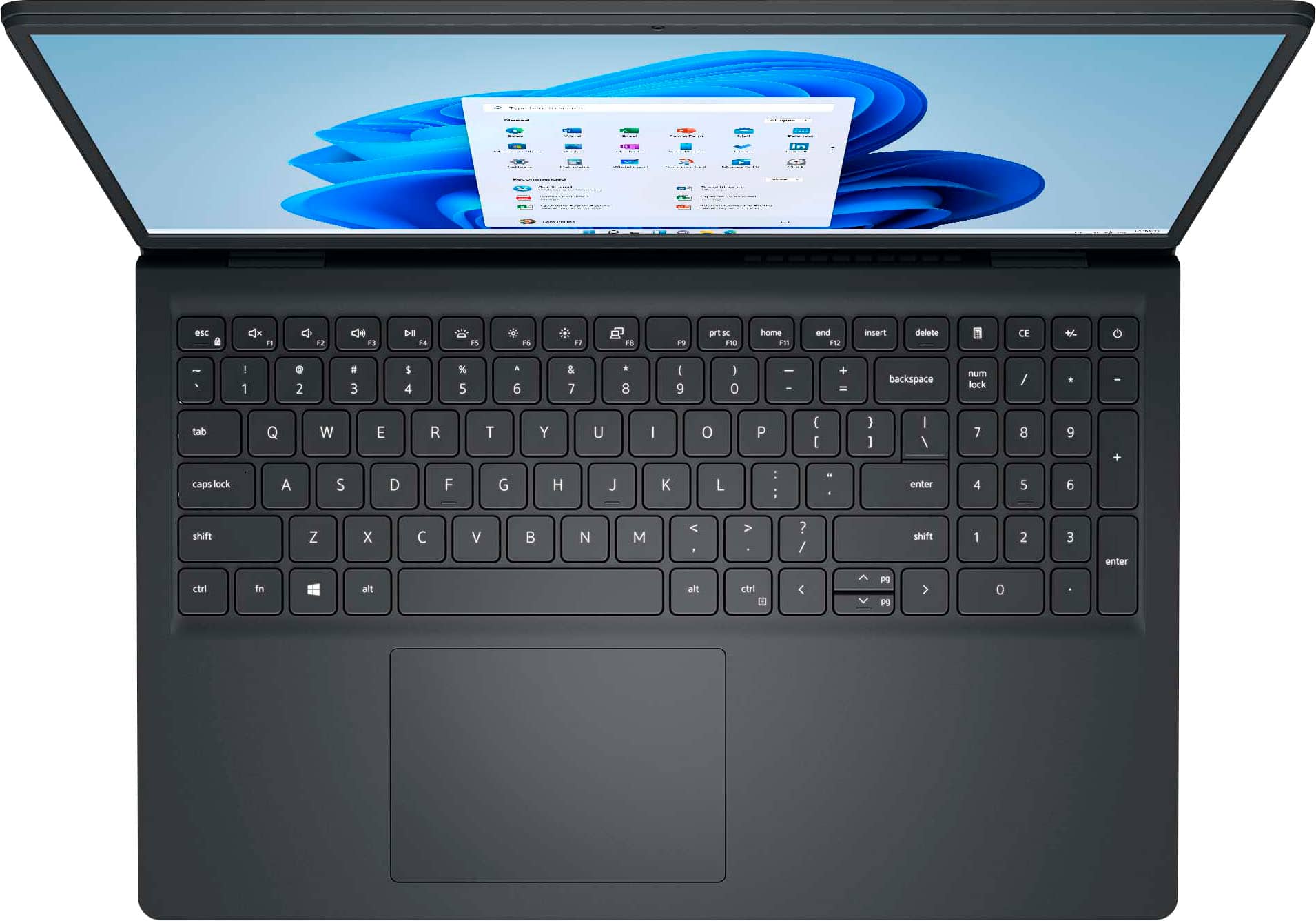
- A:Answer No, it is non-backlit keyboard with numeric keypad.
Answered by YourDellTeam
Q: QuestionDoes it have a backlit keyboard?
Asked by K249.
- A:Answer No, it is non-backlit keyboard with numeric keypad.
Answered by YourDellTeam
Q: QuestionCan I add Photo Explosion Version 5 photo editor with a cd rom if I have an external drive?
Asked by LaoR.
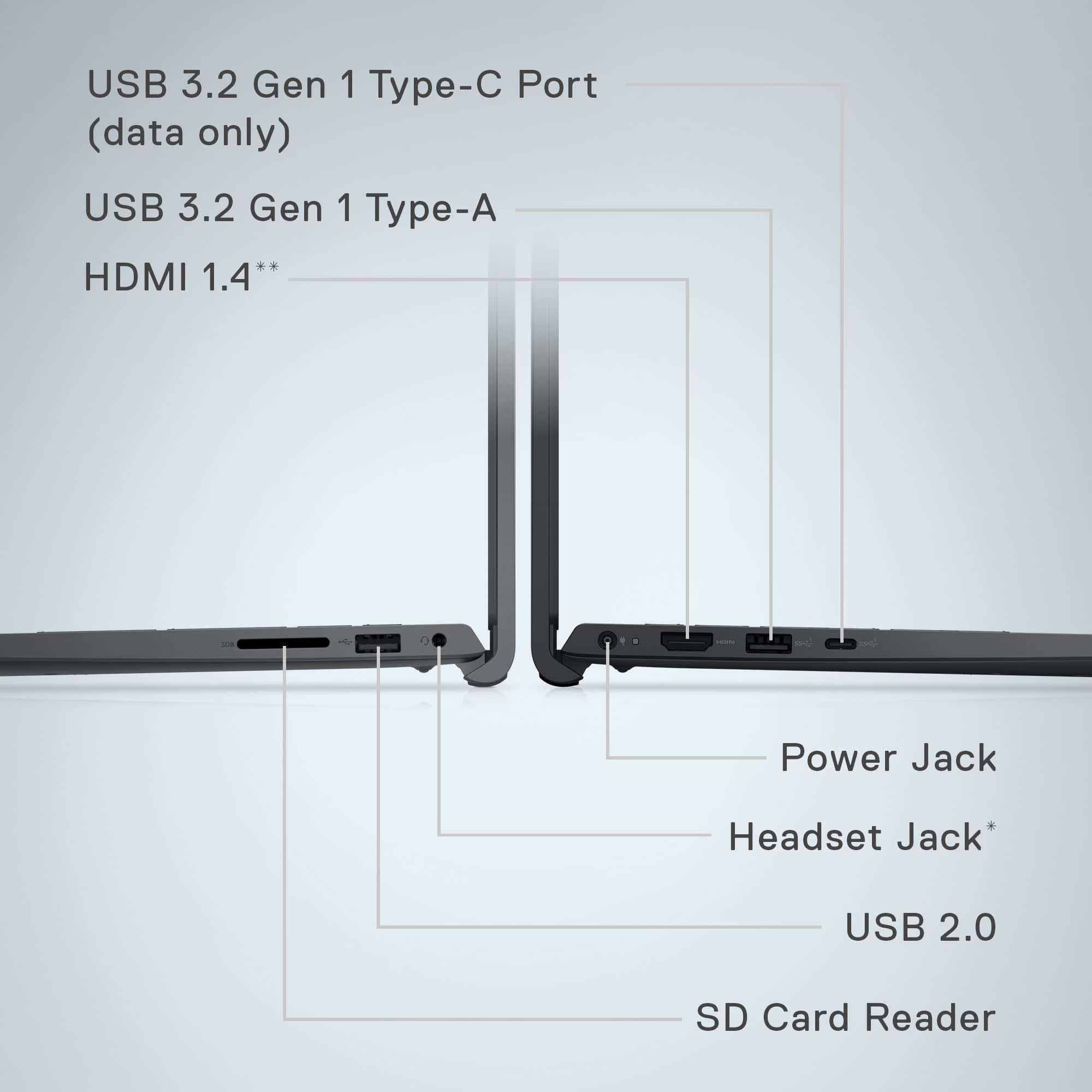
- A:Answer Yes, you can use the USB ports to connect the DVD drive and access its contents.
Answered by YourDellTeam
Q: QuestionHow do I connect to my (3) Insignia 55" smart tvs for triple monitor display for additional screen space? Can I go from USB 3.2 port to a docking station and then to the three monitors via HDMI cables?
Asked by Ha.
- A:Answer No, as per the dell official user manual the laptop supports 1 external Display.
Answered by YourDellTeam
Q: QuestionCan this laptop project it's screen image to a Samsung TV via WiFi?
Asked by Bobya.
- A:Answer It depends if your TV supports Miracast. The laptop supports does Miracast via wifi and you can use the option "connect to a wireless display" option under display settings.
Answered by YourDellTeam
Q: QuestionCan I run a small business using this laptop?
Asked by Anonymous.
- A:Answer Absolutely! I run Quicken, Photoshop, & Office on it all day
Answered by OBXSteve
Q: QuestionDoes this laptop work with a docking station?
Asked by Mike1134.
- A:Answer Yes, It is compatible with docking station.
Answered by YourDellTeam
Q: Questioncan i bring my computer in to transfer all my stuff?
Asked by rho.
- A:Answer We recommend you contact the local store.
Answered by YourDellTeam
Q: QuestionIs windiws 11 included?
Asked by Anonymous.
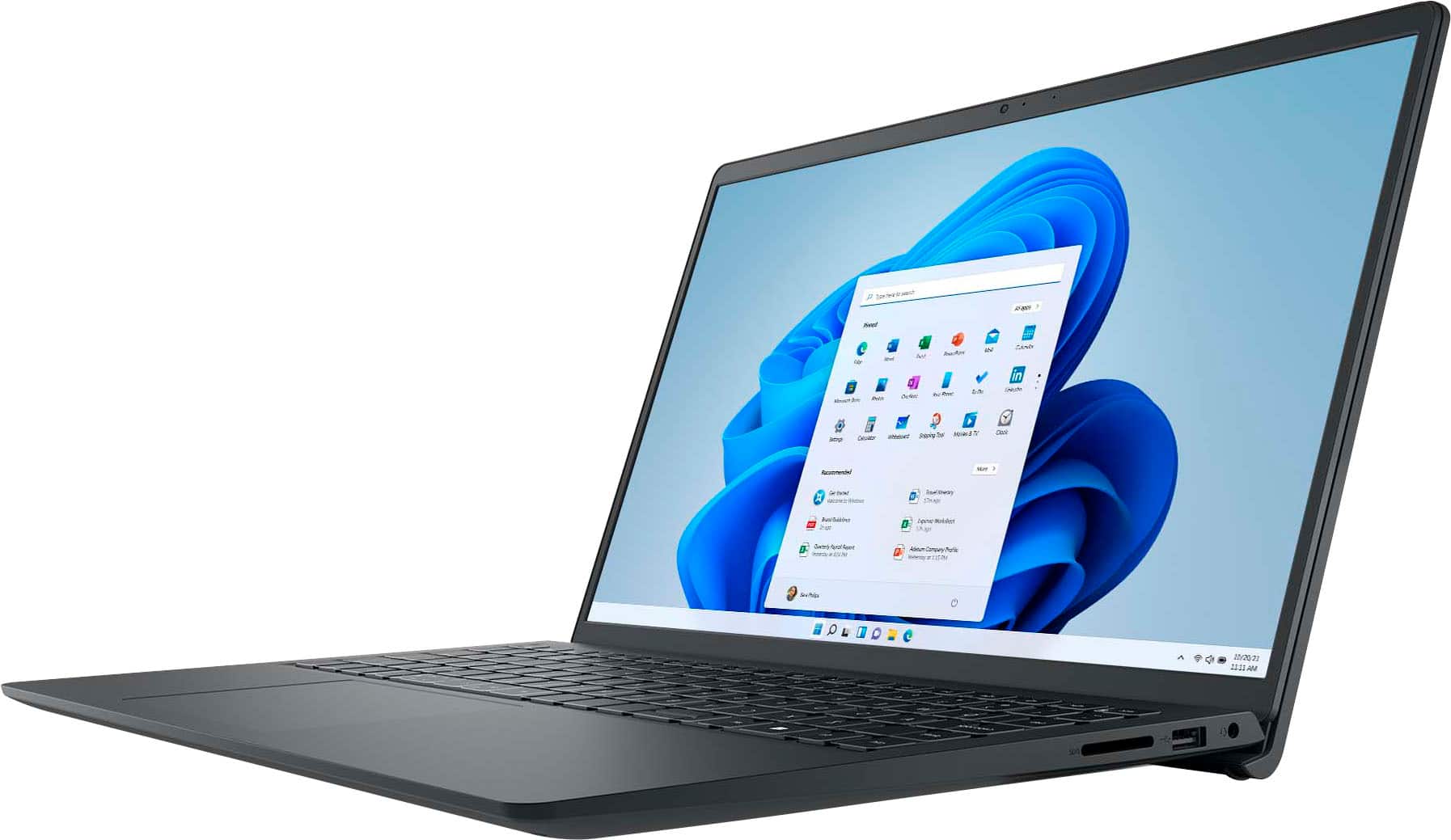
- A:Answer Yes, it has Windows 11 Home preinstalled.
Answered by YourDellTeam
Q: QuestionAre graphic cards dedicated?
Asked by Anonymous.
- A:Answer Graphics card is integrated
Answered by YourDellTeam
Q: QuestionCan it be connected to a smart board board
Asked by Kim.
- A:Answer The Dell Inspiron 3535 is generally compatible with most smart boards, as it's a standard PC laptop with HDMI and USB ports, which are common connection methods for smart boards. However, specific compatibility might depend on the smart board's requirements and the Inspiron's drivers, particularly for touch functionality
Answered by YourDellTeam
Q: QuestionCan this computer run Photoshop and Lightroom efficiently?
Asked by MotleyDad.
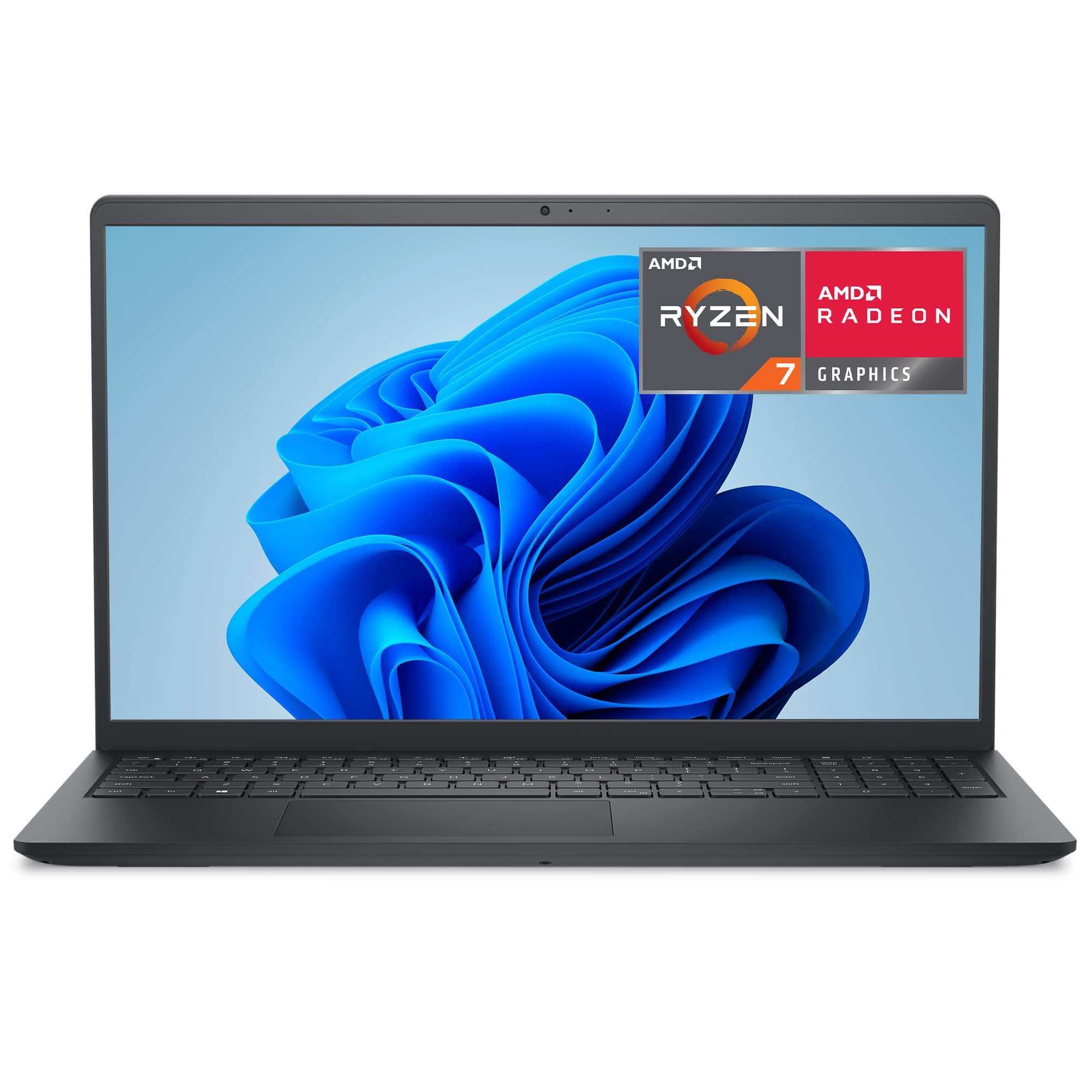
- A:Answer Yes, the specification meets the recommended requirements for the applications you want to use. Processor: The AMD Ryzen 7 7730U is an 8-core, 16-thread CPU with a boost clock up to 4.5GHz, which provides strong multitasking and responsiveness for creative applications like Photoshop and Lightroom. Memory: 16GB of DDR4 RAM is sufficient for handling large image files and multitasking between editing tools and other applications Storage: A 1TB SSD ensures fast boot times, quick file access, and ample space for storing high-resolution images and project files. Graphics: It uses integrated AMD Radeon graphics; these are capable of handling photo editing tasks smoothly.
Answered by YourDellTeam
Q: QuestionDoes it have a 12th Generation Intel Ultra 7 processor
Asked by FG.
- A:Answer This configuration uses AMD Ryzen™ 7 7730U 8-core 16-thread Processor
Answered by YourDellTeam
Q: Questioncan i connect my monitor screen to this laptop
Asked by monitor.
- A:Answer I use a 43" 4K UHD TV as a monitor via an HDMI cable.
Answered by TIMLINTEXAS
Q: QuestionDoes this laptop come with "Office" or do you have to ourchase that separately?
Asked by HoundDog.
- A:Answer Microsoft Office is preinstalled, but just for a free trial.
Answered by TIMLINTEXAS
Q: QuestionDoes this computer come with Microsoft Office and Excel?
Asked by Mel.
- A:Answer The system includes MS Office with 30-Day Trial period.
Answered by YourDellTeam
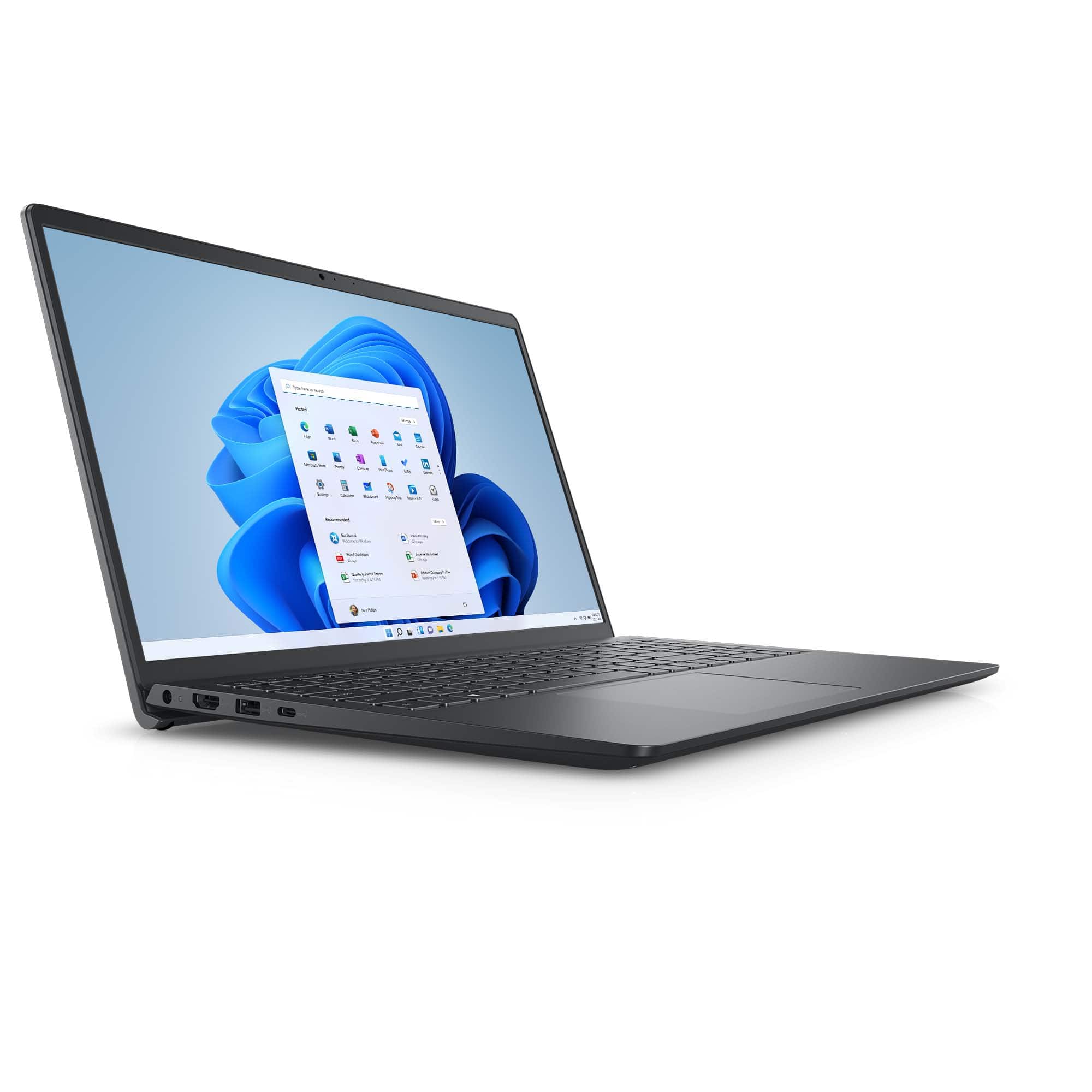
Q: QuestionWhere do I plug in the cable from the modem or router? My current and old Inspiron has an Ethernet port for that.
Asked by David.
- A:Answer There is no Ethernet port available to accommodate the slim and light weight form factor, you may need to use an USB to Ethernet port Adapter if you like to connect an Ethernet Cable
Answered by YourDellTeam
Q: Questionhow do you turn off s mode?
Asked by Anonymous.
- A:Answer Steps to Switch Out of S Mode (Windows 11) Open Settings: Press Windows + I or click the Start Menu > Settings. Navigate to: System > Activation. Find “Switch to Windows 11 Home/Pro”. Under the Switch to Windows 11 Home or Pro section, click Go to the Store. Open Microsoft Store Page: You’ll be taken to a page titled “Switch out of S mode”. Click “Get” Then click Install. It’s free and only takes a few moments. Restart (if prompted) After installation, your device will be out of S Mode. ⚠️ Important Notes: This is a one-way switch — you cannot go back to S Mode once you switch out.
Answered by YourDellTeam
Q: QuestionIs this a good laptop for someone who is starting a degree in software programming?
Asked by ImaBozo.
- A:Answer It depends on the applications you would be using. If the software and applications meets the recommended specification, it can be installed and used without any issues.
Answered by YourDellTeam