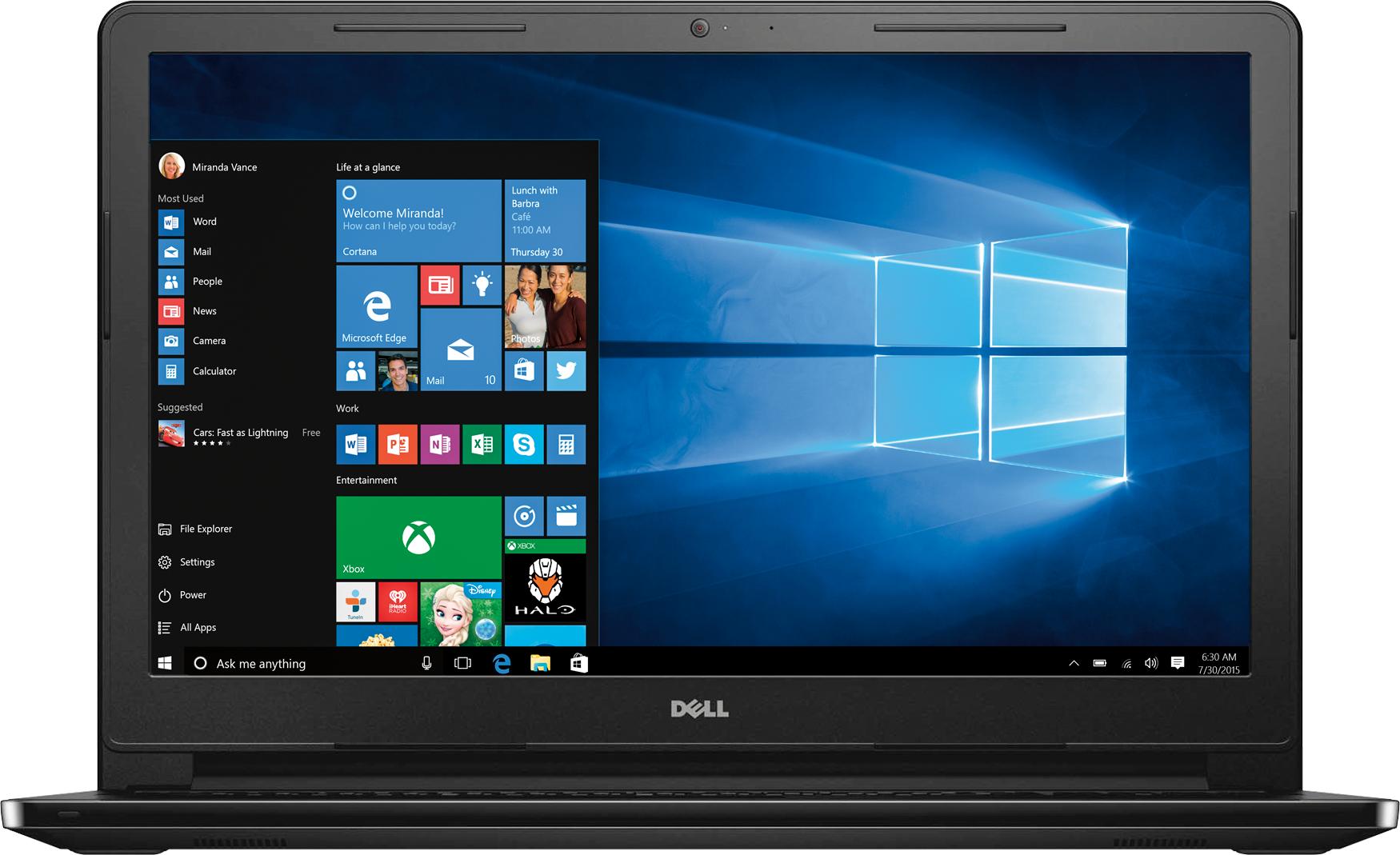
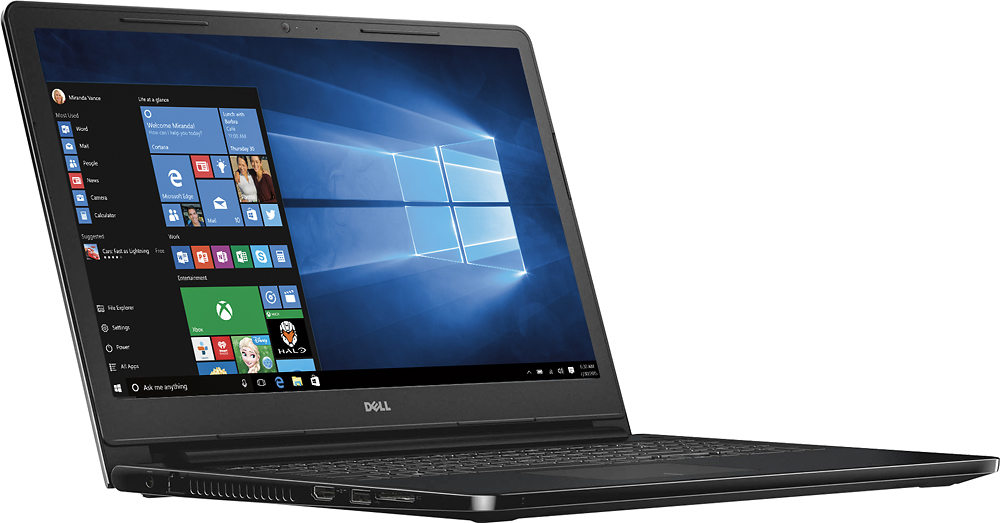
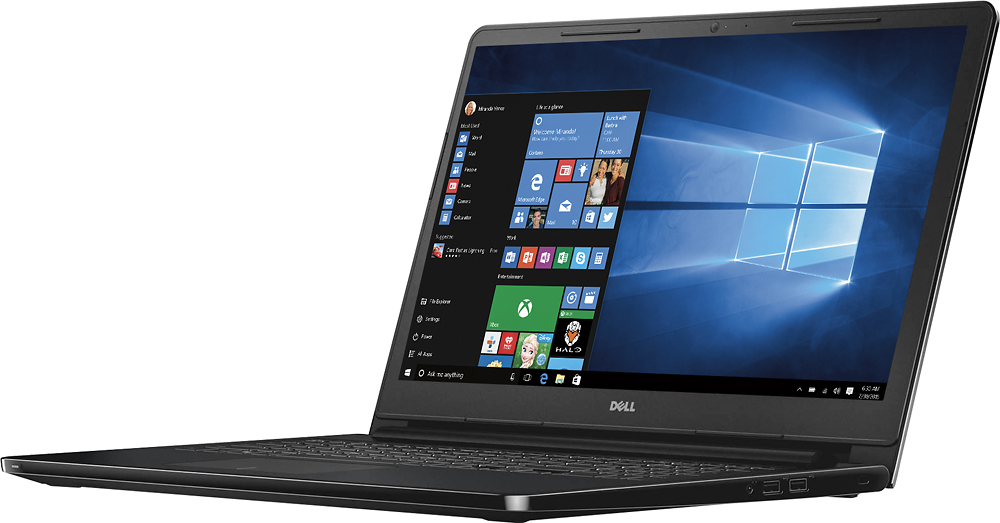
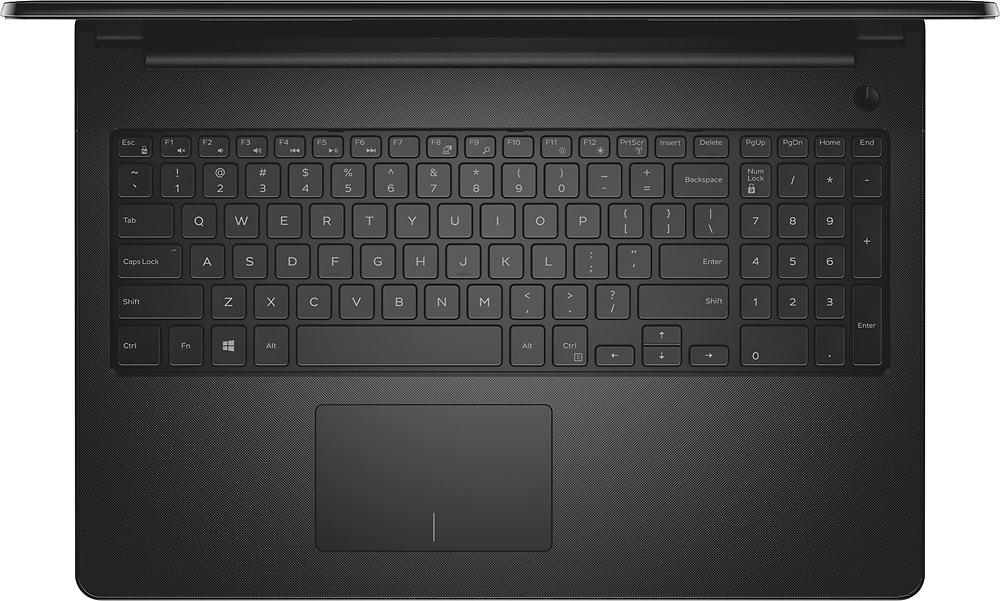
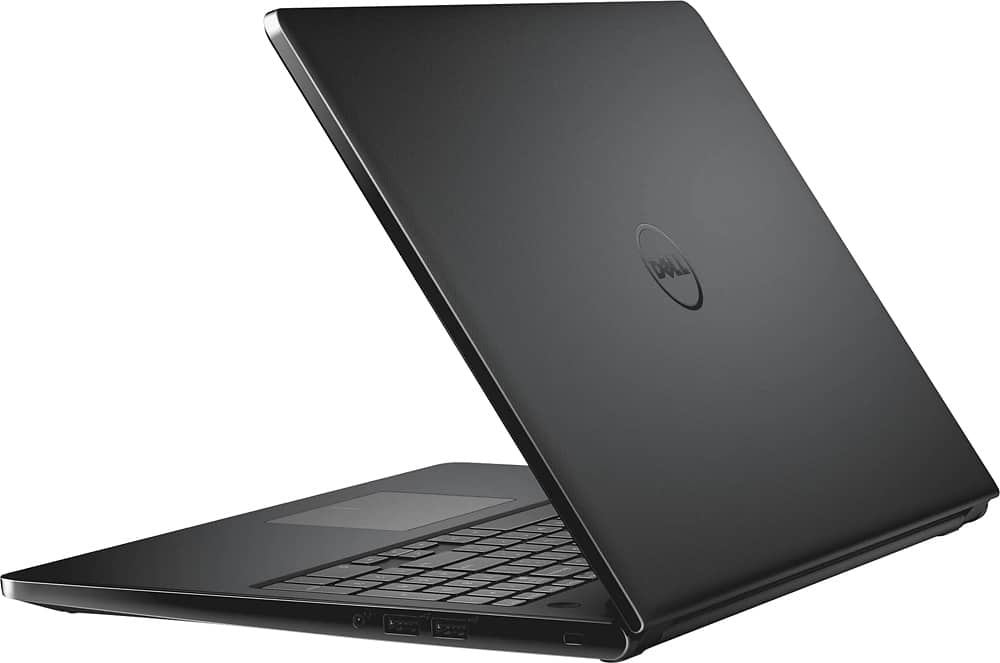
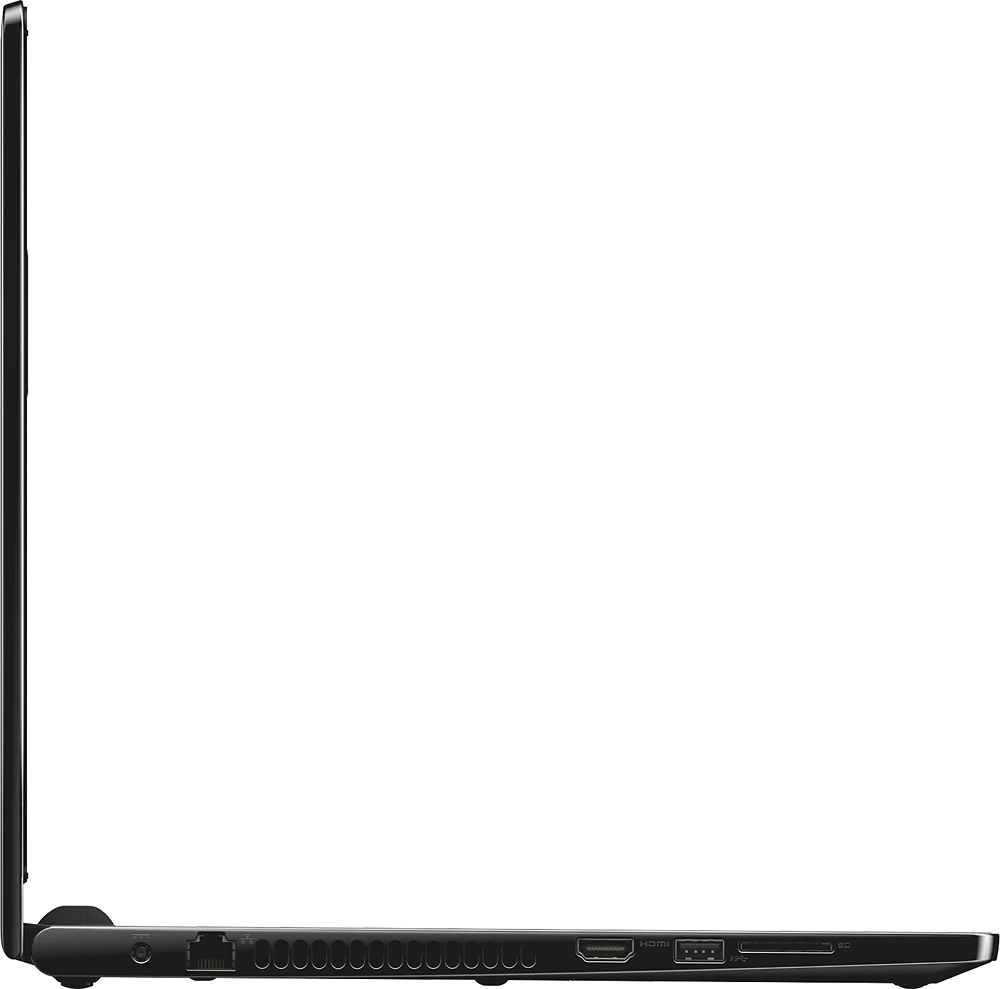
A:Answer This is the exact memory my 3558-5500 had installed in one of the 2 available slots.
Hynix 4GB DDR3 Memory SO-DIMM 204pin PC3L-12800S 1600MHz HMT451S6BFR8A-PB
I ordered an exact match for the 2nd slot for a otal of 8GB (which is the maximum memory according to Dell)
Be aware past Dell laptops have accepted more memory than stated, however i do not know if this one does.
Also, this Hynix memory is a Single Rank memory, you may want to match it with an exact replacement
to avoid memory issues. I did try a 4GB Crucuail Dual Rank memory in slot 2 and it recognized it, recognized the 2
SODIMMS as a dual channel (not to be confused with Dual Rank) config and passed memory diags.
I thought it was best to match the Hynix in the end and returned the Crucial part.
FYI, the mixed config of single and dual rank sodimms did have an extra GB of memory access speed listed by memtest86 (~13.8GB/s vs ~12.8GB/s.)
So for maximum memory access speed I suspect pulling the single Rank Hynix SODIMM and replacing with 2 new Dual Rank SODIMMs would provide the best speeds.
However the extra money didn't seem warranted for me to throw away the stock memory for a 5-10% theoretical speed increase.
If you replaced the HD with an SSD maybe you'd notice. With 275GB SSDs only about $60 on sale it might be a great upgrade if you've spent all that time ripping apart the machine to install the memory.
Also, if you replace the memory, make sure you but some "blue thread lock" for the screws that hold the machine together, or they will be falling out in a few months.