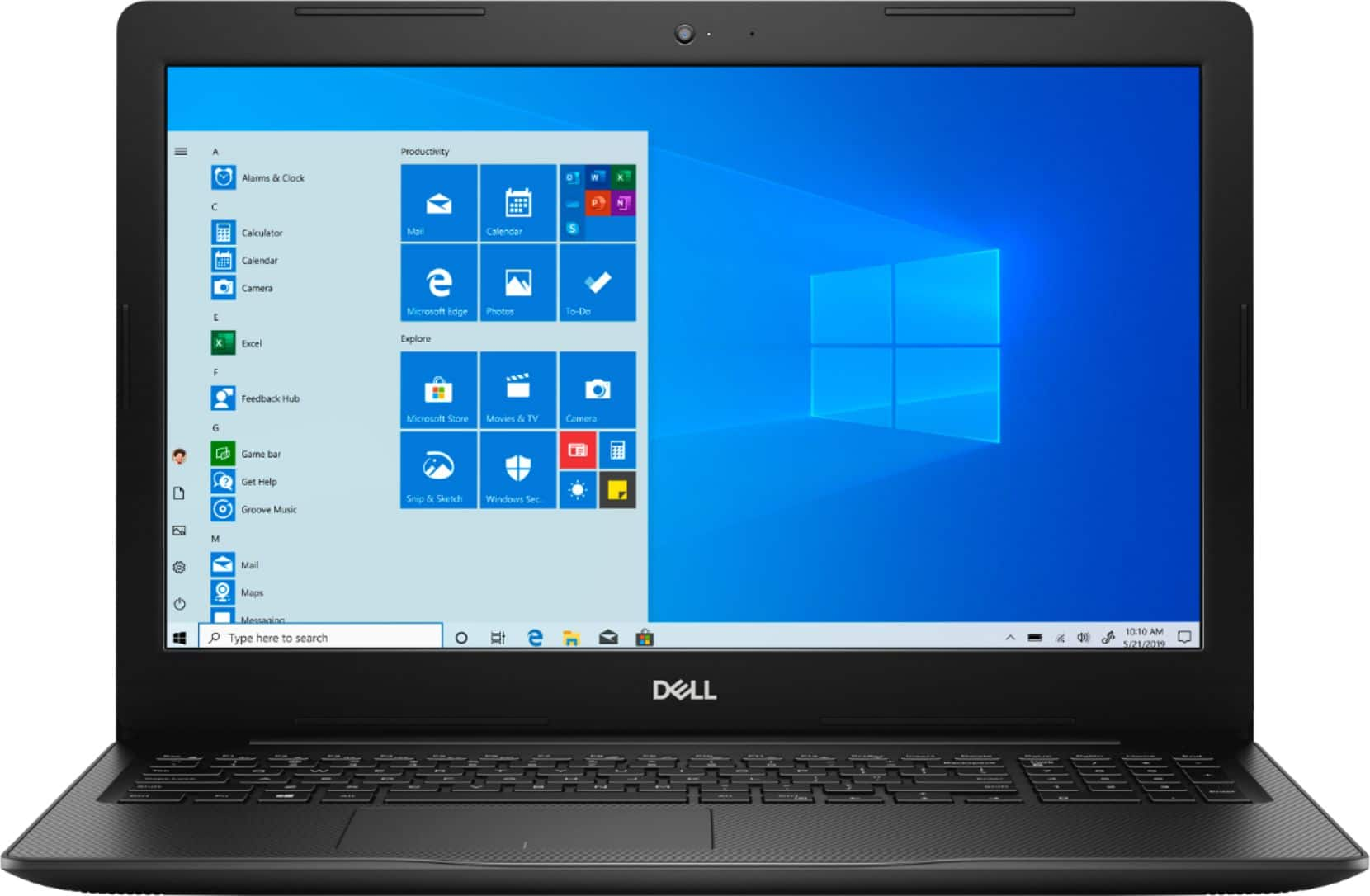
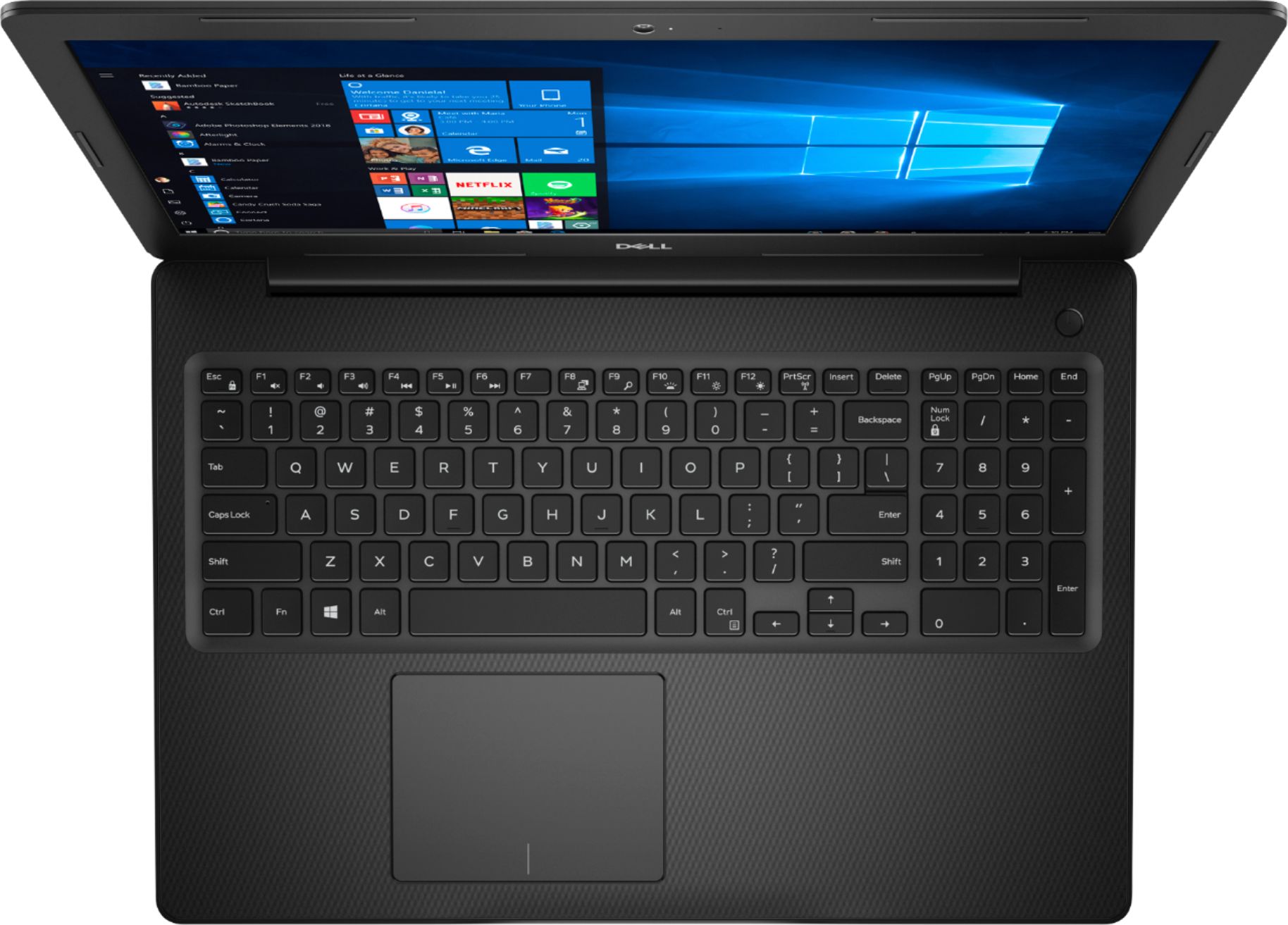
A:AnswerHello! It will all depend upon your usage. But this laptop has a built in webcam and microphone, so you will be able to teleconference with no issues. This will also work for Microsoft Office and similar work applications. If you require special software for work, I recommend comparing the minimum specifications on the software website.
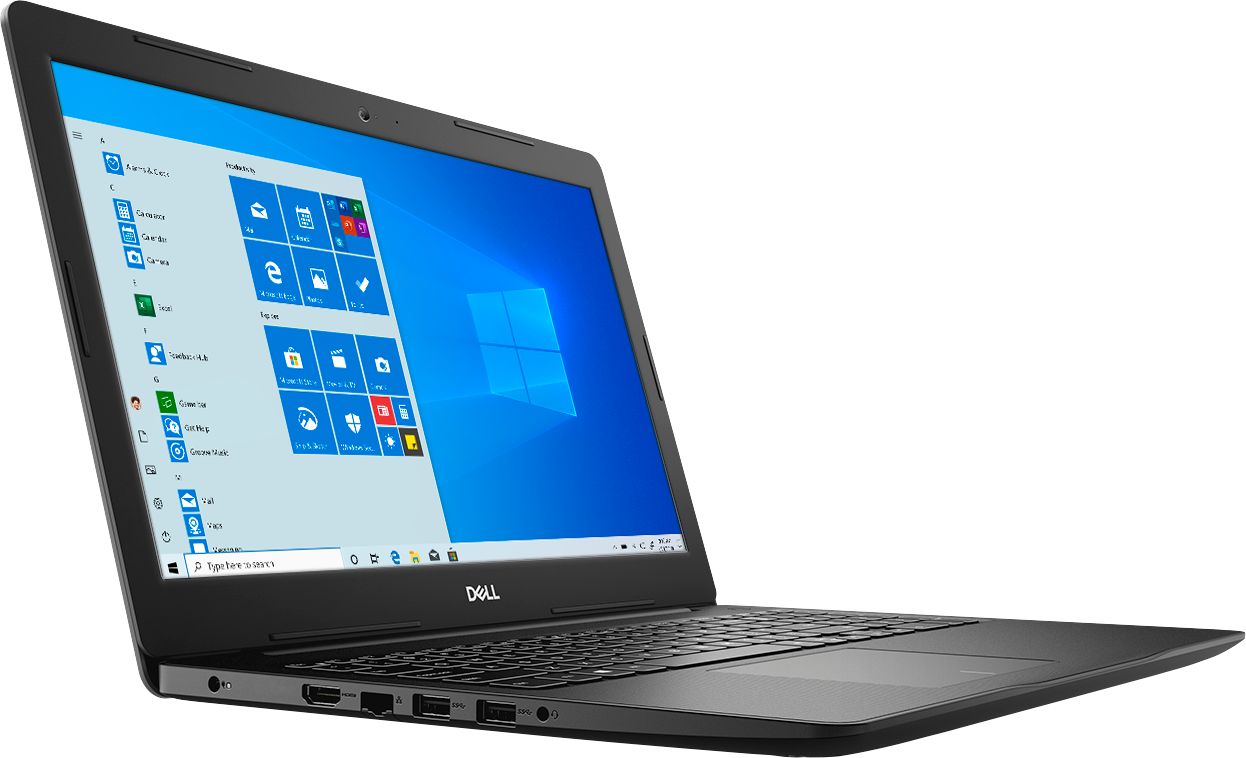
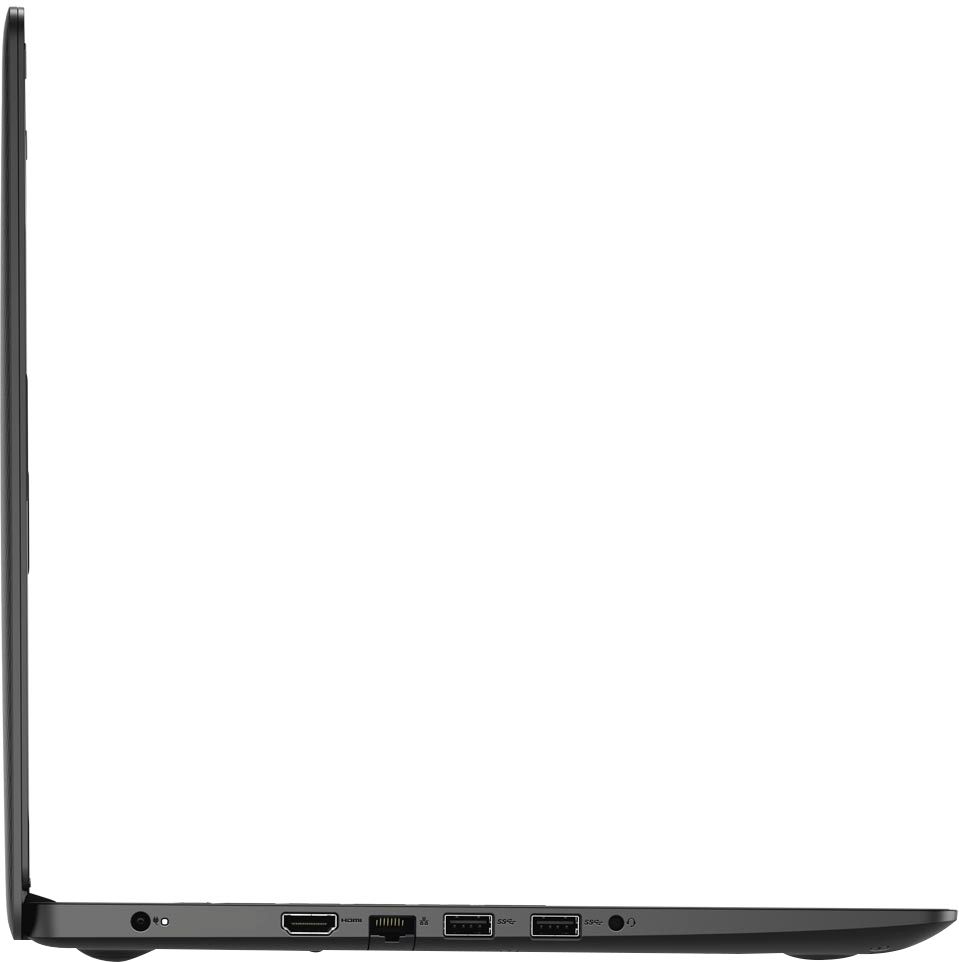
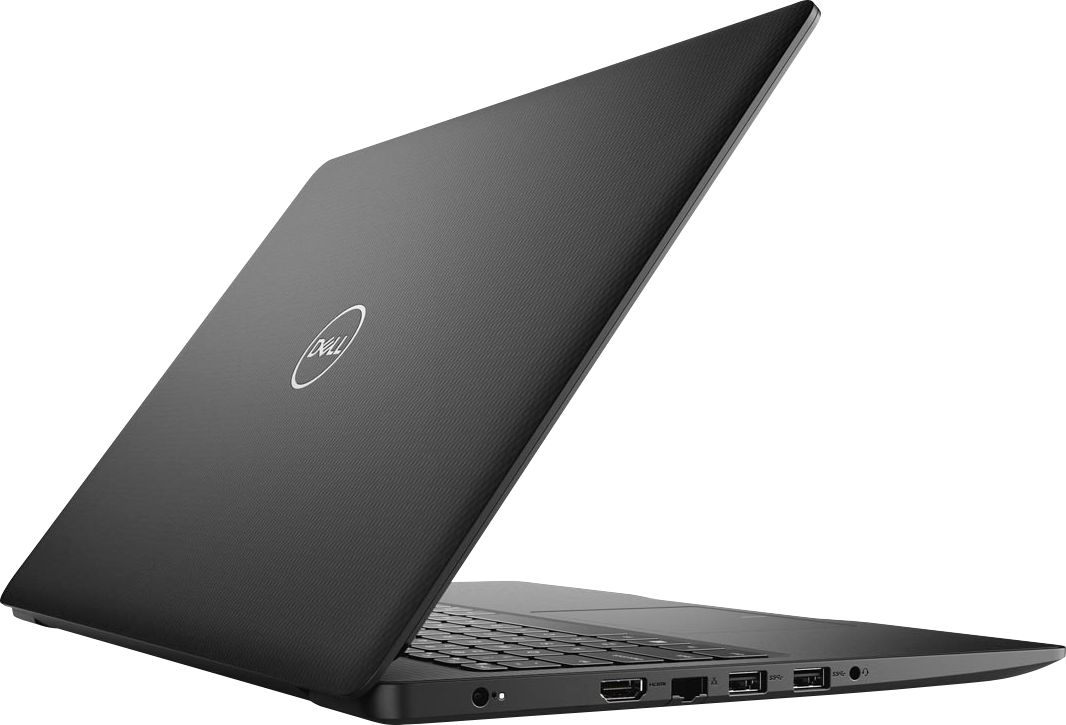
A:AnswerHello Tom! You can connect two monitors. You will likely need an HDMI to USB adapter for the second monitor. This has one HDMI port that you can connect directly.
A:AnswerHello! You can review all the camera specifications in the User Manual. For quick reference, this camera has the following video specs: 1280 x 720 (HD) at 30 fps
A:AnswerHello Cam! We recommend a minimum of an i5 processor, but it will work best with an i7 processor. Check out our G-Series gaming devices or some of our other Inspirons.
A:AnswerHello! I recommend reviewing and comparing the specifications of both. We do offer free proprietary software like Dell Cinema and Dell Mobile Connect that you will not get with an HP. Please comment back if you have any specific questions about this model. We are happy to help!
A:AnswerHello! Windows will remain active and functional for the life of your laptop. You will need to annually renew your Microsoft Office subscription or sign up for monthly subscription.
A:AnswerHello! This will function for virtual teleconferencing. In order to ensure your stream is not interrupted, you will want to contact your wireless provider. Make sure you have a network that will support that streaming and your modem is current.
A:AnswerHello Bob! You will need to purchase the Dell Optical Drive to use with this laptop. Here is the link: https://www.bestbuy.com/site/dell-8x-external-usb-dvdrw-cd-rw-drive-black/4697703.p?skuId=4697703