A:AnswerPlease note once you switch out of S Mode, you can’t go back unless you do a full reinstall of Windows.
After switching, you’ll be able to install apps from outside the Microsoft Store, like Chrome, Zoom, or custom enterprise tools.
A:AnswerSteps to Switch Out of S Mode (Windows 11) Open Settings: Press Windows + I or click the Start Menu > Settings. Navigate to: System > Activation. Find “Switch to Windows 11 Home/Pro”. Under the Switch to Windows 11 Home or Pro section, click Go to the Store. Open Microsoft Store Page: You’ll be taken to a page titled “Switch out of S mode”. Click “Get” Then click Install. It’s free and only takes a few moments. Restart (if prompted) After installation, your device will be out of S Mode. ⚠️ Important Notes: This is a one-way switch — you cannot go back to S Mode once you switch out.
A:AnswerYou can make use of Dell Migrate option provided by Dell. It's a paid software which can be purchased by contacting Dell sales team. There are also other available options such as cloud storage and external Hard drive/ flash drive to transfer the data and retrieve.
A:AnswerIt s compatible with most Big Fish Games titles, as long as it meets the minimum system requirements for each game. However, google apps cannot be installed in windows environment.
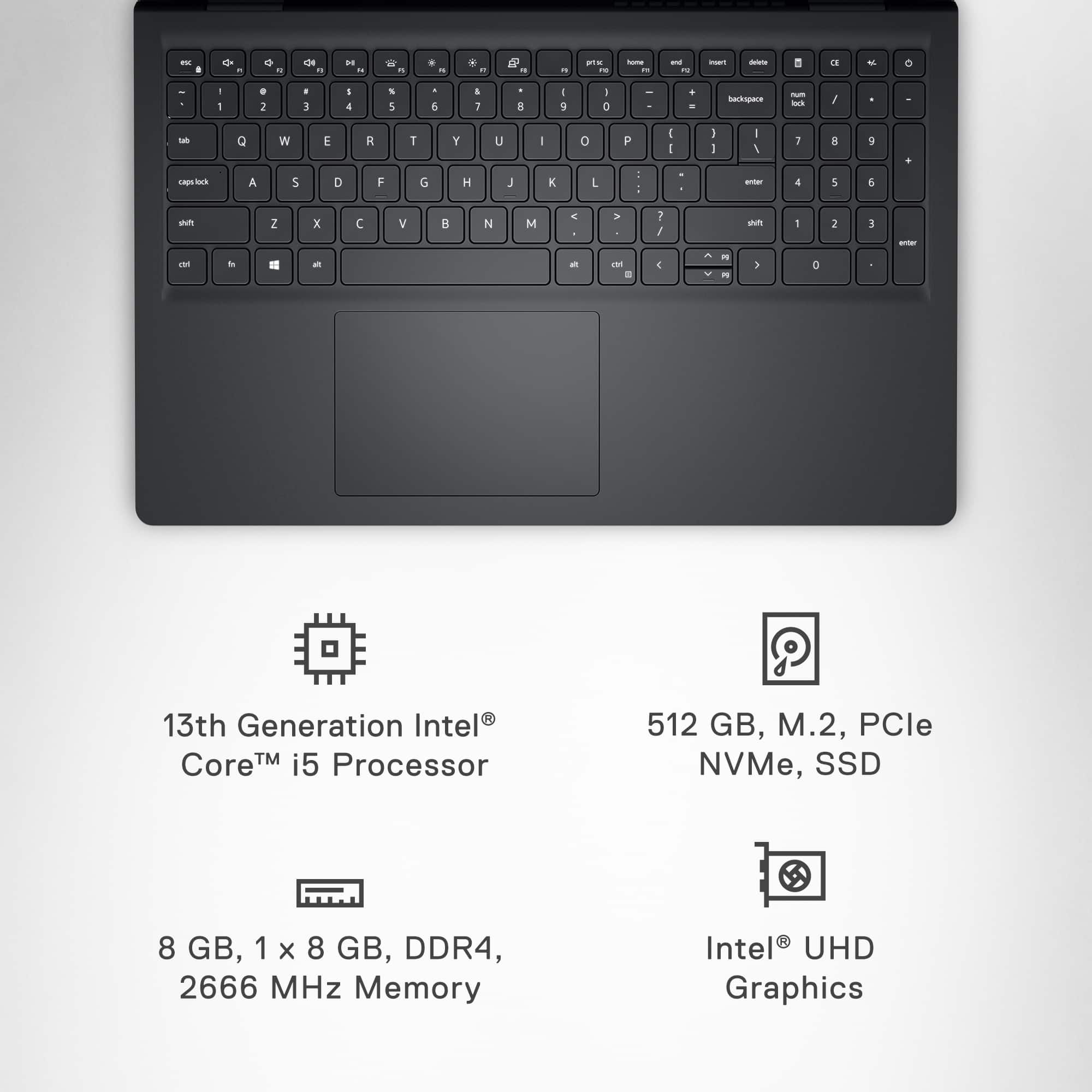
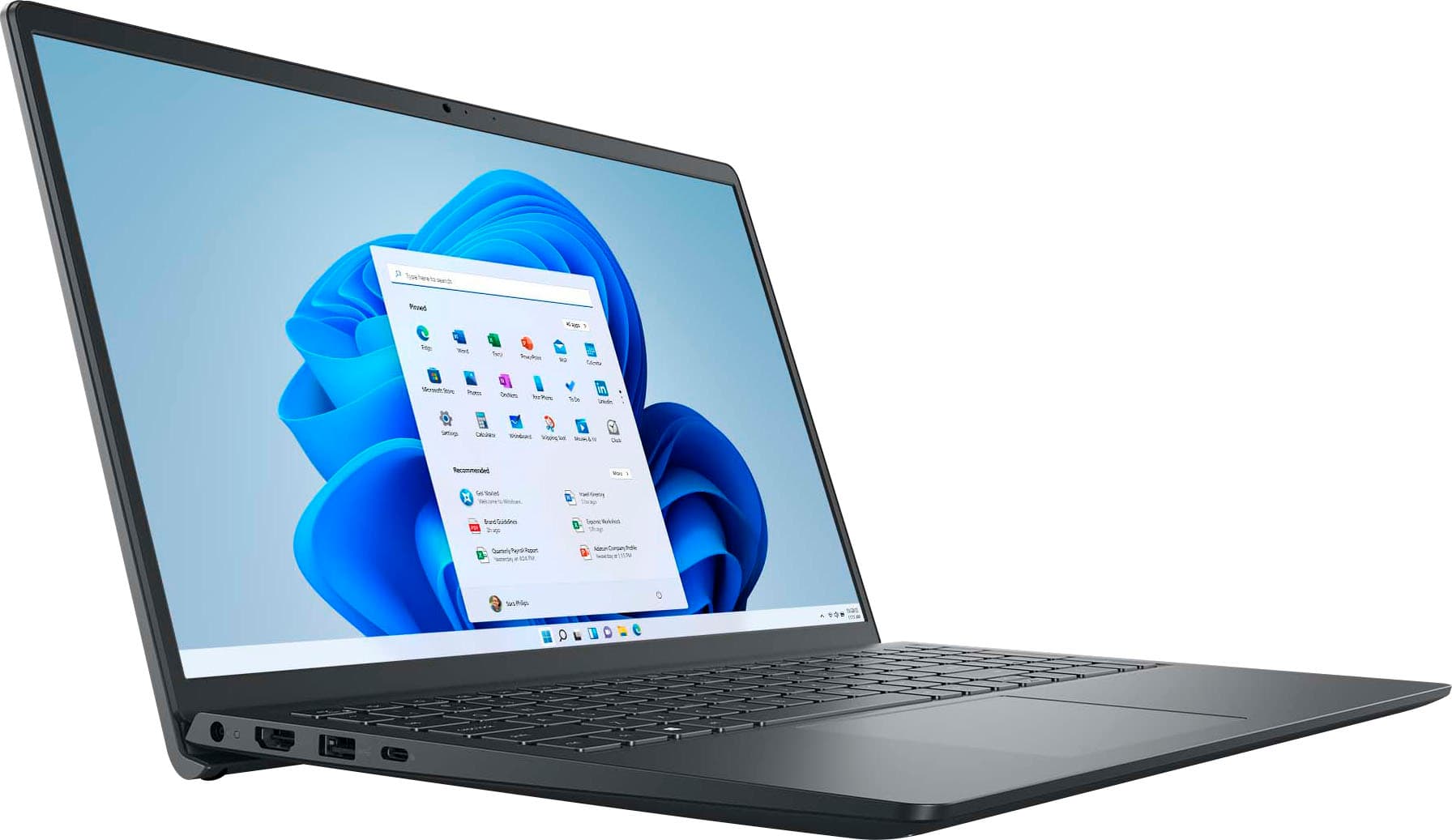
A:AnswerInspiron 15 3530 supports the following storage configurations:
One M.2 2230/2280 solid-state drive and
One 2.5-inch 7200 RPM, SATA hard-disk drive.