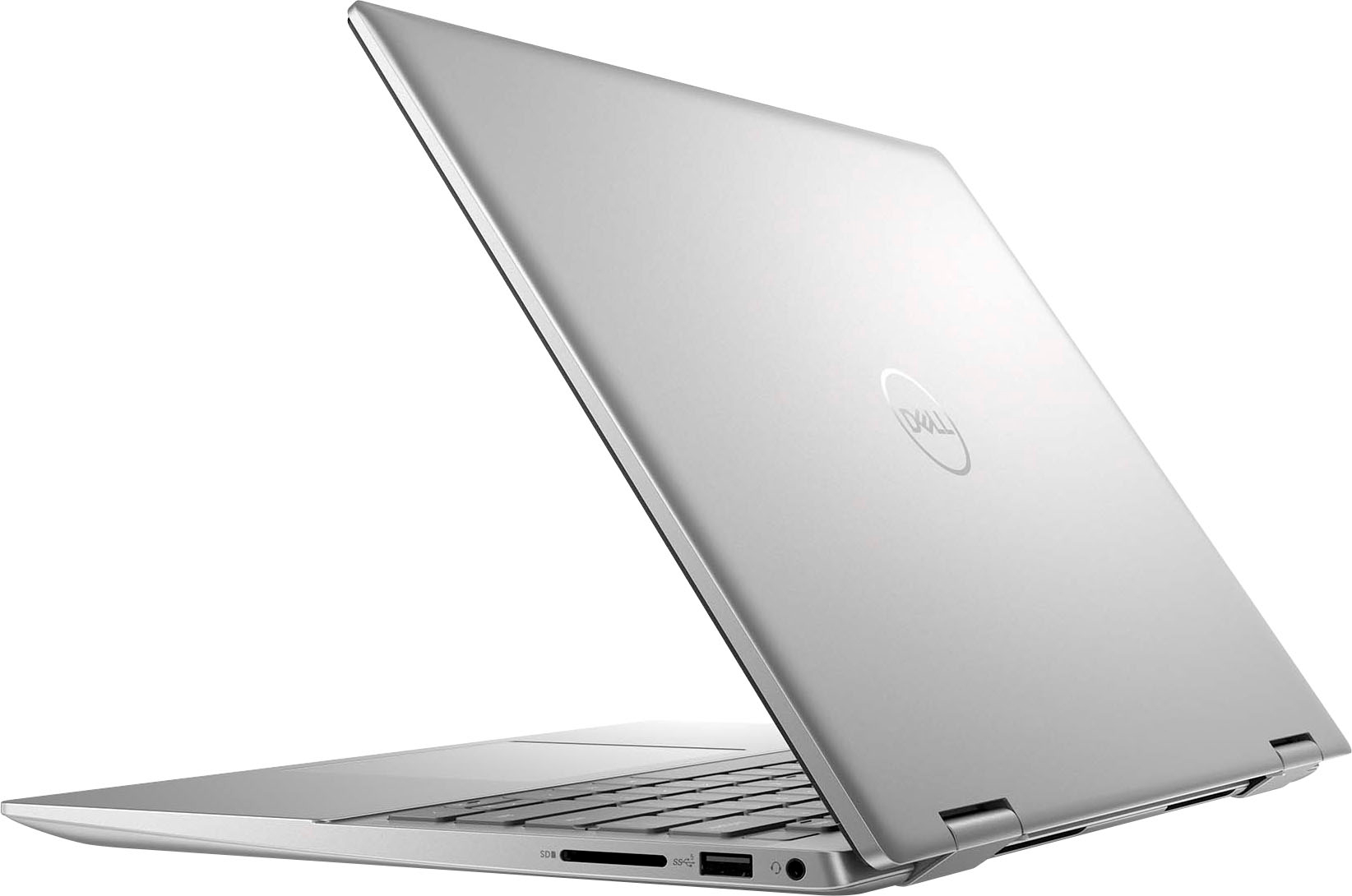
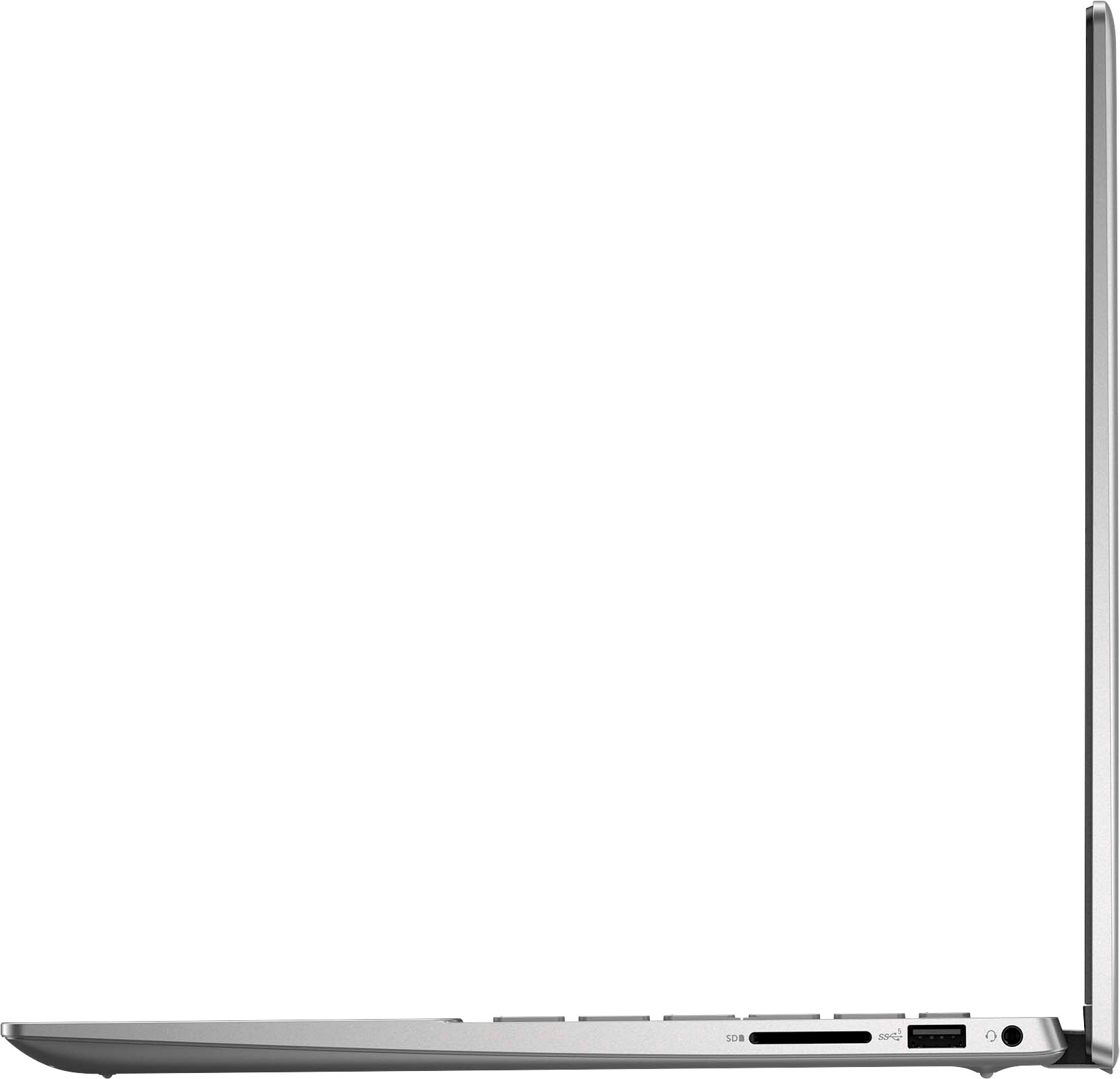
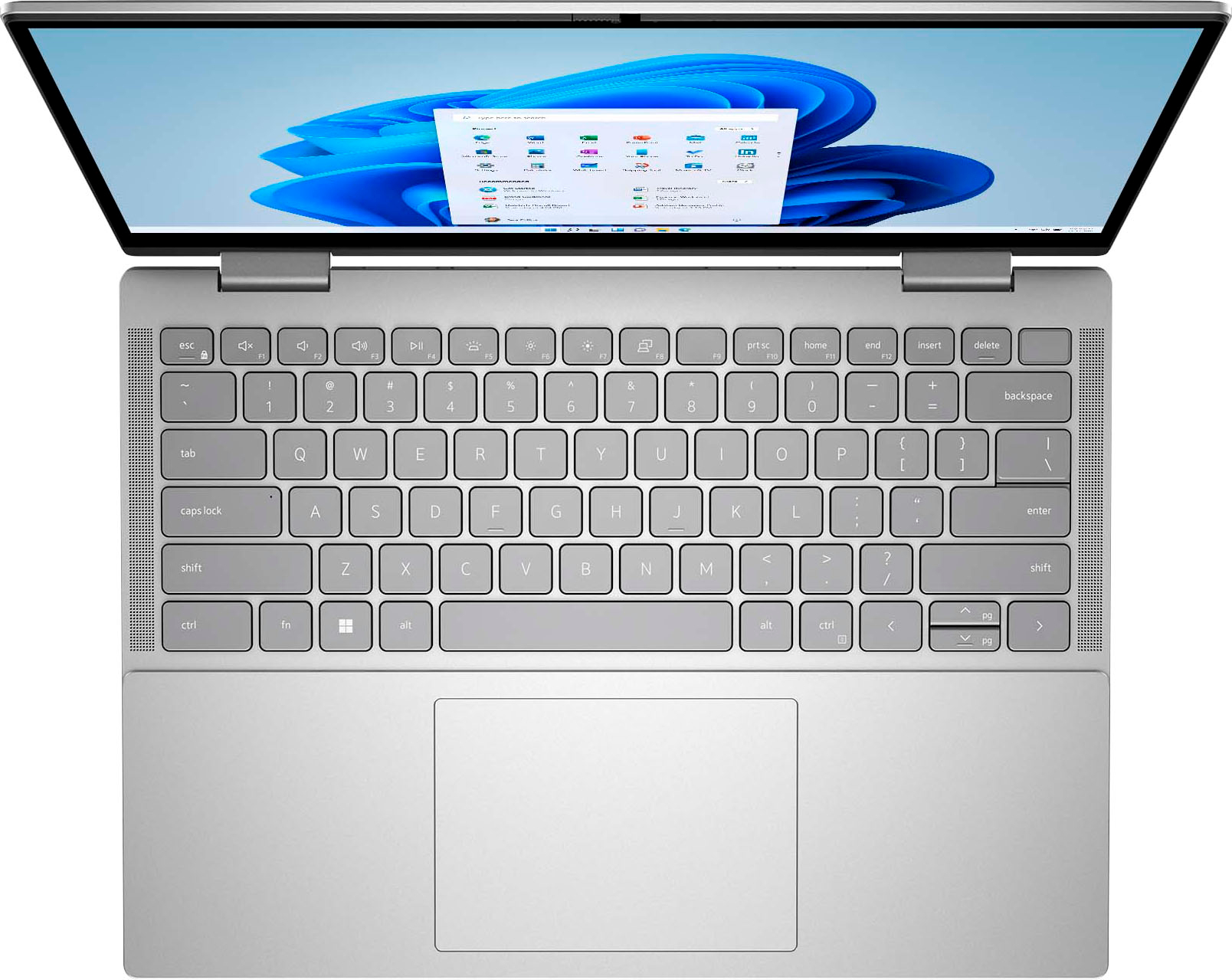
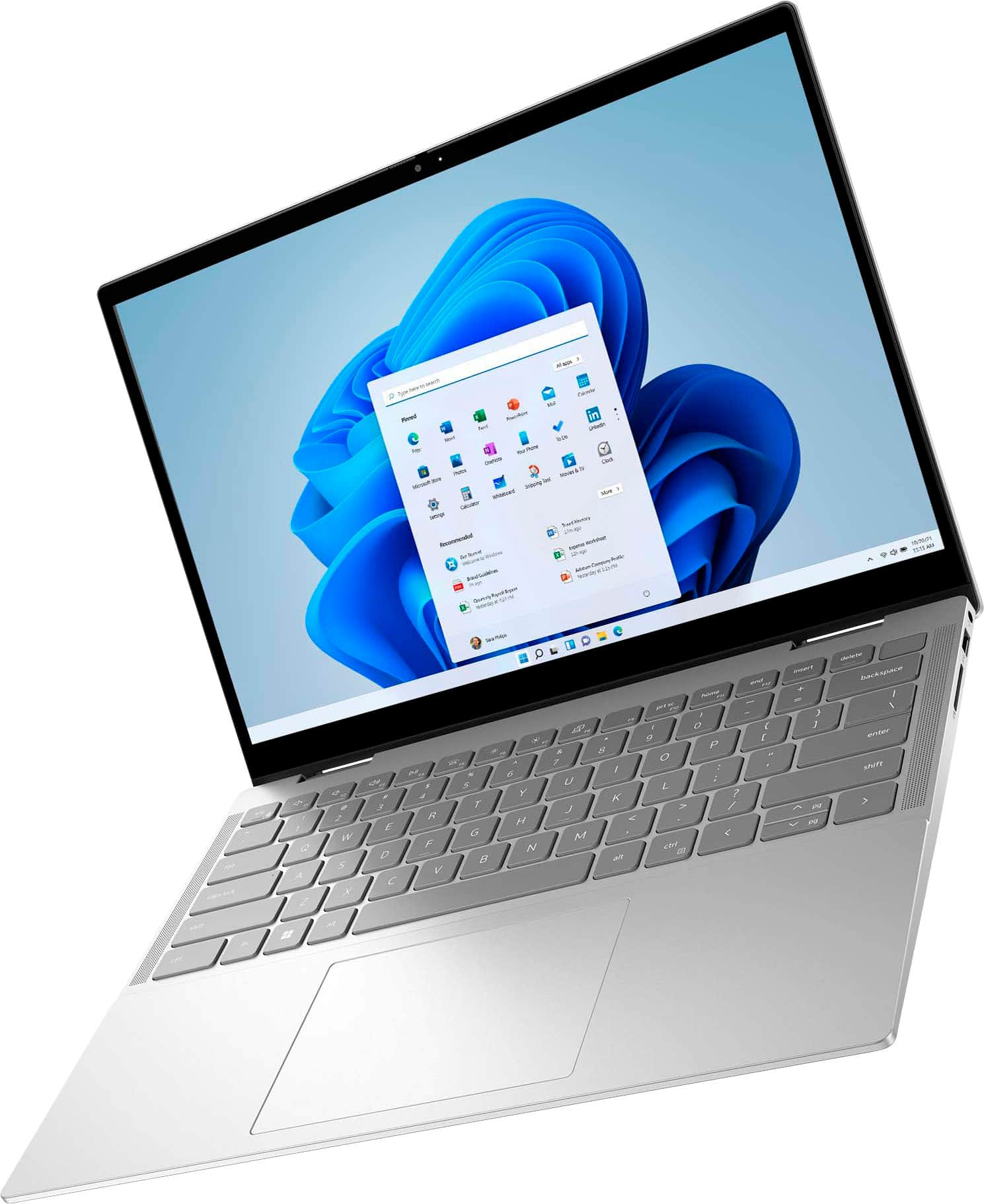
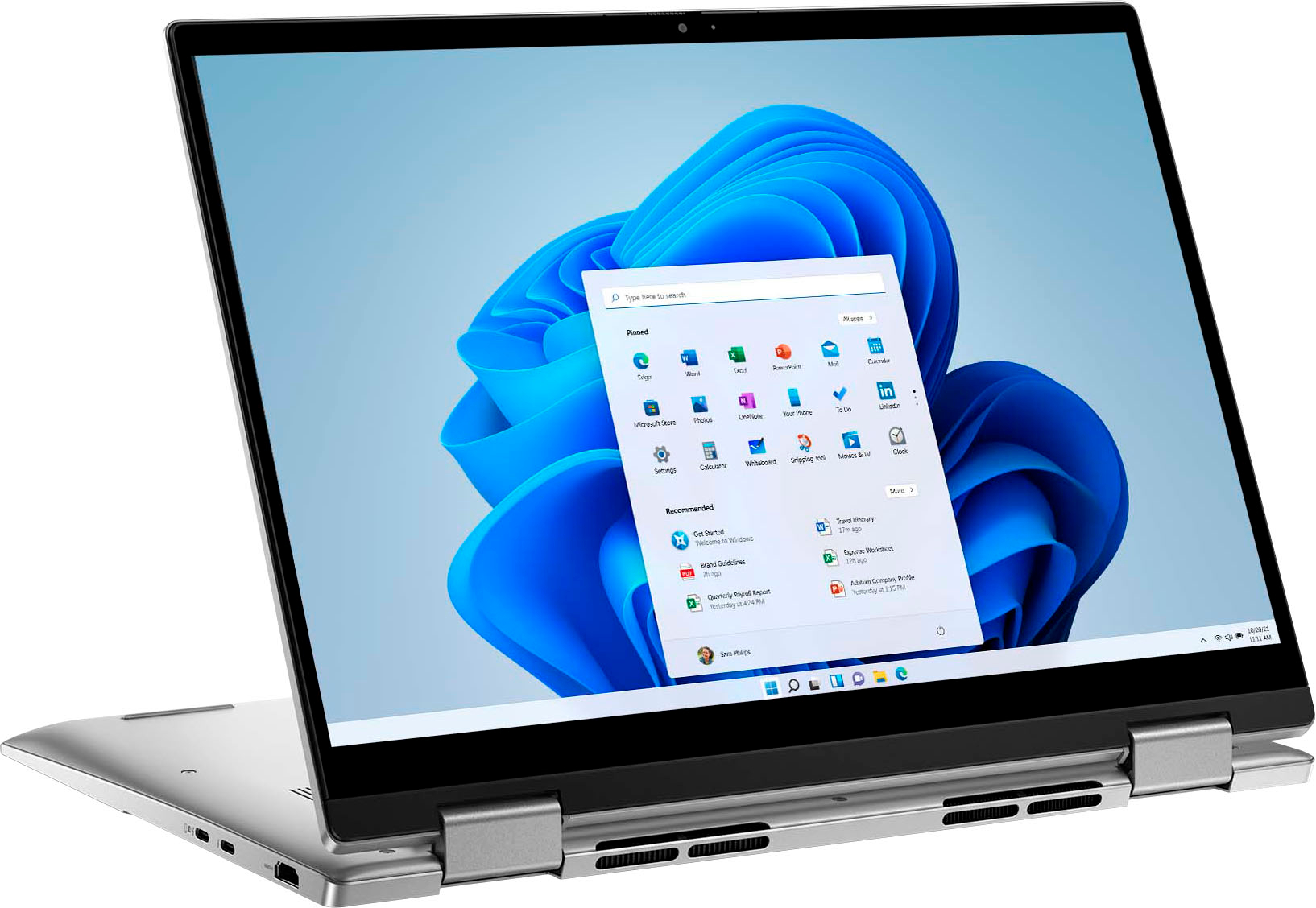
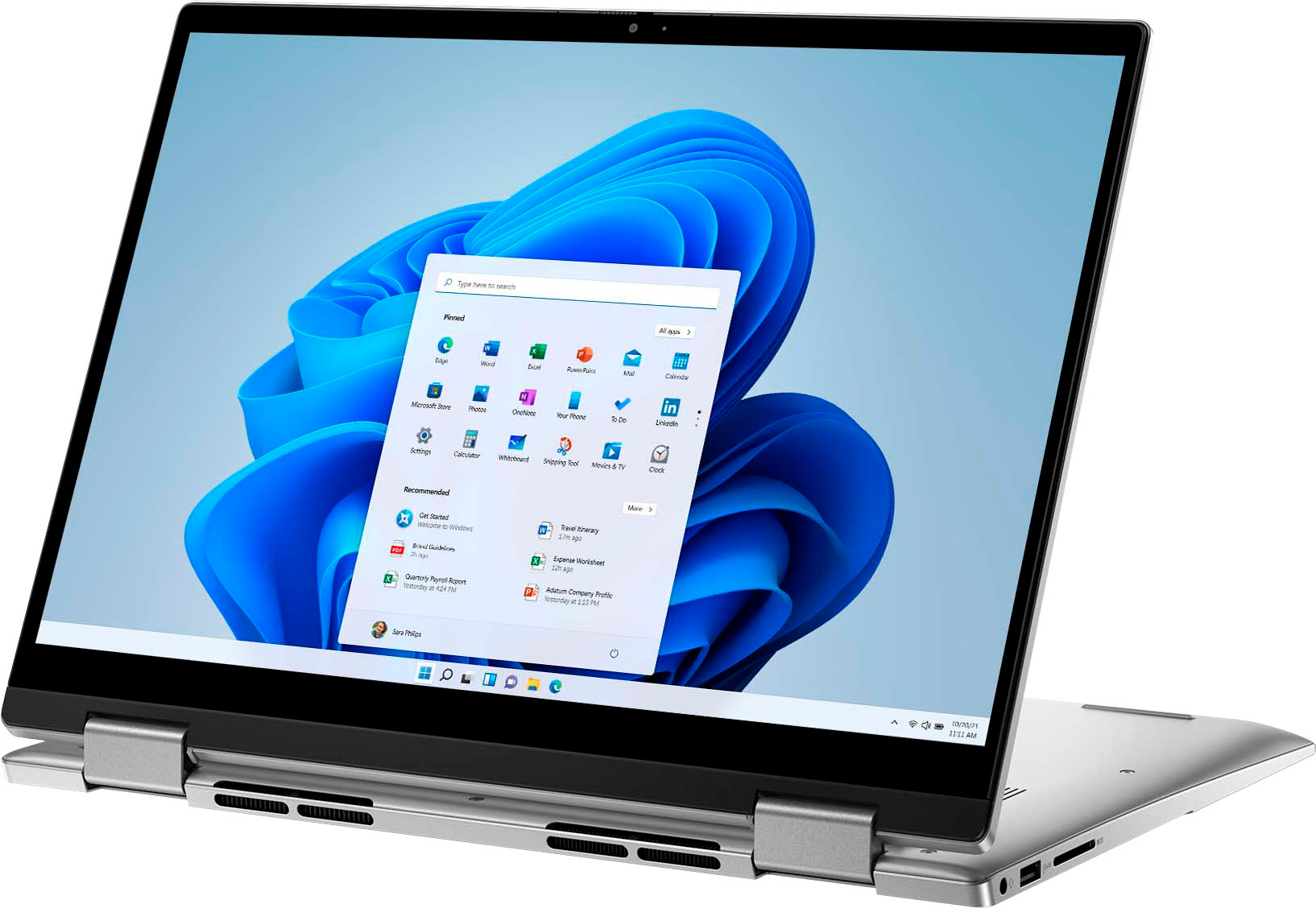
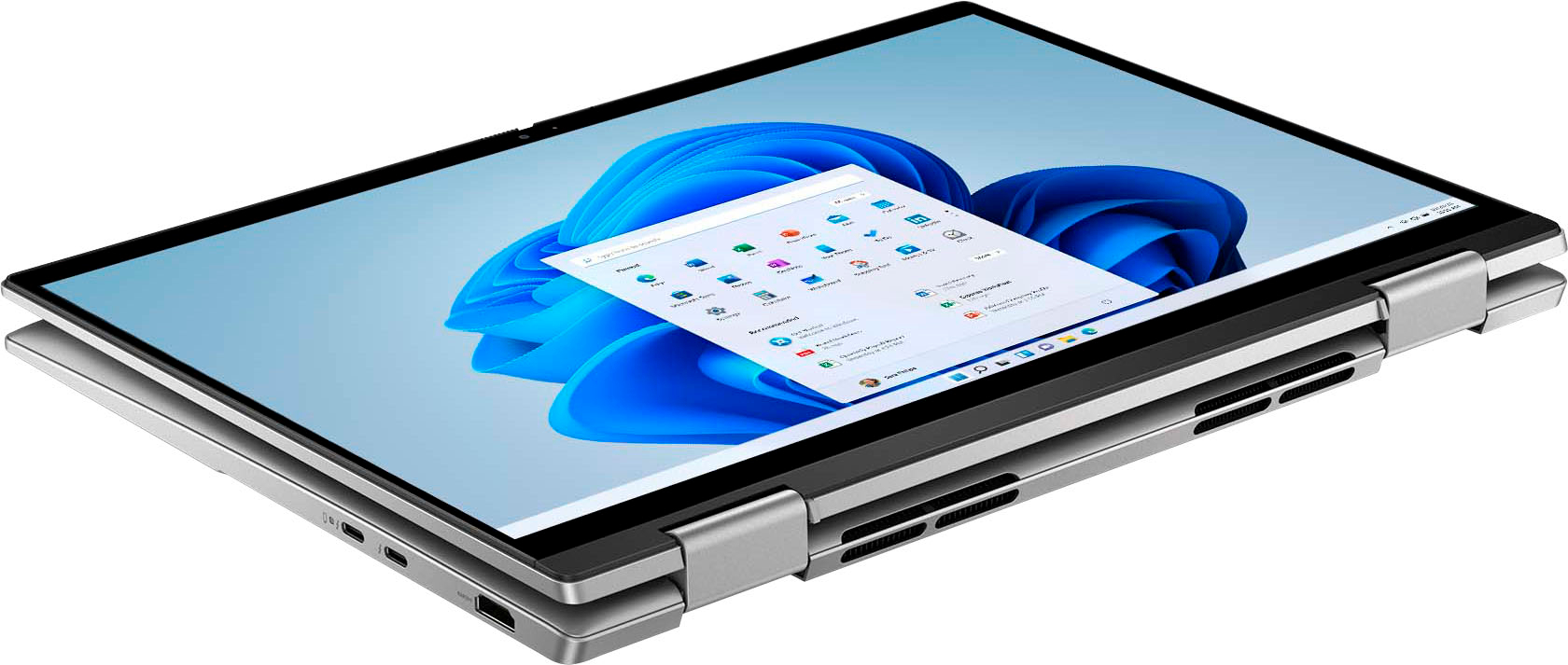
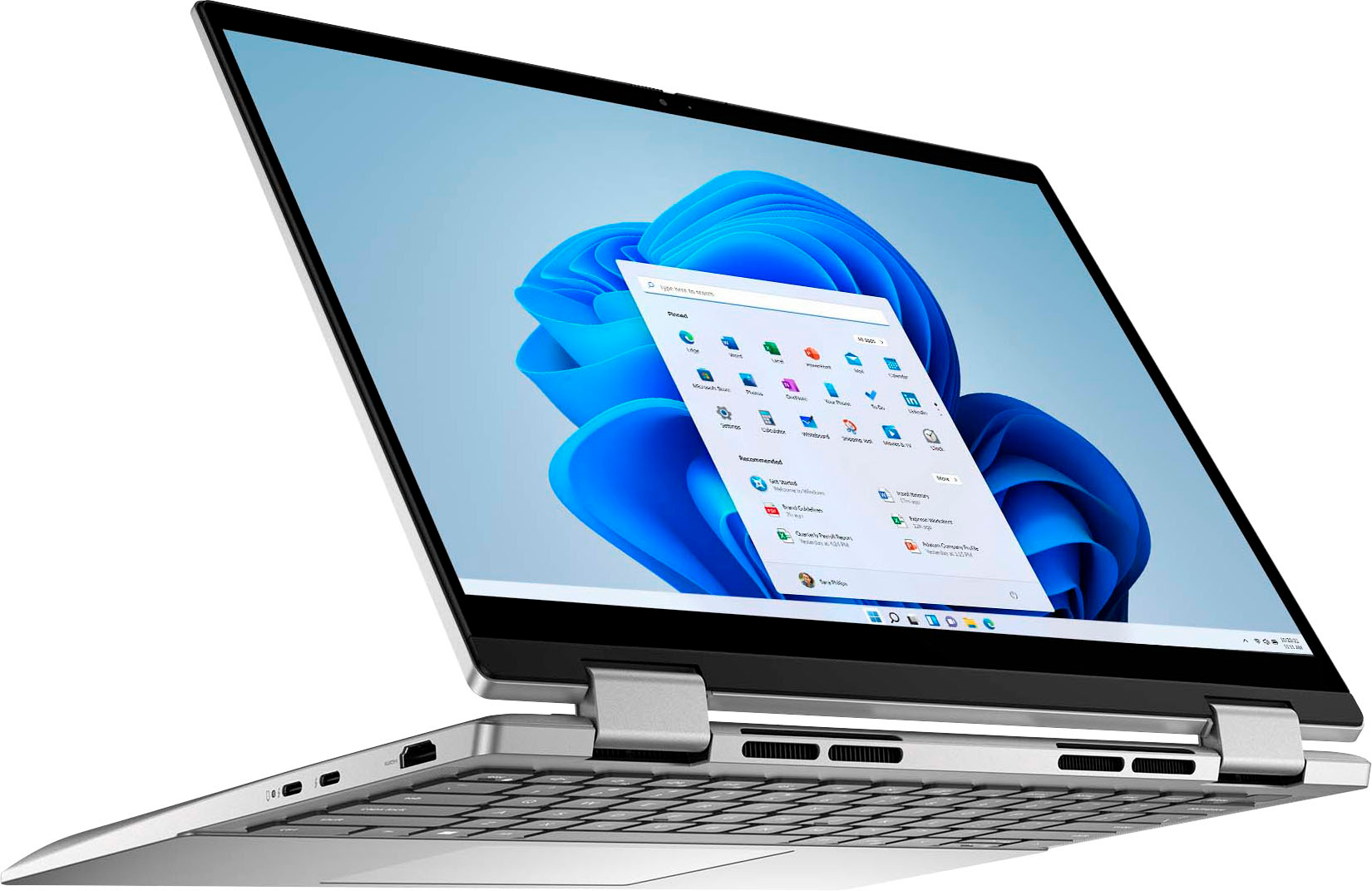
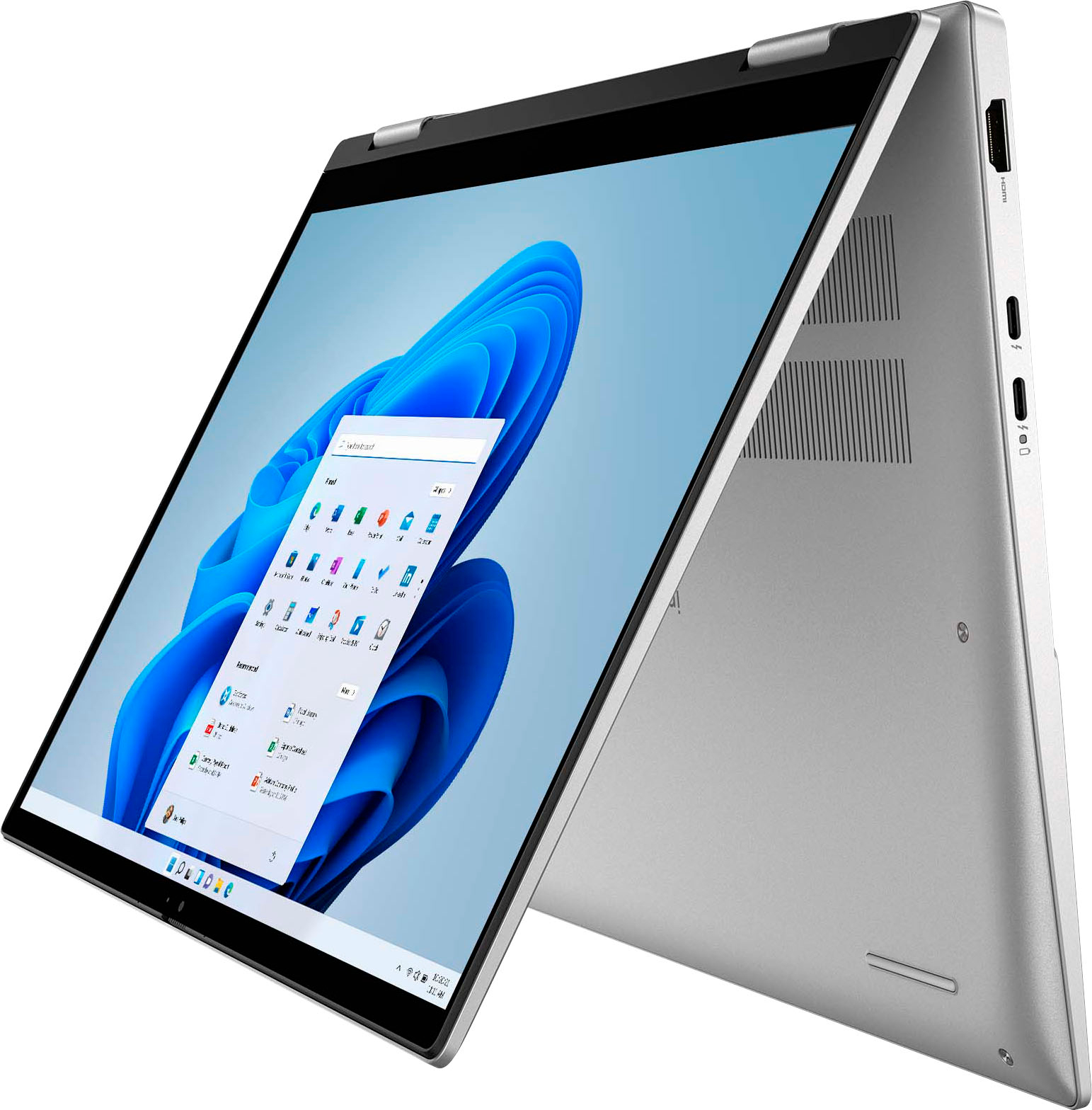
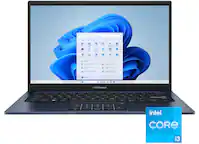
A:Answer This laptop includes one M.2 slot for M.2 2230 or M.2 2280 solid-state drive. To upgrade the storage, you need to remove the existing storage installed and then add the upgraded storage. This laptop supports one of the following storage configurations: ● One M.2 2230 solid-state drive ● One M.2 2280 solid-state drive.
M.2 2230 solid-state drive (Interface Type- PCIe Gen3 x4 NVMe, up to 32 Gbps) is supported up to 1 TB.
M.2 2230 solid-state drive (Interface Type- PCIe Gen4 x4 NVMe, up to 64 Gbps) is supported up to 1 TB.
M.2 2280 solid-state drive (Interface Type- PCIe Gen4 x4 NVMe, up to 64 Gbps) is supported up to 2 TB.
M.2 2230 solid-state drive (Interface Type- PCIe Gen4 x4 NVMe, QLC, up to 64 Gbps) is supported up to 1 TB.
For more details, we recommend contacting the Best Buy support team for assistance: https://www.bestbuy.com/contact-us