A:AnswerThe warranty on this system is valid only in the region of purchase and if you're planning to use it outside the region of purchase, we suggest that you have the warranty upgraded to a premium one by contacting Dell's sales team.
A:AnswerNo it is not. What drivers do you have for the igpu and dGPU? Use dxdiag, sys config, device manager, or the like to check in case you don't know. I prefer to let the deep link AI manage the Gpus and not force the dGPU though.
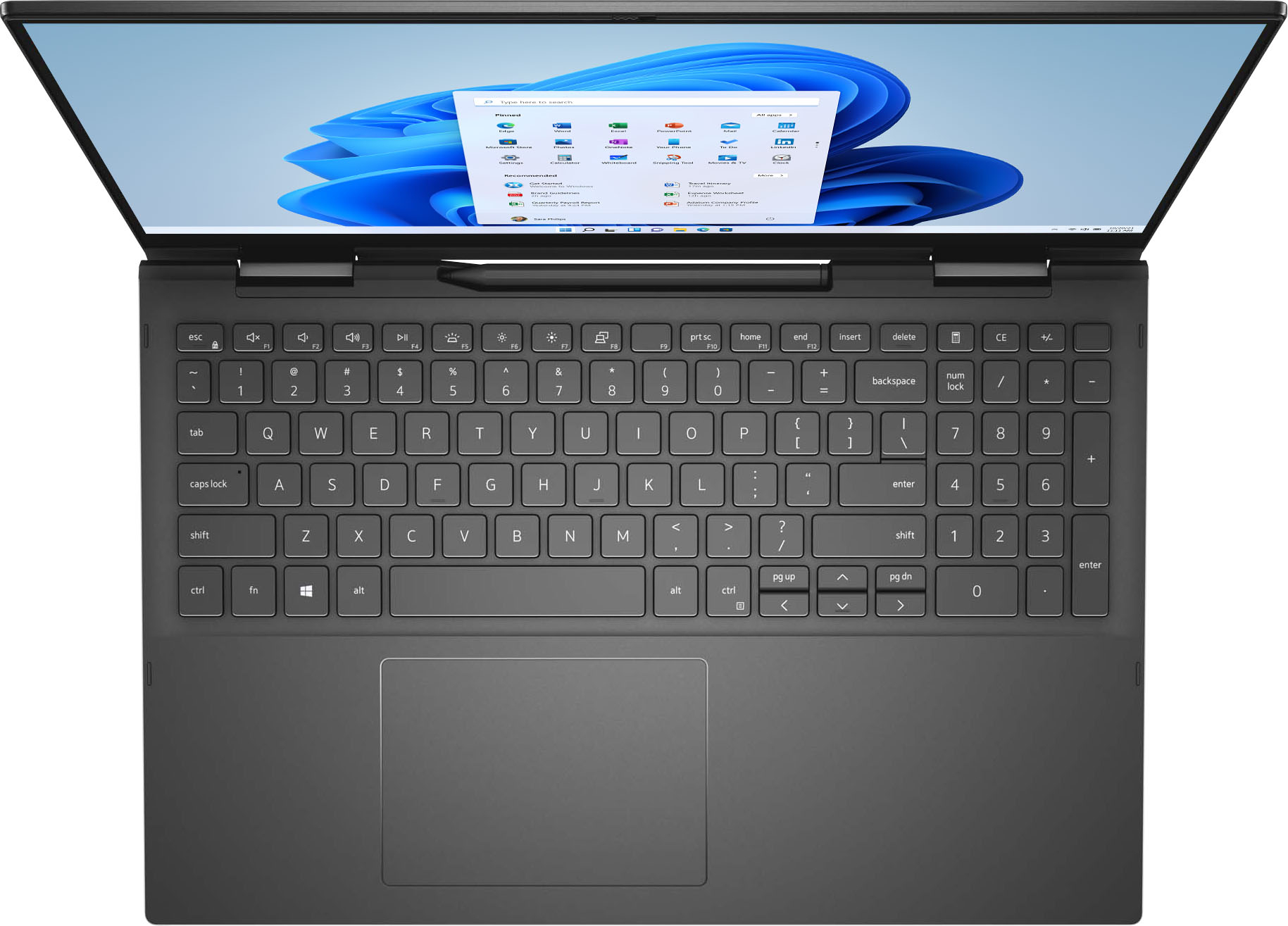
A:AnswerCan you please recheck your answer on this question. The listing says that to computer has a charging dock for the active pen. Will it charge the batteries or do we need to replace batteries when no longer working?
A:AnswerThe hardware on this laptop is not built for designing. However, you can check the Dell Precision's mobile workstation ( https://bit.ly/3jZC9hl ) that will be the best choice for designing.
A:AnswerLooking at the Dell Commercial Docking Compatibility for this specific dock on Dell's website, it doesn't mention the Inspiron series at all. And looking at other reviews of the station on Amazon say they could not get it to work with the Inspiron. So I'm unsure if it will work. I could be wrong but this is my best guess after looking online.
If you want to skip using thunderbolt try the Dell Universal Dock D6000.
A:AnswerDell recommends Dell Adapter - USB-C to HDMI/VGA/Ethernet/ USB 3.0 | DA200 to connect this laptop to multiple devices – projectors, TVs, displays, and Ethernet.