Year-End SaleEnds 1/1/26. Limited quantities. No rainchecks.

Main Content

Questions & Answers

Your price for this item is $809.99
Clearance
The comparable value price is $899.99
Page Showing 21-32 of 32 questions
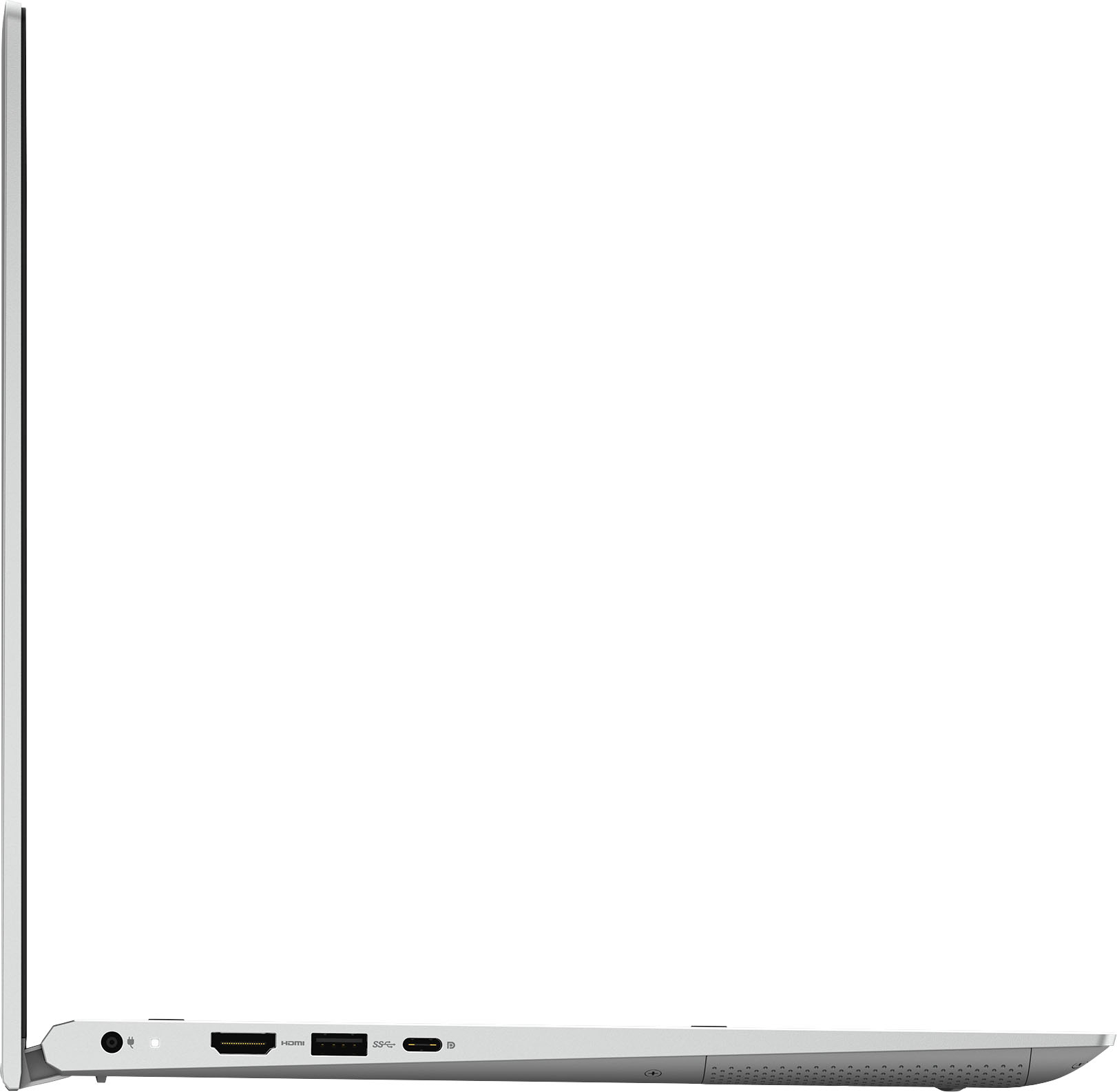
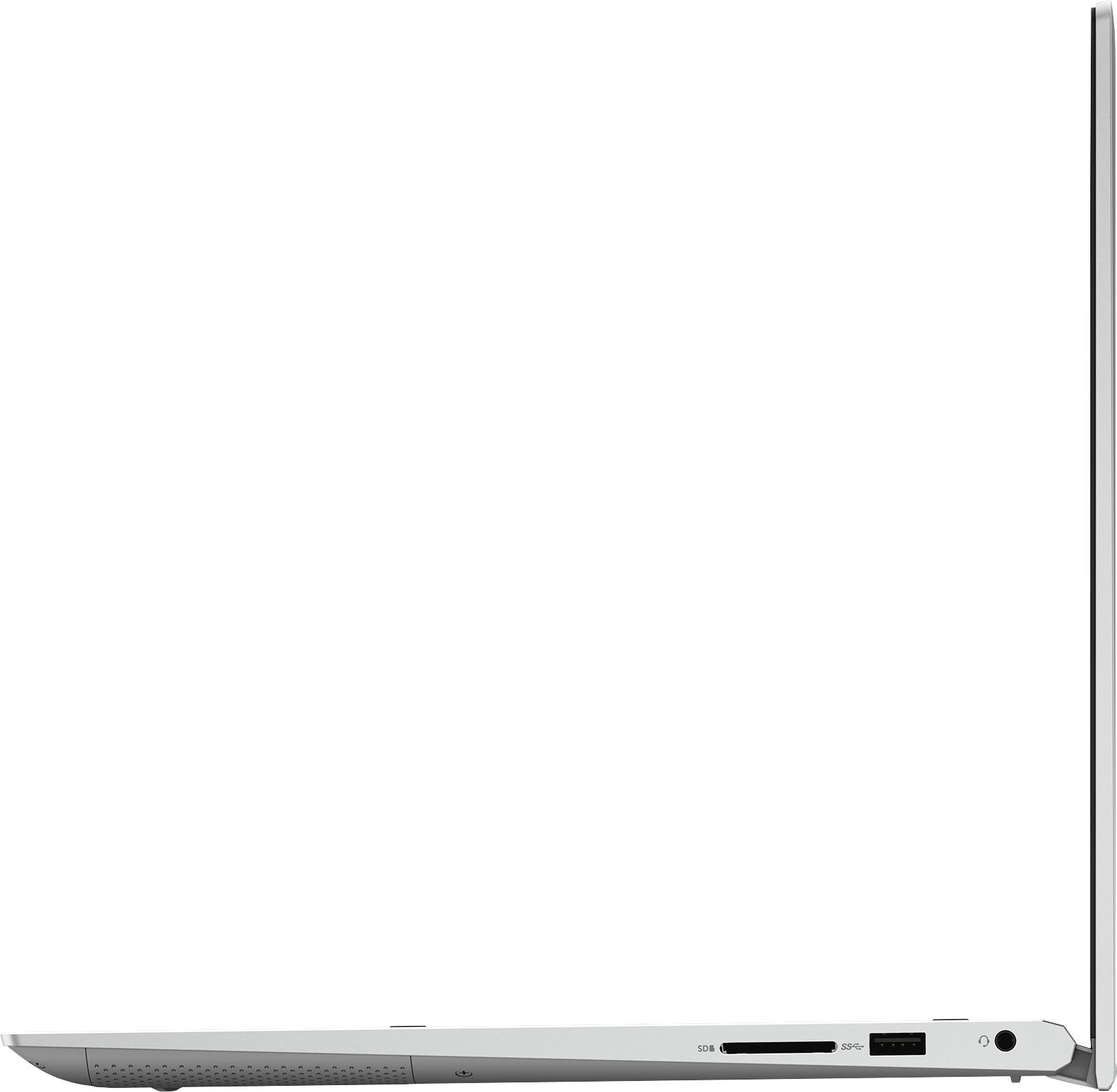
  • QuestionCan I connect a printer to this laptop

    Asked by Rick.

    • Answer Not a serial printer cable but wifi, or USB for sure.

      Answered by JoJoDancer

  • QuestionHi, Does this Laptop come with a port for an Ethernet cable?

    Asked by Minnie.

    • Answer This laptop doesnot come with a RJ-45 port to plug an Ethernet cable. However, a USB-R45 adapter could be used to plug the ethernet cable.

      Answered by YourDellTeam

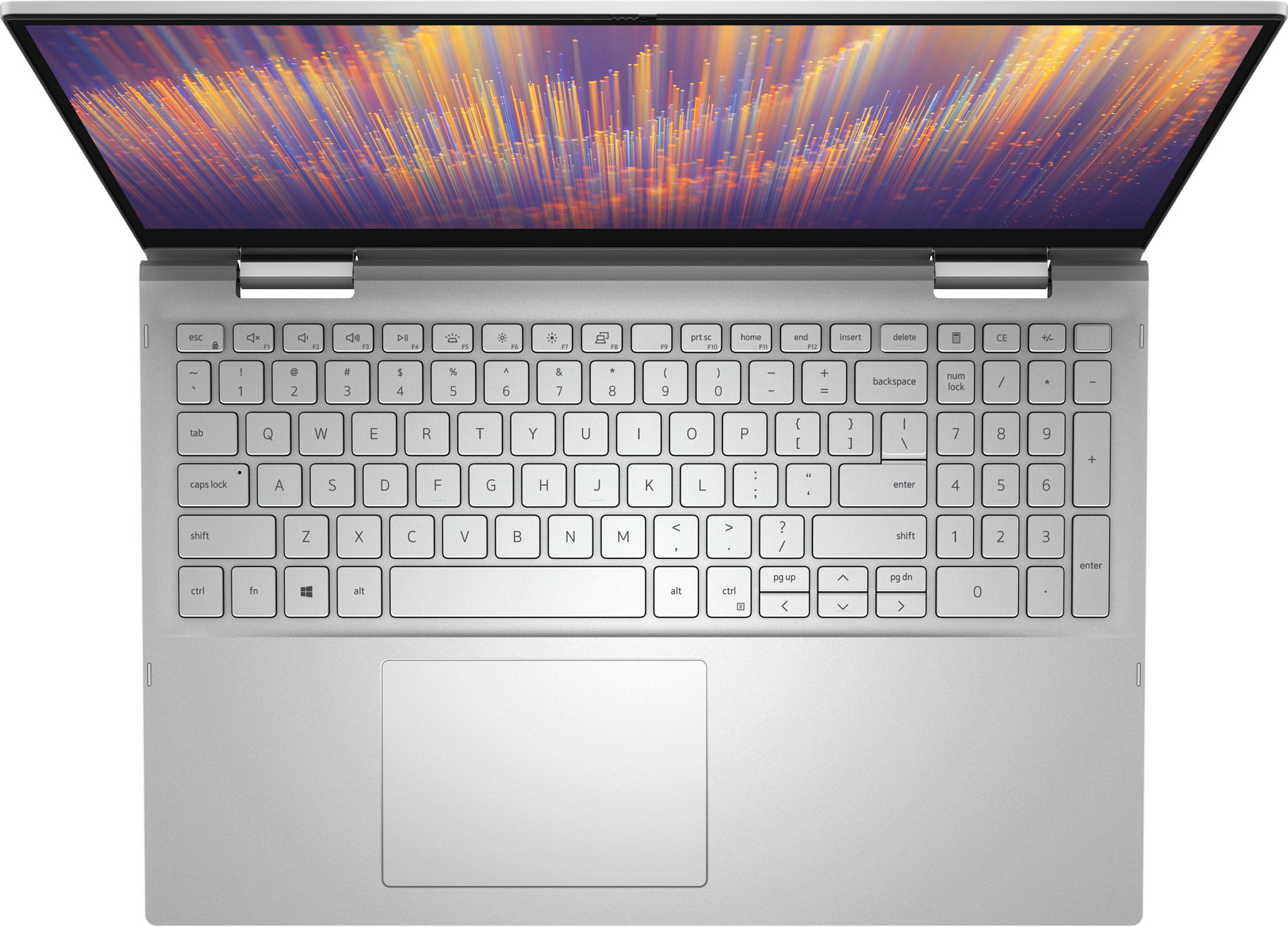
  • QuestionDoes this laptop have the fingerprint scanner?

    Asked by Hope.

    • Answer Yes and it's a nice little bit of fancy

      Answered by JoJoDancer

  • QuestionIs there a way to turn off the backlit keyboard? My 86 year old father hunts and pecks when he types so he can't see the letters when he is typing. I noticed the letters turn black when the keyboard is not actively being used.

    Asked by Mikey814.

    • Answer Yes, Dell puts these parameters to adjust brightness -- or completely disable -- in their BIOS menu, which you can access by rebooting/powering up the laptop and immediately and continually pressing the F2 key every second before the Windows screen is visible. Per Dell: Click the + sign next to System Configuration. Click Keyboard Illumination. Note: If Keyboard Illumination is not an option, your computer does not have a backlit keyboard. Depending on the version of the BIOS on your computer, you may have different options. On the newer versions of the BIOS, the options may be: Disabled or Off - The keyboard illumination is off. Dim - The keyboard illumination is at half brightness. Bright - The keyboard illumination is at full brightness. Note: Other options listed under Keyboard Illumination in the System Configuration menu may include: Keyboard Backlight Timeout on AC - Allows you to set how long the backlight stays on while on AC power. Keyboard Backlight Timeout on Battery - Allows you to set how long the backlight stays on while on battery power. Keyboard Backlight with AC - When enabled, you can use the brightness level keys on the keyboard to set the brightness level. On an older version of the BIOS, the options may be: Disabled or Off - The keyboard illumination is off. Auto ALS and Input - The keyboard automatically illuminates in dim lighting conditions when the internal keyboard, touchpad, or pointstick are used. When using this setting, the Ambient Light Sensor has to be set to Enable in the BIOS. To set the Ambient Light Sensor to Enable, perform the following steps: Click the + sign next to Video in the System Configuration menu. There is also an Ambient Light Sensor option on this screen as well, which some laptops/firmwares can use to dynamically adjust brightness on the keys depending on how dark it is in the room. But if you just want to disable the backlighting, I'd turn it off if not already off.
      Answered by Rick

  • QuestionDoes this laptop have a camera?

    Asked by JD.

    • Answer Yep, low rez but acceptable for budget pc

      Answered by JoJoDancer

  • QuestionDoes the keyboard have a backlight?

    Asked by Mike.

    • Answer Yes, adjustable in BIOS settings if not already visible. (F2 before Windows bootup.)

      Answered by Rick

  • QuestionCan the Dell Inspiron 7506 15.6" 's RAM be increased from 8 to 12 or 16GB?

    Asked by Hungry2too.

    • Answer Yes.

      Answered by Anonymous

  • Questionis this glossy or anti-glare screen?

    Asked by DroleCastor.

    • Answer Anti glare

      Answered by Bestlaptopever

  • QuestionIs this a fairly new product? Wondering why no reviews

    Asked by Lynn.

    • Answer Reviews are subjective.

      Answered by TC123

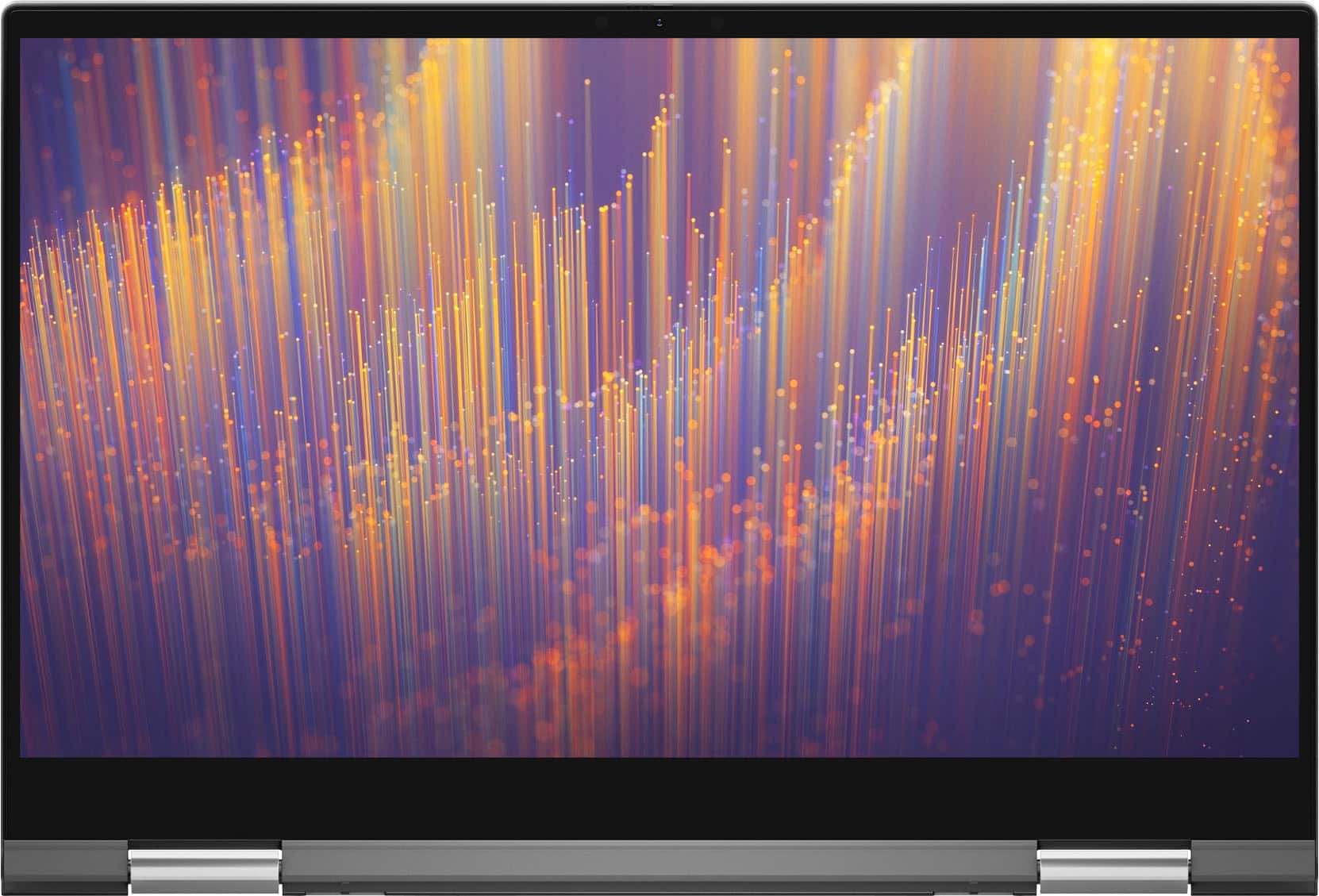
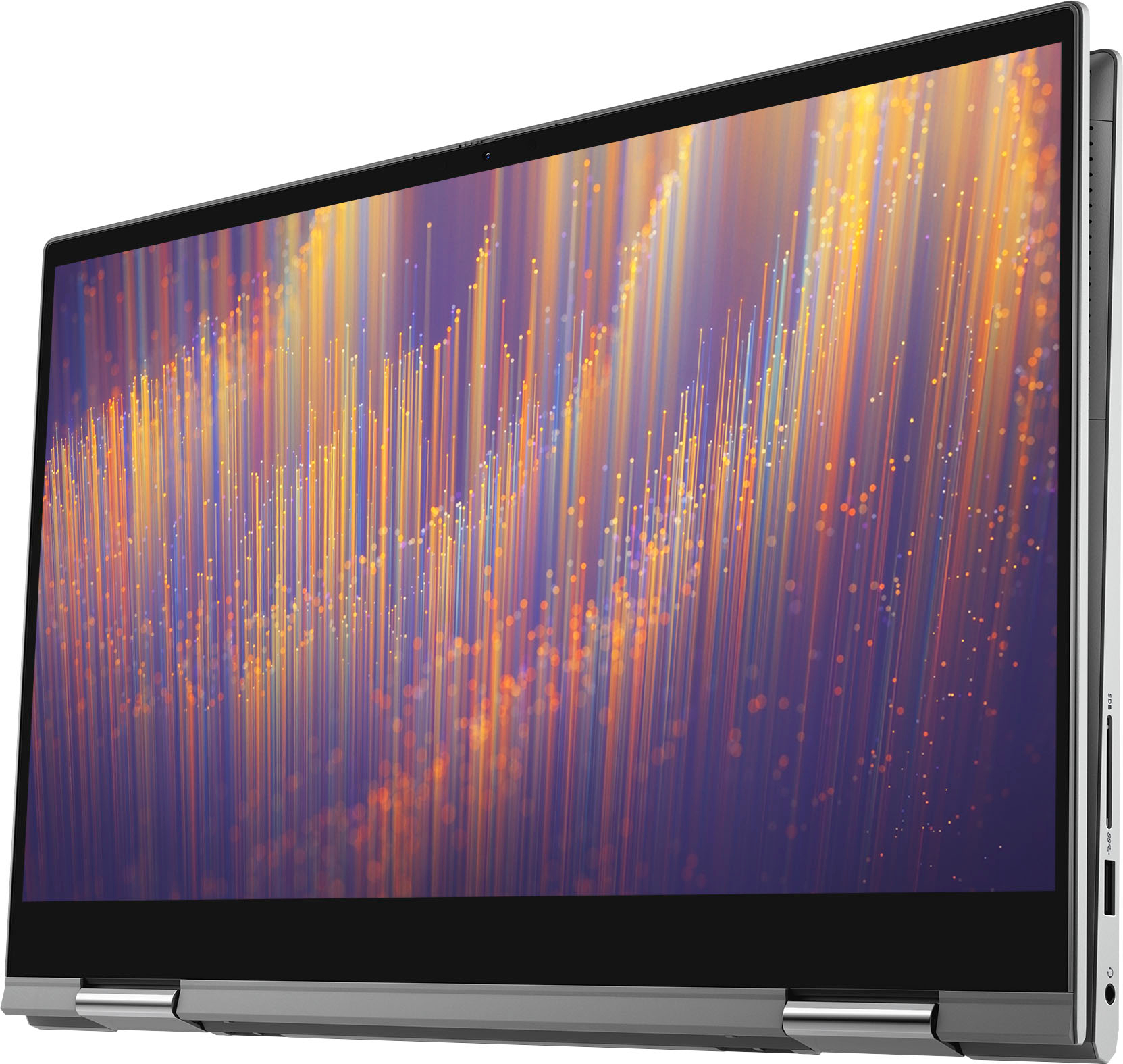
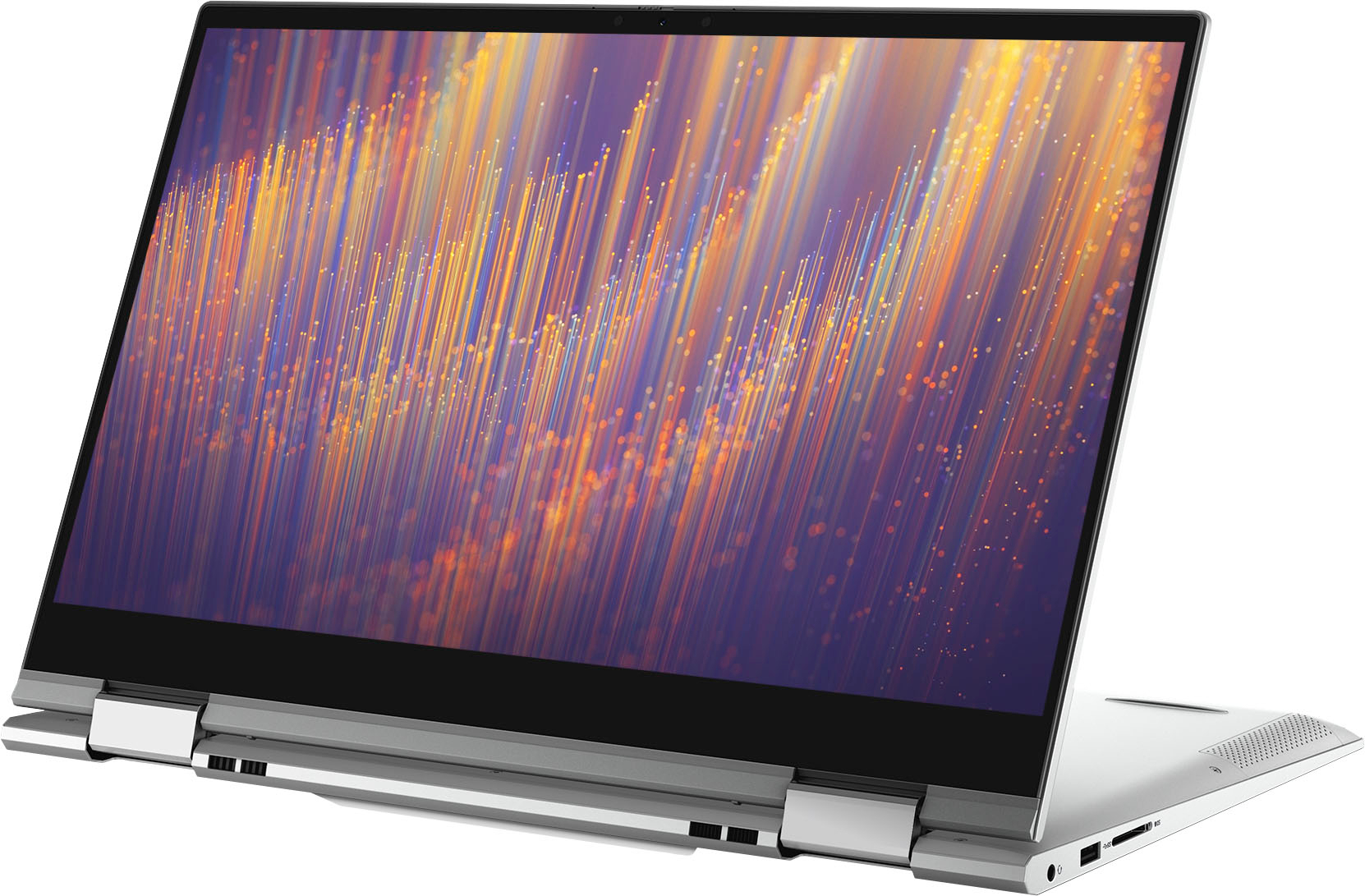
  • QuestionWhat does the "2 in 1" really mean?

    Asked by Anonymous.

    • Answer The term "2-in-1" refers to the feature of using this laptop both in notebook and tablet mode.

      Answered by YourDellTeam

  • QuestionDoes it have glossy or anti-glare screen?

    Asked by Drolepapillon.

    • Answer This laptop comes with Anti-glare screen.

      Answered by YourDellTeam

  • QuestionHow long does the battery last on a single charge??

    Asked by Down.

    • Answer 2 hours

      Answered by Anonymous