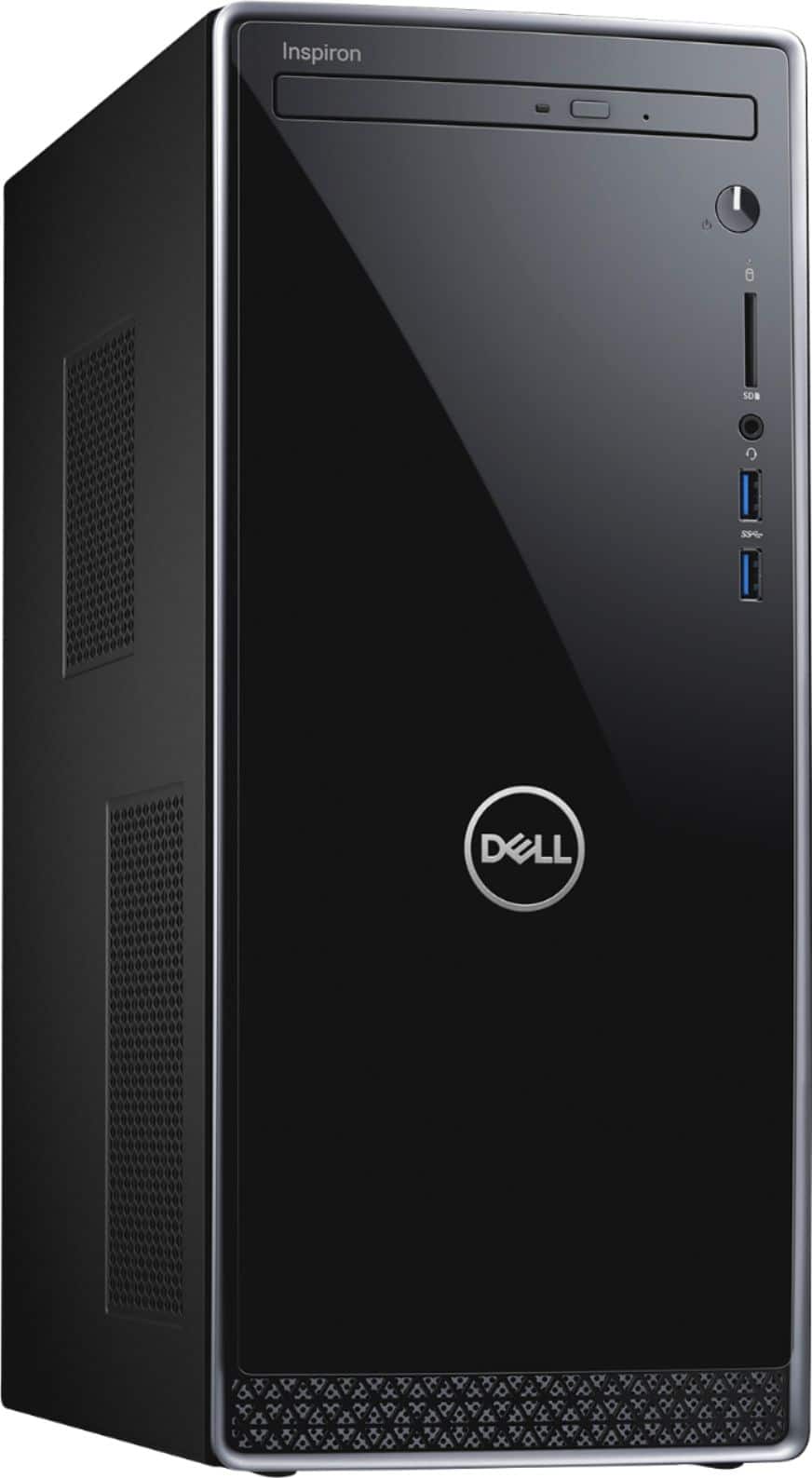
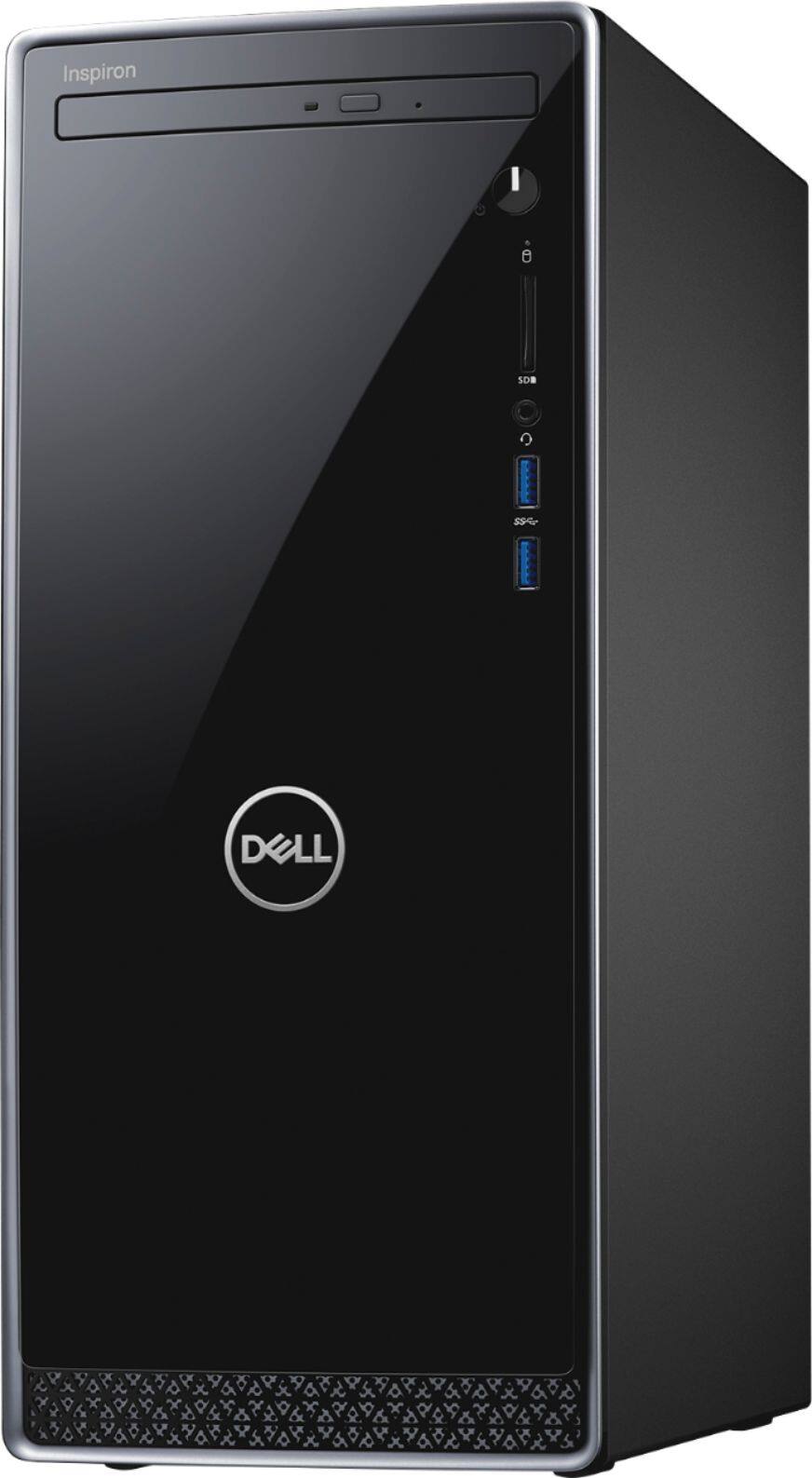
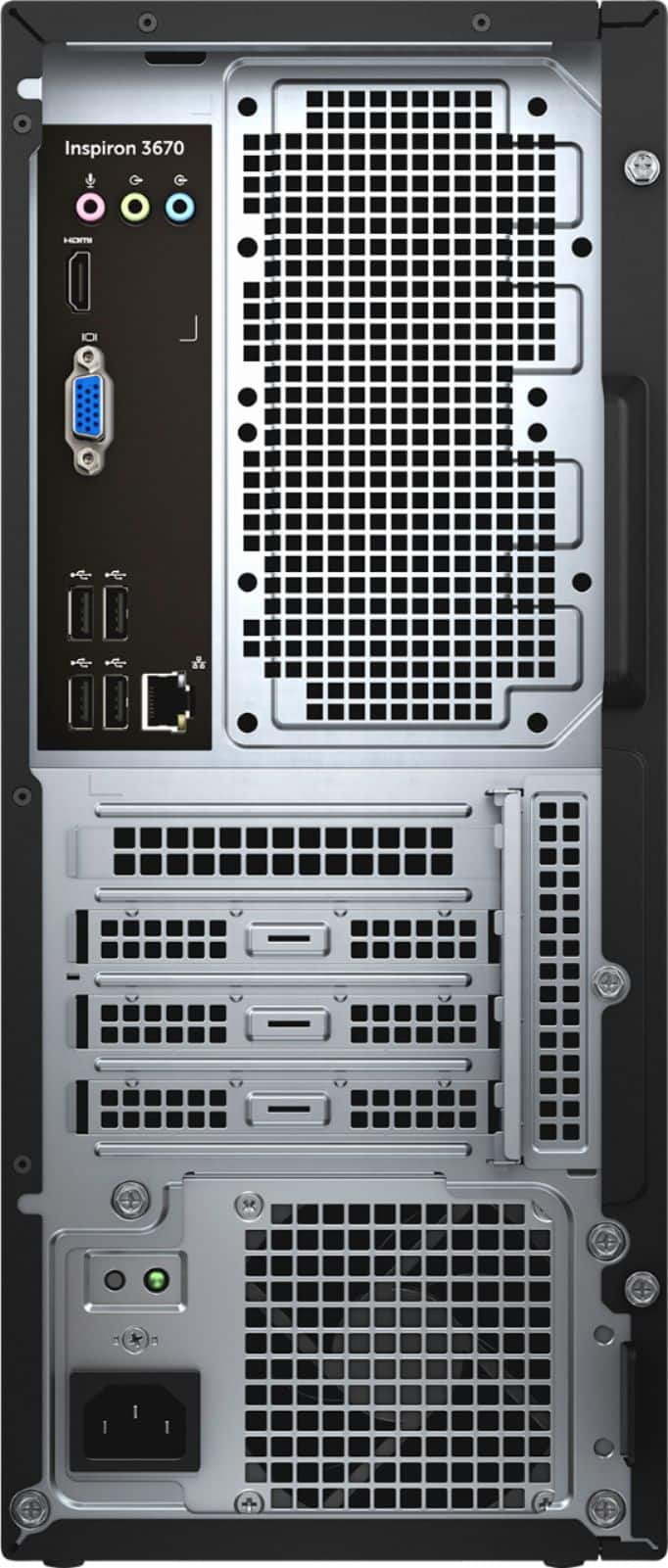
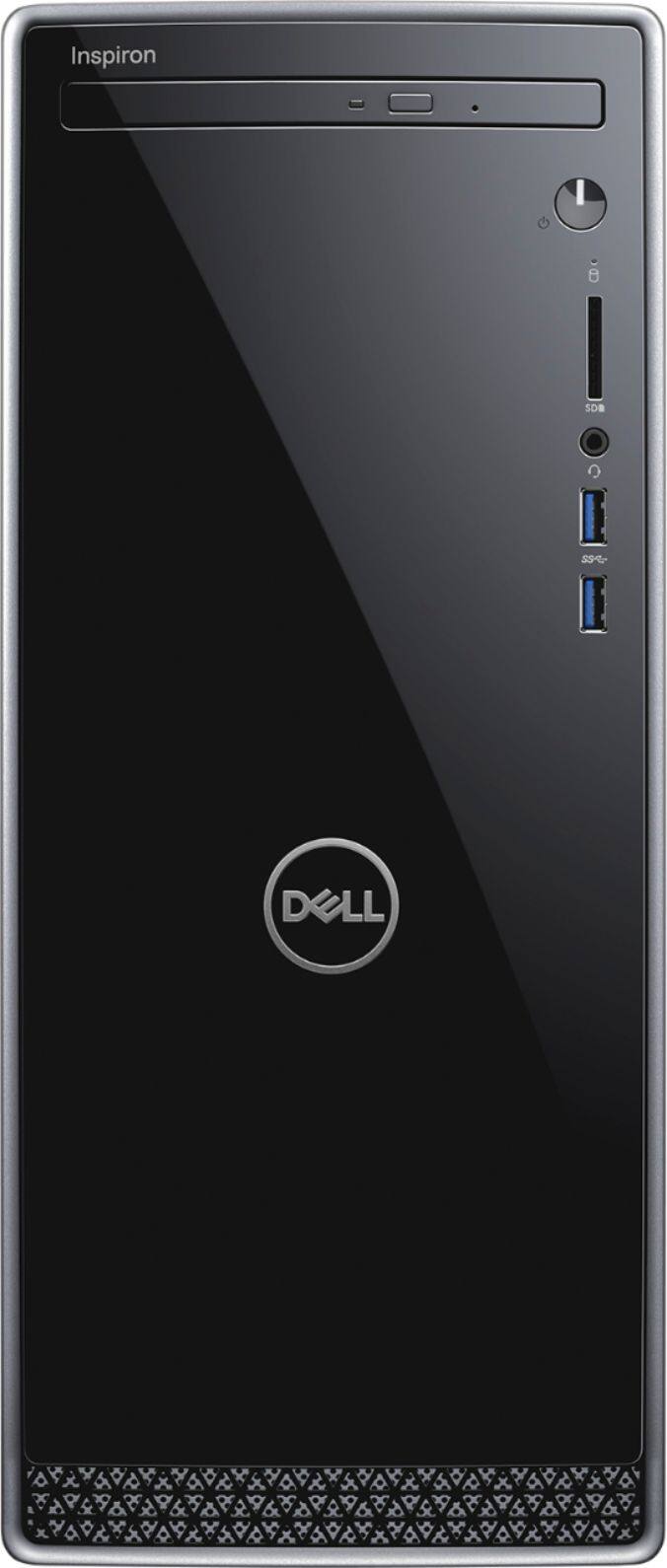
A:Answer You can add a second drive. I purchased the Samsung SSD 860 EVO 1TB 2.5 Inch SATA for this same Dell, and it works great. The installation is easy, but you will need to purchase the small mounting screws that attach the SSD to the Dell frame. I believe the 250 SSD is part of the motherboard, so that SSD stays in the Dell. The new SSD can be mounted easily near the supplied power cables in the Dell. There's only 1 set of available power cables, so it should be easy to find the location for the new drive. I used the Acronis software to clone the existing SSD to the new SSD before installing. Once installed, you will find that the Dell will automatically boot to the new drive. I'm not sure how I'll be using the old drive yet. It's still bootable, but I may re-format and use as additional storage. I believe I also disabled Secure Boot in the BIOS before installing. You can re-enable Secure Boot after the new drive is booting to your satisfaction.