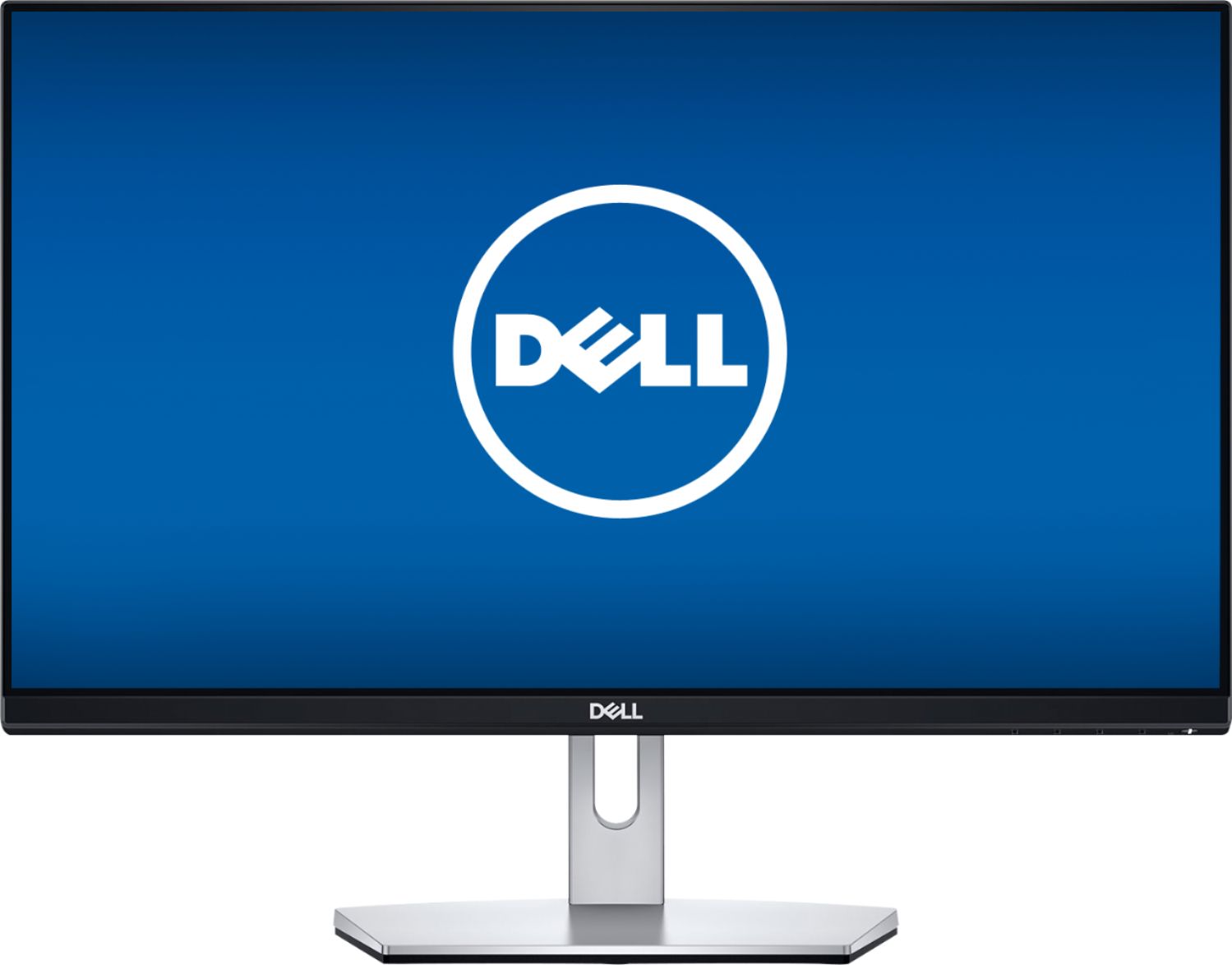
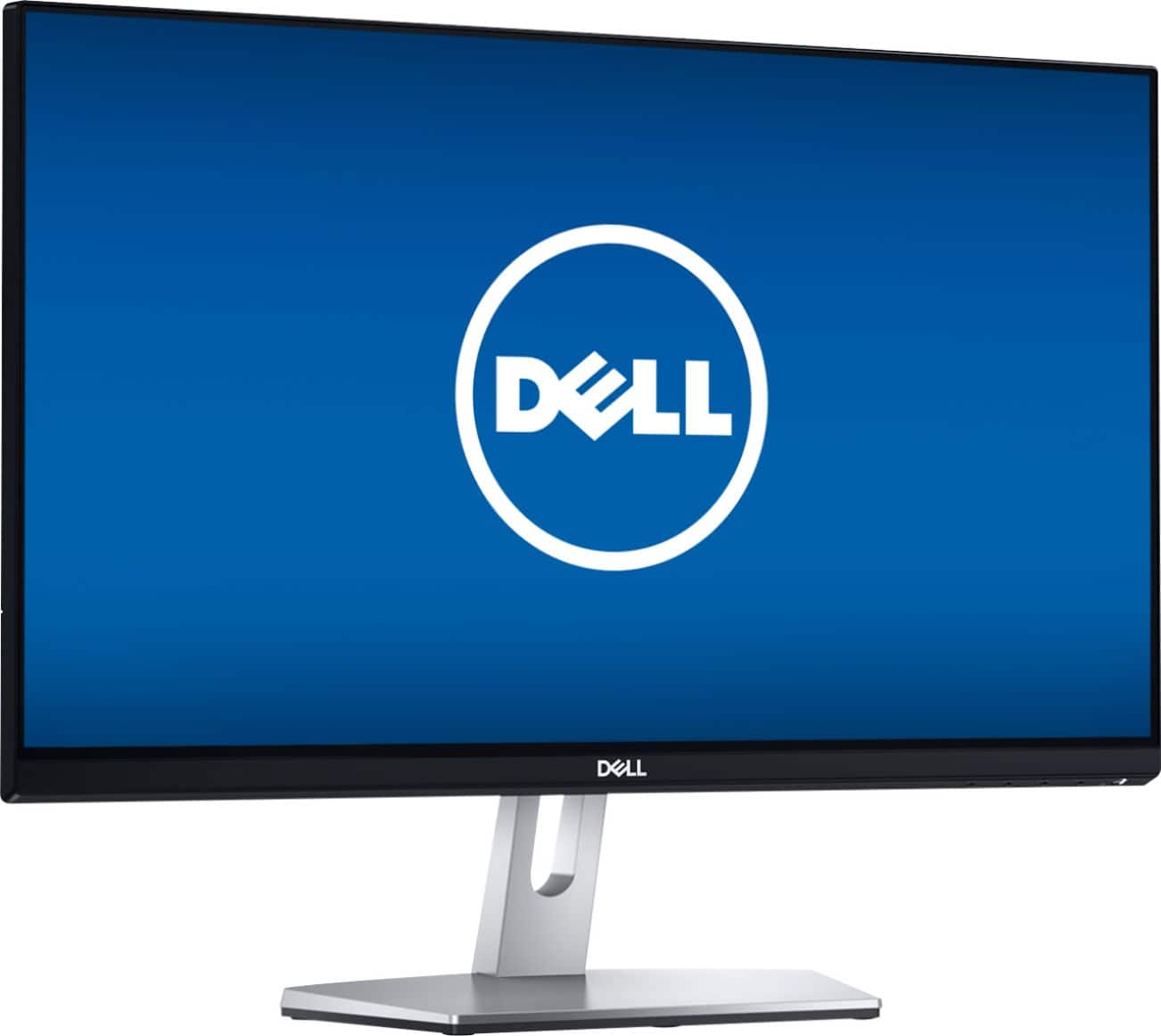
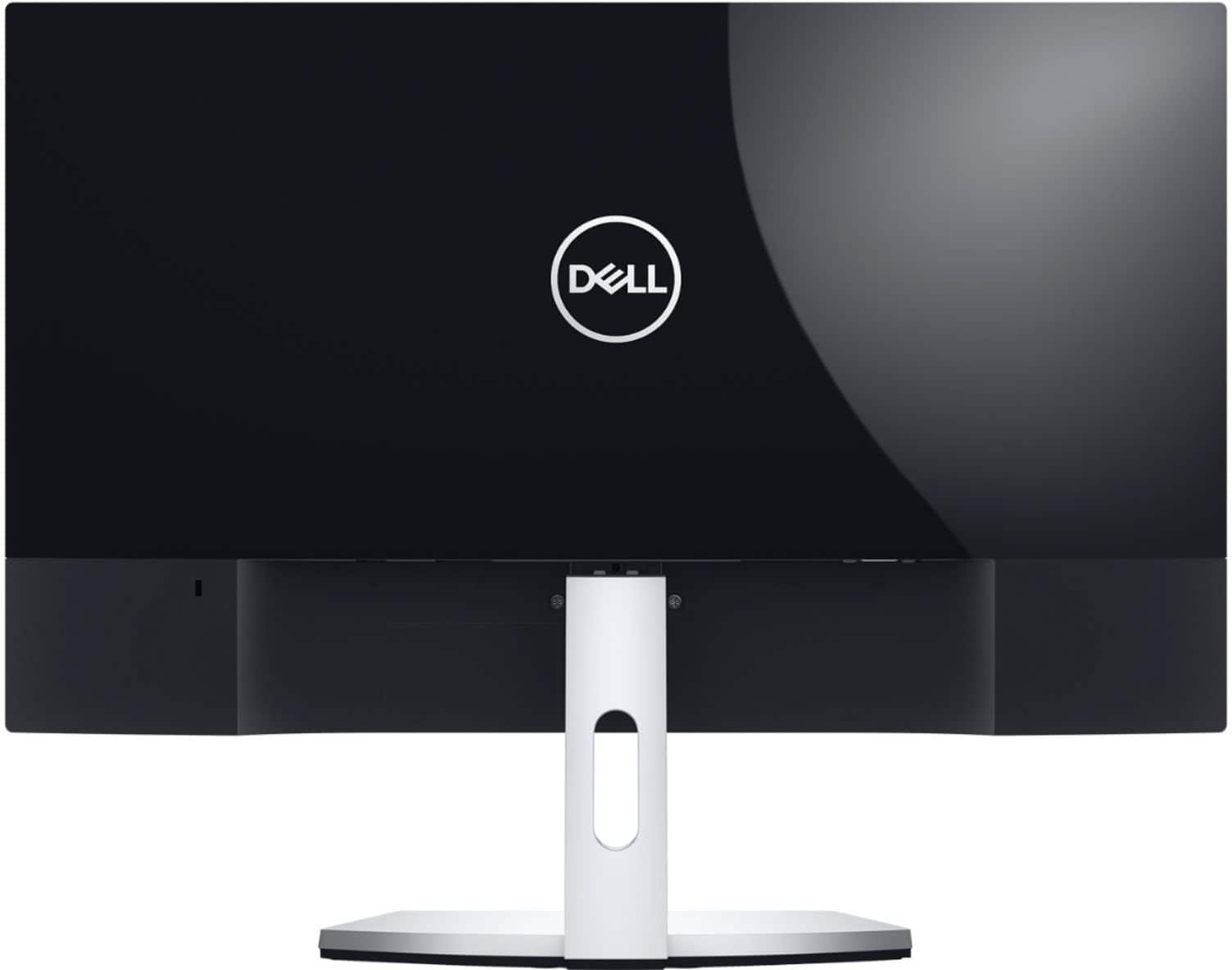
A:AnswerI watched an unboxing video on this monitor on YouTube today and got to see the power cord on this monitor. It has an A.C. adapter type of plug with a brick; much like my Dell Inspiron 3558 laptop and now I know that I'll pass on this one. I also watched an unboxing of a Dell 22" P2219H monitor and it has the kind of electrical power cord that I'm looking for and that monitor costs about $40.00 more than this one but it has so many more features than this one. I almost bought this monitor last Saturday night when it was on sale for $99.99 but I'm glad I didn't now that I know this monitor has an external power supply with a brick.
Stevoreno
07/29/19
A:AnswerThis is only a monitor, so you’ll need a tower or laptop to plug it into. It comes with an HDMI cable which was helpful for me when hooking up my MacBook.
A:AnswerI would take a look at a "P" series monitor. I'm looking at a Dell 22" P2219H monitor which has that feature and the monitor's stand will also go up and down. It's a nice monitor with a 3-prong port on the bottom for the power cord rather than an A.C. adapter type of port like the monitor on this page has.
Stevoreno
07/29/19
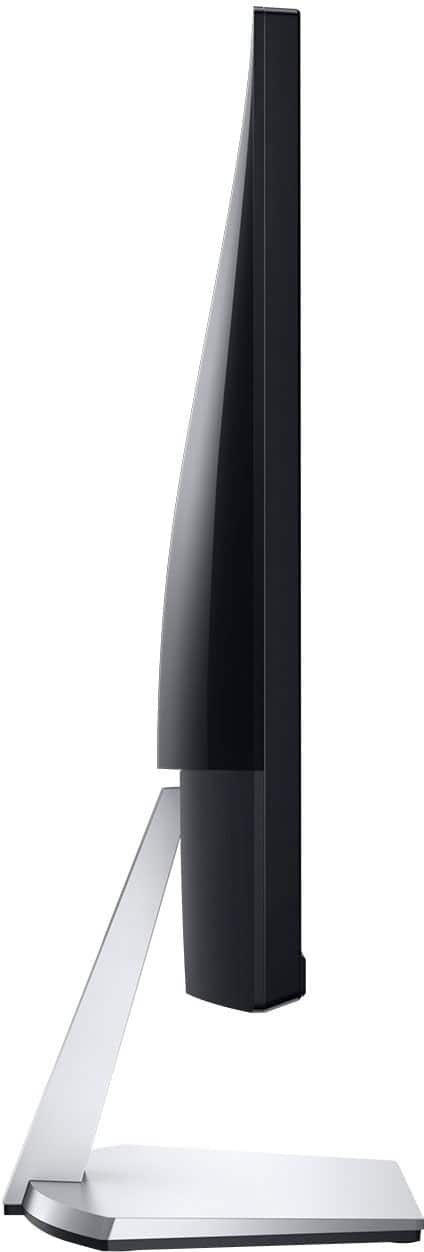
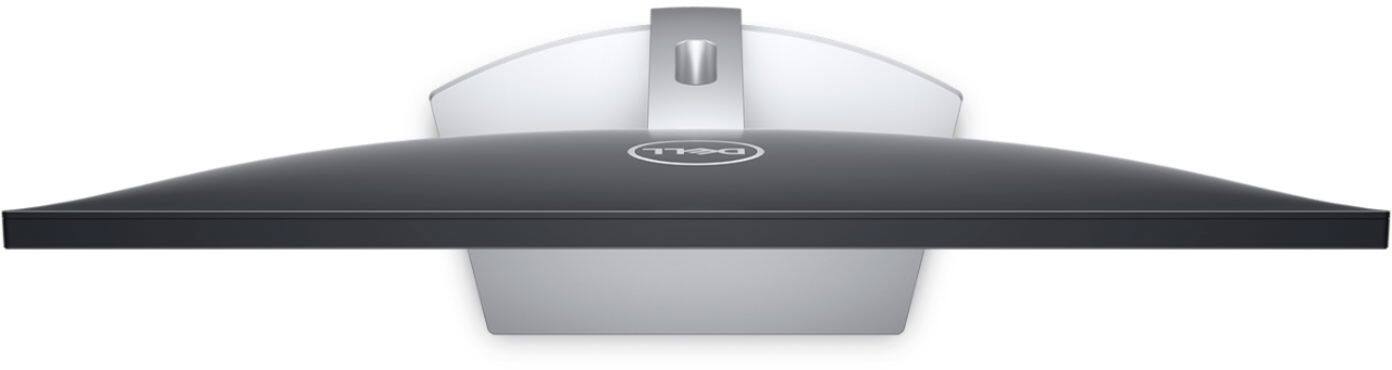
A:AnswerITLiaison, no the stand and back design of the monitor do not allow for vertical use. There may be some custom way to make it happen, but not with what comes when you purchase this monitor. Hope this helps.
A:Answerrun an audio cable from your output on the laptop and connect to the input of the monitor if it is equipped with speakers, if not just use external speakers.