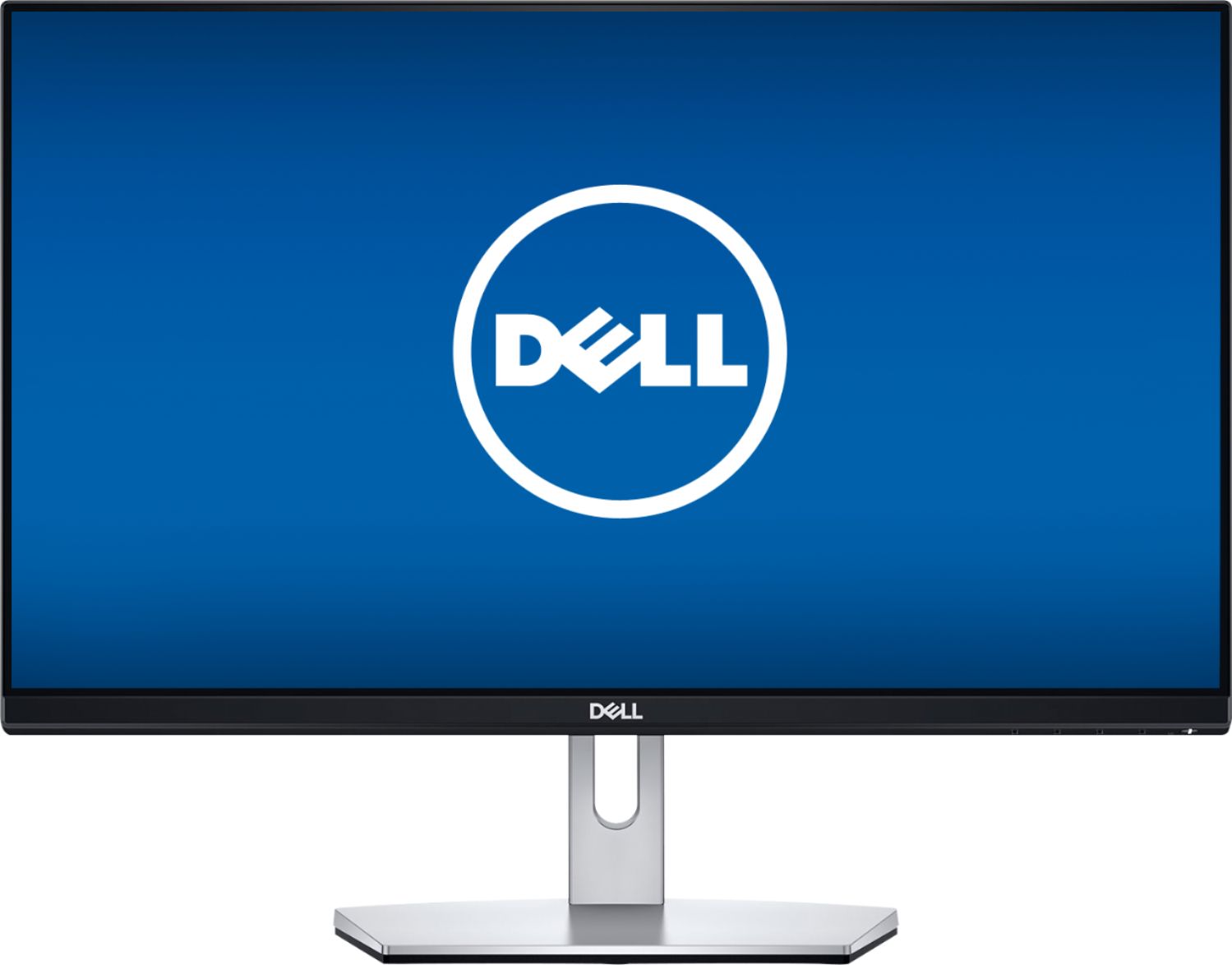
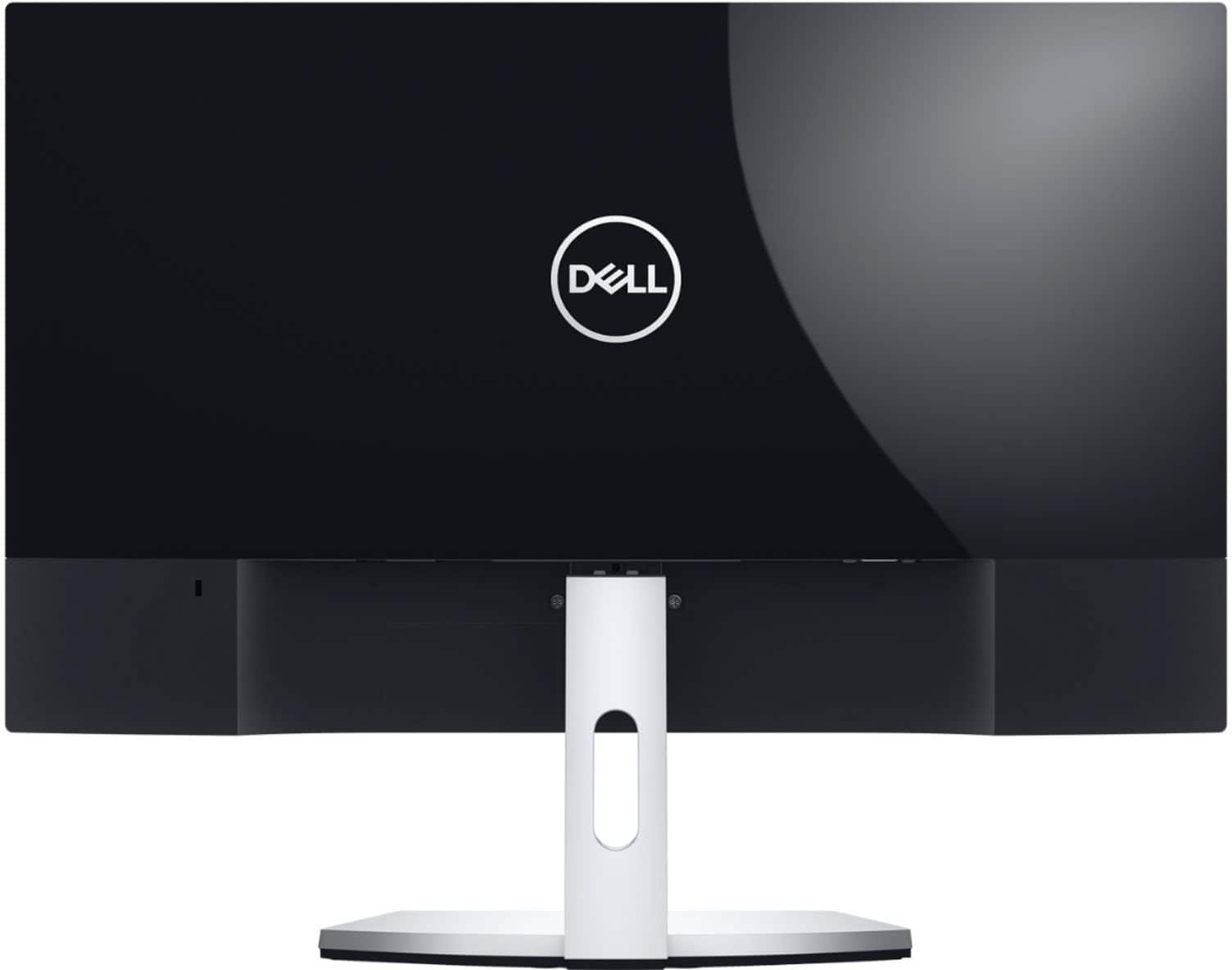
A:AnswerHello! You will need to check the ports on the device you are trying to connect. However, we do recommend a docking station for optimal home office set up. This will allow you to connect your laptop, keyboard and mouse without worry about running out of port space or cluttering your desk with unnecessary wiring.
A:AnswerHello! This monitor has a 60 Hz Refresh Rate. If you are specifically looking for a 23" size, we do have a 24" Monitor with a 144Hz Refresh Rate. It will be model # S2419HGF (https://www.bestbuy.com/site/dell-24-led-fhd-freesync-monitor-silver/6346534.p?skuId=6346534).
A:AnswerHello! This monitor has a VGA and HDMI port, so you'll have to check the dock's ports to confirm, but the monitor does come with an HDMI cable in the box which should be what you need.
A:AnswerI knew going in that my new Dell 23-inch monitor has no camera or microphone built in. Logitech has some popullar add-on microphones/cameras in the $40 and up range.
A:AnswerI had exactly the same problem with the same monitor. There are four tiny buttons underneath the right lower edge of the monitor. Pressing one of these will get rid of it.