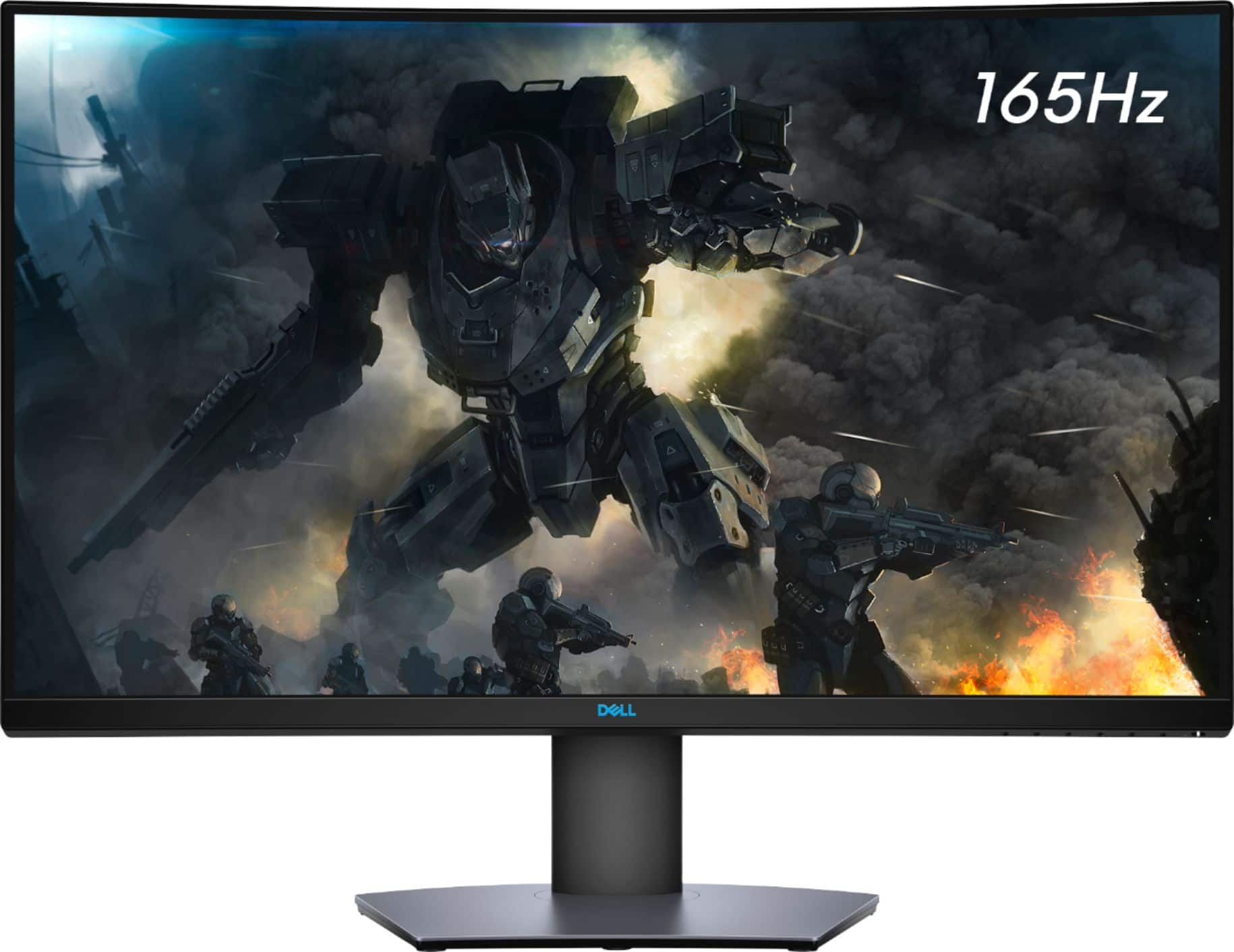
A:AnswerThe max native resolutions is:
2560 x 1440 at 165Hz (native with DP)
2560 x 1440 at 144Hz (native with HDMI)
But be aware that it also depends on your computer / video card and if you are using a docking station.
A:AnswerYes there's nothing wrong with it. The employees inspect it personally. If you are worried, get the protection plan for it so they'll replace it if something does go awry. That's what I do. The plan plus open box is still cheaper than the 'new' one, arguably better with an easier to use warranty if it's defective. Another thing to point out is the open boxes won't be defective if it was a floor display
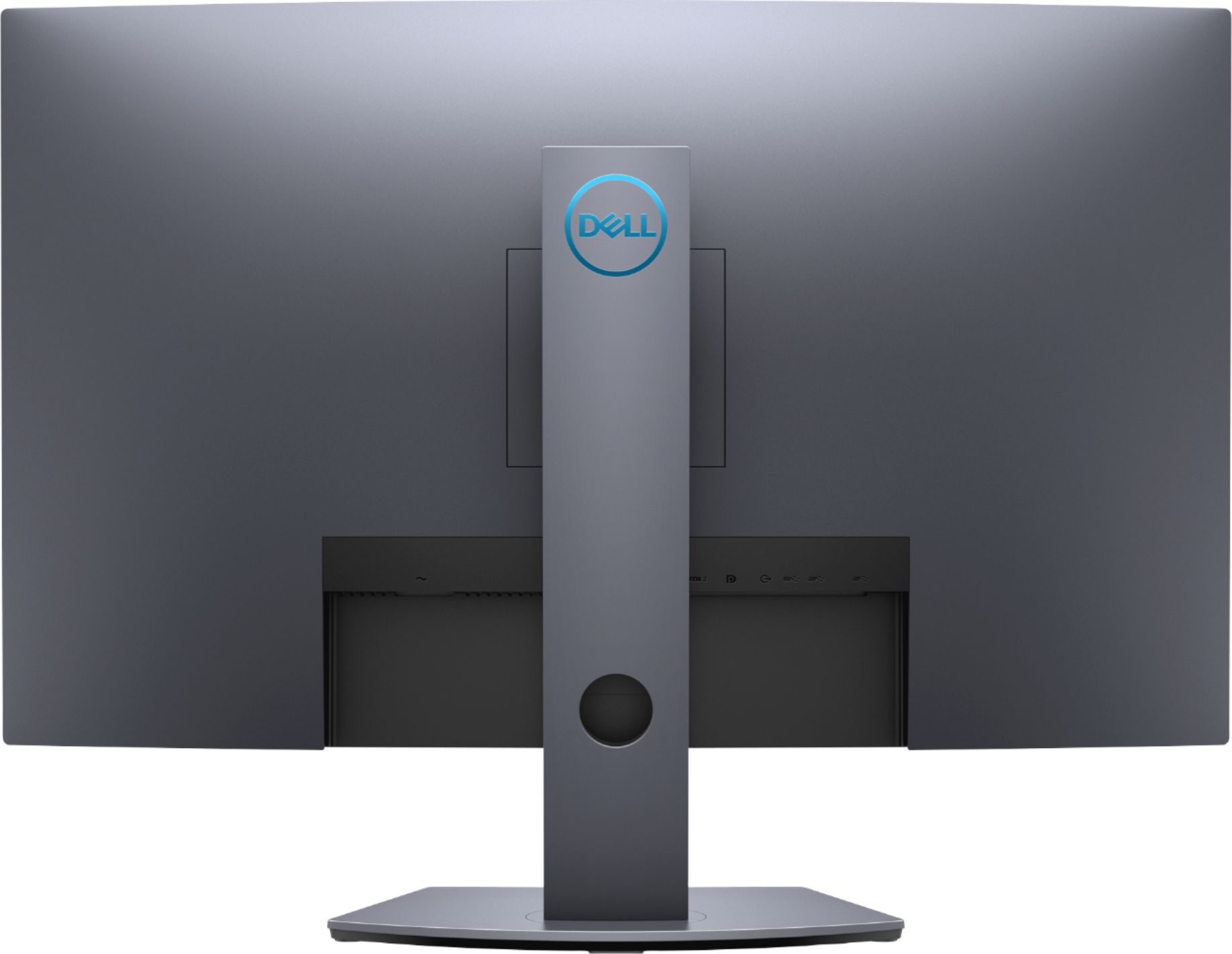
A:AnswerI have two of these monitors, connected to a Mac Book Pro via the Display Port inputs (Thunderbolt to Display Port adapter cables from my Mac), in addition I have a Windows machine connected to one of them via the HDMI input. It is very easy to change the input with the buttons located on the front left of the screen. Hope this helps...
A:AnswerYes, this monitor is compatible with Nvidia GPU (RTX 3060Ti). You could reach out to the Dell technical support team for any assistance during the setup process. They are available 24/7 on Facebook and Twitter(@Dellcares).
A:AnswerYes and no. It would have the refresh rate but not the 4K the ps5 has. This is a great middle ground between the high refresh and resolution- not to mention much cheaper.
Ultimately you want better than 60hz for gaming- which this does