
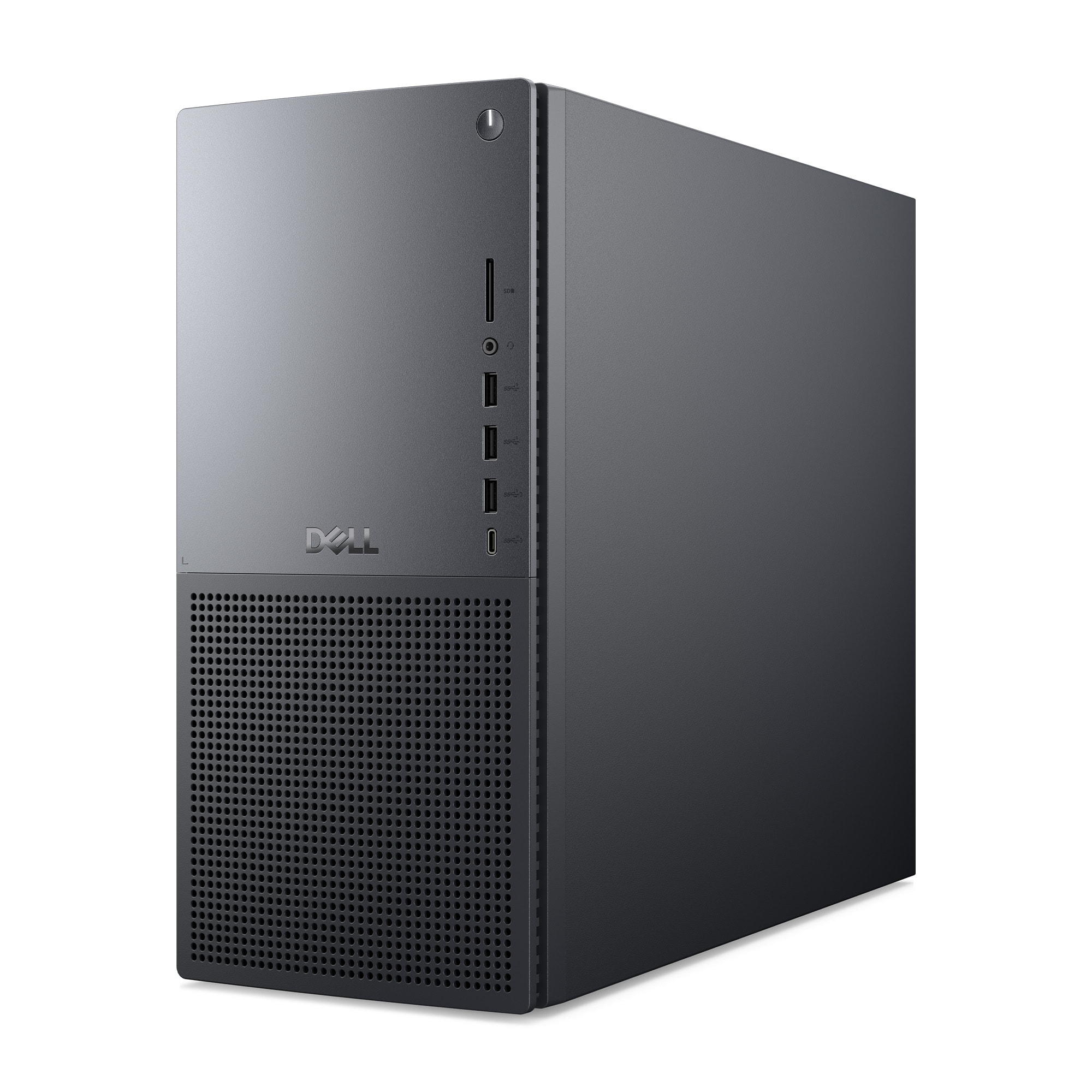


A:AnswerNo. There are a number of reasons why internal optical drives are largely unavailable, though they can still occasionally be found mostly through the refurbished/used/secondhand market. The reasons include:
1. Modern PCs are pushing to be smaller and weigh less. Optical drives add weight (about half a pound) and bulk (12 cm. diameter).
2. Even Blu-ray discs top out at 128 GB, far below HDDs, SSDs, or pen/flash drives on a per-centimeter basis.
3. With the advent of fast network connectivity, cloud storage, software distributed via the Internet, and growing use of USB 3 and even USB 4 (with raw link speed of up to 80 Gbps), integrated optical drives have largely become obsolete.
Should you need an optical drive (for example, for some games) they are still available, at a modest cost, as external, portable units.
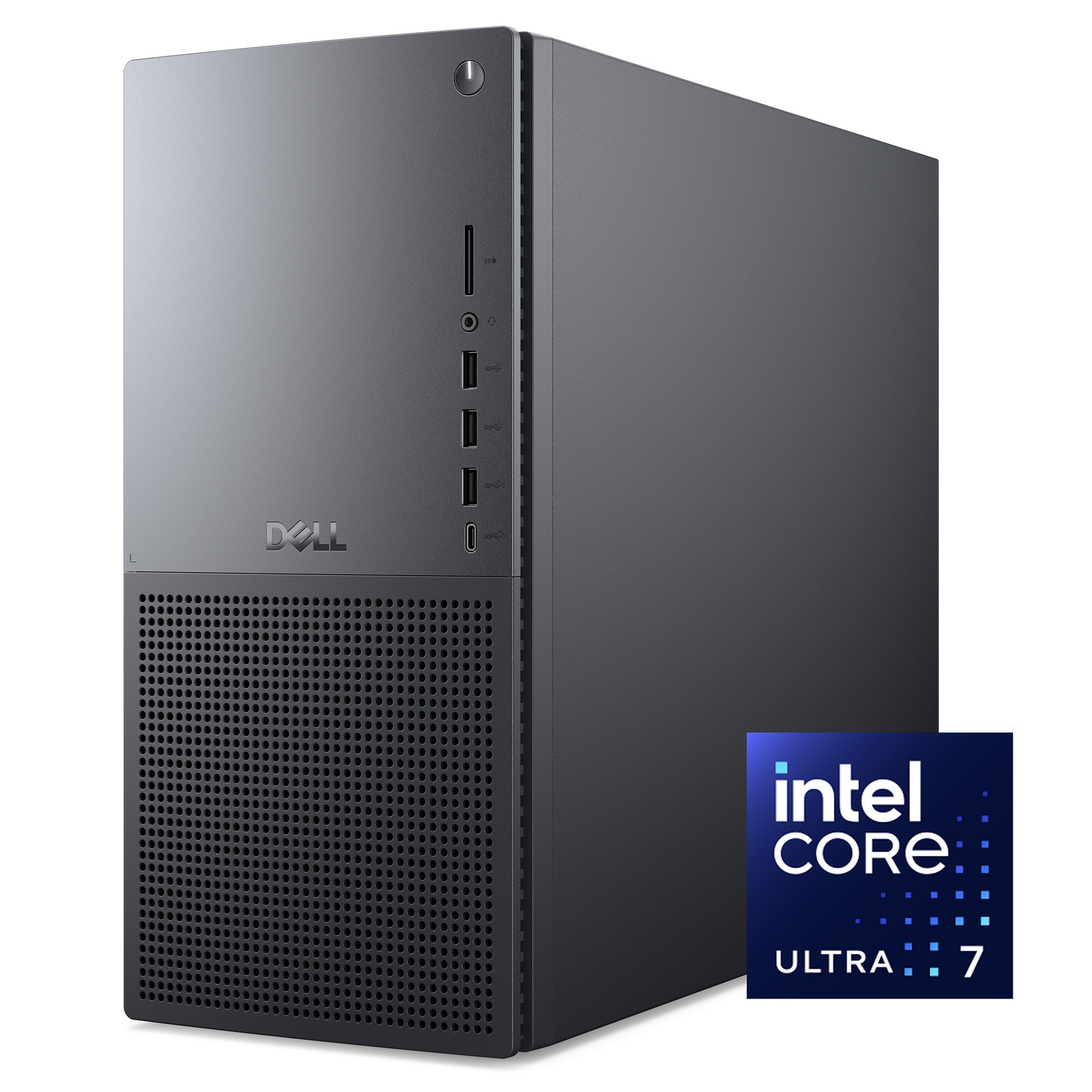
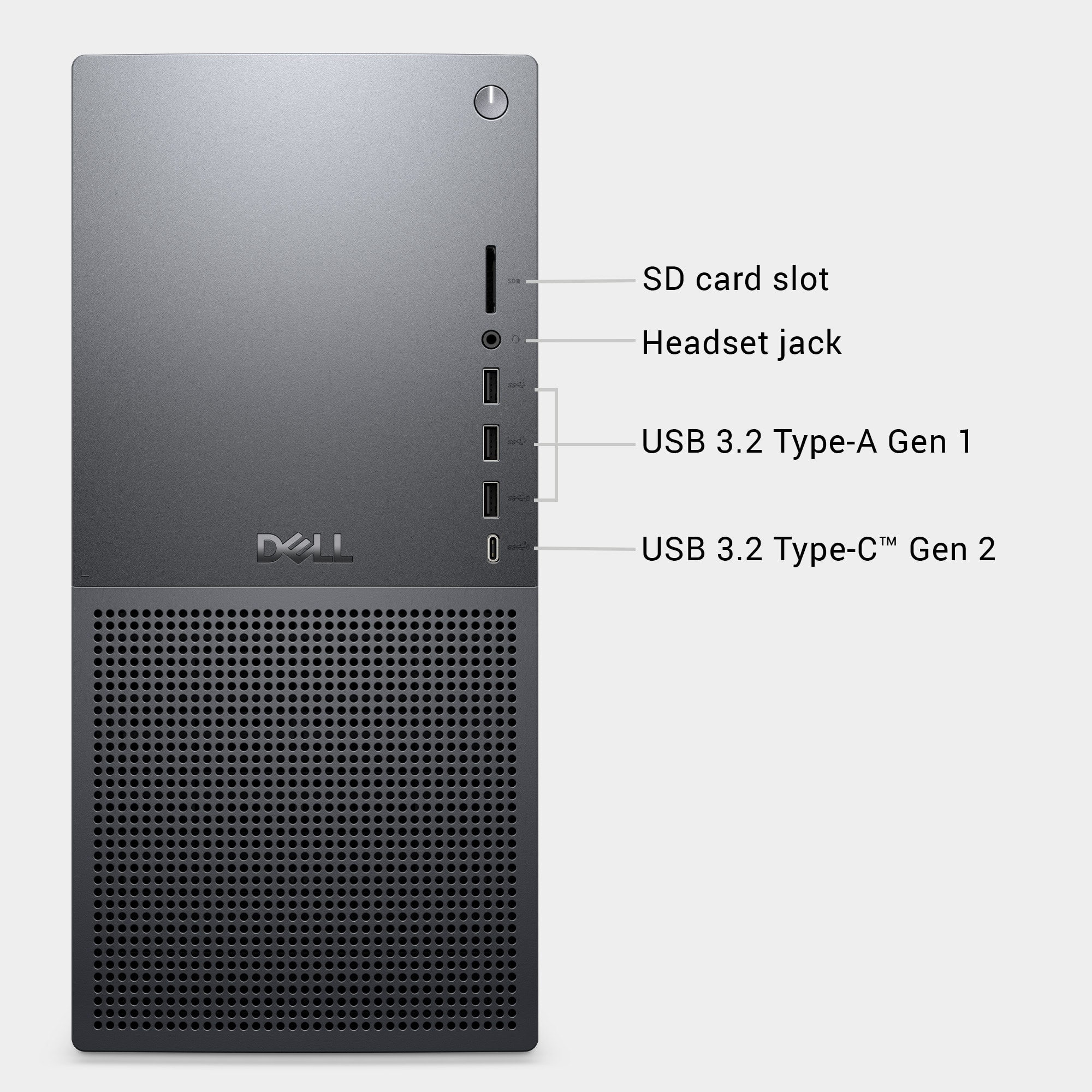
A:AnswerThank you for highlighting this. The device has 11 USB ports (9 Type A and 2 Type C ports) Please find the split as follows.Two USB 3.2 Gen 1 (5 Gbps) ports (front).
One USB 3.2 Gen 1 (5 Gbps) port with PowerShare (front).
One USB 3.2 Gen 2 (10 Gbps) Type-C port with PowerShare (front).
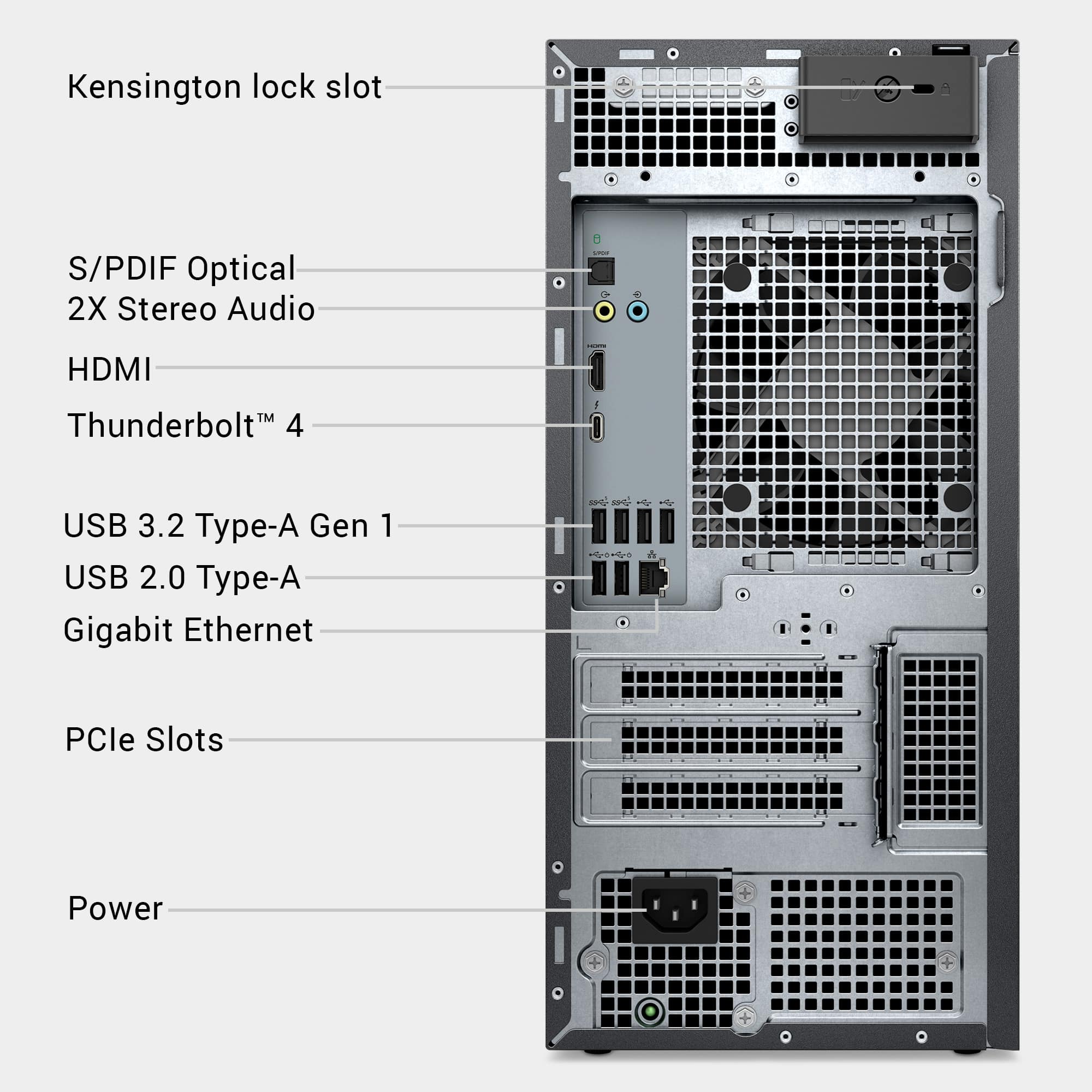
Two USB 2.0 (480 Mbps) ports with Smart Power On (rear).
Two USB 2.0 (480 Mbps) ports (rear).
Two USB 3.2 Gen 1 (5 Gbps) ports (rear).
One Thunderbolt 4 (40 Gbps) port with DisplayPort Alt Mode/USB Type-C/USB4/Power Delivery (rear).
A:AnswerThe device has 1 × PCIe x16 mechanical / x16 electrical Gen5 slot and 2 × PCIe Gen3 x4 slots. The graphics card will occupy the PCIe x16 Gen5 slot (the primary graphics slot). Both PCIe Gen3 x4 slots remain free for other expansion cards.
A:AnswerAt least, but not necessarily at the frame rate or resolution you want. There is built-in HDMI port and a Thunderbolt, for a total of 3 monitors. There is also a separate HDMI and 3 DisplayPort connectors on the graphics card, so that would potentially be a total of 7 monitors.
A:AnswerYou can use any USB-A port on the desktop to power the speaker, but rear USB 3.2 Gen 1 or Gen 2 ports are preferred. We recommend contacting the Tech Support team for further assistance.
A:AnswerDell is giving conflicting info on this. Click on "From the Manufacturer." Scroll down until you see the side view of the computer with the + images. Click on the graphics card. It will state the if the graphics card is installed the other x4 PCIe slots are not usable.
A:AnswerThe system supports multiple SSD configurations.
M.2 Slots:
2 × M.2 2230/2280 (PCIe Gen4 x4, NVMe).
These slots support high-speed NVMe SSDs up to Gen 4.0.
SATA Ports:
3 × SATA III ports available for adding 2.5" SATA SSDs or HDDs. You may need to add the drive bays if you plan to add or expand the Storage.
A:AnswerYes, the desktop includes: 3 × DisplayPort 1.4a and
1 × HDMI 2.1a. These ports allow you to connect up to 3 monitors simultaneously at high resolutions and refresh rates.
A:AnswerYes, it has a universal Headset port at the front to connect headphones or a headset (headphone and microphone combo) and a Line in port to connect recording or playback devices such as a microphone.
A:AnswerThe Dell Tower Plus EBT2250 Desktop does not have a hot-swappable power supply, also it is not soldered to the motherboard. It is a removable unit, but there are some important details:
Upgrade Possibility:
The PSU can be upgraded from 460W to 750W or 1000W, but it uses a Dell proprietary design (not a standard ATX PSU).
A:AnswerIt is Dell Manufacturer warranty - 1-year Basic Onsite Service after remote diagnosis with Hardware-Only Support-Retail. You can contact the Dell Tech Support directly for any technical assistance.