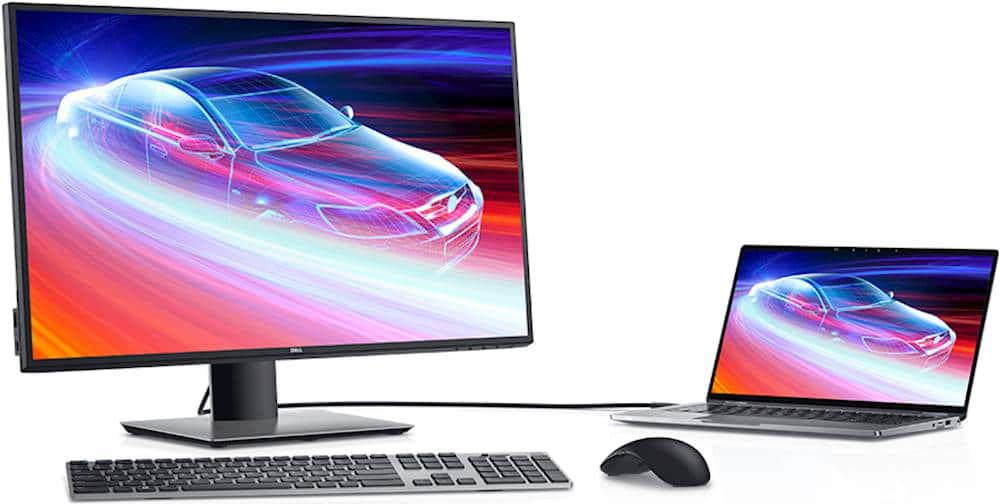
A:AnswerThe only difference between the Dell U2720Q and the Dell U2720QM is the inclusion of one type of cable.
While the U2720Q monitor comes with a DisplayPort cable, the U2720QM monitor comes with an HDMI cable.
A:AnswerI bought one about a month ago and decided I liked it so much that I wanted a second one. I saw sold out and open box only but eventually within a couple of days they were back in stock so the bottom line is keep checking the web site. BTW its a great monitor.
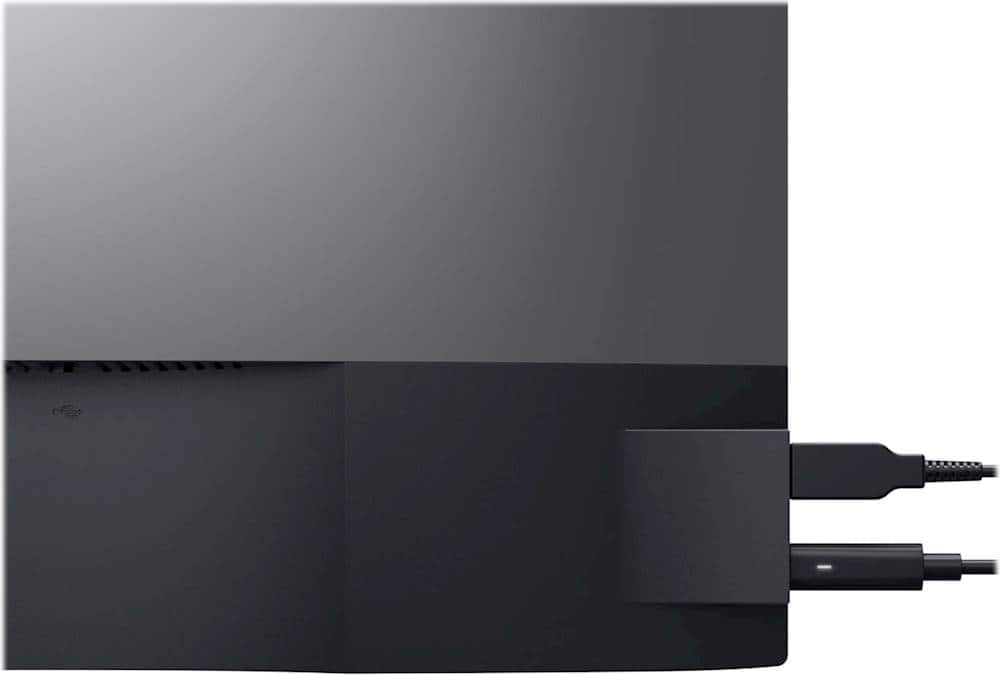
A:AnswerYes, this monitor comes with a USB Type-C cable. The brightness and the Bluelight filter(Comfort view) feature could be adjusted while the monitor is connected to MacBook via USB-C.
A:AnswerYes, this monitor will work with the Mac Pro 2013. This monitor can be connected to the Mac Pro 2013 through the HDMI port using a compatible HDMI cable.
A:AnswerThe brightness can be reduced from 350 nits, it can be dimmed or brightened. For more details on the brightness of this monitor, we recommend contacting Dell Technical Support for assistance after the purchase. They are available on Facebook and Twitter(@Dellcares). You can also reach out to the Best Buy support team for assistance: https://www.bestbuy.com/contact-us
A:AnswerYes, this monitor could be connected with two different input sources and switch between two. The input sources could be changed when required.