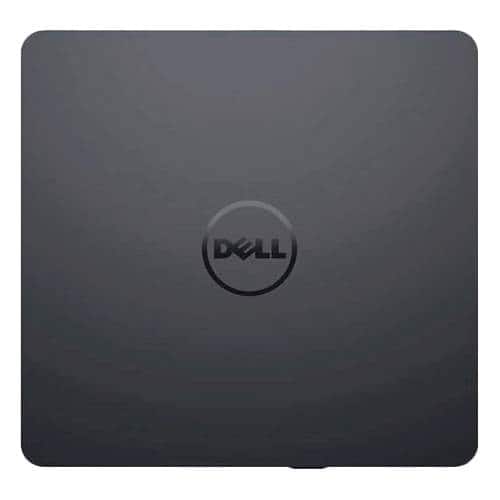
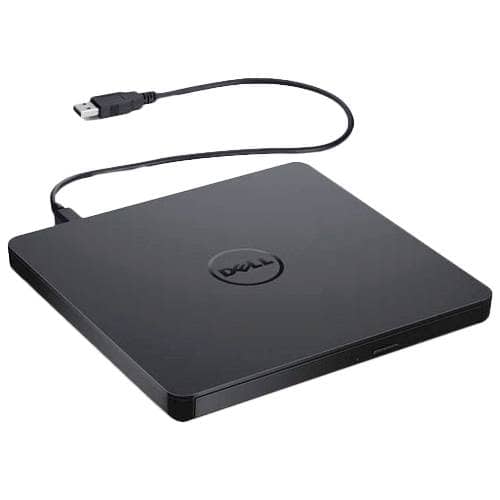
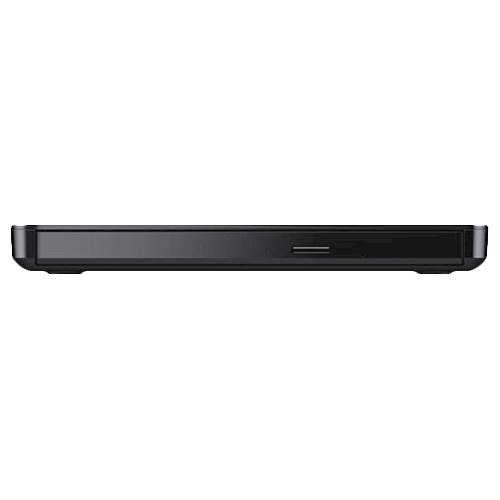
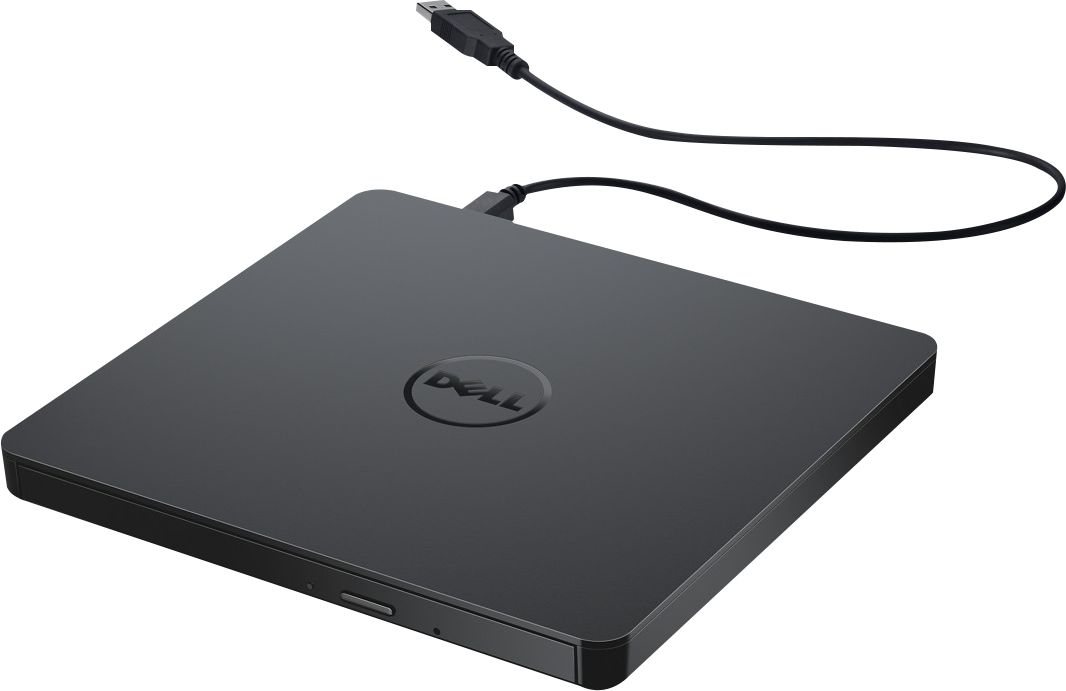
A:Answer Yes, it can be connected to a Chromebook, but compatibility depends on what you want to do with it. What Works:
Reading data discs (like PDFs, images, or files stored on CD/DVD).
Playing media for ChromeOS (must be installed separately).
Plug-and-play connection via USB 2.0 — no drivers needed.
What is not compatible for:
Burning discs — ChromeOS does not support disc writing natively.
Auto-play of DVDs/CDs — ChromeOS lacks built-in media playback software.
Running bundled software (like CyberLink Media Suite) — it's Windows-only.