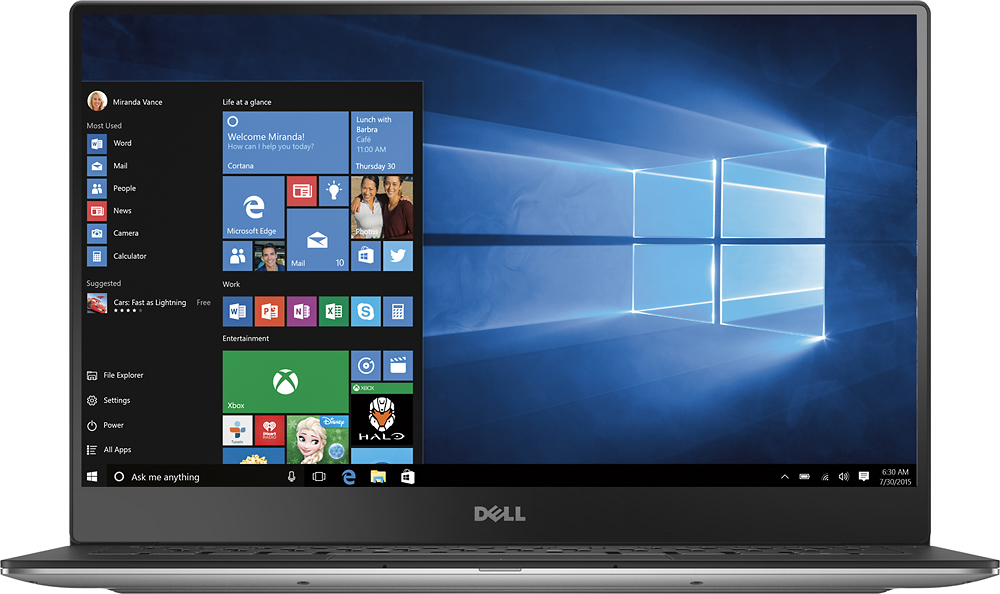
A:Answer You can easily upgrade to Windows 10 Professional from the Windows Store. Click Start, then Settings, then Update & security. On the left select Activation. Click on Go to Store. From there it will walk you through the steps to upgrade to 10 Professional. All your software/settings/data will remain intact.