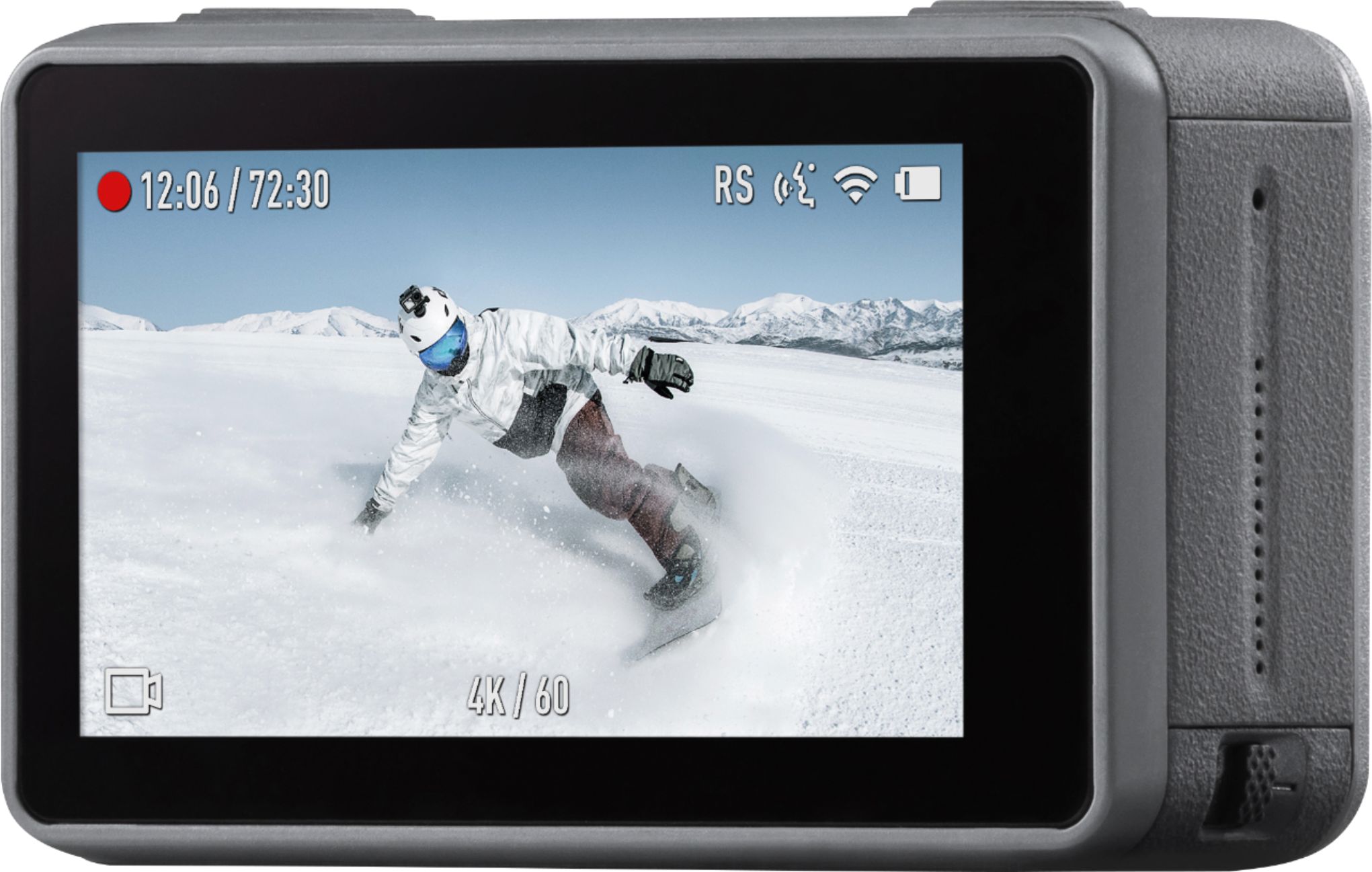
A:AnswerYou can shoot with manual settings and can save as jpeg or jpeg and raw. I did a night time lapse of the moon with moving clouds. Set the iso, then set the shutter speed to a one second length and an interval of taking a frame every four seconds. The result was a precompiled video.
A:AnswerAlmost every electronic device you purchase from BestBuy comes with one year manufacture warranty. You have to read your receipt and manufacture warranty agreement after your purchase.
A:AnswerThe camera by itself doesn’t have an external mic input but there is a great adapter by Cynova which connects to the usb-c adapter that works great. I am able to use it with the Rode Wireless Go and with the latest Osmo Action update it sounds great.
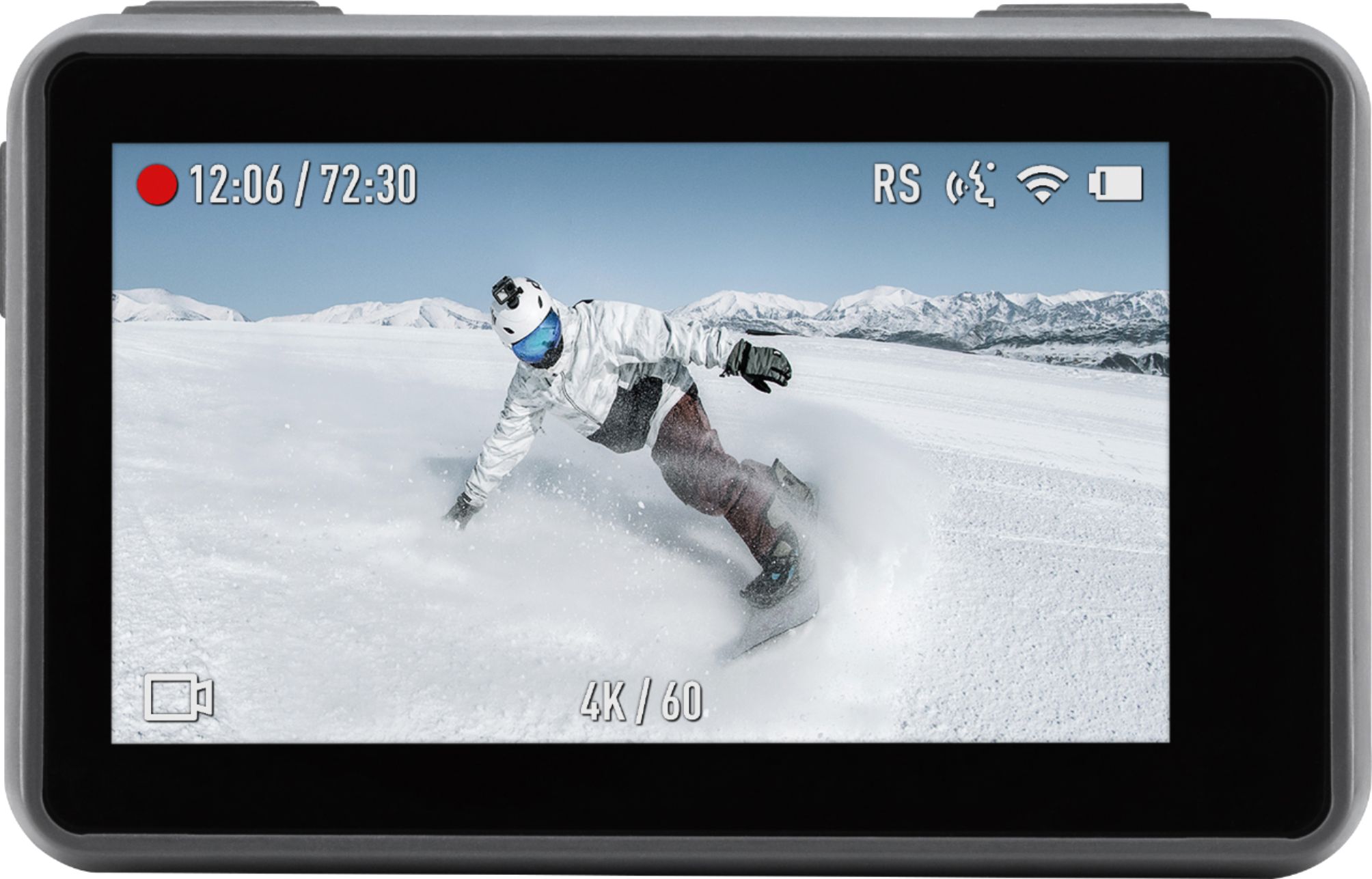
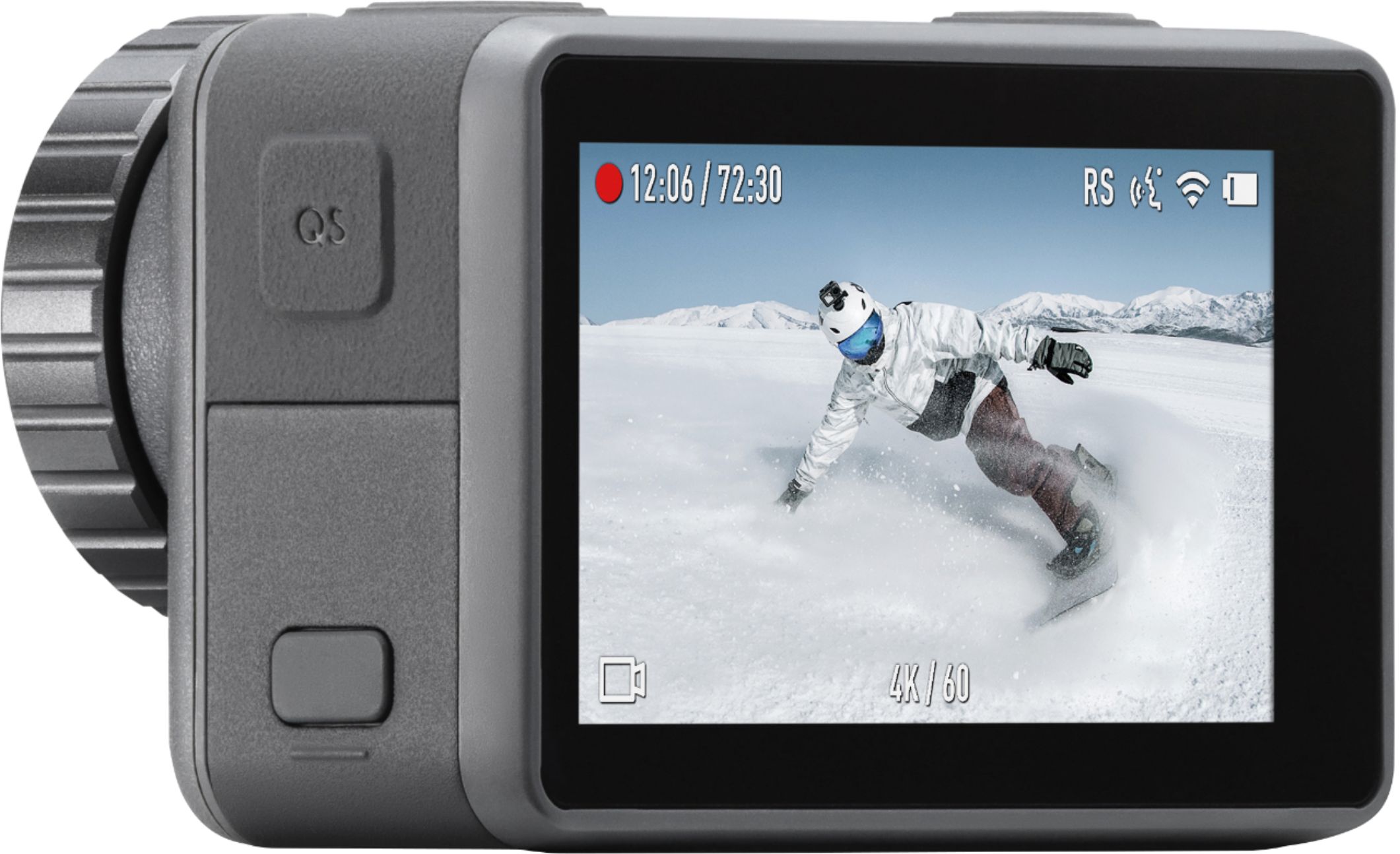
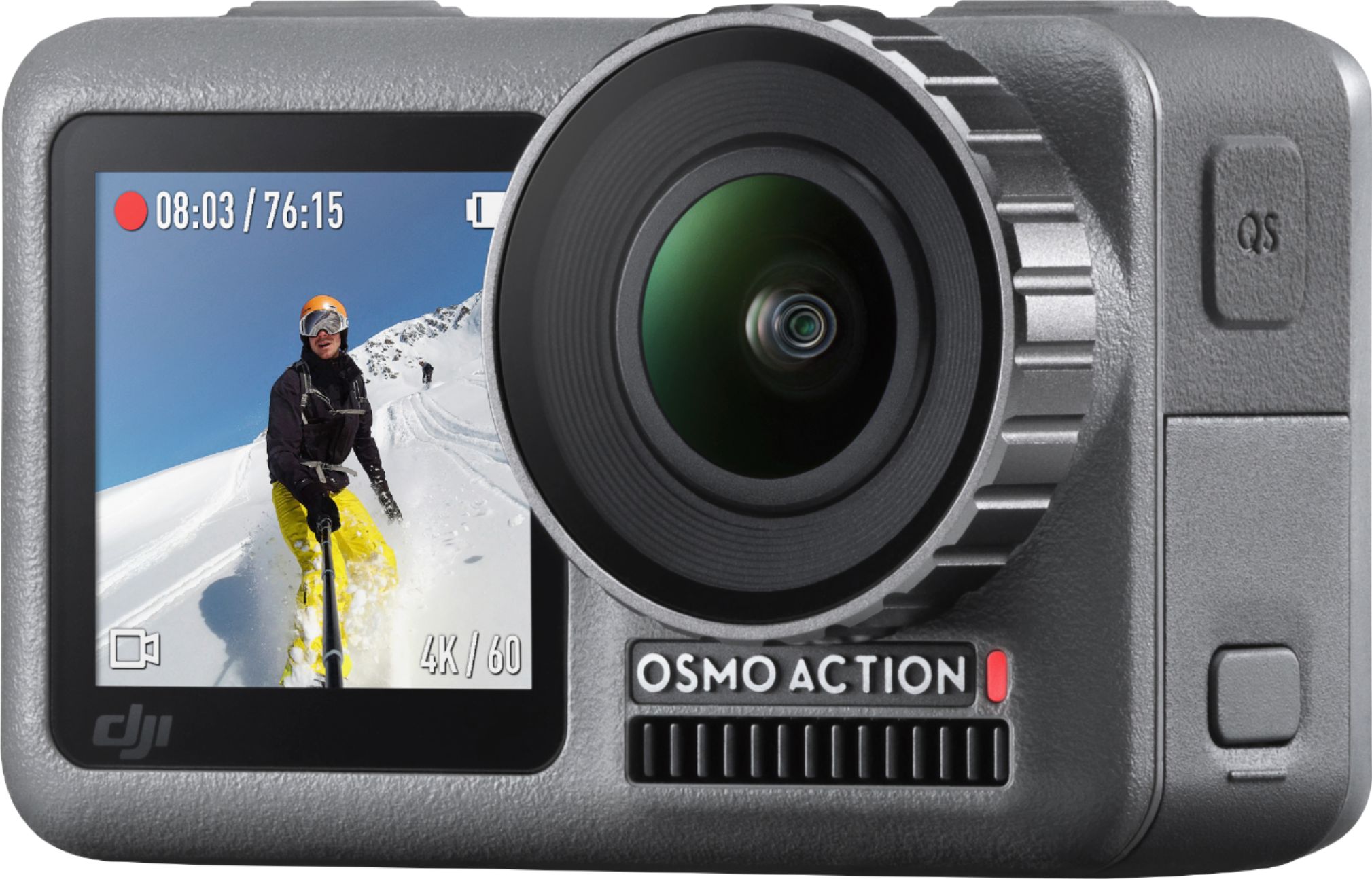
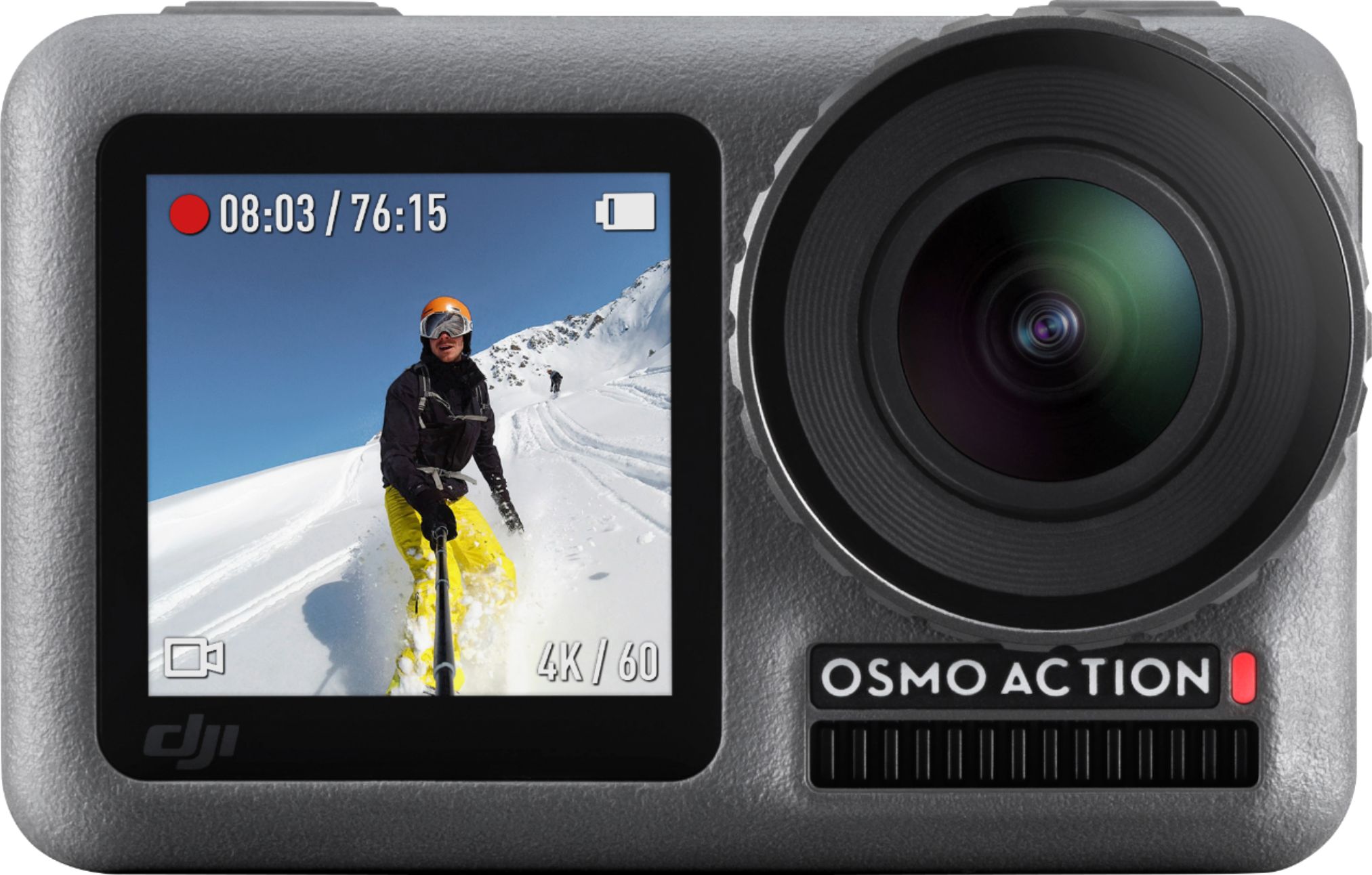
A:AnswerYes! This is a big advantage over GoPro cams, which are about on par with the specs, including the most recent Hero 8 Black! Composing your shot during a selfie pic or video blogging is a must for me!
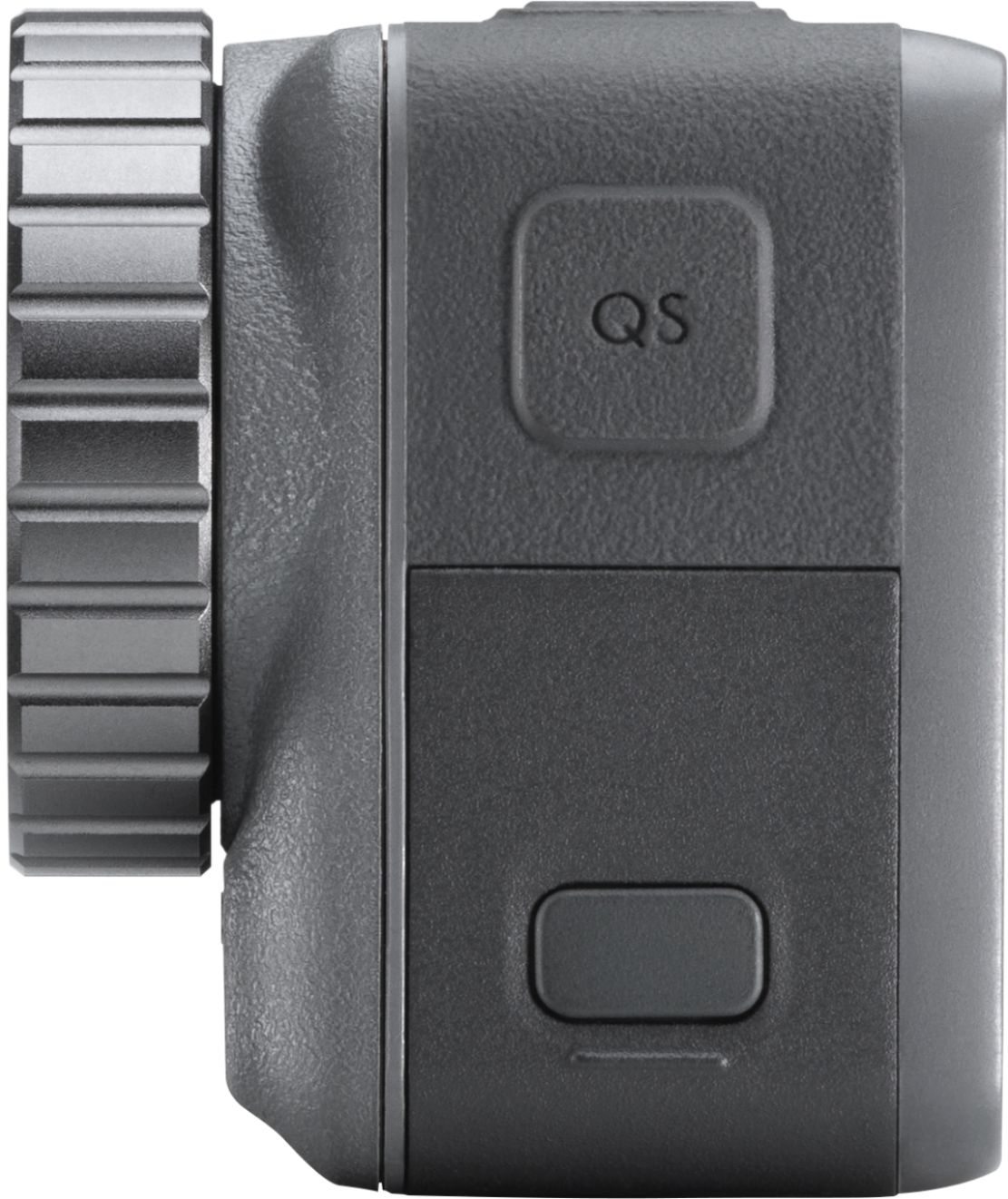
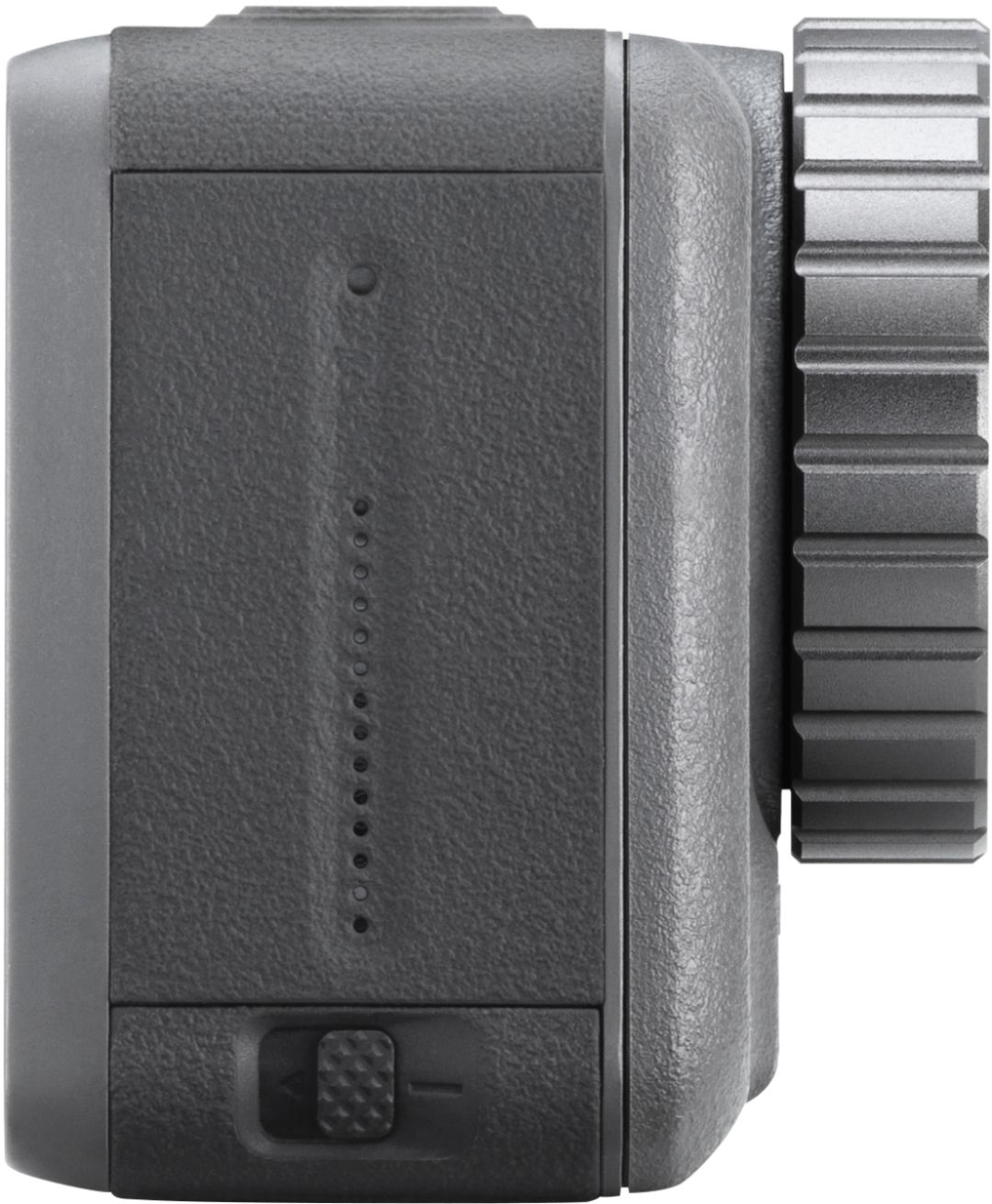
A:AnswerYes, you can attach a external microphone to the Osmo Action Camera but with an external microphone adapter. . However, you must remove the Memory Card/Power Adapter door, which will make the camera non-waterproof.
The adapter plugs into the USB-C power port and breaks it out into a 3.5mm microphone port/USB-C power port.
CYNOVA Osmo Action Dual 3.5mm Mic Adapter - Made for Osmo Action with Authorization
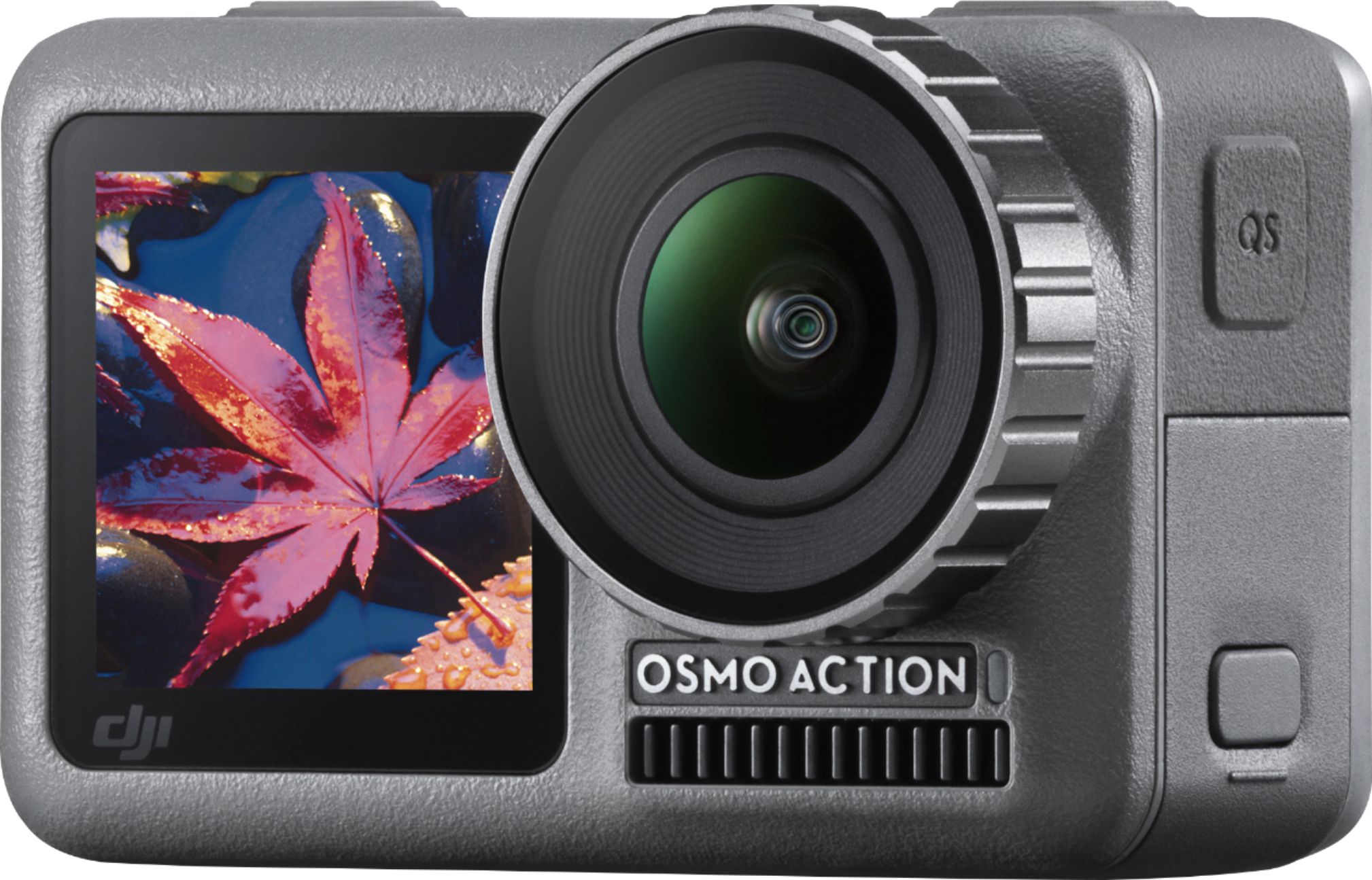
A:AnswerI never has to stop filming to switch cameras. I just double tapped the back screen when needed and keep the action rolling. Also I understand the heat thing you are referring to. But any consumer grade action camera or DSLR will have the issue with long sessions. The Osmo recommends 2.7k 60fps for best image stabilization. clarity and unit temp. Not sure why you would need to use 720 unless you are trying to make videos for small tablets or phones.