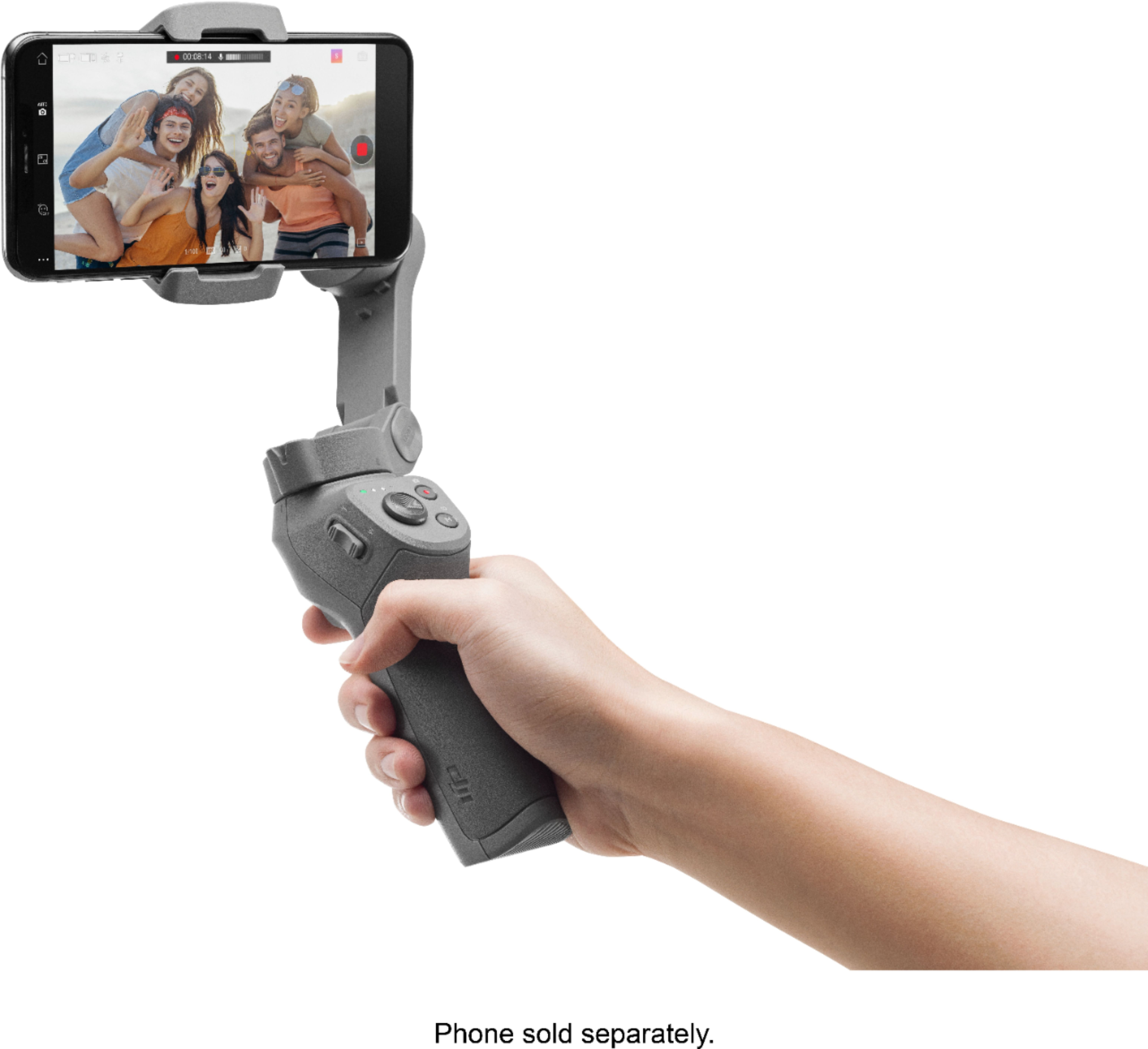
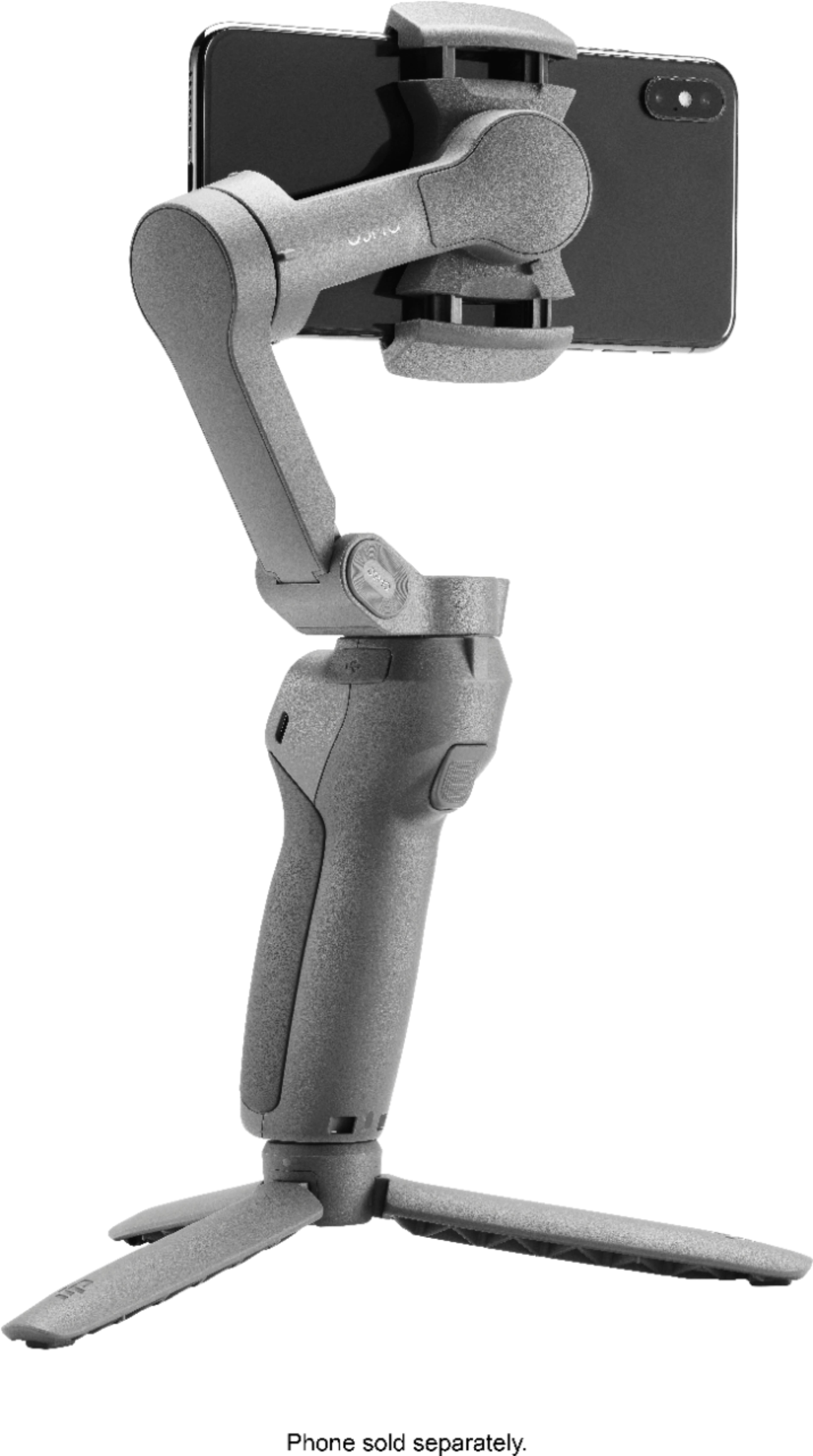
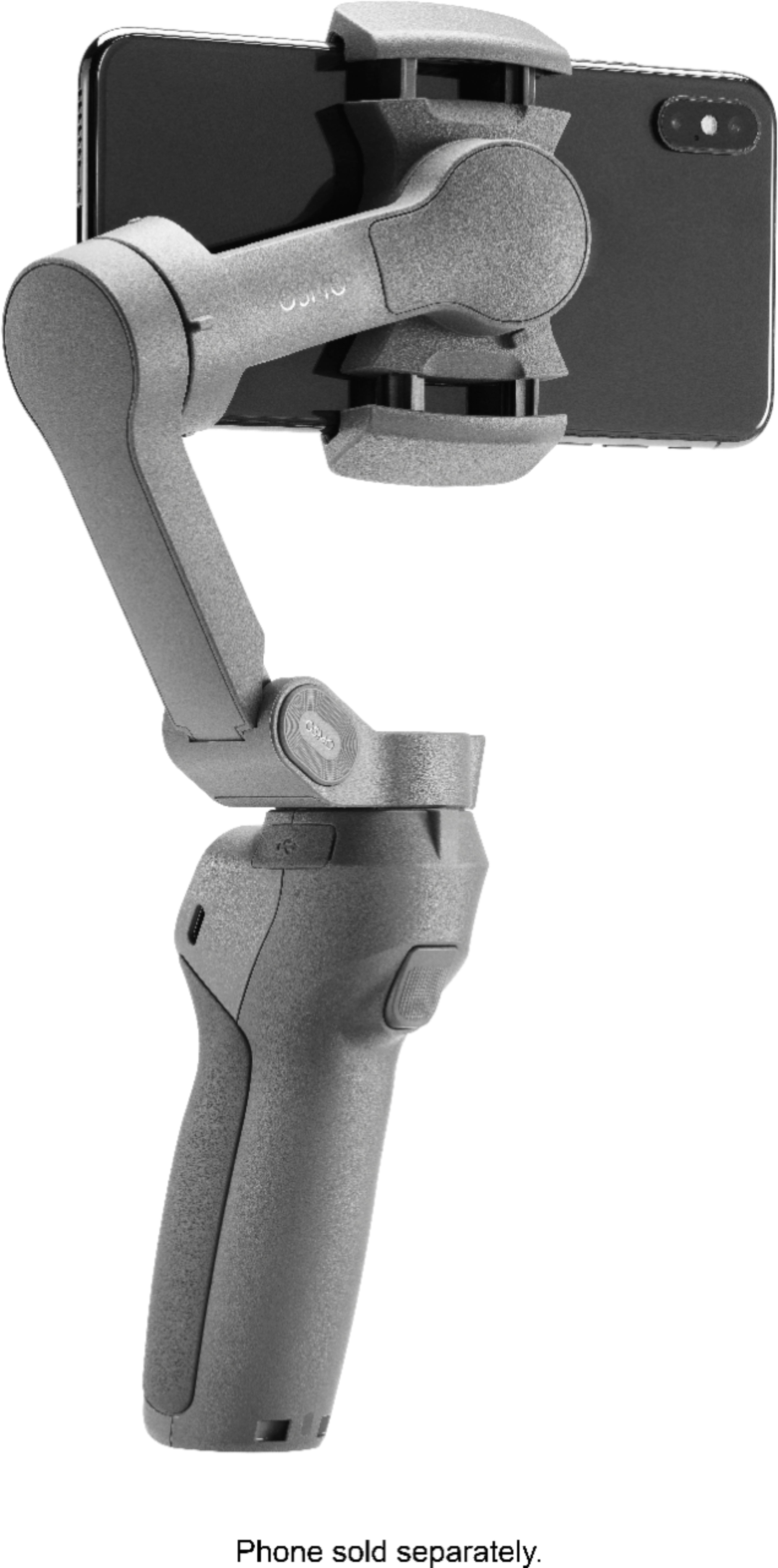
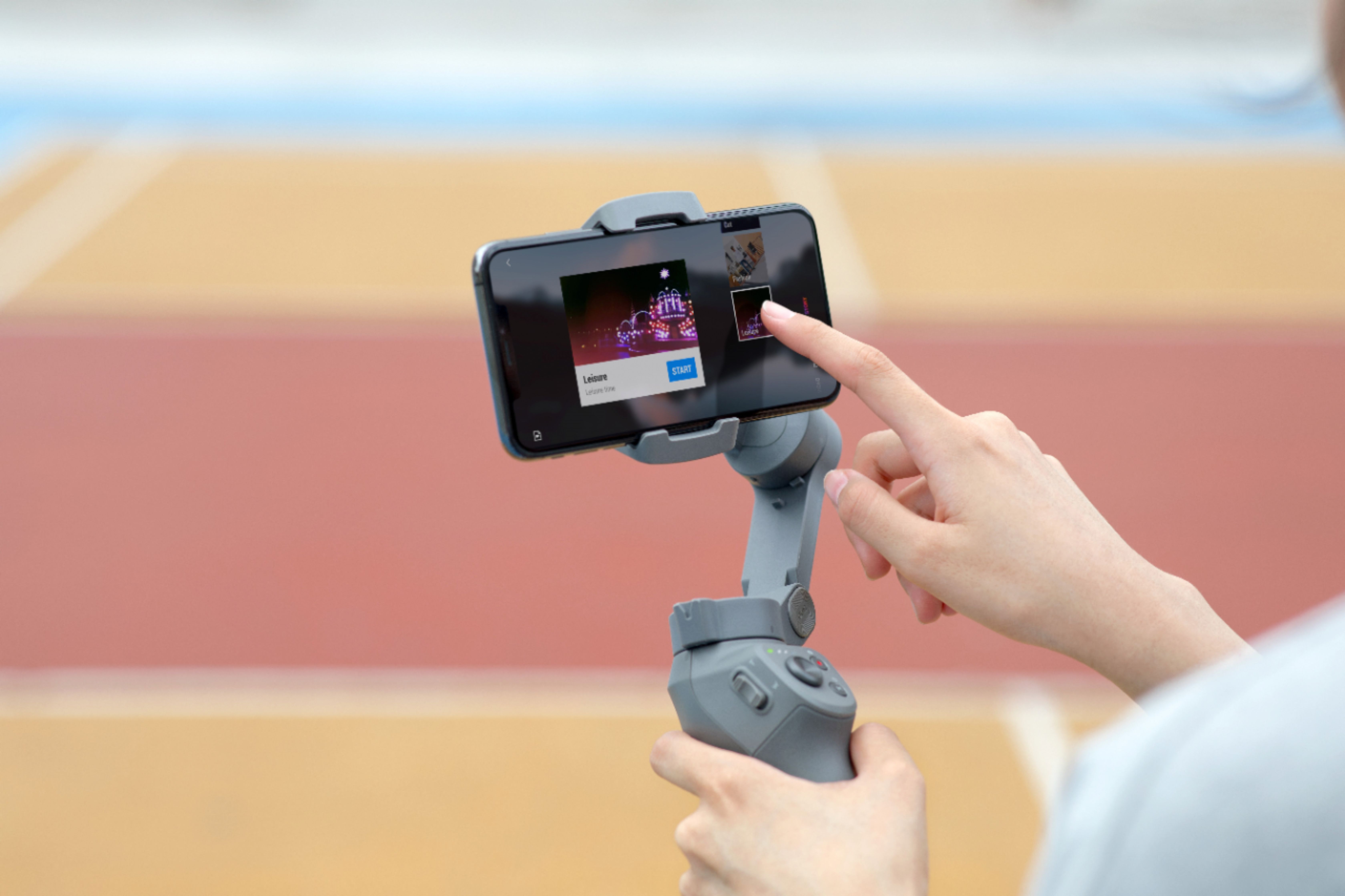
A:AnswerYou need the DJI APP to control and use the features of DJI OSMO MOBILE. If you are happy with just the regular camera app you can use DJI OSMO and shoot from the same but you will not be using the DJI OSMO to its full potential.
A:AnswerYes, the gimbal does have the ability to track an object. However, tracking an object is only available when you use the DJI Mimo app. You will need to download this app in order to pair it with your phone to use initially. The gimbal can then be used with any phone. I love my gimbal! In fact, I have loved it so much, I purchased a second one. In the photo, the one on the left is my newer one. My “older” one was purchased a year ago. The only external difference Is the brighter LEDs. Finally, the gimbal cradles my iPhone 11, on the right, with a rugged Ballistic case, just fine.
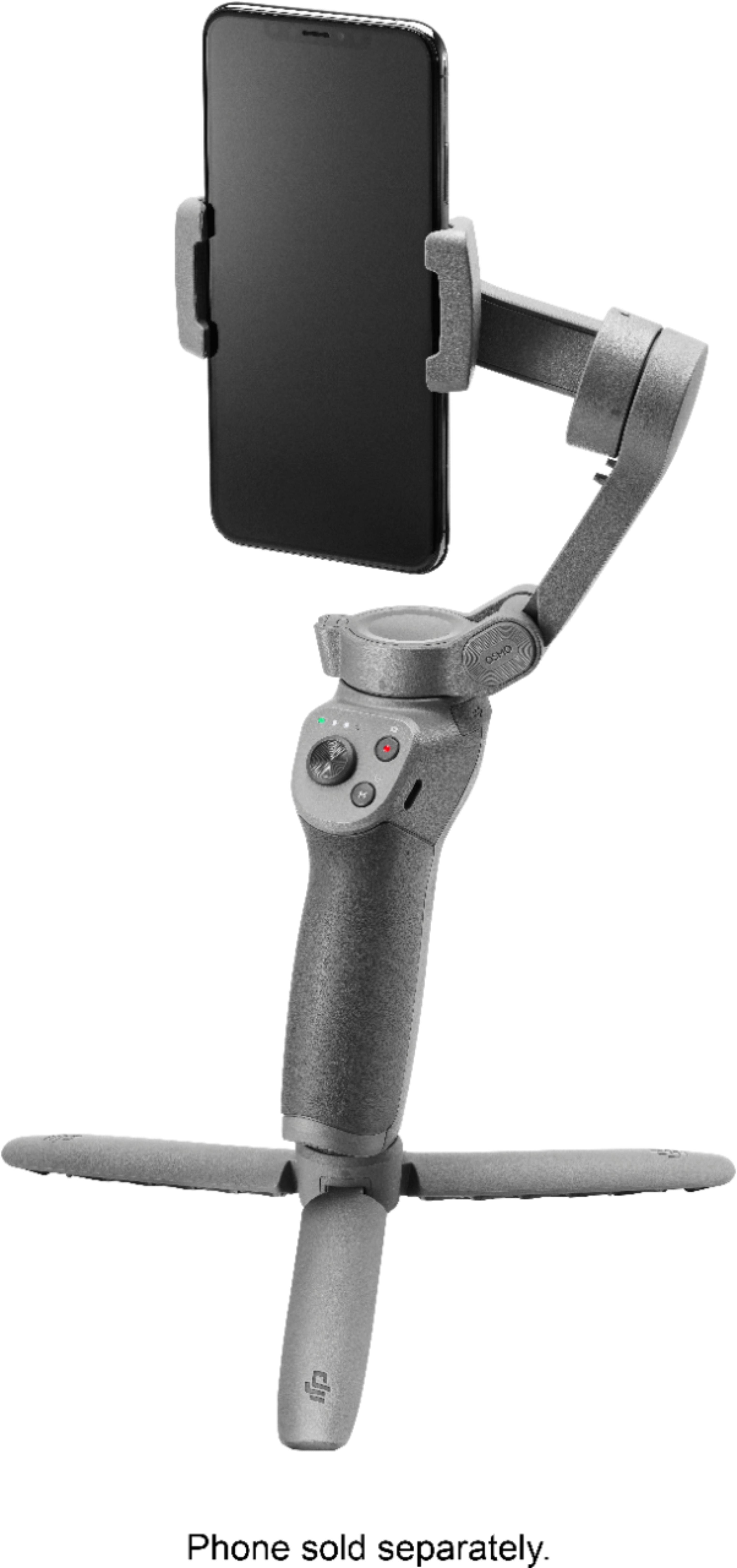
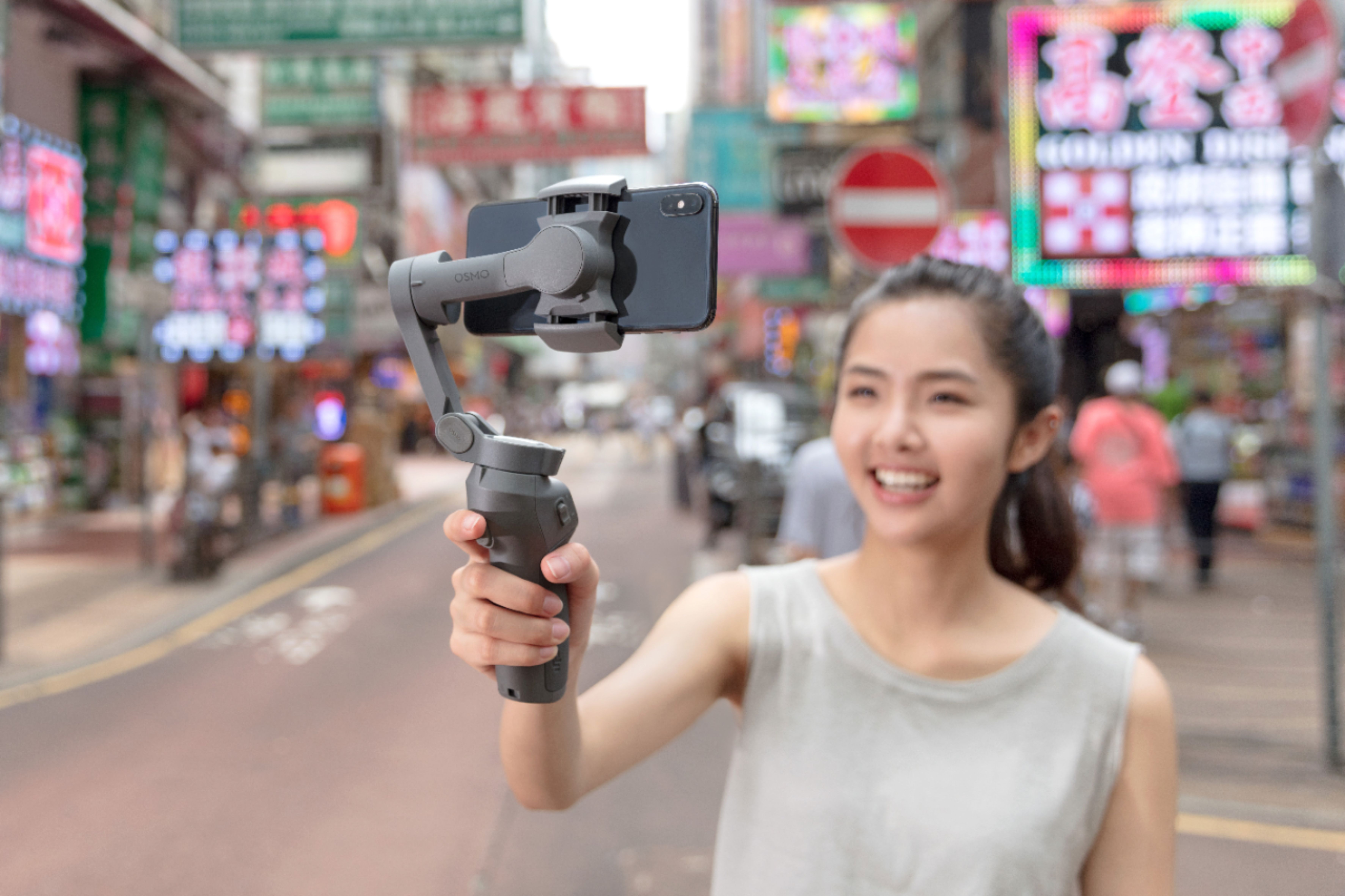
A:AnswerWhen the the phone is inserted properly into the gimbal, the phone becomes balanced and weightless in a sense. The electronic motor in the OSMO then counteracts any opposing force of movement for additional stabilization allowing for smooth motion. Depending on the mode the gimbal is set to via the DJI app, the phone can be spun to create different rotational shots or even fixed at different angles for different perspective.
A:AnswerYes this product uses the Bluetooth standard to communicate with your phone. It will work with any phone that supports bluetooth. I've found you don't even need a bluetooth connection to use the product. Only if you want to use the record button built into to the gimbal.
A:AnswerYes you can use another camera app while still using the osmo, however some features like tracking, and the zoom on the osmo may not work with the other camera apps. The stabilization will be fine.
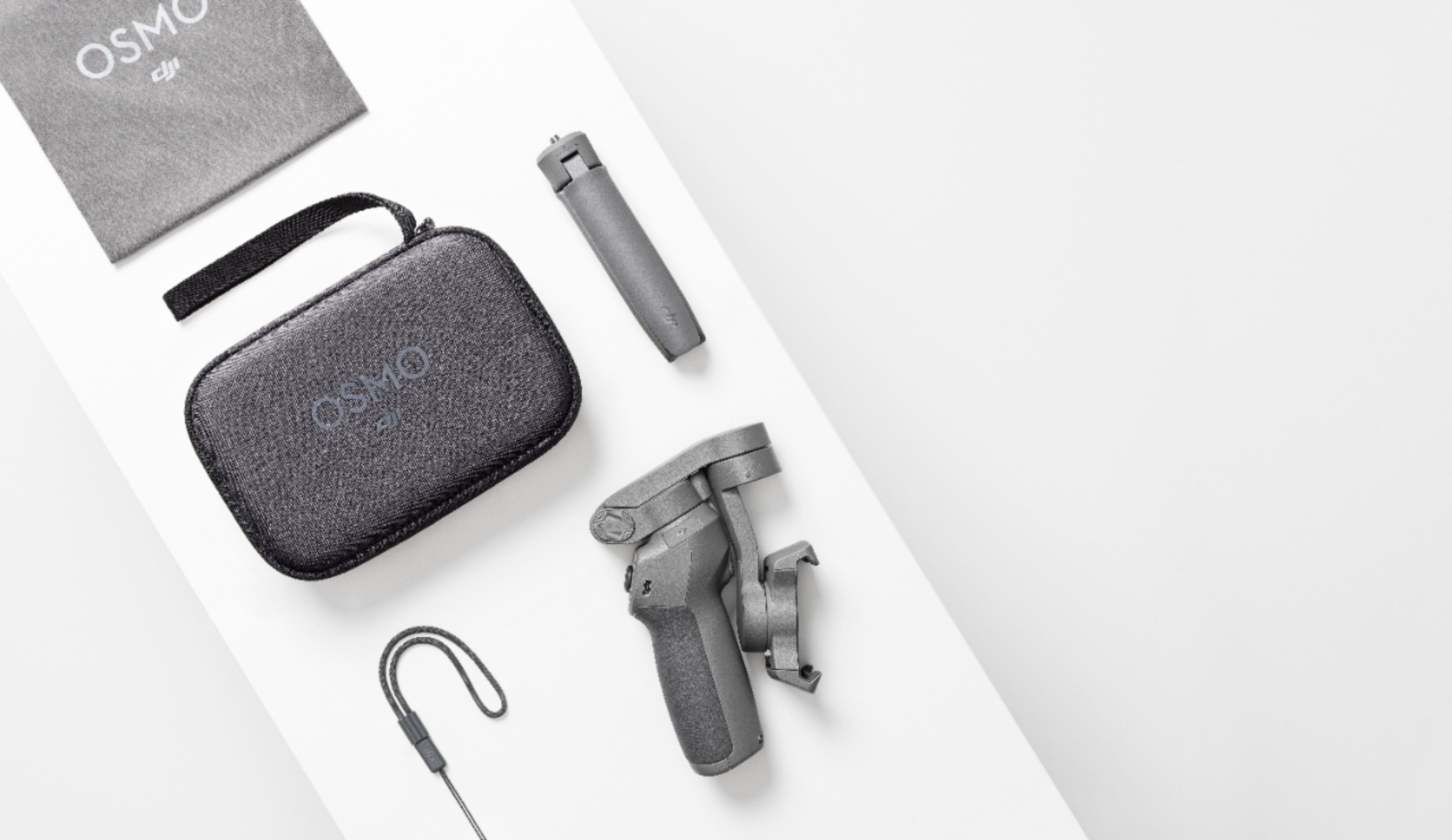
A:AnswerWhat is included are as follows:
Anti-slip pads

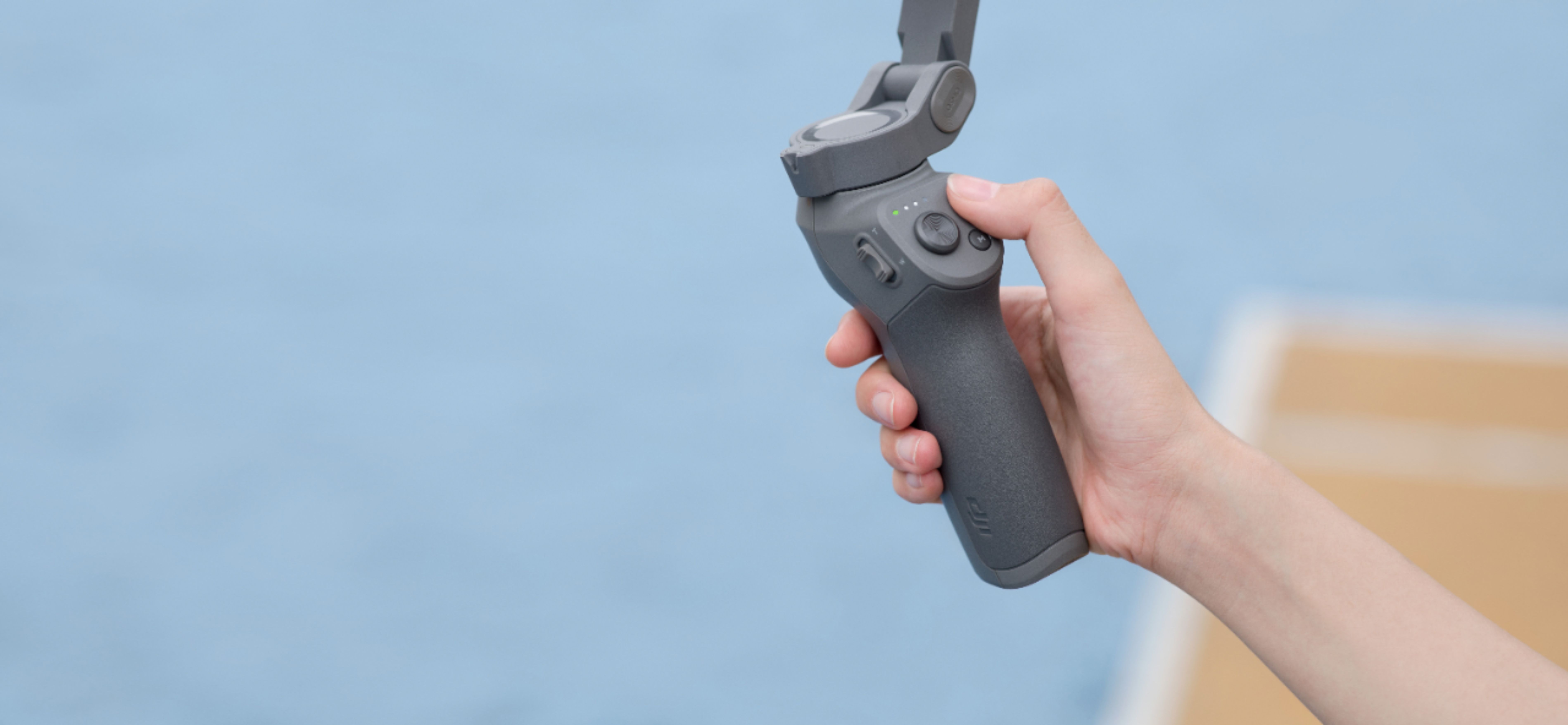
DJI Osmo Mobile 3 Combo 3-Axis Gimbal Stabilizer for Mobile Phones
Osmo Grip tripod
Osmo carrying case
Power cable
Storage pouch
Wrist strap