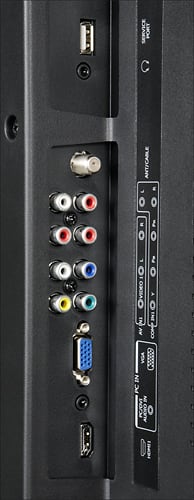
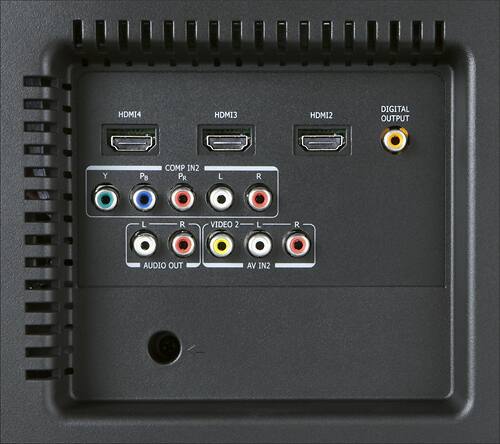
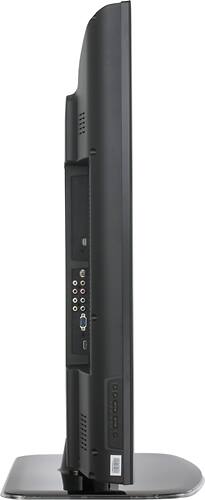
A:Answer You may adjust your TV's aspect ratio settings by pressing ZOOM on your remote control one or more times. If your video source (e.g., cable box, disk player, game console, etc.) is connected via HDMI, you may disable Overscan in the Advanced Video Settings. I also recommend adjusting the video output settings of your video source to "widescreen" or "16:9" so that your TV receives a natively compatible signal. I hope this helps.