A:AnswerHello, thank you for you question.
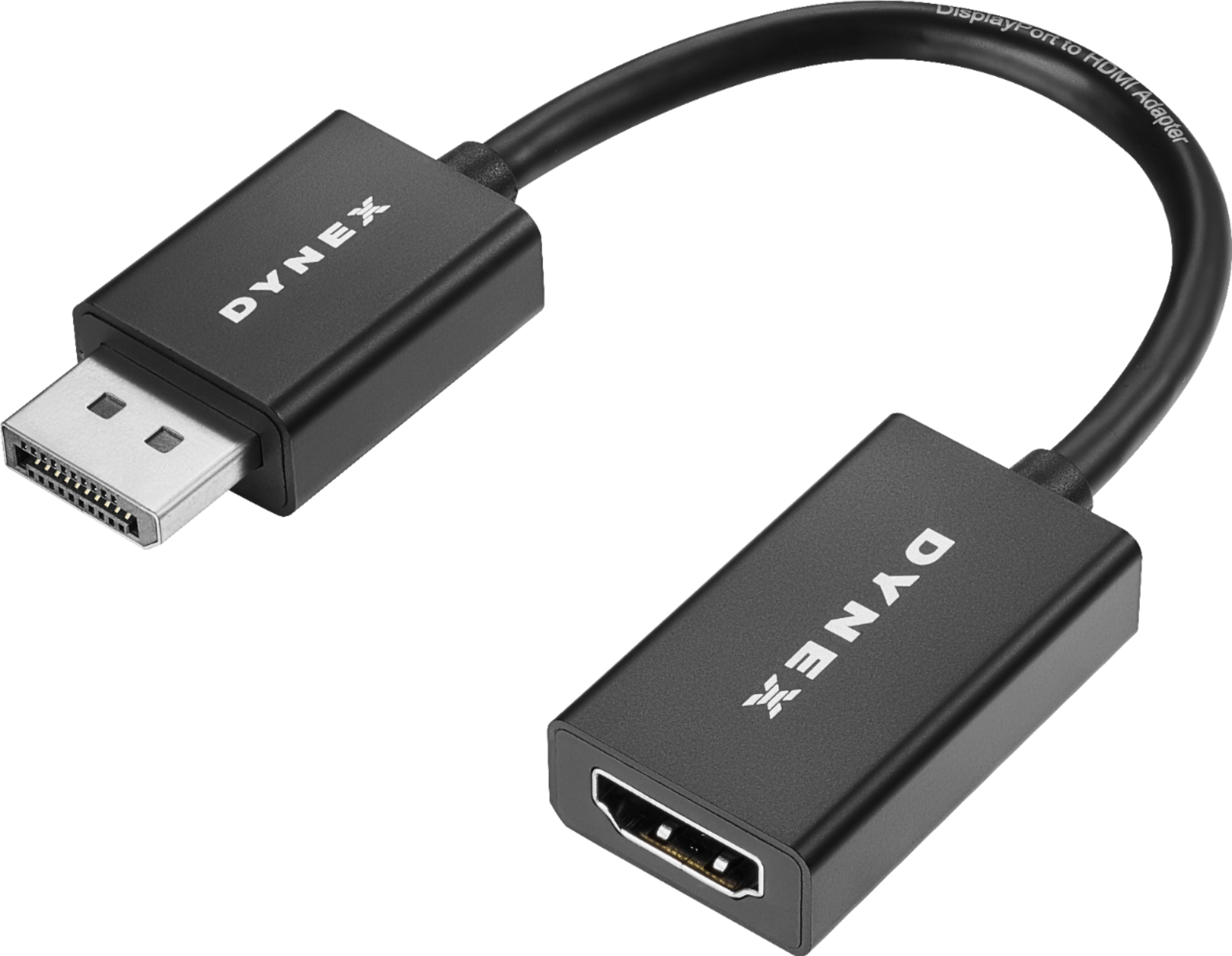
This adapter allows you to connect a laptop via "DisplayPort" to HDMI, if your computer has that kind of connection available it should work fine.
Ruben O. -Dynex support.
A:AnswerHello, thank you for your question.
It will not be possible for you to connect your tablet to the laptop with this adapter, the reason is that both of them are output devices.
Ruben O. - Dynex support.
A:AnswerThis is only an adapter to allow one type of connector to join with a very different one. If you want or need a Capture Card, you need to buy a Capture Card.
A:AnswerYou can use a thunderbolt 2/miniDP to HDMI dongle to do that. If you have a newer Macbook Pro, you can use a thunderbolt 3/usb-c to HDMI dongle.
Thunderbolt 2/miniDP to HDMI:
https://www.bestbuy.com/site/belkin-mini-display-port-to-hdmi-adapter-black-white/1741001.p?skuId=1741001&cmp=RMX&extStoreId=2505&ref=212&loc=1&gclid=Cj0KCQjw5s3cBRCAARIsAB8ZjU2ZpvRZREFEkbM08m4pZC7lu0tpKgq_K5KKIVkMSiNAYycEgsVGXhsaAvyvEALw_wcB&gclsrc=aw.ds
Thunderbolt 3/USB-C to HDMI:
https://www.bestbuy.com/site/insignia-usb-type-c-to-hdmi-adapter-white/4480802.p?skuId=4480802
A:AnswerThe adapter is not a USB adapter. If you have HDMI in your AIO, find out what kind of monitor you have and find a HDMI to DVI, or HDMI to VGA adapter. If the monitor takes HDMI, then use a straight HDMI cable to connect.
A:AnswerNo, it needs a device to play the video from the flash drive. The best option for your situation is to use a Google Chromecast in the HDMI port, and project from a nearby computer.
A:AnswerThere's a display port on the laptop according to
https://support.hp.com/us-en/document/c03963247
So it'll work if you want to plug into an HDMI device.
A:AnswerFor your PS4, you just need a ordinary HDMI cable to plug into the PS4 to the TV. If the TV has VGA or DVI, you need a HDMI to VGA or DVI adapter.