A:AnswerIt should work as a HDMI to DisplayPort adapter for your docking station, it works for my HP docking station’s DisplayPort and HDMI cord to my monitors just fine
A:AnswerI highly doubt it as very few, if any, television sets have a display port. Televisions are typically VGA or HDMI (AV or coaxial too) connections for display. DisplayPorts is typically used to hook up to a laptop and TV or computer monitor with an HDMI cord and HDMI connection on the display. If your TV has a VGA hook up you can probably get an HDMI to VGA (or AV to HDMI) adapter and hook up your Roku to your tv that way?
A:AnswerI used it for pretty much the same thing. I went from the Display Port on my computer to an HDMI cable that went to my 4k TV. Worked perfectly.
A:AnswerThis connector won't get you from HDMI to VGA. It will only get you from HDMI to DisplayPort (a digital interface that came before HDMI - the connectors look similar but are only slanted at one end).
A:AnswerThis is for Display Port to HDMI. You need a USB to HDMI cable if you want to plug it into a USB port. You should also note whether the USB is 2.0 or 3.0 (blue) as this would help determine which one you need.
A:AnswerNo, the first one you selected (black cord) is a HDMI female to display port male, that certainly wont work. The second (white cord) is also a type of HDMI adapter. Based on what you say your needs are, neither will work for you.
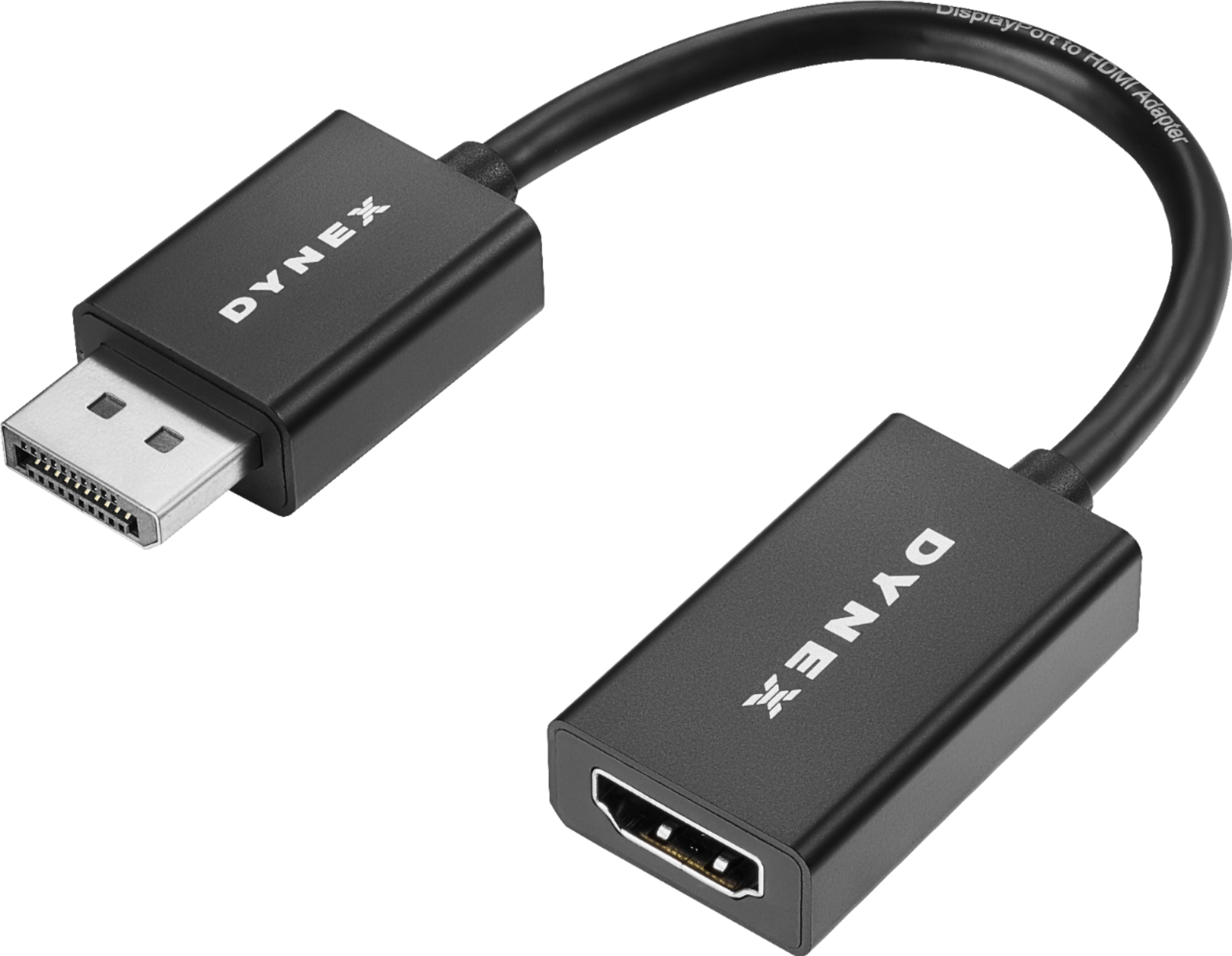
A:AnswerNo, this adapter does not have a USB connection. It has a male display port connection on one side and female HDMI connection on the other side. This adapter is for computers with a display port connection (usually found in a commercially constructed computers) and a monitor with a HDMI connection.