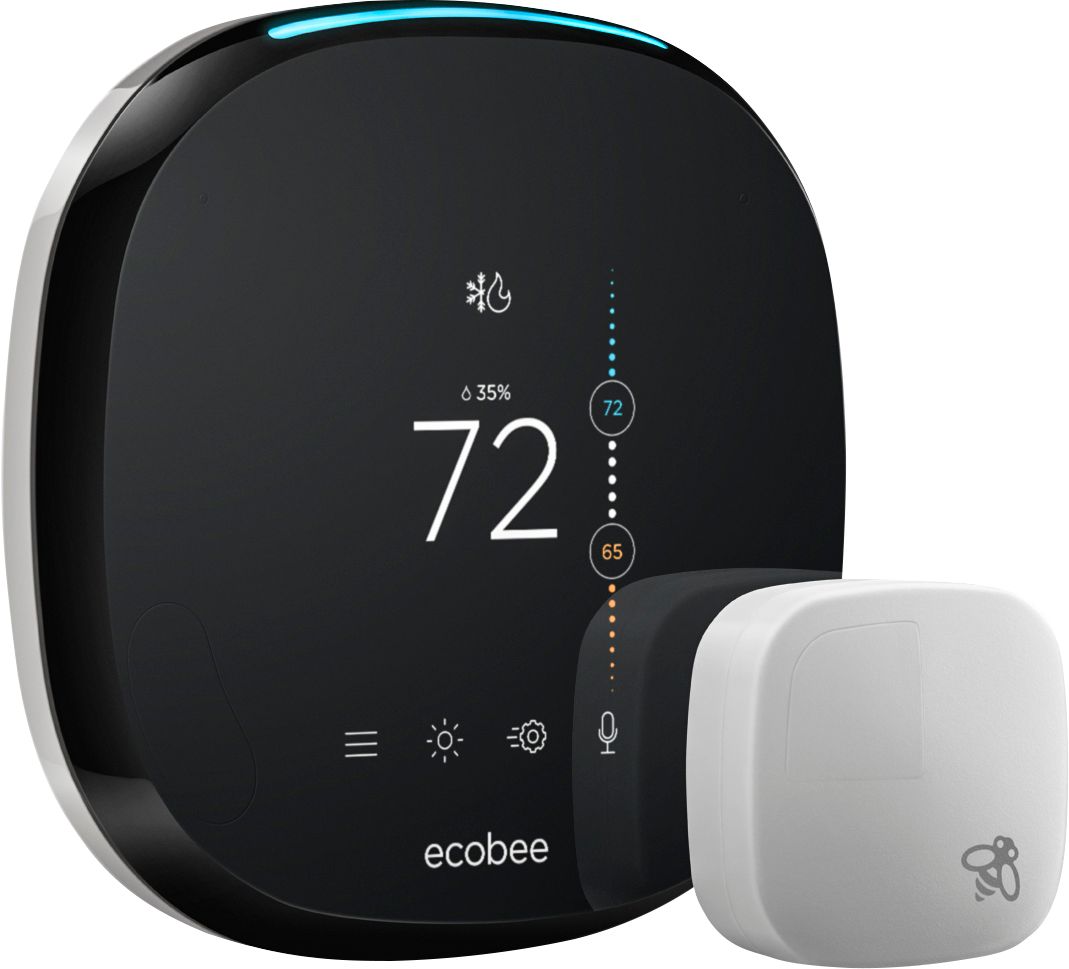
A:AnswerNo, these won't control any of those, what you're asking for as these are only thermostats.
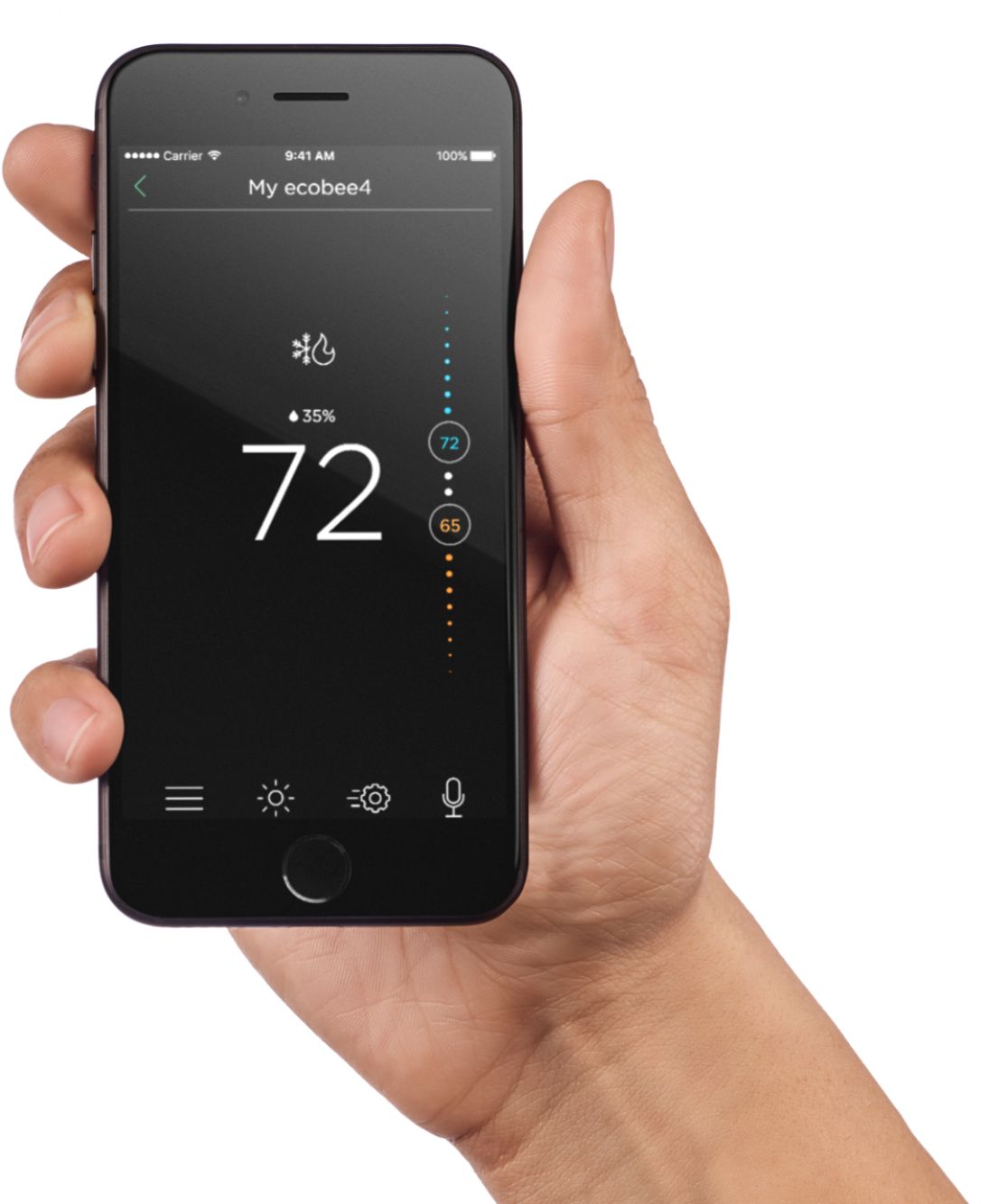
They can be controlled from your phone or computer with ease.
There are two Ecobee 4's out there. There is this one and the other is Ecobee 4 pro. I use both in my stores. Ecobee 4 pro isn't sold at retailers, but rather HVAC supply houses. Comes with longer warranty (5 years) but otherwise, its the same functionality.
A:AnswerThe Ecobee in and of itself can help you with what zone you care about for temperature but won’t help you with being able to truly ‘zone’ the house. You can set what sensor(s) you care about in the comfort setting group, from 1 to as many sensors as you have. During the sleep group, I have it only caring about the remote sensor I have in the bedroom.
I actually wanted to do that same exact thing, my bedroom would freeze out during the day while the AC was trying to keep the living room temperature comfortable and then at night, we would overheat because now the living room was fine but the bedroom got hit with the sun during the evening. The Ecobee can with the extra sensors make the furnace care about the other rooms and average out the house, or at night focus on a smaller number of sensors or even a specific one like I talked about, my bedroom.
I myself wanted more though and have areas that I don’t care about turn off the vents when I don’t care about them or when they reached temperature that would freeze out stop after the room temperature leveled off at the desired point. I went with the Ecobee and Keen Home smart vents https://keenhome.io because they actually tie together and work together to get ‘zone’ effects like I wanted. The smart vents can close off when the room reaches the desired level for that specific room and then open back up when needed. It doesn’t “call for heat” or “call for cool” but if you use an Ecobee sensor in that room, the Ecobee can then call for heat/cold based on average for the house or for that specific room and then the smart vents will use that same sensor to detect and close off the vent when the set level for that room is reached. It is the best way I have found to do this kind of zoning without having my whole system replaced with something more expensive.
I hope that helps.
A:AnswerIf you go to their website https://www.ecobee.com you can check to see if this will work for that specific device you have. If all else fails, you can email their support and they will answer your questions.
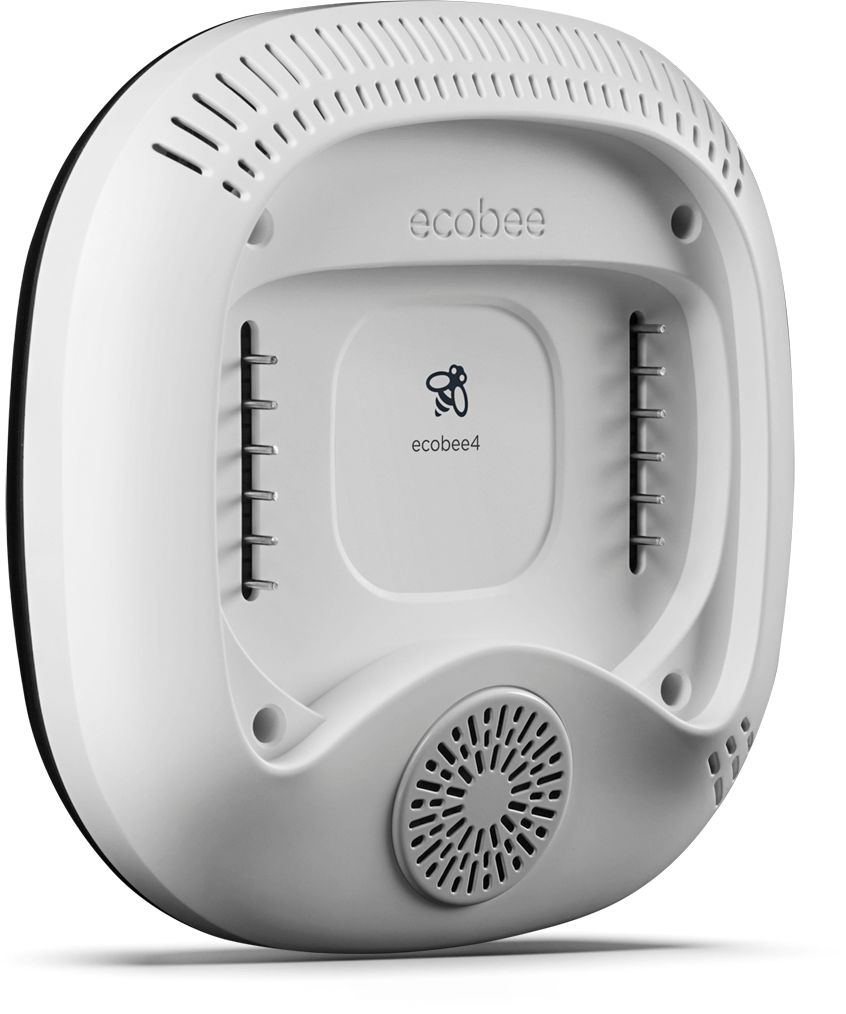
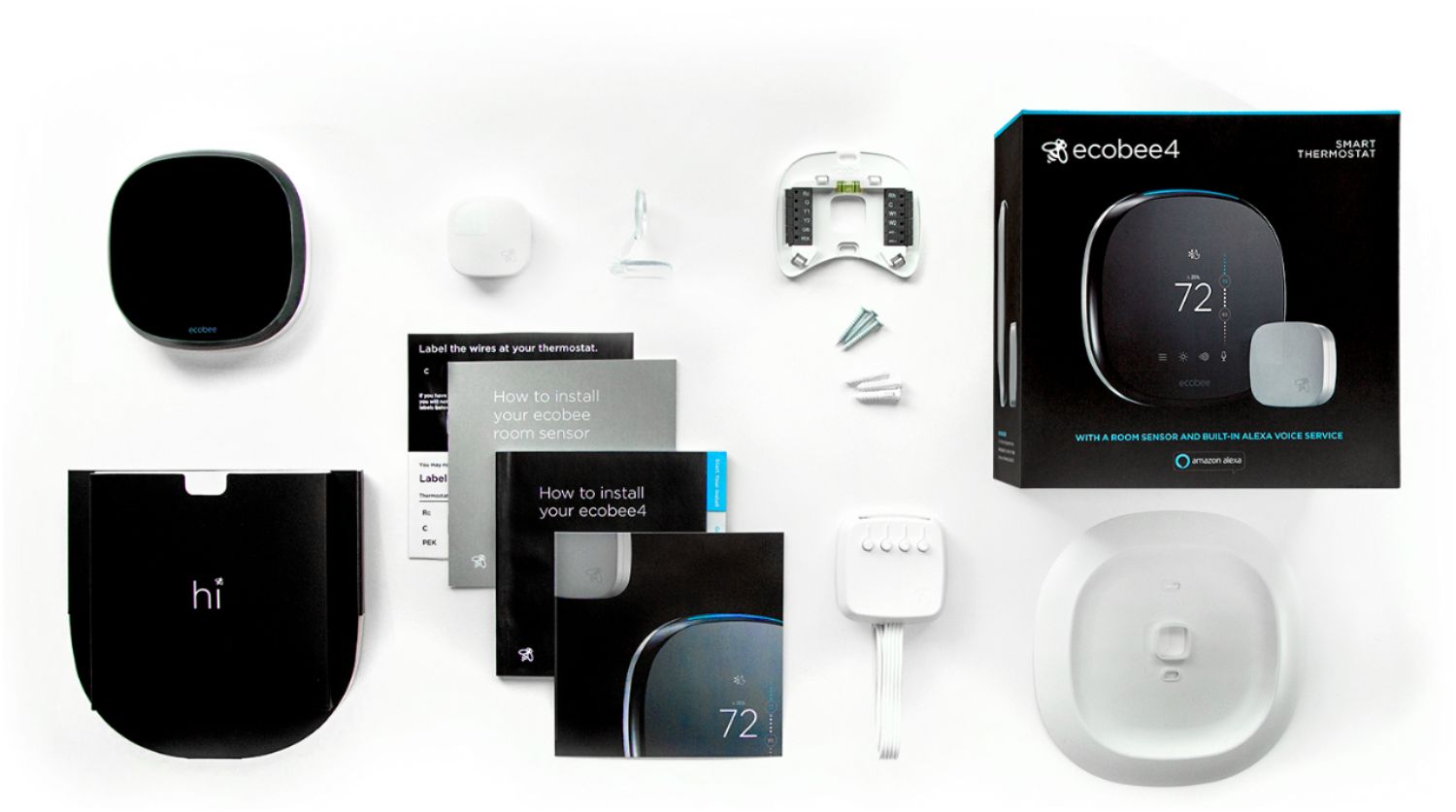
A:AnswerHMMMM, I think that would be difficult. I have heat and air on one thermostat, but it was a four wire system. The Ecobee4 comes with what they call I think a power extender. The Ecobee is a five wire thermostat. With the power extender, you can use the four wires, but be careful, it can get a little tricky. I have an older furnace and no clear cut terminals like they show in the installation instructions. I had to solder the "C" wire to one side of a 24 volt output transformer in the furnace to provide voltage to run the Ecobee. Once in, it works great, though I wish it had more functionality. This probably wasn't much help for you. Sorry. If it helps, the red wire ultimately ends up going the one side of that output of that transformer. The Green wire is the one that calls for heat while the Yellow one goes to you air conditioner condenser, and the white, or black is the common.
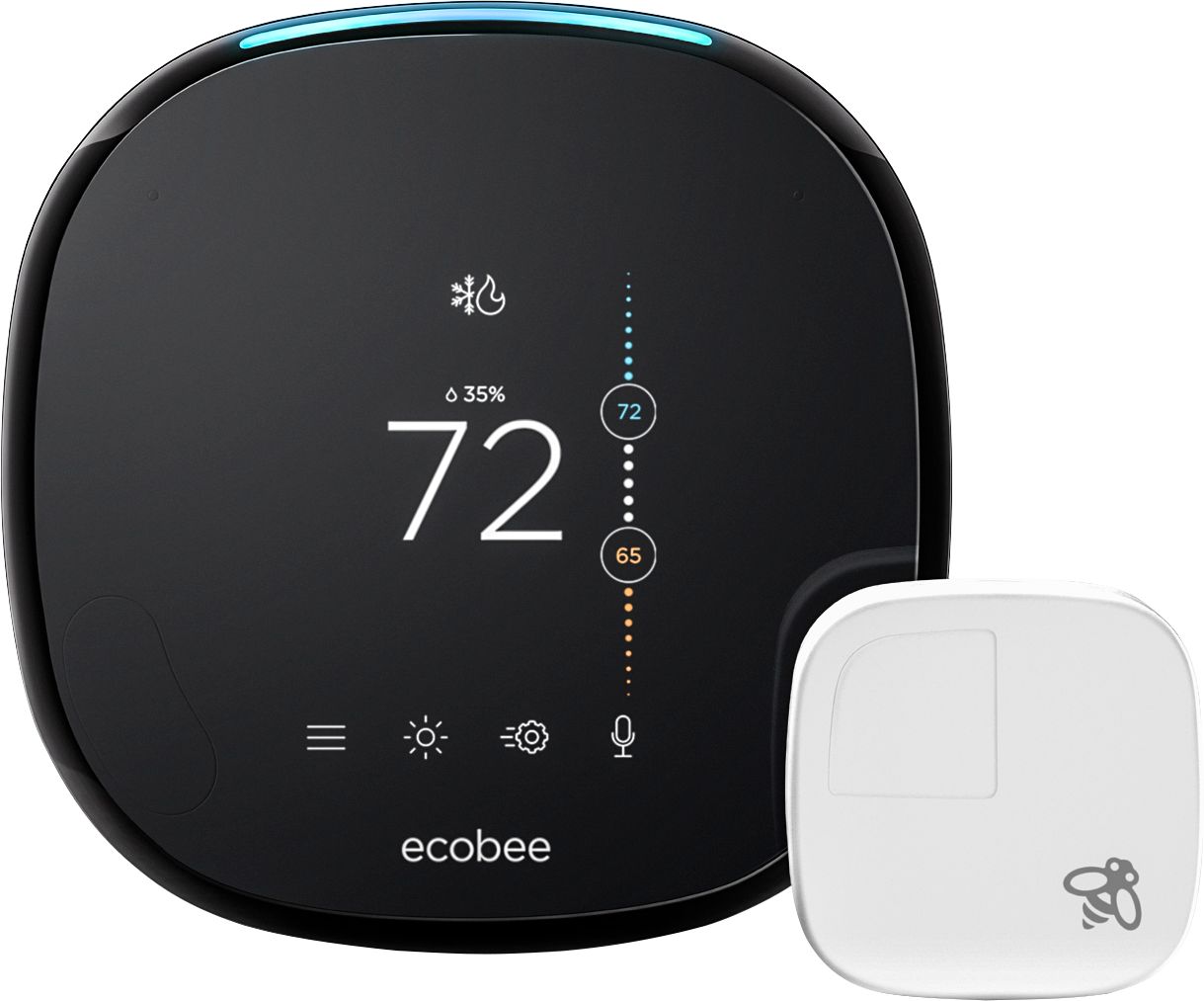
A:AnswerThey have fixed the issue if you email them to update your firmware... There is also a mute function if you really prefer which effectivly disables it, but puts a red light on it. Really no need if you update though.