A:Answer Hi,
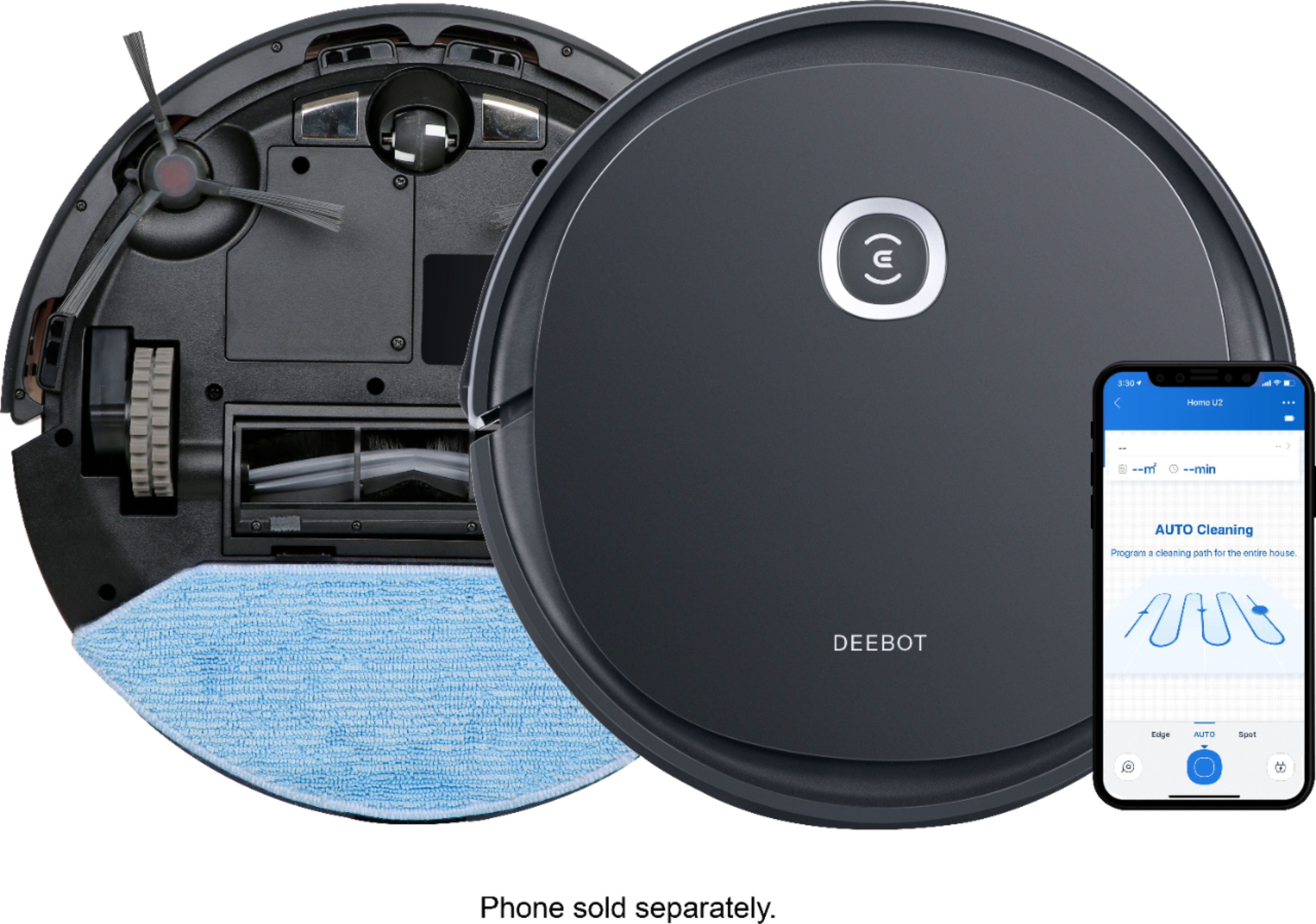
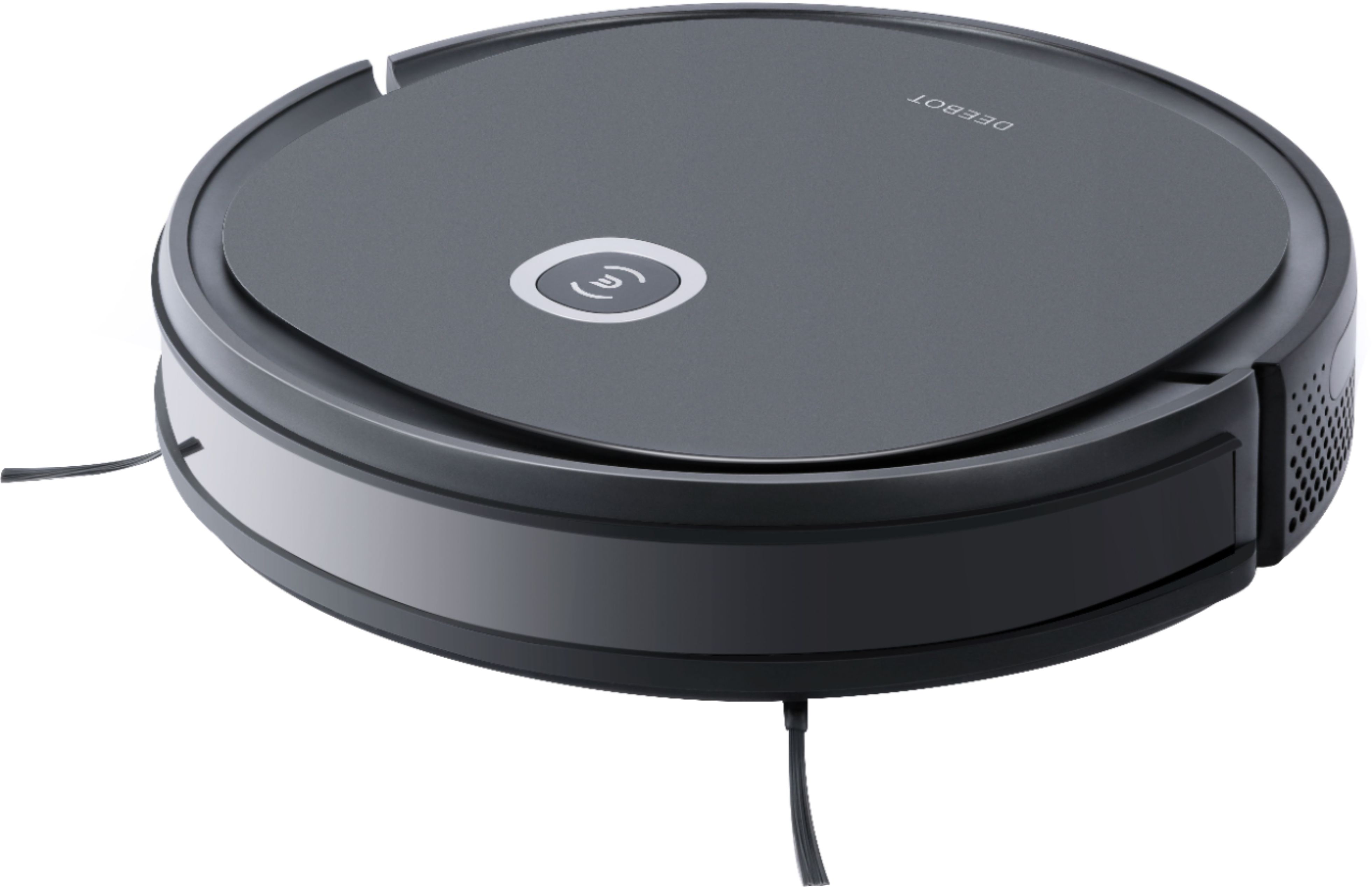
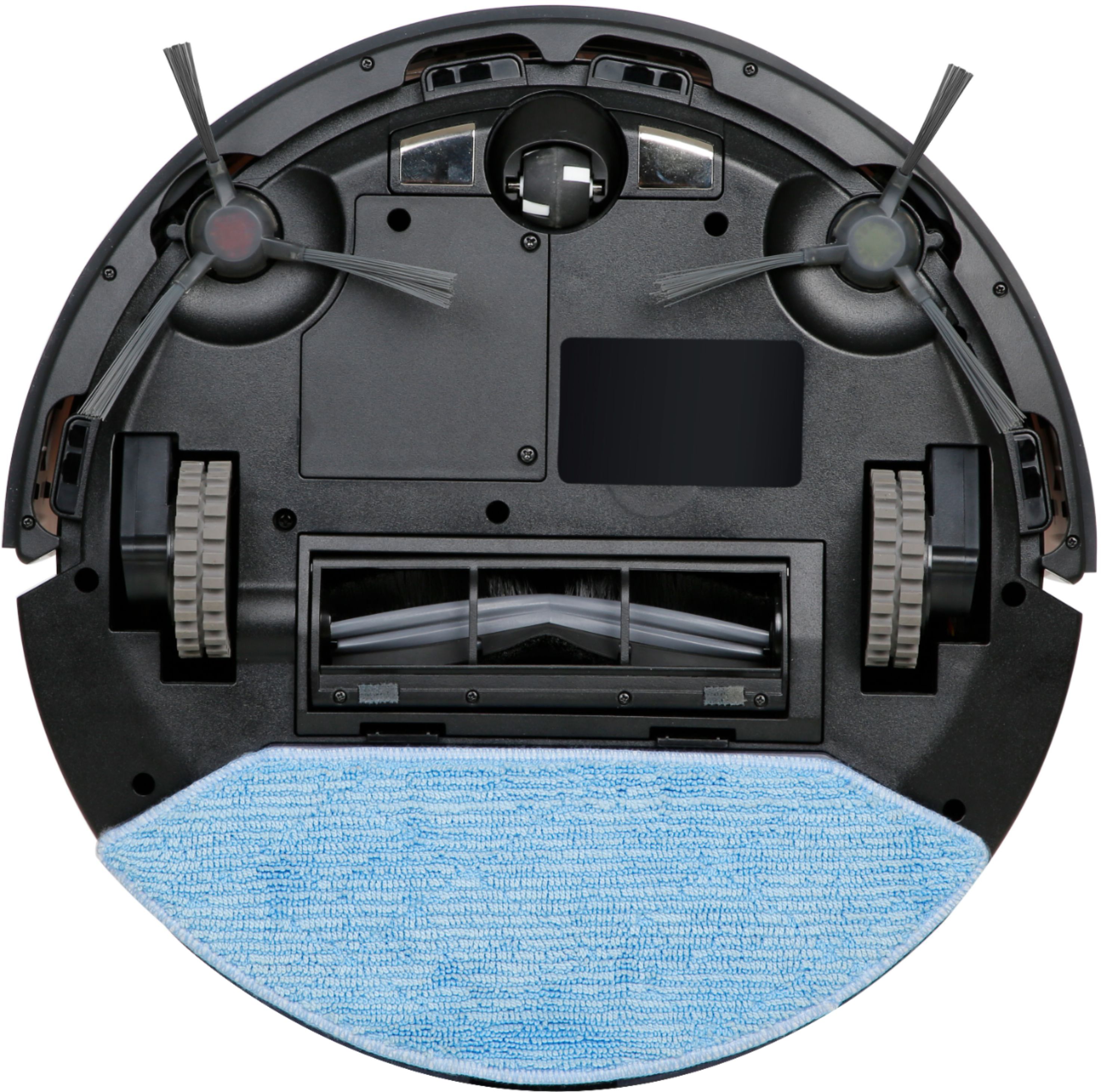
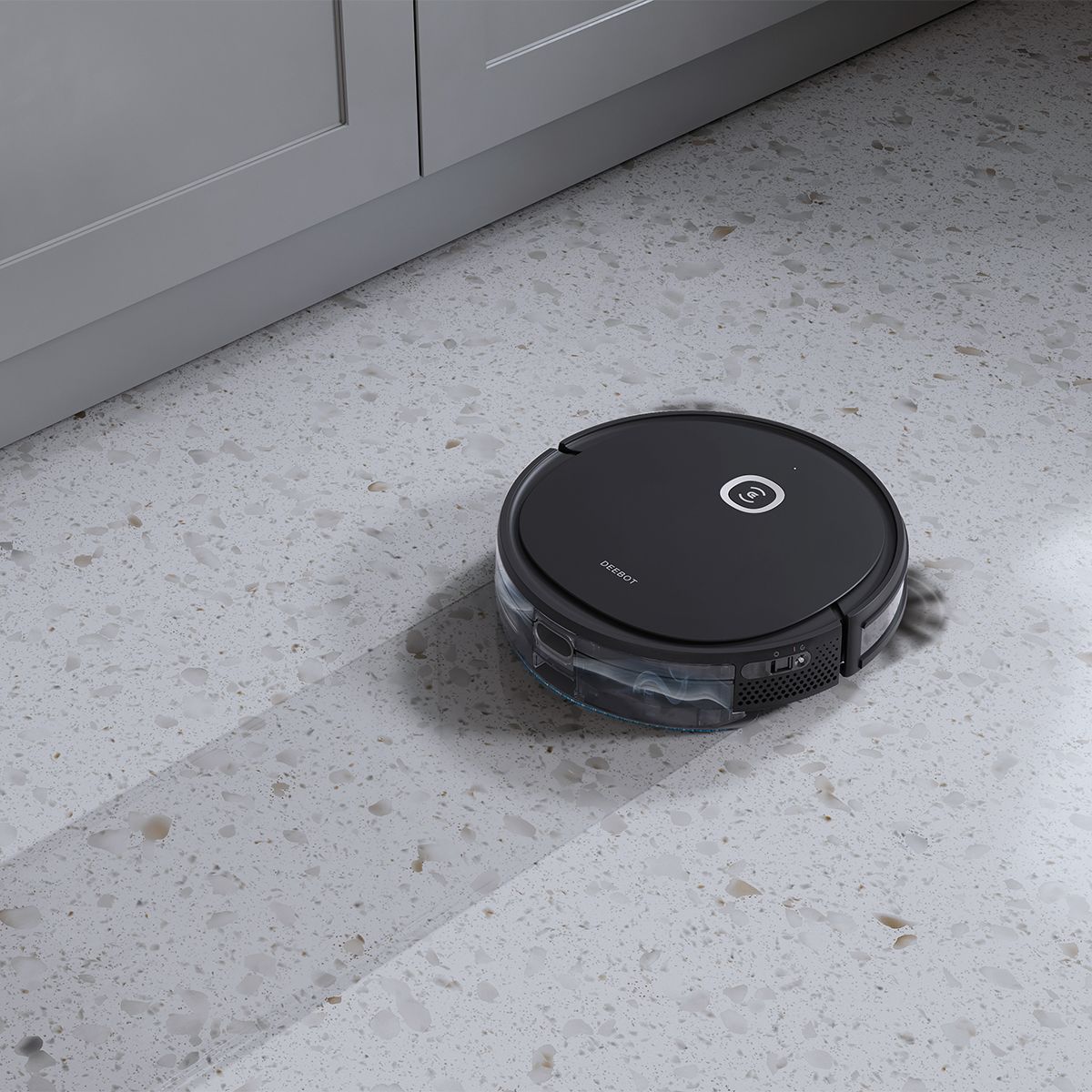
Regarding the work completion time, it depends on the home environment. Some home environment backgrounds are too complicated, or some target objects have special shapes, which may also cause the Deebot to take a long time to react, lead touches, and complete mapping. And if your Deebot supports the networking function, but there is no Wi-Fi at home, you could directly press the Auto Mode Button on the machine to start the machine. If you need to use some of the functions after networking, such as setting a scheduled appointment, you could connect to the machine through the mobile hotspot, and if you need to modify the appointment time next time, you could connect to the hotspot again.
Should you need any assistance please reach out to our Customer Service Support Center and we’ll be happy to help out with any questions you may have.
Best,
Ecovacs Customer Care