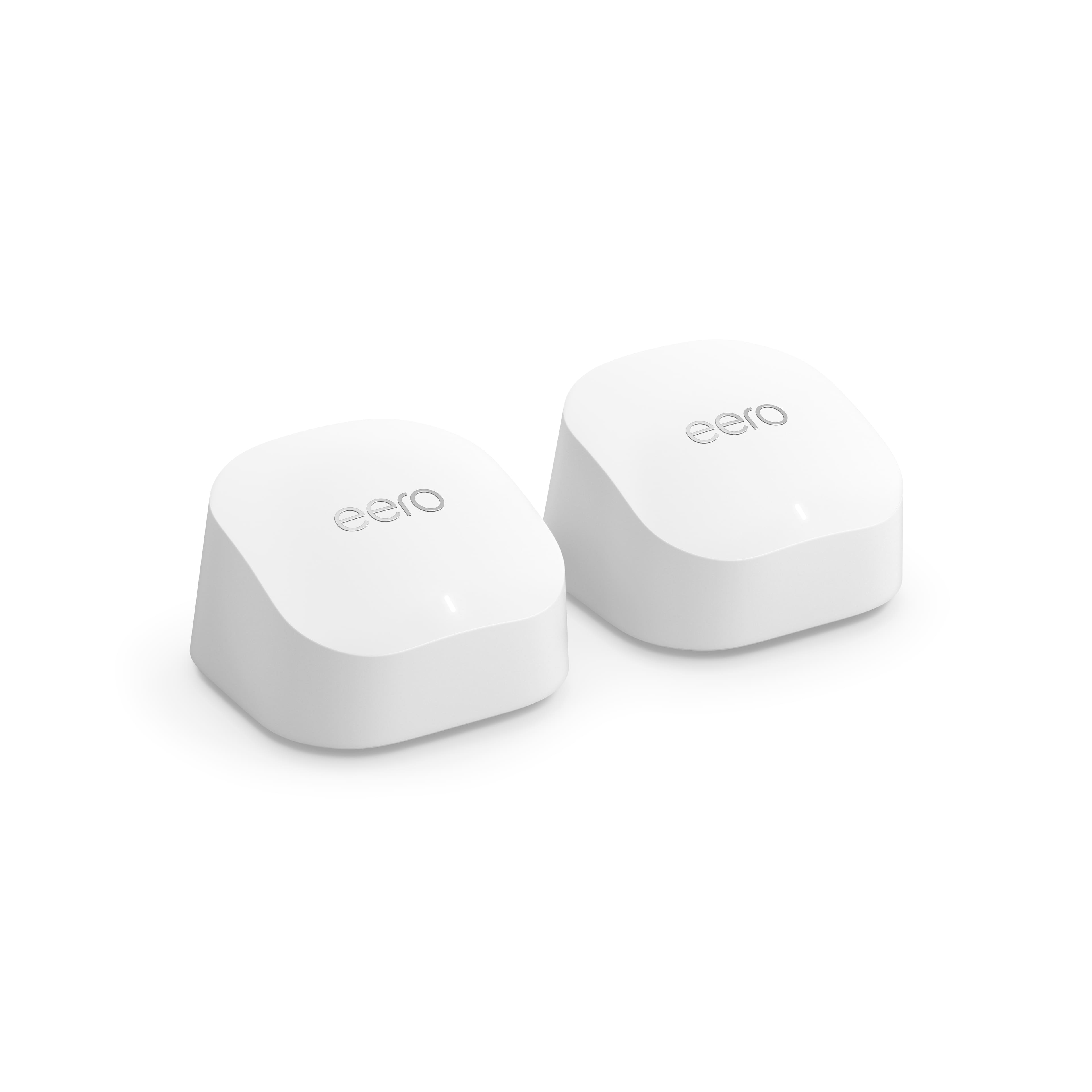
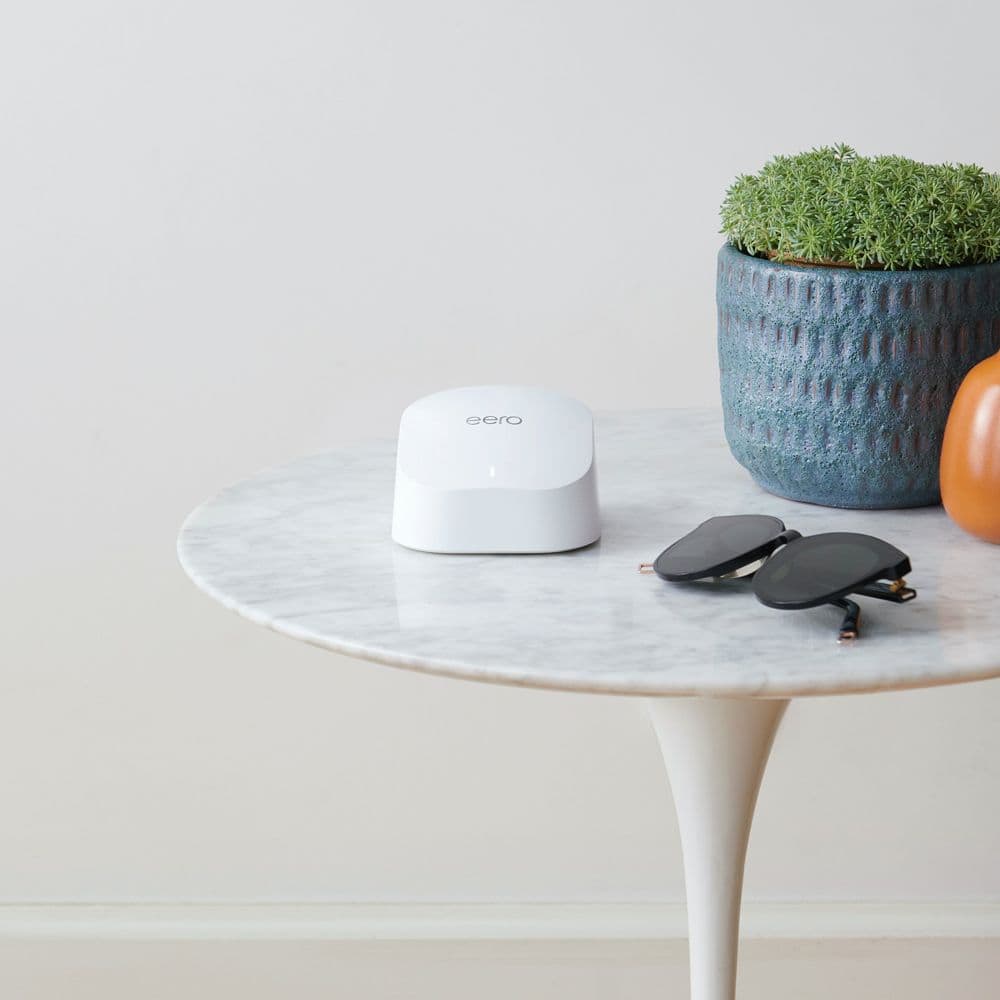
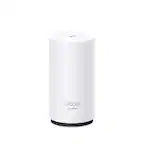
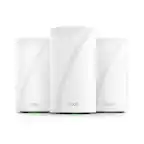
A:AnswerNo. The 2 pack is only good for "up to 1500 sq ft." I would go with the 3 pack or consider going up to the 6E size Router. Look at the specifications on each router to see the max area
A:AnswerYes, they look the same until you look at the back of them. The one with the ethernet port on the back is your router and the one without is your extender.
A:AnswerI use one in the living room on one end of the house, and one in the kitchen closet to get to the other end of the house. It also reaches outside to my garage door opener and camera outside a brick wall.
A:AnswerTo be perfectly honest I do not know. However, I do know that I am getting faster and better service from all of my internet systems in all areas of my house including the patio area.
A:AnswerYou can do either one. If your original router will still be broadcasting its wifi it is strongly recommended to give the eero a different wifi name (so your devices can tell which wifi is which) but you can use the same password.
If the old wifi is disabled/removed then feel free to use the same name/password, most, if not all, devices should just automatically connect. A few might need to be manually reconnected in this scenario.
A:AnswerIf you hard connect the first eero, and use the wifi connect for the others, i would turn off the wifi on the main router so only the eero is broadcasting.