A:AnswerWorked for us but understand, it doesn't increase the signal but it does extend the signal to spots that are farther from your router. It was a good purchase for us.
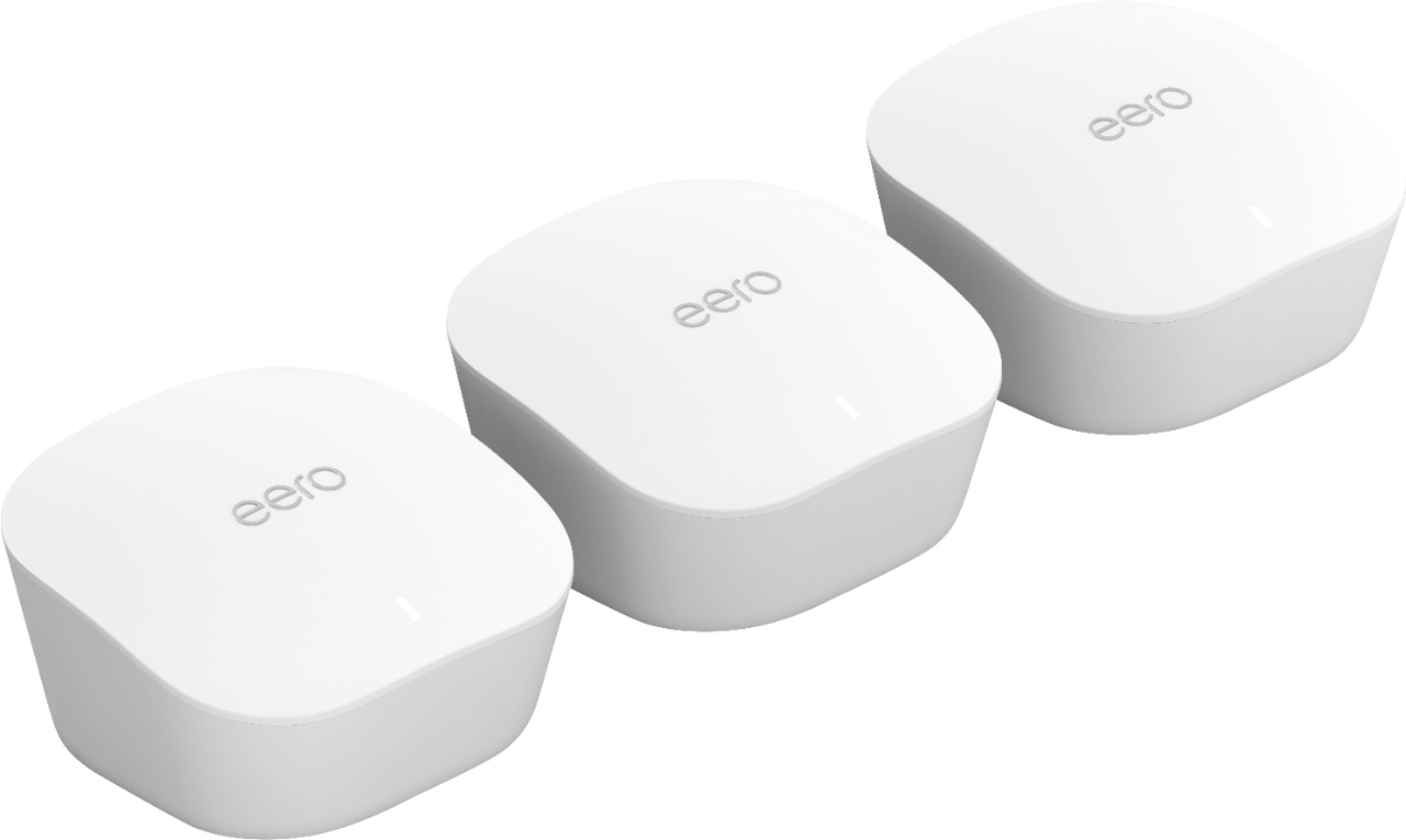
A:AnswerNot sure works as an extender. I purchased to get better coverage in or two story home. Purchase has 3 separate units to use all over the house. My wife coverage is now much stronger! Easy set up!!
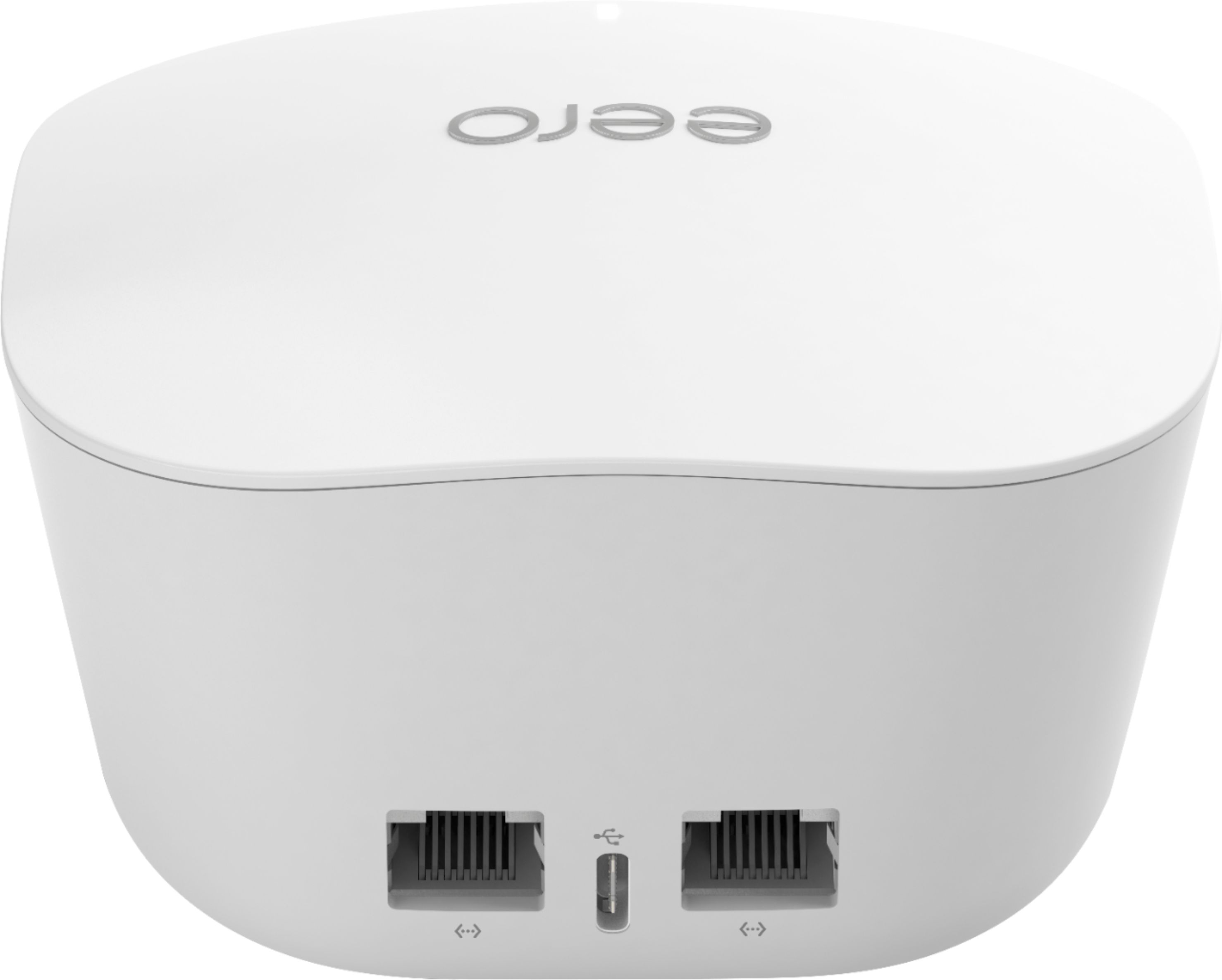
A:AnswerIt depends on how you configure the unit. When I didn't setup by Fios router in the bridge mode, I had difficulties with internet droppings and etc. Changed FIOS setup to bridge mode and it is working fine so far (about 2 weeks). One of the recommendation from Amazon is to restart the base Eero (which is connected with the ethernet cable) once in a week and I am following it through the installed app (takes about 1 minute to restart). I am not sure if this restart every week is helping or Fios router setup in the bridge mode, but I have very good coverage now across the home (including the basement) without any disconnection issues.
A:AnswerOne of the units acts as the "hub" and connects to your modem. The other two units need to be within about 45 feet of the one connected to the modem.
A:AnswerNot an expert here but I don't think this mesh can operate any faster than your current WiFi. We used this to replace our Xfinity pods which have limited speed compared to a direct connection to the Xfinity router. Adding the eero mesh increased the speed of our mesh network but while much faster on the download speed (say for streaming videos) it is not as fast as connecting directly to the Xfinity router. Yet it is at least three times faster than the previous pod mesh we had. A big improvement. Hope that helps.