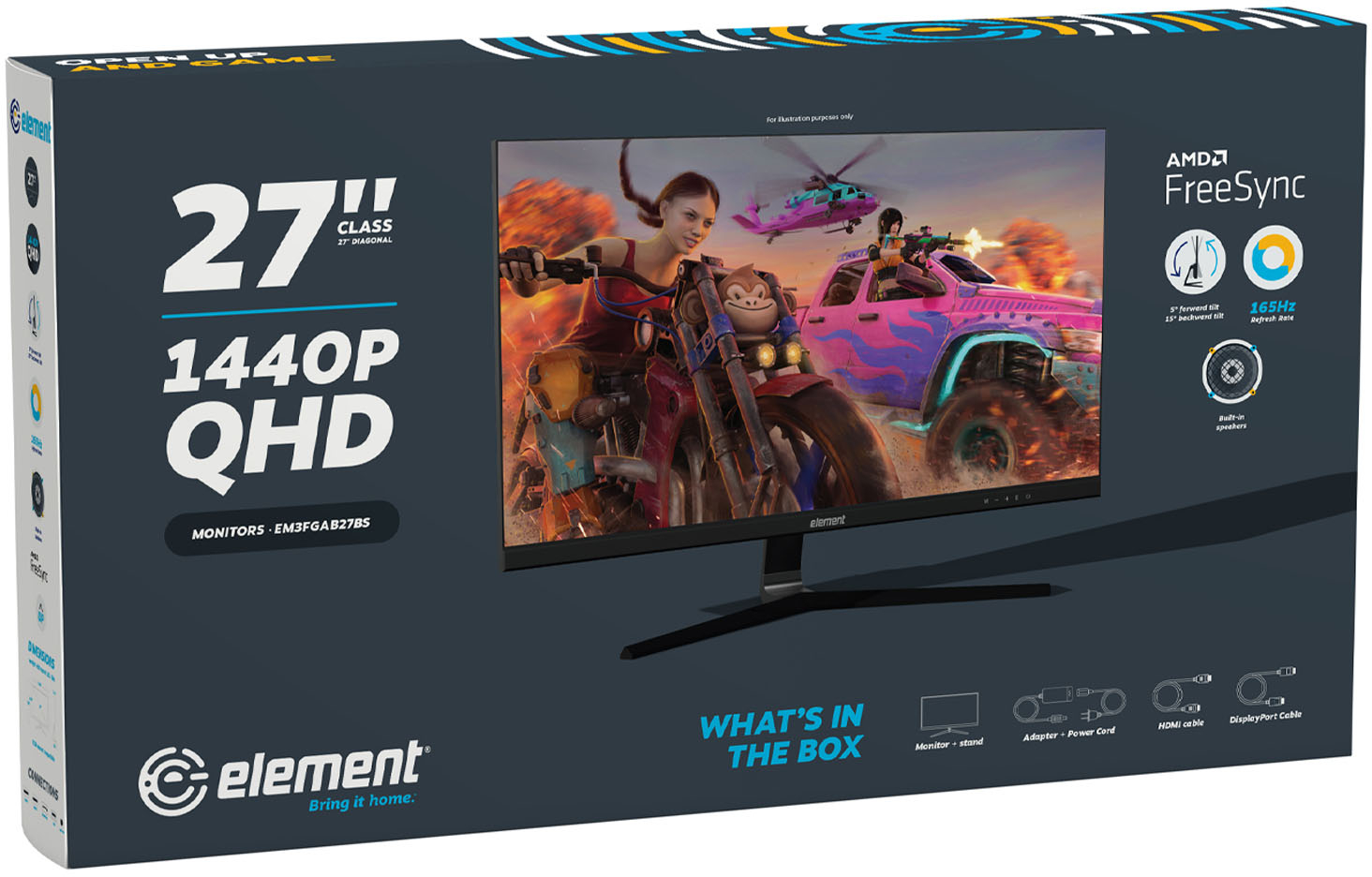
A:Answer Make sure you're using display port in order to get the full 165 hz.
Assuming you're using Windows:
Your device should automatically use the 165hz (mine did). If you want to verify, go to your Display Settings -> under Related setting, go to Advanced Display -> select the monitor, and you can choose the refresh rate. If you're using HDMI, you'll only see 144 Hz max (165 Hz won't be an option).
In my screenshot, I'm using HDMI cable, so I'm only able to see 144 Hz.