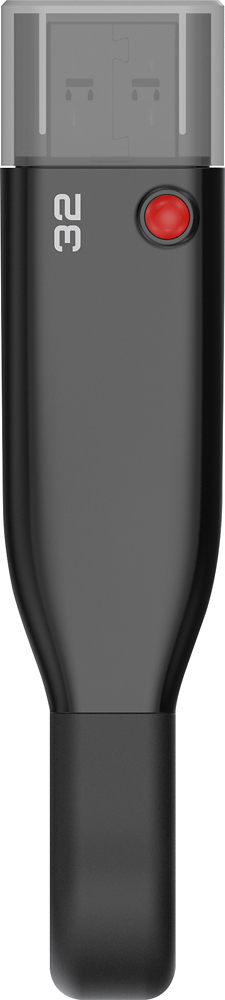
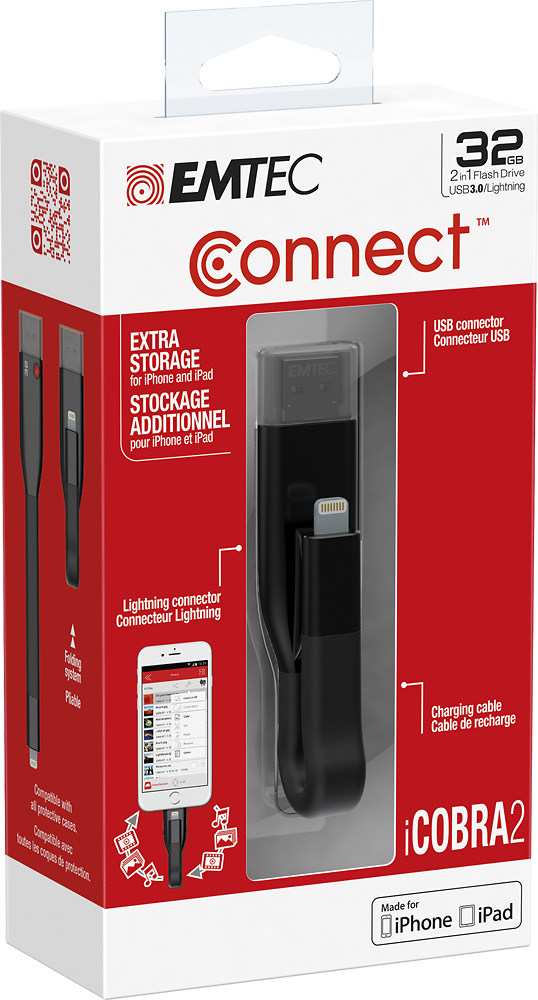
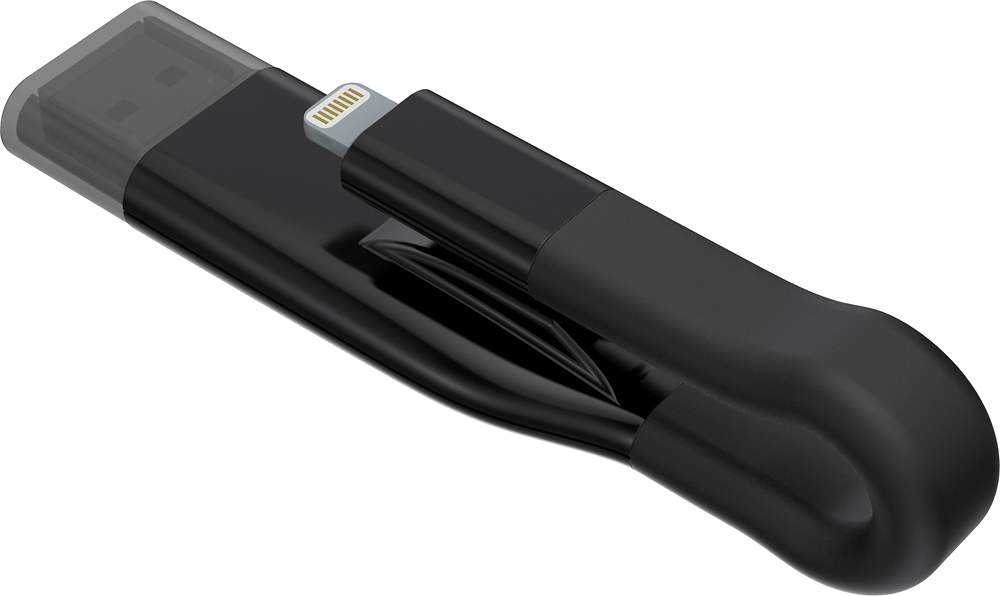
A:AnswerAfter the photos are selected, you simply tap on the wrench and select "Copy". Then, at the bottom switch to EmtecConnect, select the folder you wish to copy the photos to, tap the wrench again and select "Paste".
A:AnswerYes you can. Open app and tell it to sync your photos. Verify by plugging in to your computer. After that feel free to delete from phone for space.