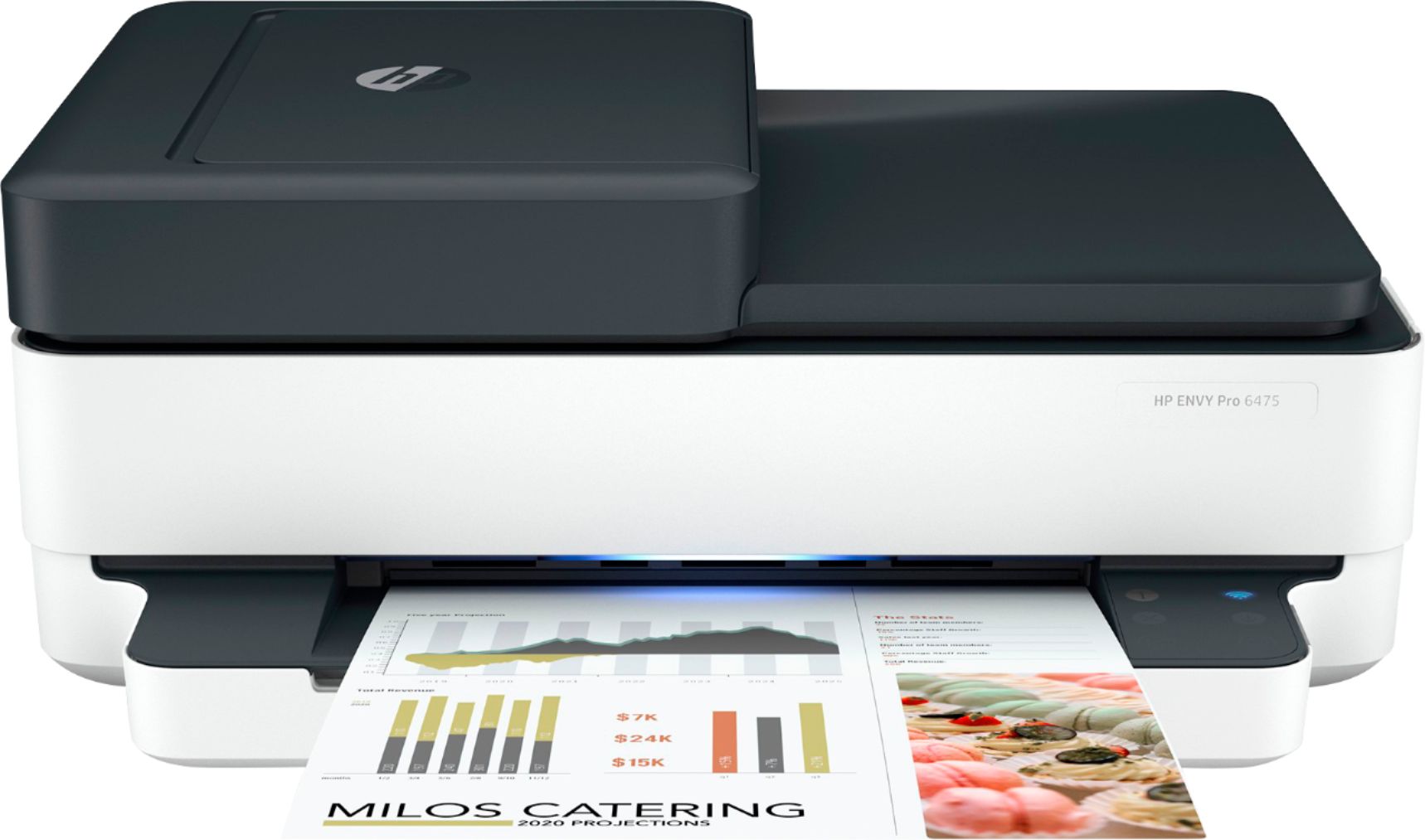
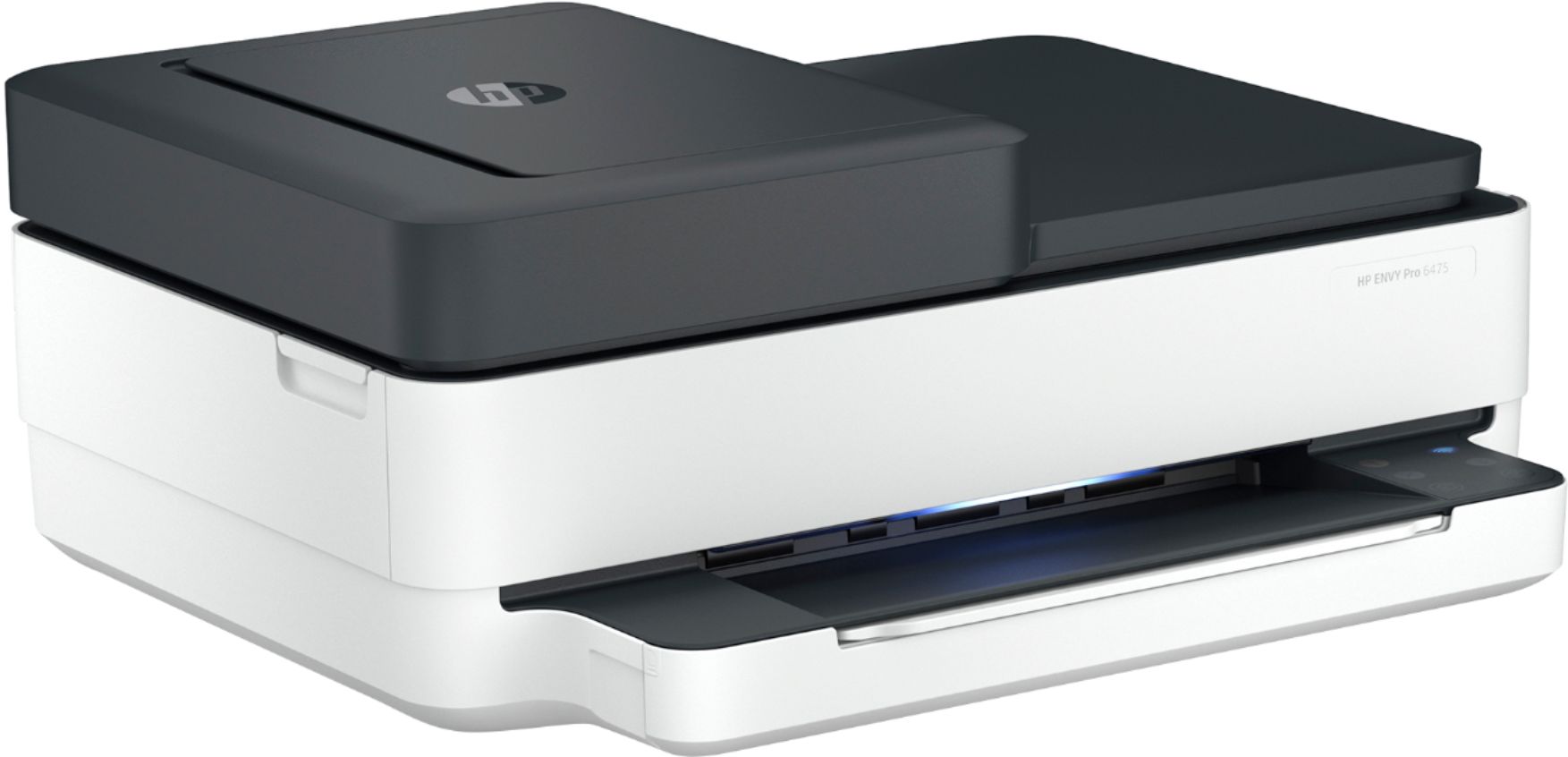
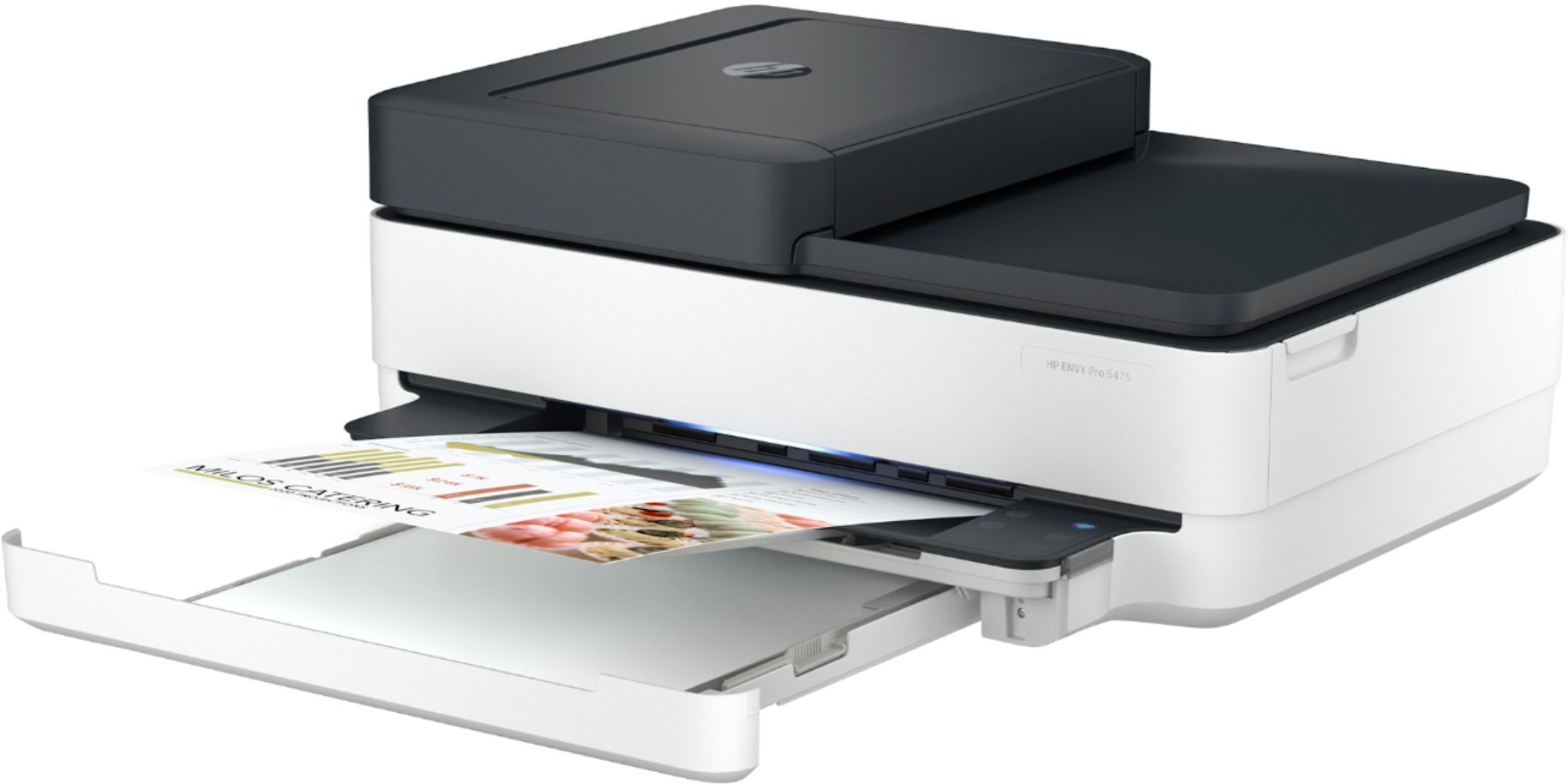
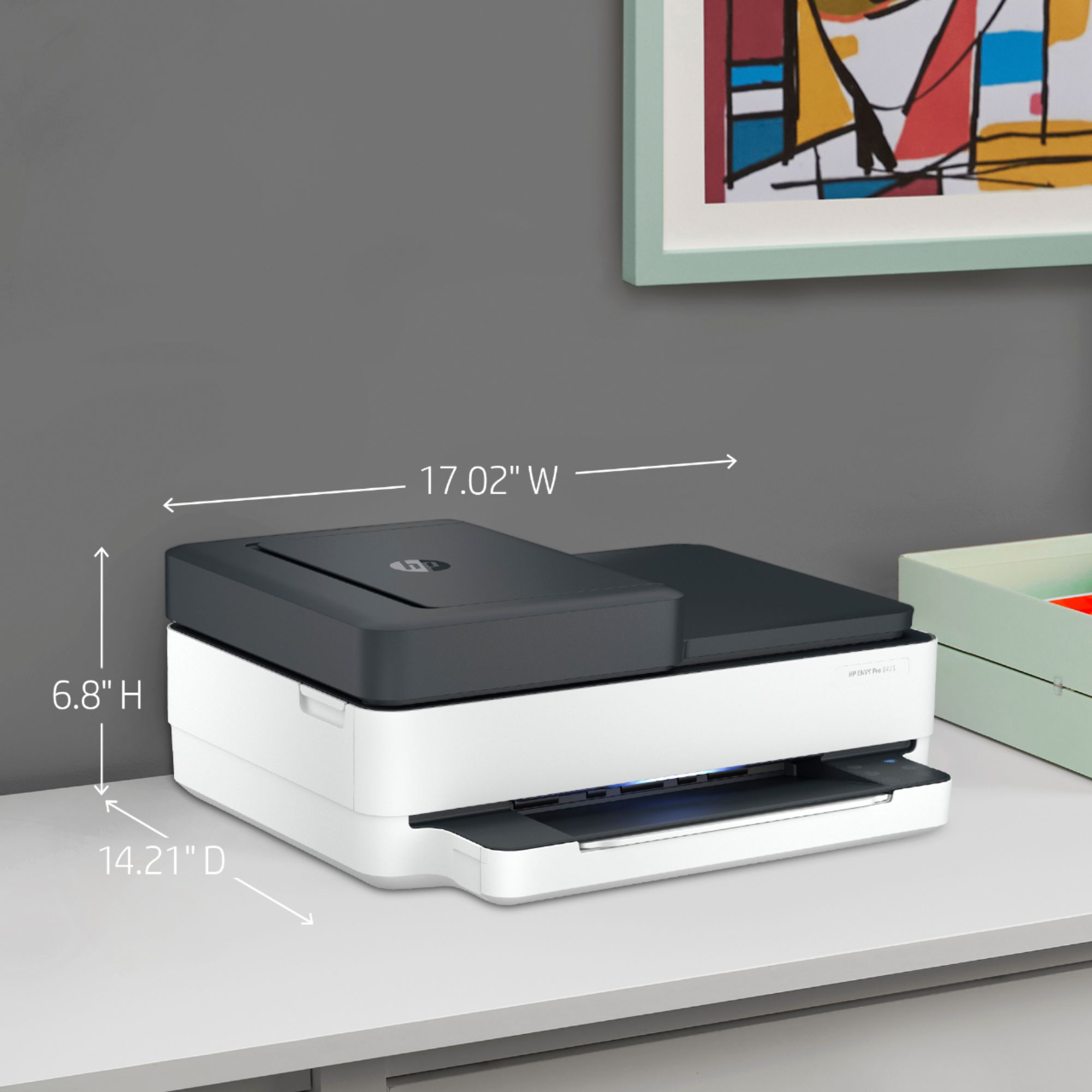
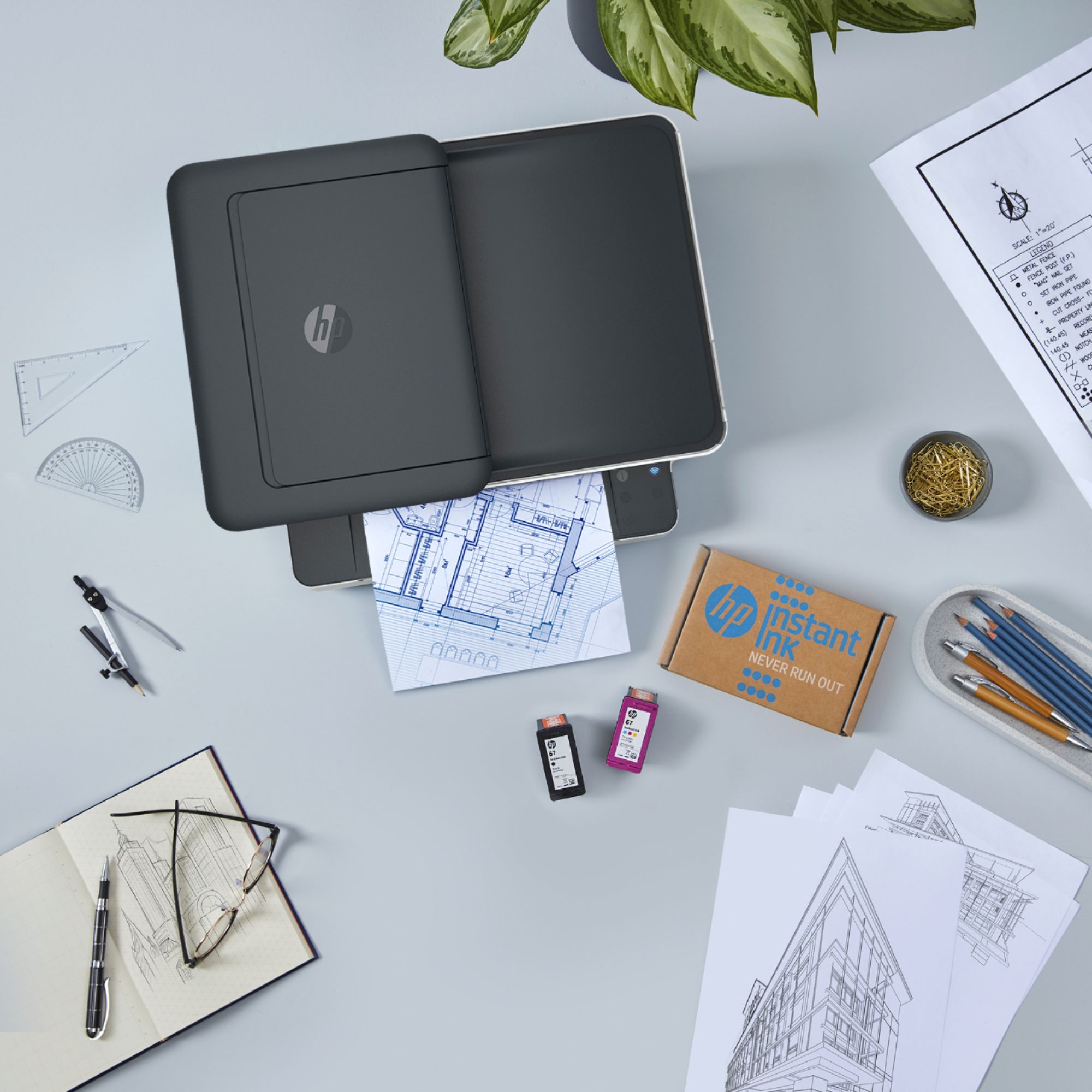
A:AnswerSorry to hear this. We returned a printer for this reason. Why have we gone backward in technology? The ink cartridges should load from the front for the customer's benefit. There are applications and logistic situations that make top-loading cartridges really difficult for the user. That includes us and lots of folks with disabilities.
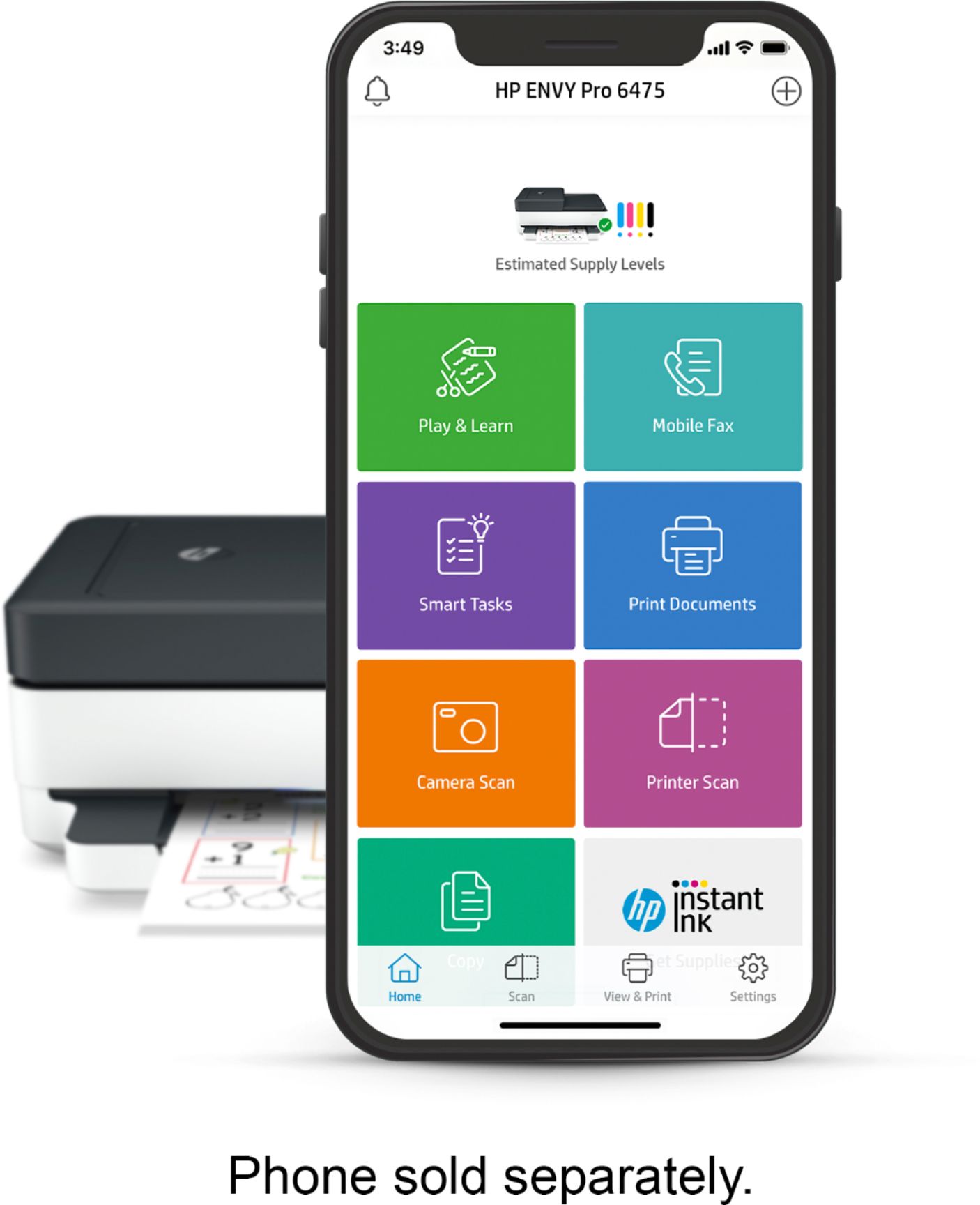
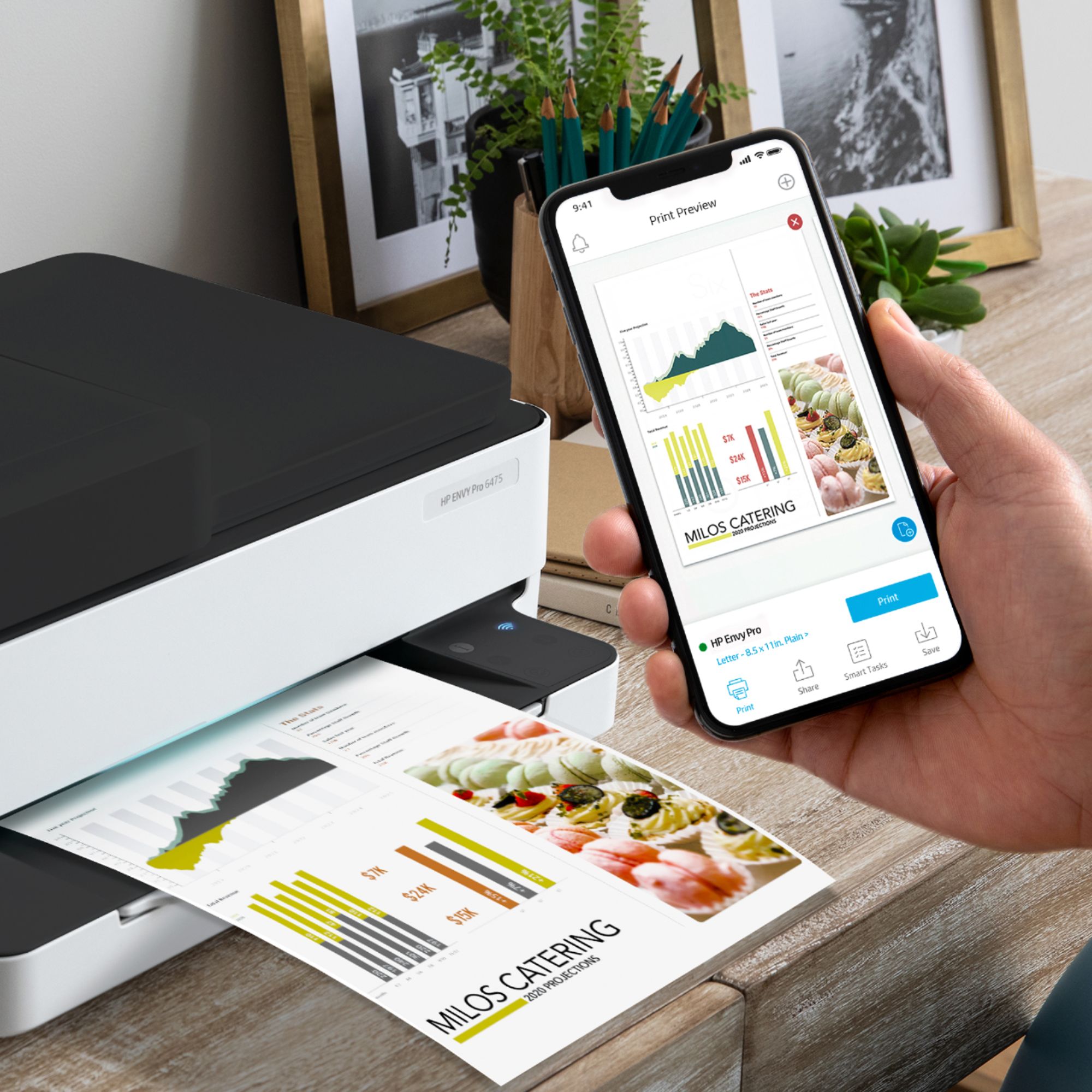
A:AnswerHello. Thanks for your question. Yes, the iPad Pro is compatible with this HP Envy Pro 6475 printer. Just be sure both devices are on the same wireless network.
A:AnswerApologies for what you're experiencing. Assuming the cartridge has ink and you're not receiving a printer error (and the cartridge is genuine HP ink), restart the printer, making sure cartridges are properly installed (with packing tape removed). If you still can't print, please reach out to HP support for consultation at 1- 800-HP-INVENT.
A:AnswerYou can, but you may lose much of the value of the product if you don't utilize the $120 of Instant Ink credit for 2 years of ink delivery. You may want to consider the Envy 6055 which essentially has the same printer specs.
If you need more of a workhorse printer with walk up USB, you may want to consider the OfficeJet 9015, which has it.
A:AnswerSince HP requires a sign in to use this $900.00 device, I am returning it. I highly recommend that everyone do the same.
I don't use cloud period and wont be forced to by HP after paying close to 1000.00 for this printer. I am just glad that I still have the box that it came in.
Send a message, that when paying major dollars for a device, we are uninterested in the manufacturer mandating that you provide your personal information or that you "join" their cloud group to use this device. Also, the retailer should be required to tell you about this feature before purchasing this HP device. Great printer, too bad, it is going back due to HP's arrogance.