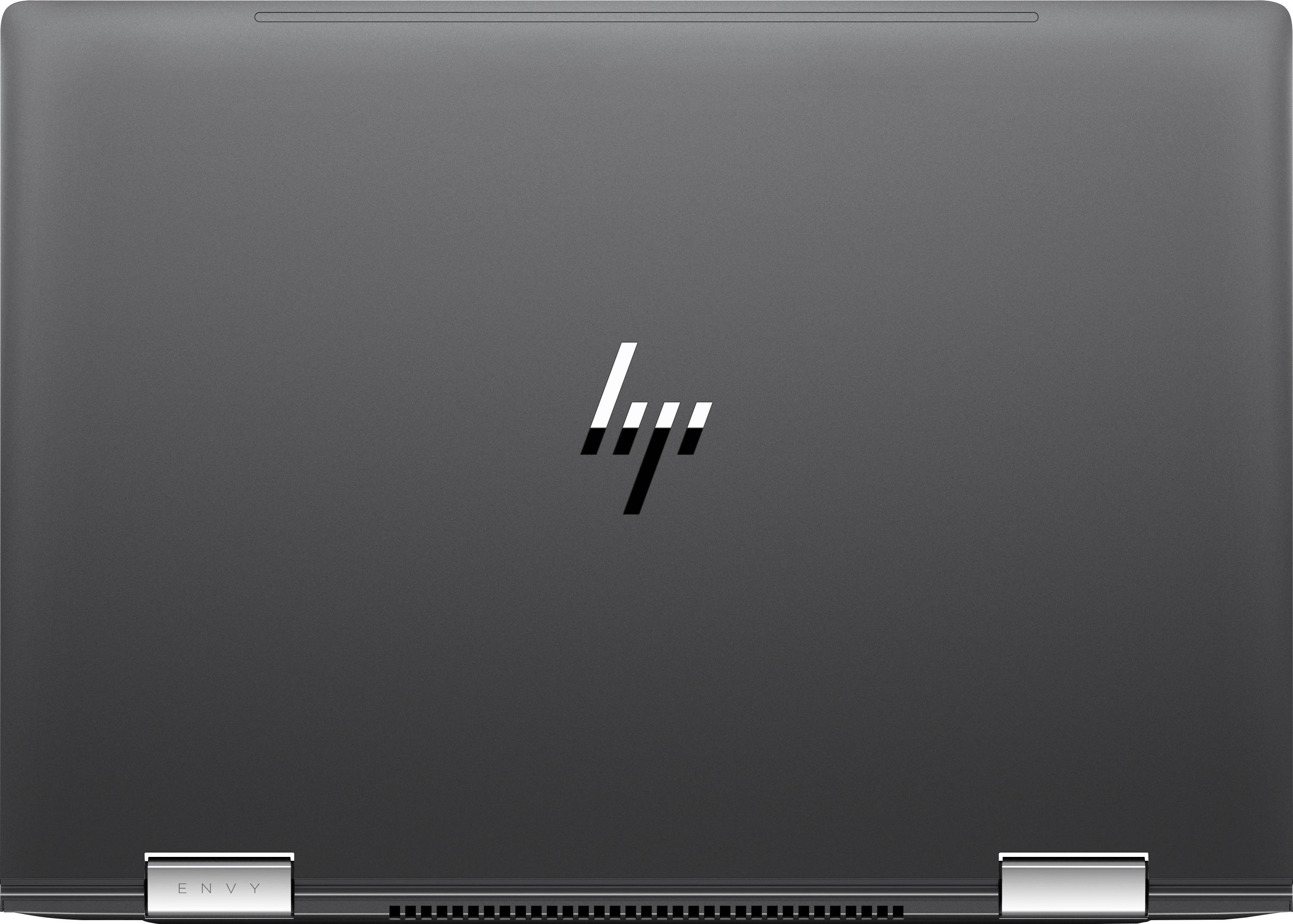
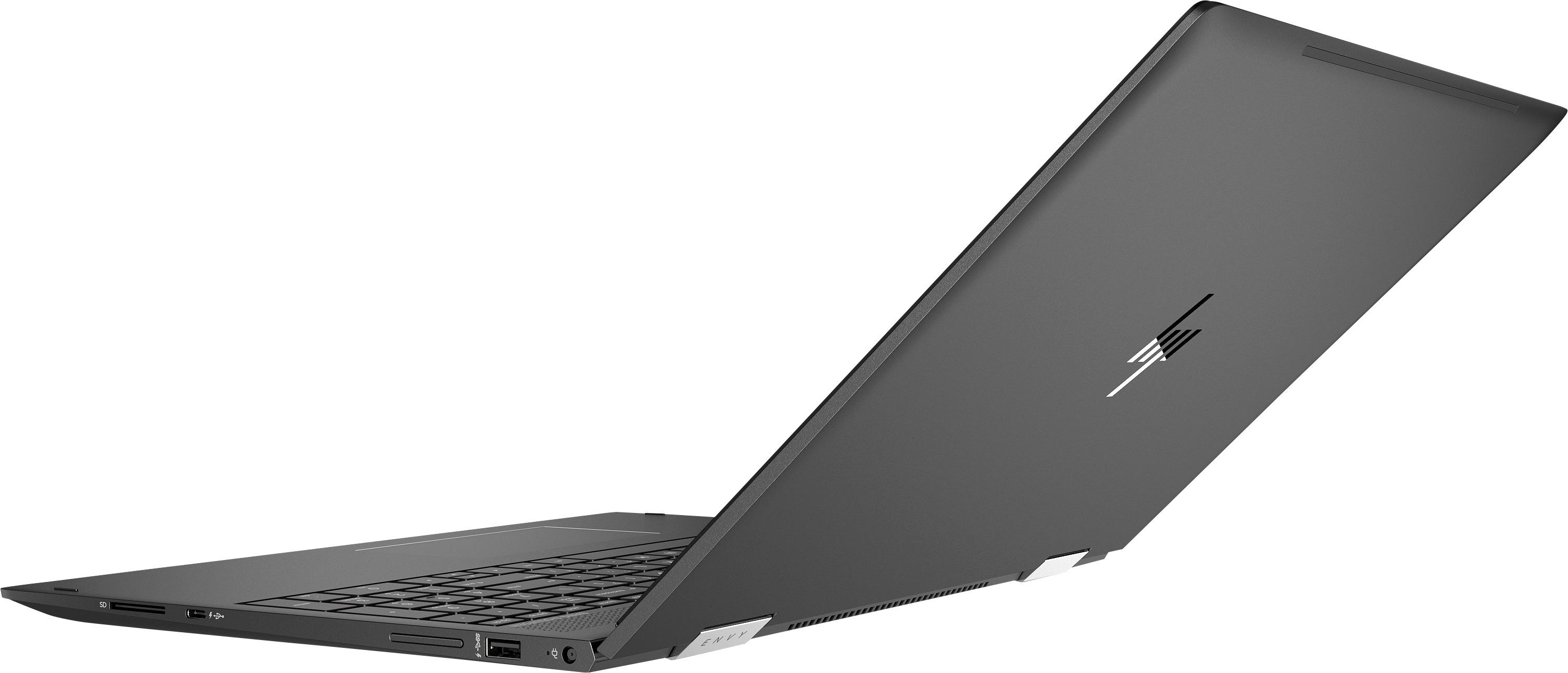
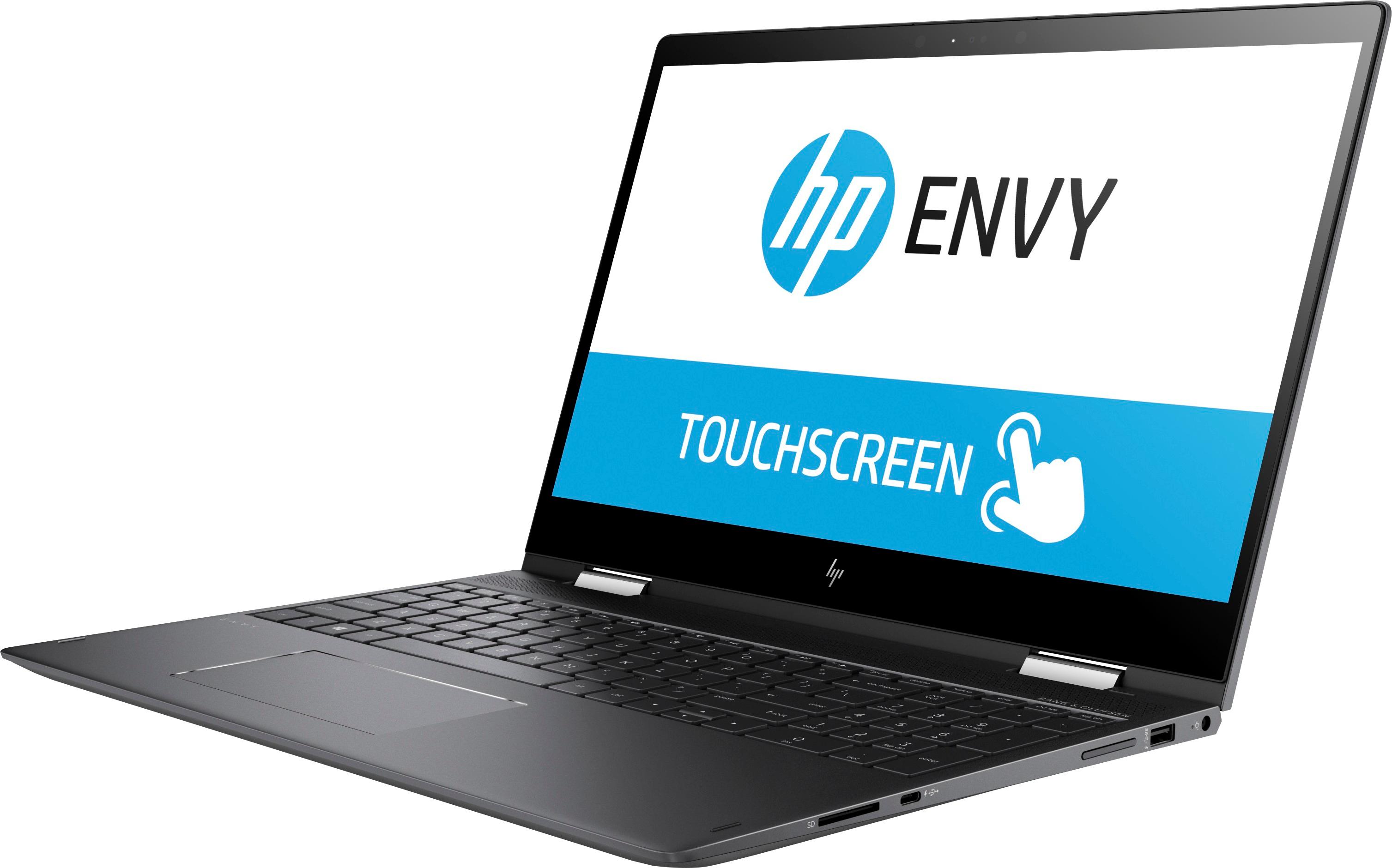
A:AnswerThere is no built in optical drive, but you could purchase an external drive and run them. If you need a built in drive this isn't the laptop for you.
A:AnswerWoW will run on almost anything, 2k16 would probably run if you tune the settings down, Integrated graphics on this machine are decent. Definitely better than Intel's integrated.
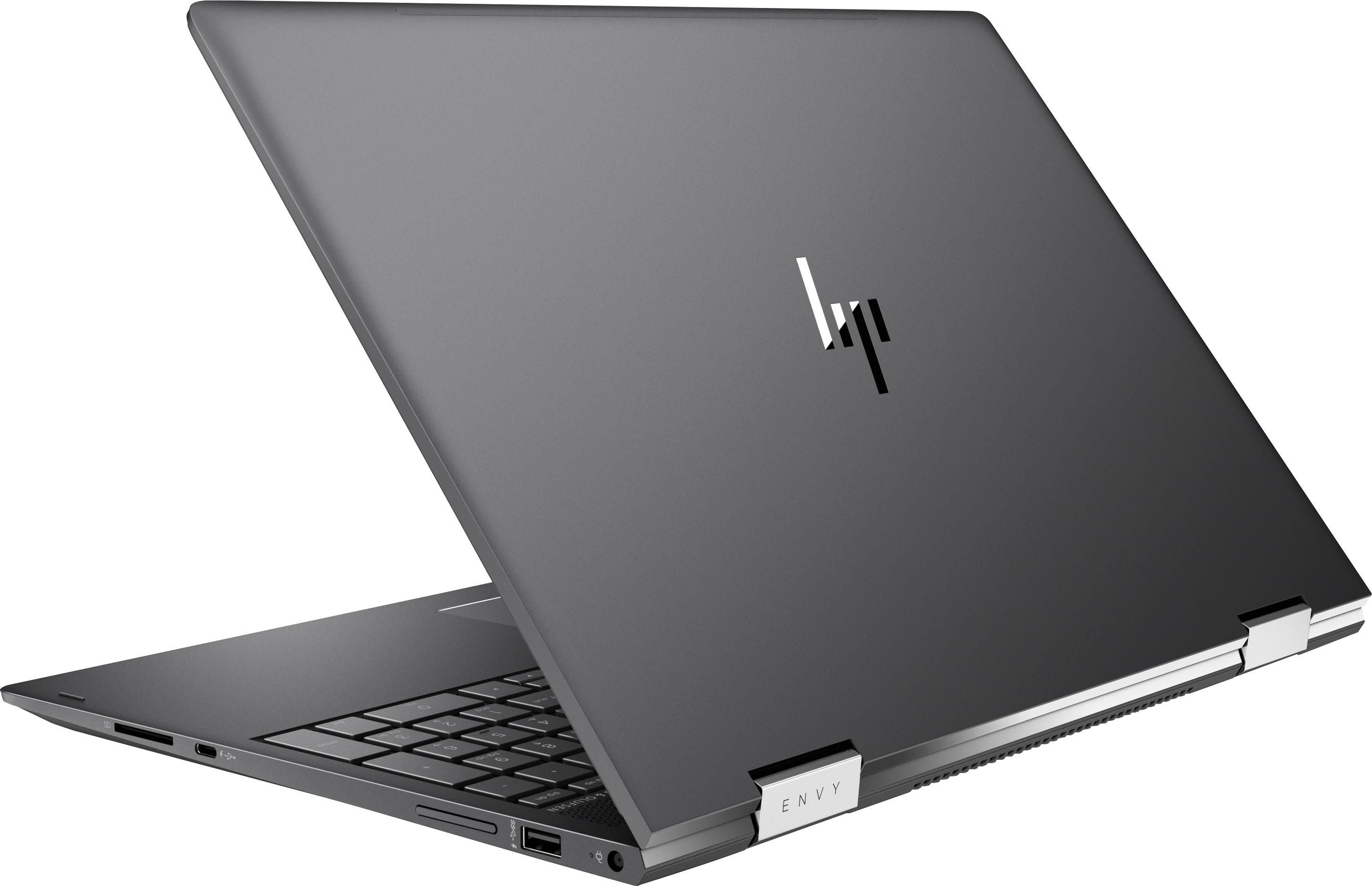
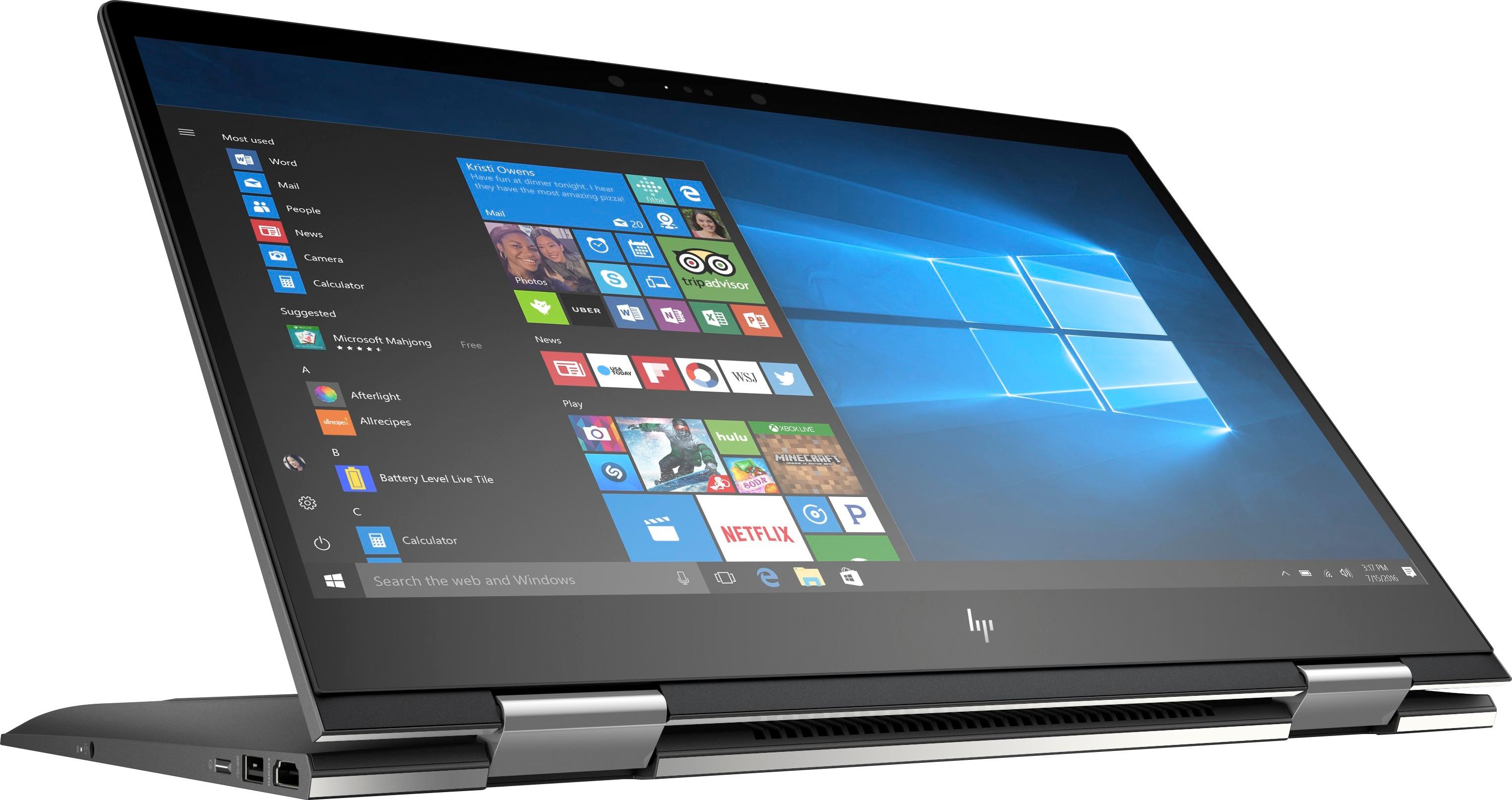
A:Answerthere is no LAN port but you could use an Ethernet USB dongle. Best Buy has several choices including this Insignia branded dongle... https://www.bestbuy.com/site/insignia-usb-3-0-to-gigabit-ethernet-adapter-white/3510527.p?skuId=3510527
A:AnswerI do not own Lightroom. I do own Photoshop Elements 2018 and can use the pen. I also use the pen in MS office applications such as Word, Excel, and One Note. Corel Painter Essentials and ArtRage are also supported.
Hope that helps.
A:AnswerNot sure what you mean by a weird sound. The fan will rev up when the system is under load. It can get loud and does push air out the back of the laptop. Any sound other than the whooshing of air is probably not normal and should be checked by a service technician.
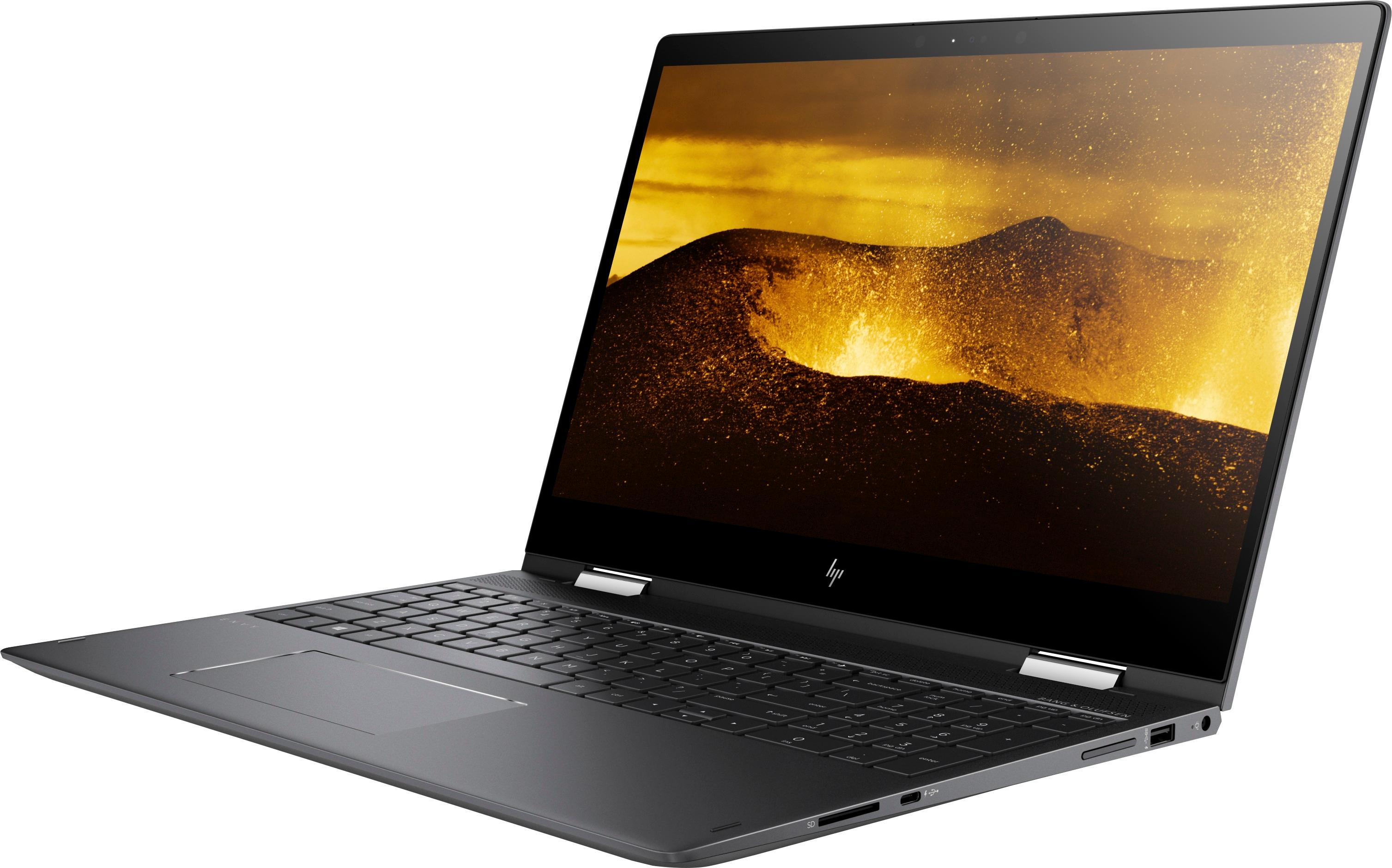
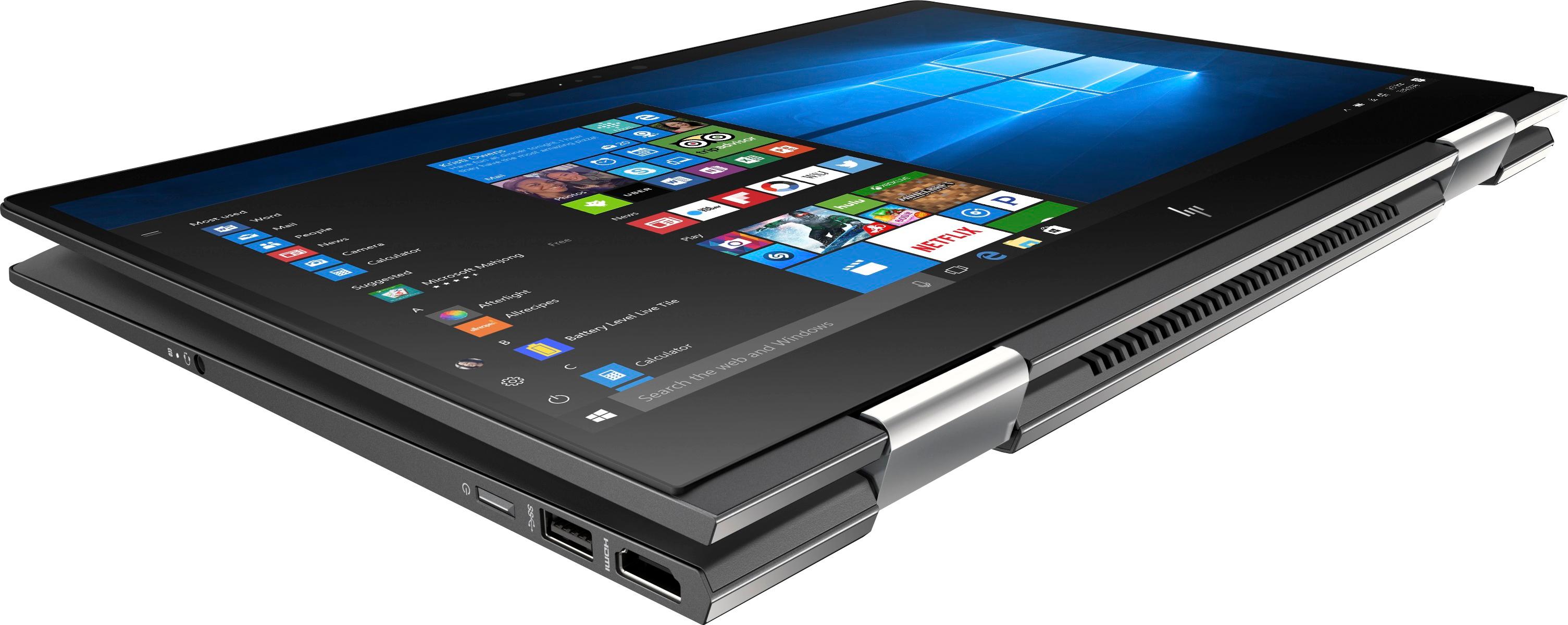
A:AnswerNo. It has an HDMI output and a USB C connector that can do video with the right connector. Do a search on BB's site for: USB C to display port. There are several options listed.
A:AnswerThank you for reaching out. There are many factors when it comes to battery life. The best way to help would be to reset the computer to factory condition and do a clean install of Windows. This will ensure that no programs are running in the background. From there, only add back the programs you feel are only absolutely needed. The restarting could be from the Windows 10 updates which are automatic.
A:AnswerI have not encountered any problems with the on-board video crashing. I did, however, perform a fresh install of windows 10 within minutes of opening the box.
A:AnswerSometimes the best answer is found going to the HP site and trying their configuration tool for this laptop. Ignore the comment that says this is not possible - there is definitely a configuration with NVMe™ M.2, which means that if you are handy with this kind of stuff you can go and upgrade it yourself (same applies for memory)