Questions & Answers
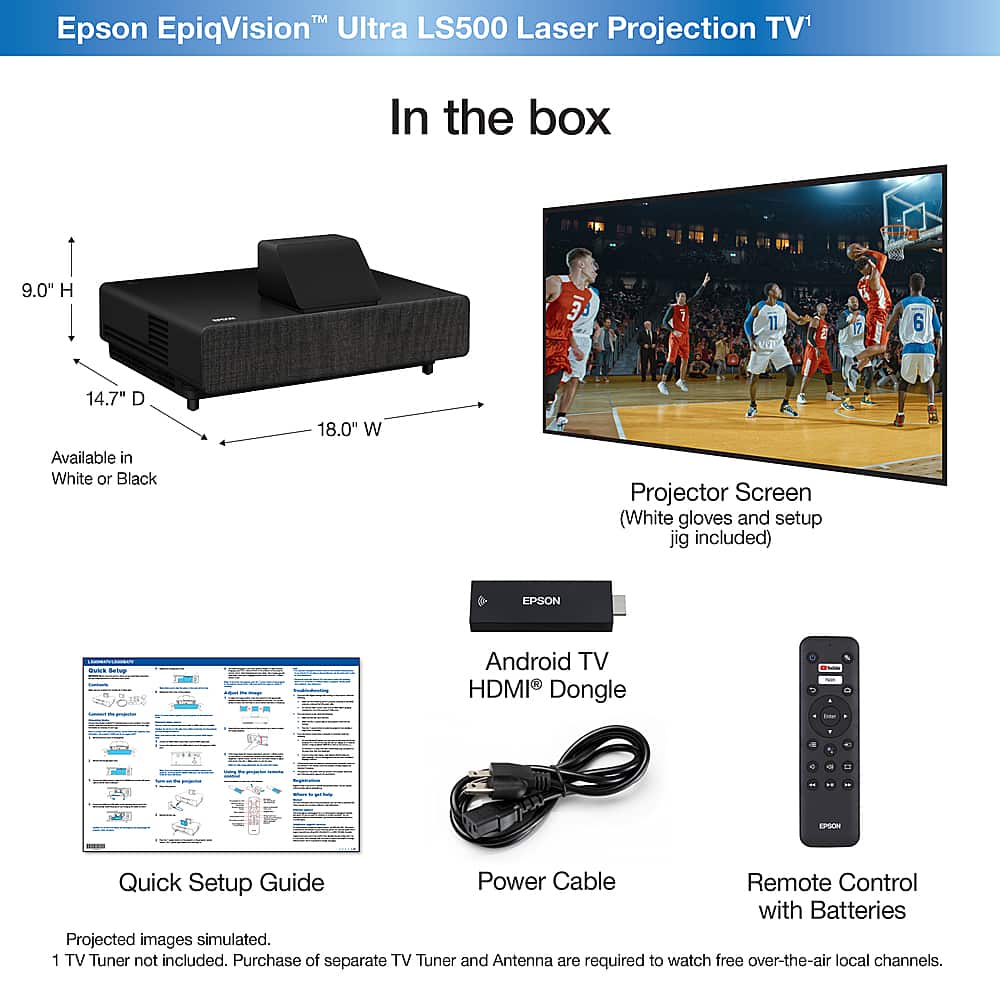
Q: QuestionI noticed EpiqVision has Android TV support. Is it built-in? Or, is it an external stick?
Asked by Anonymous.
- A:Answer Hi, Epson developed its own Android TV streaming stick with a voice remote. It's an HDMI stick that fits cleanly inside the front HDMI compartment of the projector, so you never see the streaming stick itself. Of course, you can remove this and install your preferred streaming solution if you wish. Not all streaming sticks will fit completely inside the projector's front compartment. Regards, Nancy - The Epson Team.
Answered by Epson

Q: QuestionI noticed EpiqVision has Android TV support. Is it built-in? Or, is it an external stick?
Asked by Anonymous.
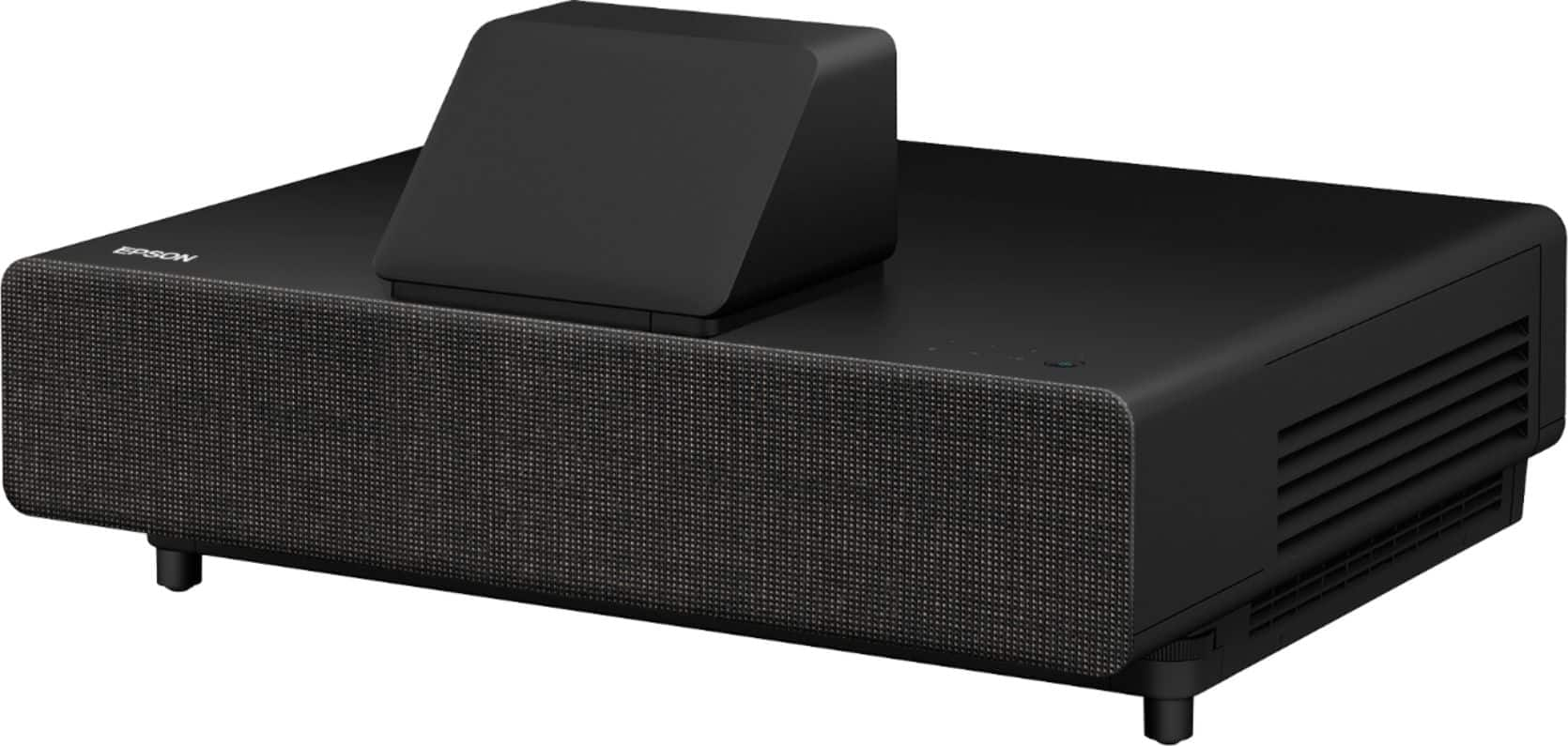
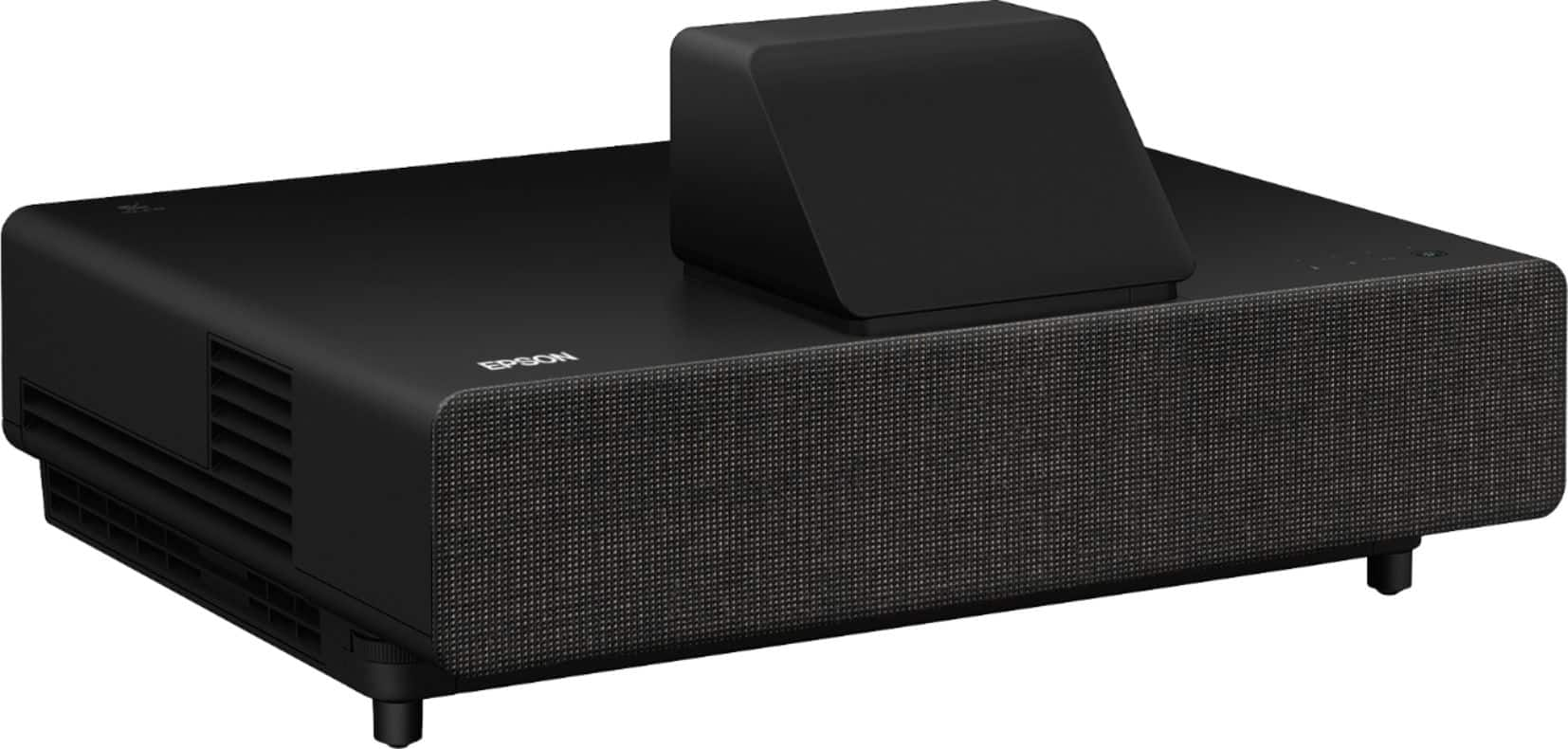
This question was asked about the related product: Epson - 100" EpiqVision Ultra LS500 4K PRO-UHD Short Throw Laser Projection TV with HDR and screen included - Black
- A:Answer Hi, Epson developed its own Android TV streaming stick with a voice remote. It's an HDMI stick that fits cleanly inside the front HDMI compartment of the projector, so you never see the streaming stick itself. Of course, you can remove this and install your preferred streaming solution if you wish. Not all streaming sticks will fit completely inside the projector's front compartment. Regards, Nancy - The Epson Team.
Answered by Epson

Q: QuestionHow can I watch live TV?
Asked by Lllamamama.
- A:Answer Hi Lllamamama, You have several options: 1) Subscribe to a streaming service like YouTube TV or Sling TV, 2) Connect an over-the-air tuner via HDMI, 3)Connect a cable box via HDMI. Regards, Nancy - The Epson Team.
Answered by Epson

Q: QuestionHow good is the 4K PRO-UHD performance?
Asked by RigatoniFan22.
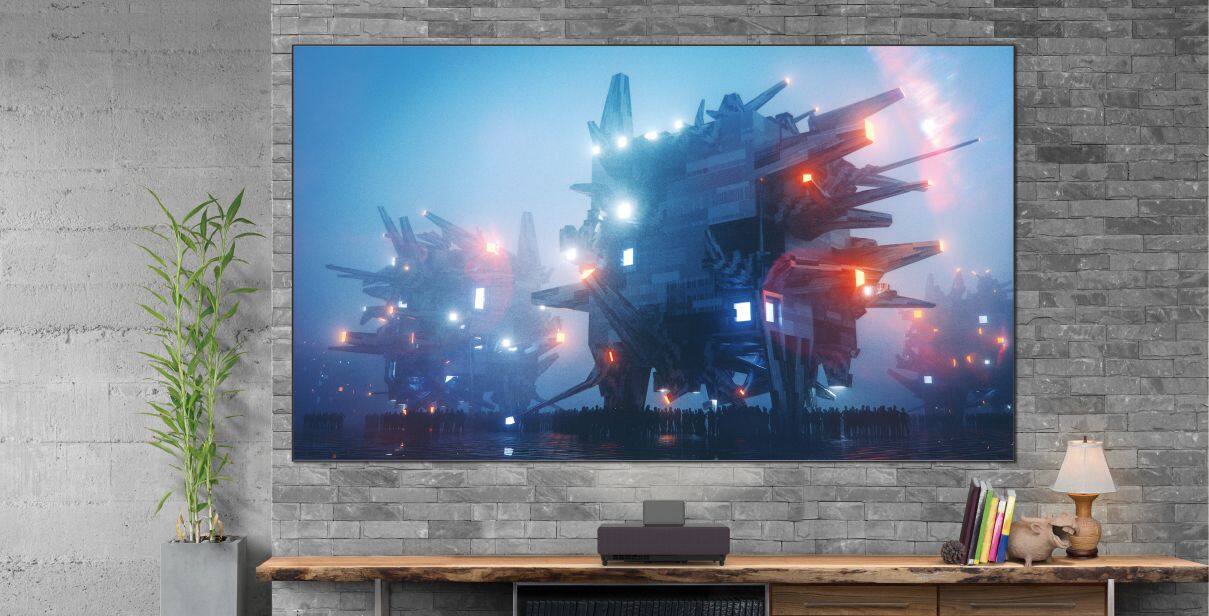
- A:Answer Hi RigatoniFan22, You really have to see it for yourself. Epson’s latest 4K PRO-UHD technology is extremely impressive. It delivers what is probably the best 4K HDR home experience of anything in its class. Most live TV content is 720p or 1080p. Epson’s processing technology upscales the signal to 4K PRO-UHD. The results are impressive. This is one of the brightest Laser Array Projectors on the market, so the HDR performance is really amazing. If you’re like us and you want to enjoy every little detail and nuance TV has to offer, you’ll be very impressed with the EpiqVision Ultra LS500. Regards, Nancy - The Epson Team.
Answered by Epson

Q: QuestionHow good is the 4K PRO-UHD performance?
Asked by RigatoniFan22.
This question was asked about the related product: Epson - 100" EpiqVision Ultra LS500 4K PRO-UHD Short Throw Laser Projection TV with HDR and screen included - Black
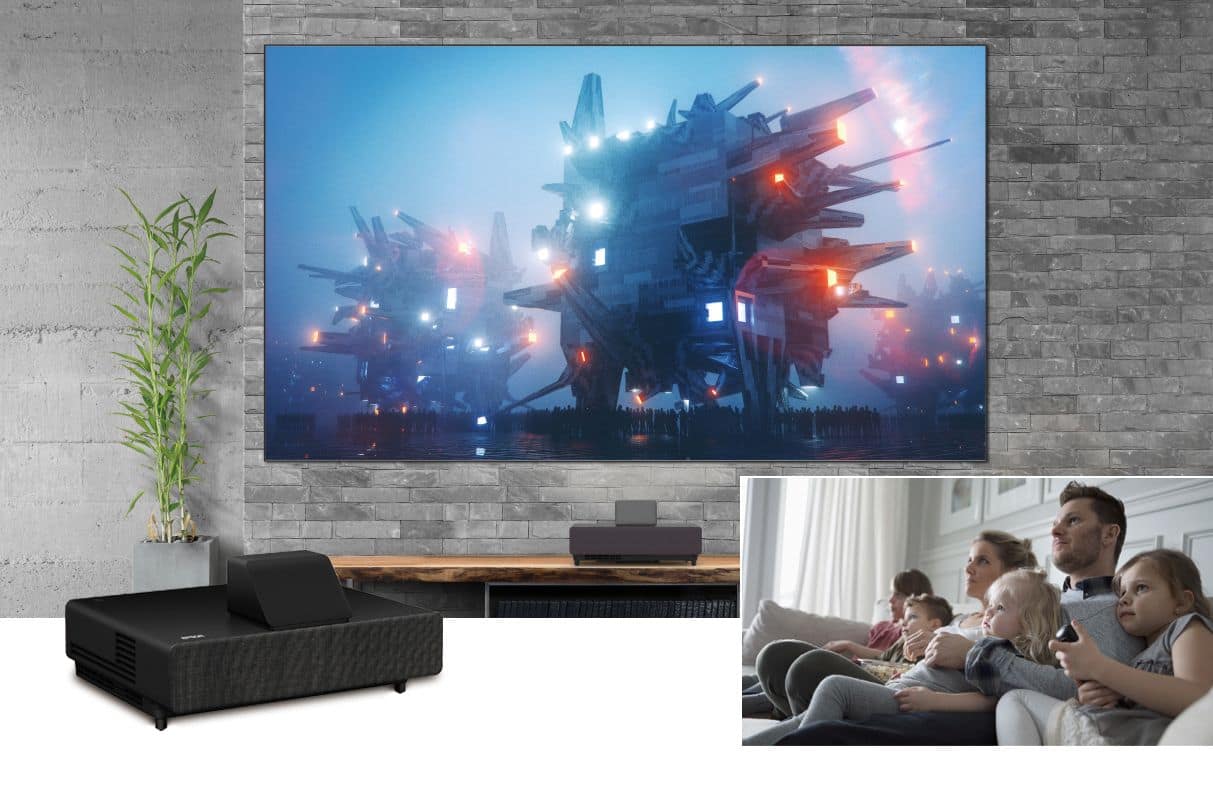
- A:Answer Hi RigatoniFan22, You really have to see it for yourself. Epson’s latest 4K PRO-UHD technology is extremely impressive. It delivers what is probably the best 4K HDR home experience of anything in its class. Most live TV content is 720p or 1080p. Epson’s processing technology upscales the signal to 4K PRO-UHD. The results are impressive. This is one of the brightest Laser Array Projectors on the market, so the HDR performance is really amazing. If you’re like us and you want to enjoy every little detail and nuance TV has to offer, you’ll be very impressed with the EpiqVision Ultra LS500. Regards, Nancy - The Epson Team.
Answered by Epson

Q: QuestionHow can I watch live TV?
Asked by Lllamamama.
This question was asked about the related product: Epson - 100" EpiqVision Ultra LS500 4K PRO-UHD Short Throw Laser Projection TV with HDR and screen included - Black
- A:Answer Hi Lllamamama, You have several options: 1) Subscribe to a streaming service like YouTube TV or Sling TV, 2) Connect an over-the-air tuner via HDMI, 3)Connect a cable box via HDMI. Regards, Nancy - The Epson Team.
Answered by Epson

Q: QuestionIs the display bright enough to watch TV in a bright room?
Asked by TIKA.
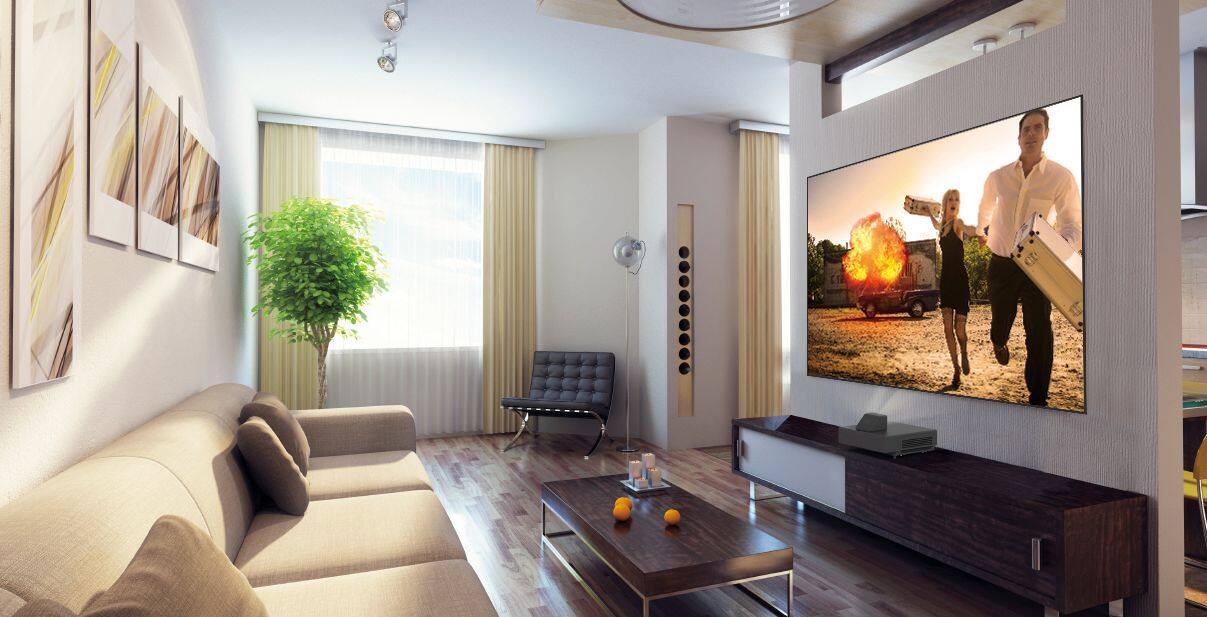
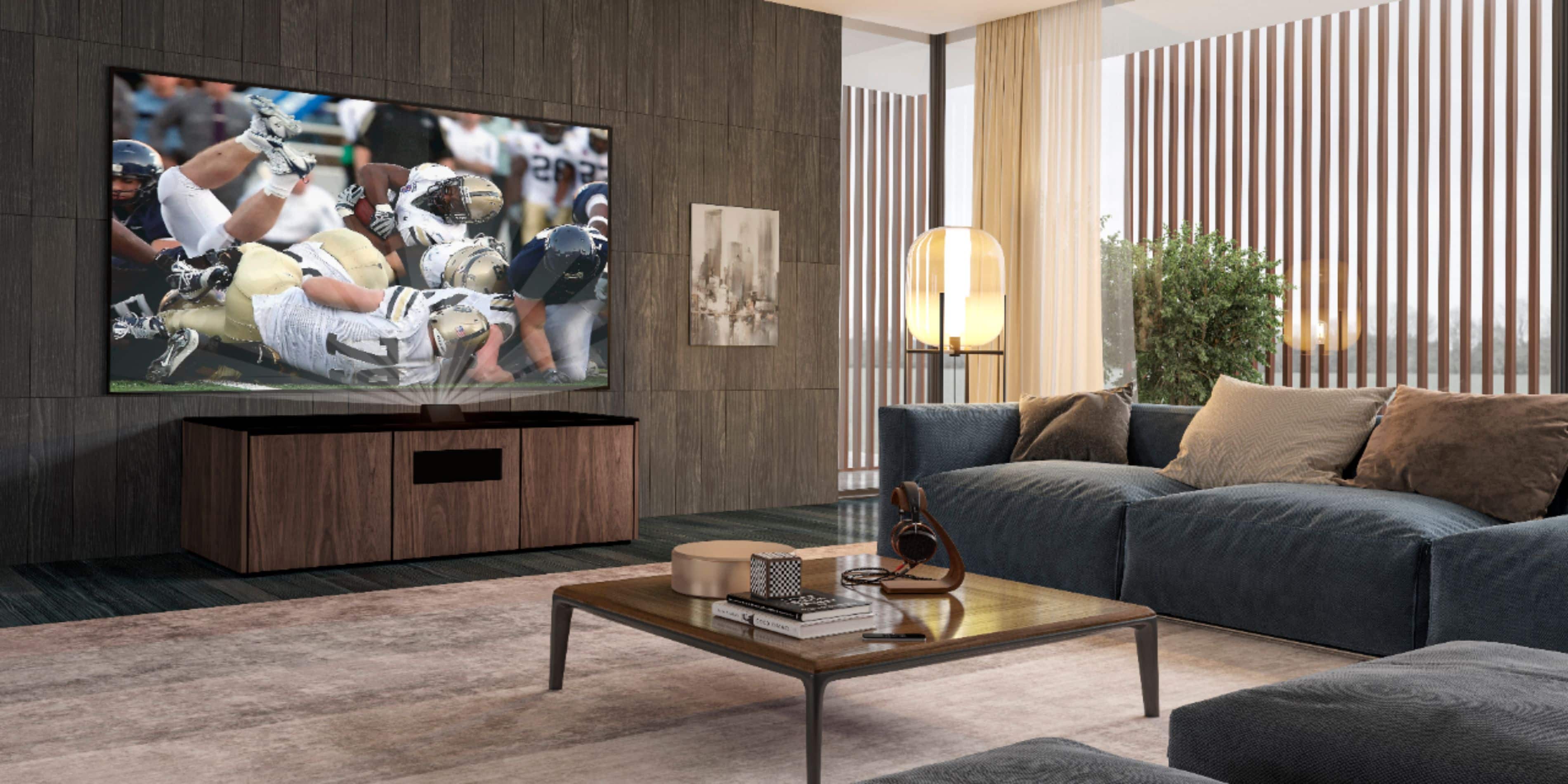
- A:Answer Hi TIKA, Yes. One of the breakthroughs from Epson is our newest Ultra Short Throw Laser Array Technology. Combined with the special screen, the overall brightness of the picture is incredible. Search YouTube for customers and resellers demoing the product, or find a Magnolia store near you that is showcasing the product in their demo room. It's really amazing technology. Regards, Nancy - The Epson Team.
Answered by Epson

Q: QuestionIs the display bright enough to watch TV in a bright room?
Asked by TIKA.
This question was asked about the related product: Epson - 100" EpiqVision Ultra LS500 4K PRO-UHD Short Throw Laser Projection TV with HDR and screen included - Black
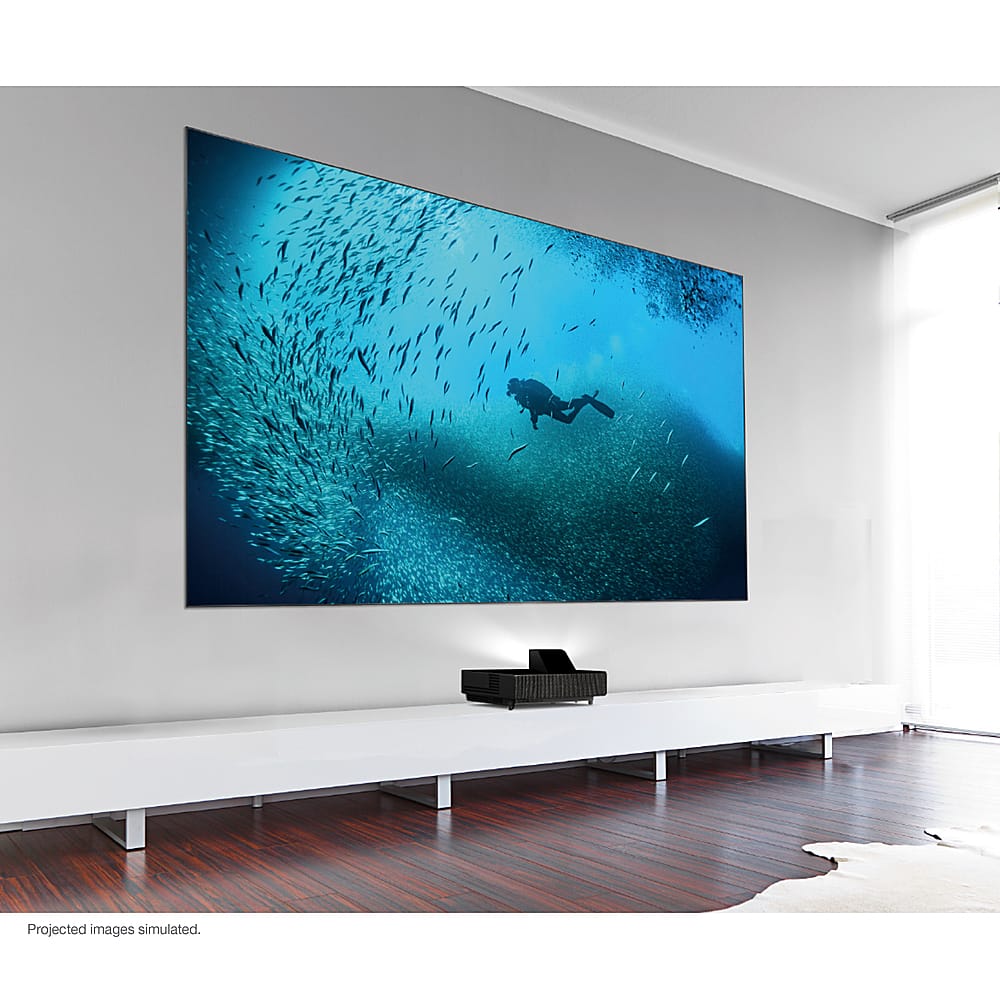
- A:Answer Hi TIKA, Yes. One of the breakthroughs from Epson is our newest Ultra Short Throw Laser Array Technology. Combined with the special screen, the overall brightness of the picture is incredible. Search YouTube for customers and resellers demoing the product, or find a Magnolia store near you that is showcasing the product in their demo room. It's really amazing technology. Regards, Nancy - The Epson Team.
Answered by Epson

Q: QuestionCan I ceiling mount the Epson LS500 projector instead of placing it on a table below the screen?
Asked by Kipper.
- A:Answer I was very excited about this projector until I learned that it cannot be ceiling-mounted. A deal-breaker for my home cinema :(
Answered by LukeW
Q: QuestionCan I ceiling mount the Epson LS500 projector instead of placing it on a table below the screen?
Asked by Kipper.
This question was asked about the related product: Epson - 100" EpiqVision Ultra LS500 4K PRO-UHD Short Throw Laser Projection TV with HDR and screen included - Black
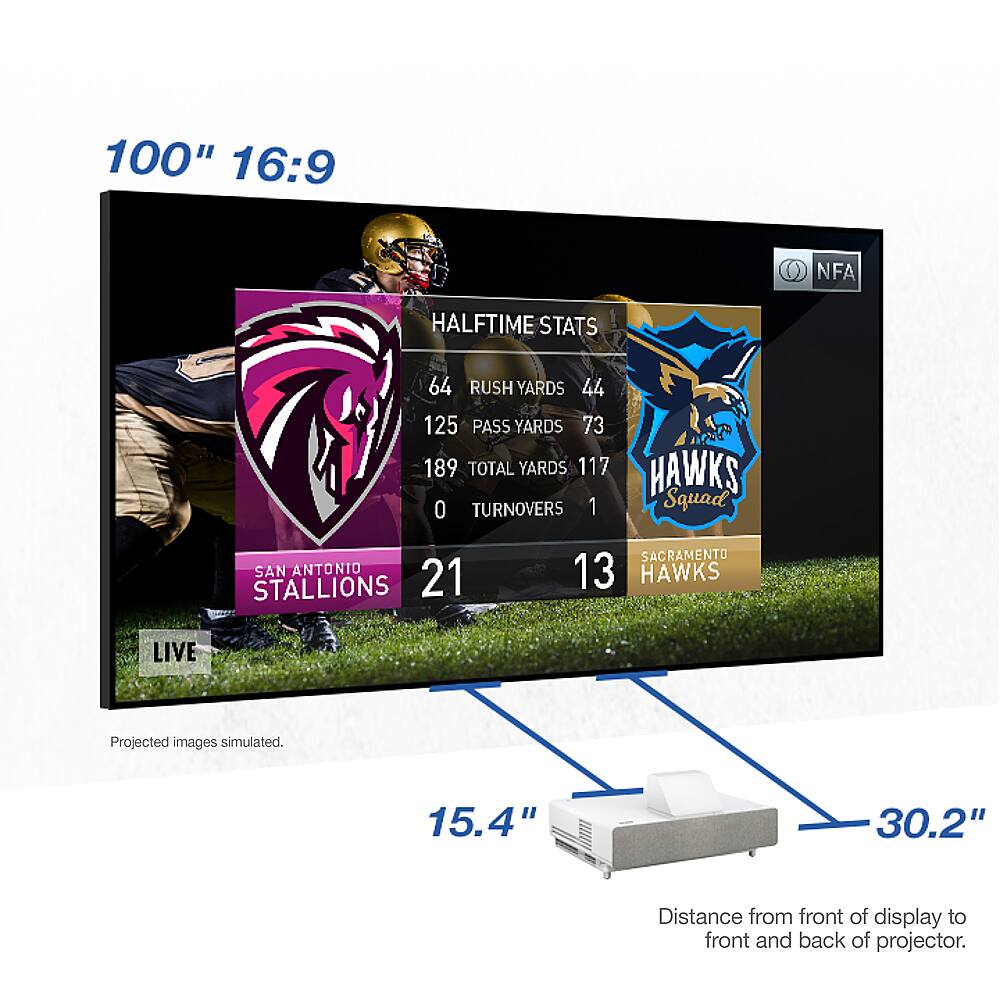
- A:Answer Hi Kipper, No. The Epson Laser Projection TV system was designed so the Epson LS500 projector is placed on a table, centered, below the Epson SilverFlex ALR Screen. Regards, Nancy - The Epson Team.
Answered by Epson

Q: QuestionHow do I hook-up my cable box, streaming devices, or gaming consoles?
Asked by Frank.
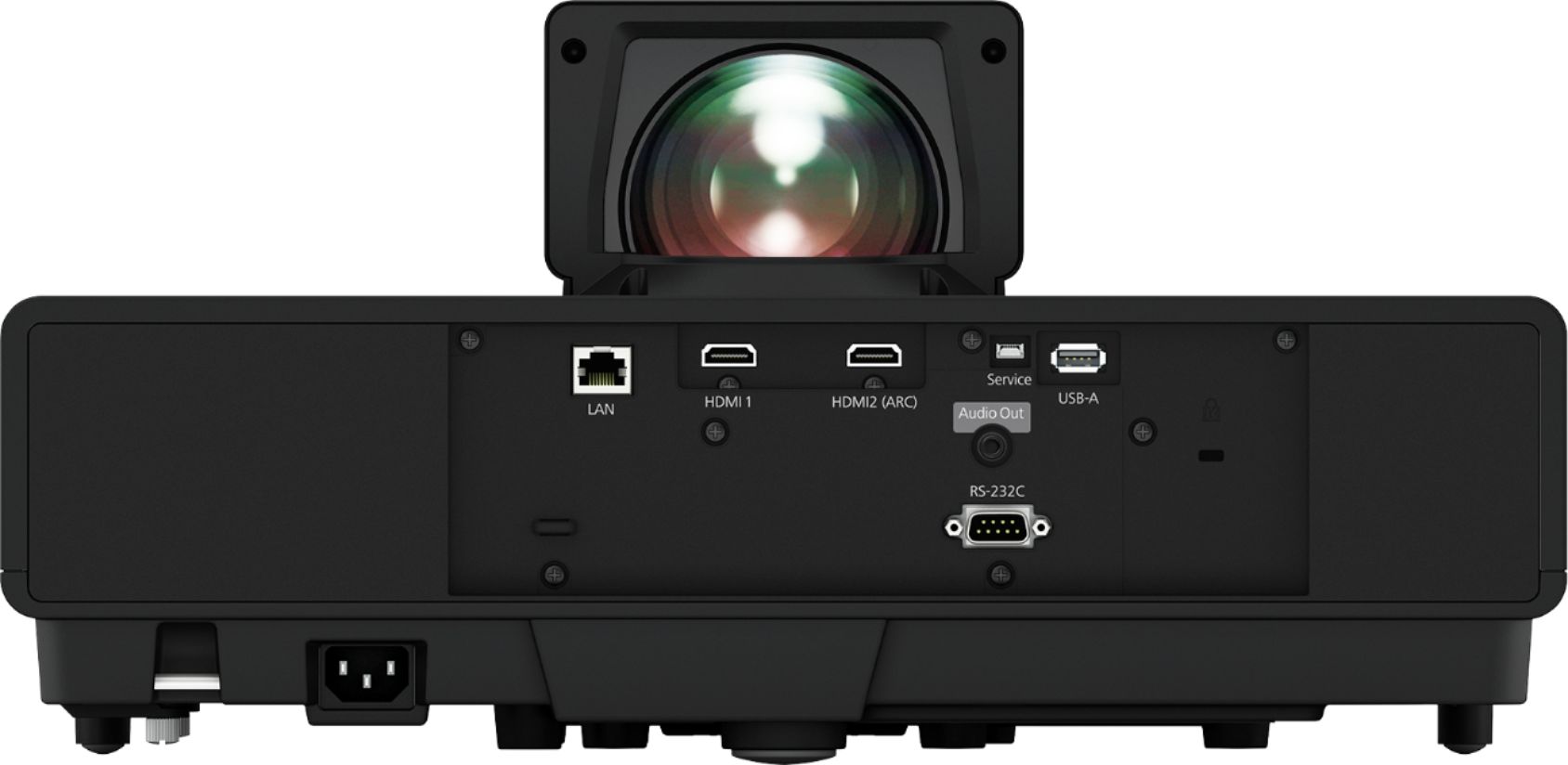
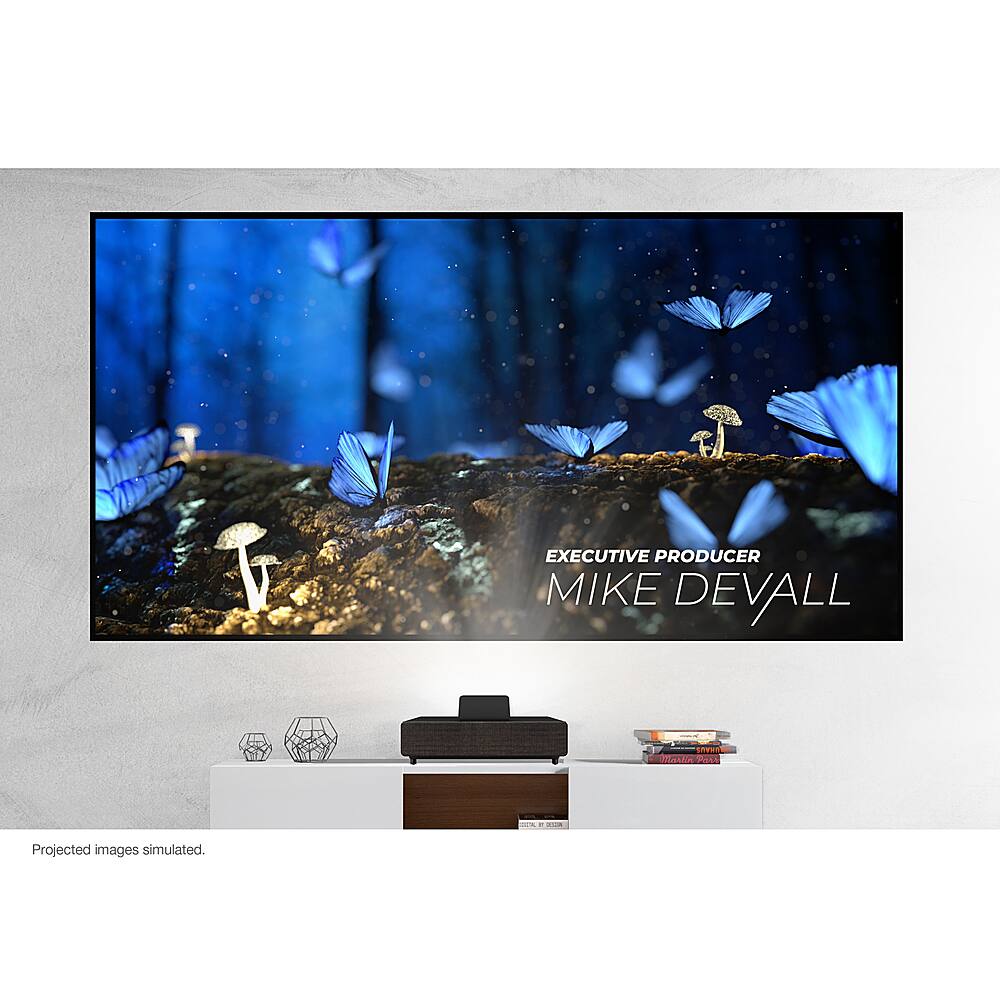
- A:Answer Hi Frank, Just like you do with any standard TV. Epson EpiqVision comes with two 18 Gbps HDMI 2.0 ports on the back and one 18 Gbps HDMI 2.0 port behind the front cover. (The front port may already be used for the Android TV stick from Epson.) Regards, Nancy - The Epson Team.
Answered by Epson

Q: QuestionHow do I hook-up my cable box, streaming devices, or gaming consoles?
Asked by OT.
This question was asked about the related product: Epson - 100" EpiqVision Ultra LS500 4K PRO-UHD Short Throw Laser Projection TV with HDR and screen included - Black
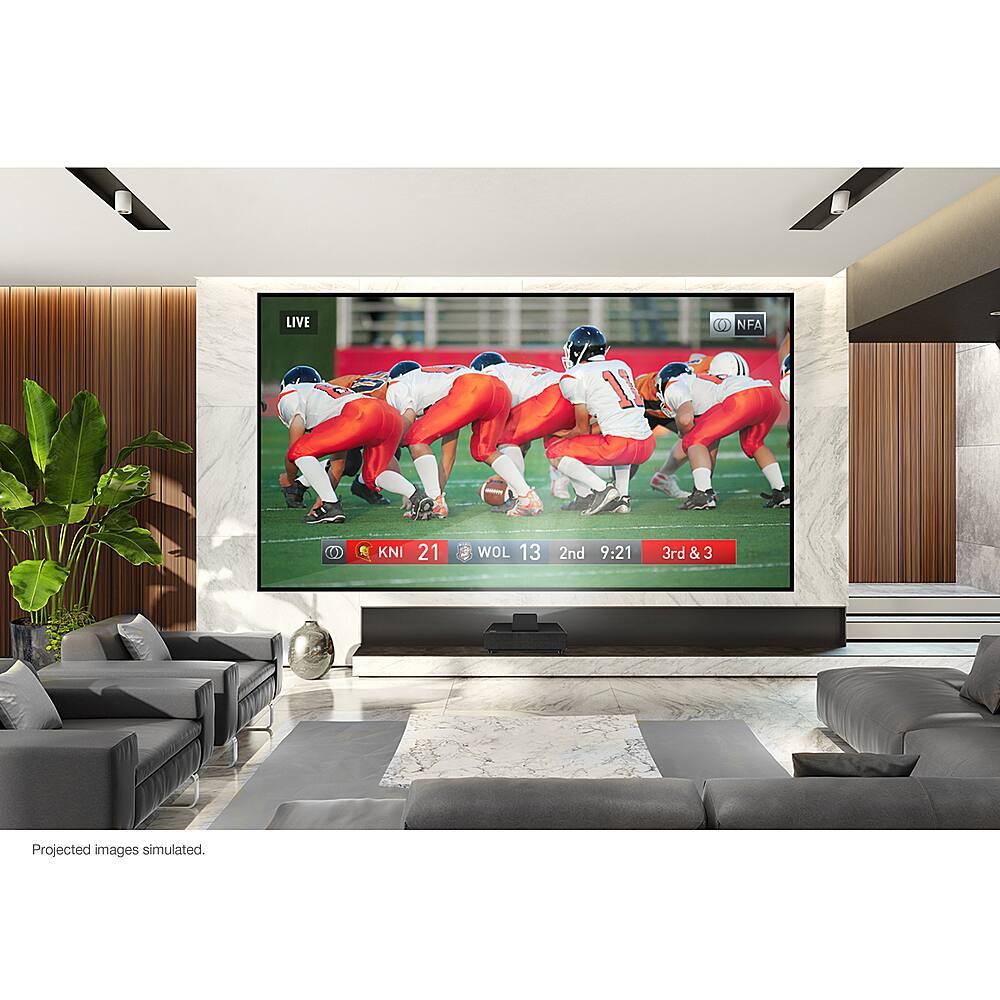
- A:Answer Hi OT, Just like you do with any standard TV. Epson EpiqVision comes with two 18 Gbps HDMI 2.0 ports on the back and one 18 Gbps HDMI 2.0 port behind the front cover. (The front port may already be used for the Android TV stick from Epson.) Regards, Nancy - The Epson Team.
Answered by Epson

Q: QuestionIs there anything I need to do after the LS500, and screen are set up?
Asked by ErikH.
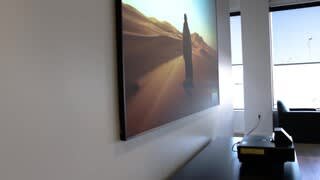
- A:Answer Hi ErikH, Just focus the picture so you can see all the incredible detail in the image. If you have any questions, contact your Magnolia associate or call Epson’s customer support line. Regards, Nancy - The Epson Team.
Answered by Epson

Q: QuestionIs there anything I need to do after the LS500, and screen are set up?
Asked by ErikH.
This question was asked about the related product: Epson - 100" EpiqVision Ultra LS500 4K PRO-UHD Short Throw Laser Projection TV with HDR and screen included - Black
- A:Answer Hi ErikH, Just focus the picture so you can see all the incredible detail in the image. If you have any questions, contact your Magnolia associate or call Epson’s customer support line. Regards, Nancy - The Epson Team.

Answered by Epson

Q: QuestionIs a separate audio system recommended for this TV?
Asked by Becky.
- A:Answer Hi Becky, The built-in speakers sound great, but for a fully immersive experience you can connect an external audio solution. These include a sound bar, or a dedicated surround sound system connected using HDMI ARC. ARC is the audio return channel output connection on your projector. It sends the sound out to your audio system. Regards, Nancy - The Epson Team.
Answered by Epson

Q: QuestionIs a separate audio system recommended for this TV?
Asked by Becky.
This question was asked about the related product: Epson - 100" EpiqVision Ultra LS500 4K PRO-UHD Short Throw Laser Projection TV with HDR and screen included - Black
- A:Answer Hi Becky, The built-in speakers sound great, but for a fully immersive experience you can connect an external audio solution. These include a sound bar, or a dedicated surround sound system connected using HDMI ARC. ARC is the audio return channel output connection on your projector. It sends the sound out to your audio system. Regards, Nancy - The Epson Team.
Answered by Epson

Q: QuestionCan I game on this display?
Asked by Josie.
- A:Answer Hi Josie, Yes. In fact, many of us at Epson are serious gamers. I cannot wait for the next-gen gaming consoles. My current Sony® PS4 Pro and Microsoft™ Xbox One X see this projector as 4K with HDR at a full 60 frames per second. The input lag times are an impressive 16.7 milliseconds. It's awesome gaming on a display this big. Regards, Nancy - The Epson Team.
Answered by Epson

Q: QuestionCan I game on this display?
Asked by JosieLouise.
This question was asked about the related product: Epson - 100" EpiqVision Ultra LS500 4K PRO-UHD Short Throw Laser Projection TV with HDR and screen included - Black
- A:Answer Hi JosieLouise. Yes, the Epson EpiqVision Ultra LS500 projector can be used for gaming on the latest generation of consoles. Regards, Bobby - The Epson Team.
Answered by Epson

Q: QuestionDoes the screen require power or any connections?
Asked by Sam.
- A:Answer Hi Sam, No. The screen requires no power or connections to the projector. It simply hangs on your wall and it is relatively light. The 100" screen weighs 24.3 lbs. and the 120" screen weighs 28.7 lbs. Use a bubble level to make sure the screen is level. Regards, Nancy - The Epson Team.
Answered by Epson

Q: QuestionDoes the screen require power or any connections?
Asked by Elliott.
This question was asked about the related product: Epson - 100" EpiqVision Ultra LS500 4K PRO-UHD Short Throw Laser Projection TV with HDR and screen included - Black
- A:Answer Hi Elliott, No. The screen requires no power or connections to the projector. It simply hangs on your wall and it is relatively light. The 100" screen weighs 24.3 lbs. and the 120" screen weighs 28.7 lbs. Use a bubble level to make sure the screen is level. Regards, Nancy - The Epson Team.

Answered by Epson