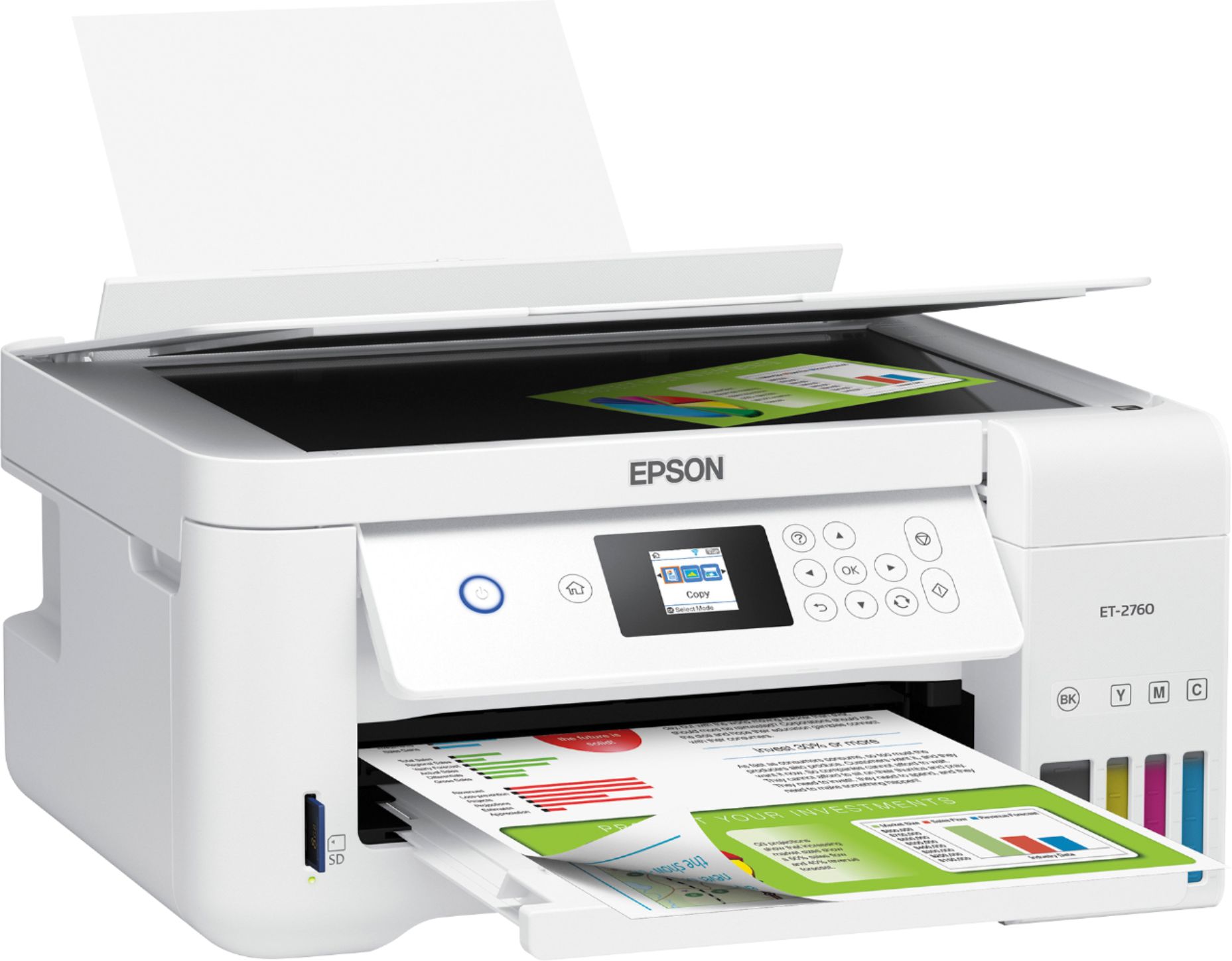
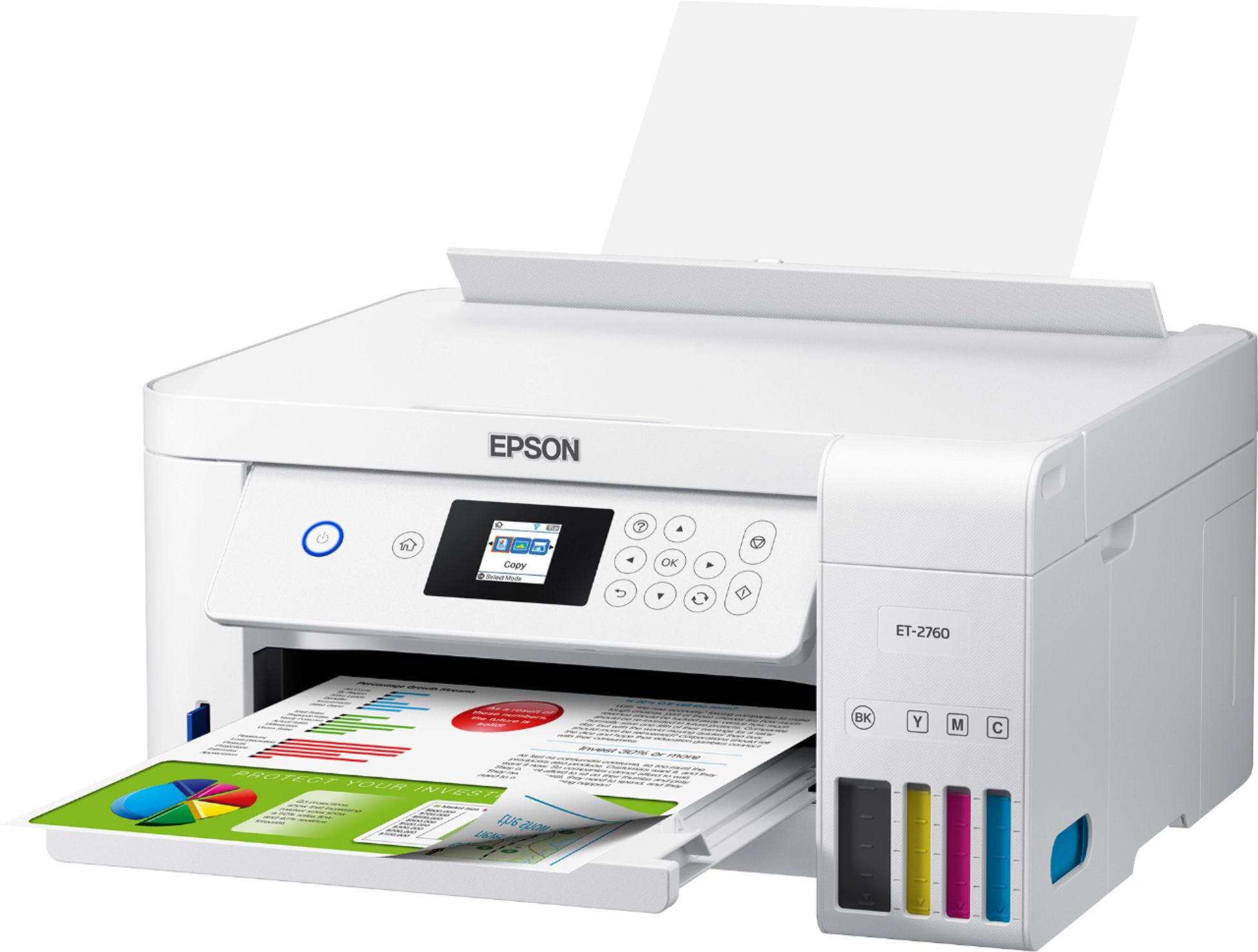
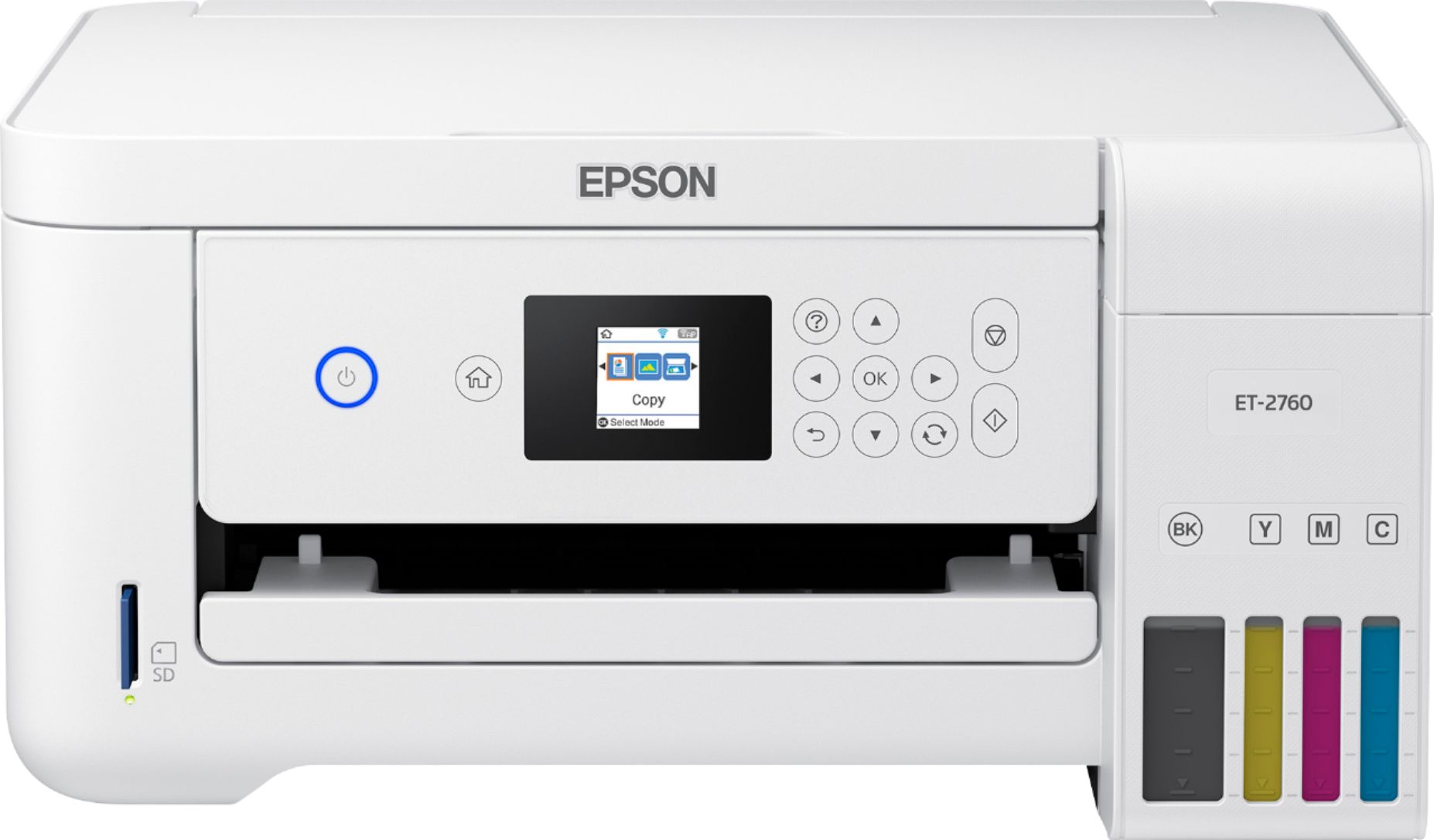
A:AnswerHi cjb123, You can print pictures using the EcoTank ET-2760. Photos look especially good printed on Epson Premium Photo Paper Glossy. Regards, Mark - The Epson Team.
A:AnswerHi Nick, Sorry, the EcoTank ET-2760 does not have a document feeder. You must place documents directly on the scan glass one at a time. To see which Epson EcoTank printers come with document feeders, please visit the Epson support site. Regards, Mark - The Epson Team.
A:AnswerHi r2c4f6, The EcoTank ET-2760 should be able to print on ink jet-compatible labels. We do not test third-party media, so quality cannot be guaranteed. Regards, Mark - The Epson Team.
A:AnswerHi Jl, The EcoTank ET-2760 is not a sublimation printer. If any ink, other than the Epson ink the printer is designed for, is used it may damage the print heads and affect warranty coverage. Regards, Mark - The Epson Team.
A:AnswerHi Daddydee, The EcoTank ET-2760 is not a sublimation printer. Using ink other than the EcoTank 502 ink bottles the ET-2760 is designed for may damage the print heads and affect warranty coverage. Regards, Syd - The Epson Team.
A:AnswerHi Maemae, Canvas media is not compatible with the EcoTank ET-2760. To see a list of compatible paper types, please visit the Epson support site. Regards, Mark - The Epson Team.
A:AnswerAre you referring to the timing out / auto shut down that then requires you to actually hit the bottom to wake up the printer?
In the downloaded drivers there was a setting that allow you to set it so it doesn't go to sleep
A:AnswerHi Sophie, Generally, we do not test third-party paper types, so we cannot guarantee your results using water slide decals. If you try them, please be sure they are made for use in ink jet printers. To see a list of compatible Epson paper types, please visit the Epson support site. Regards, Mark - The Epson Team.
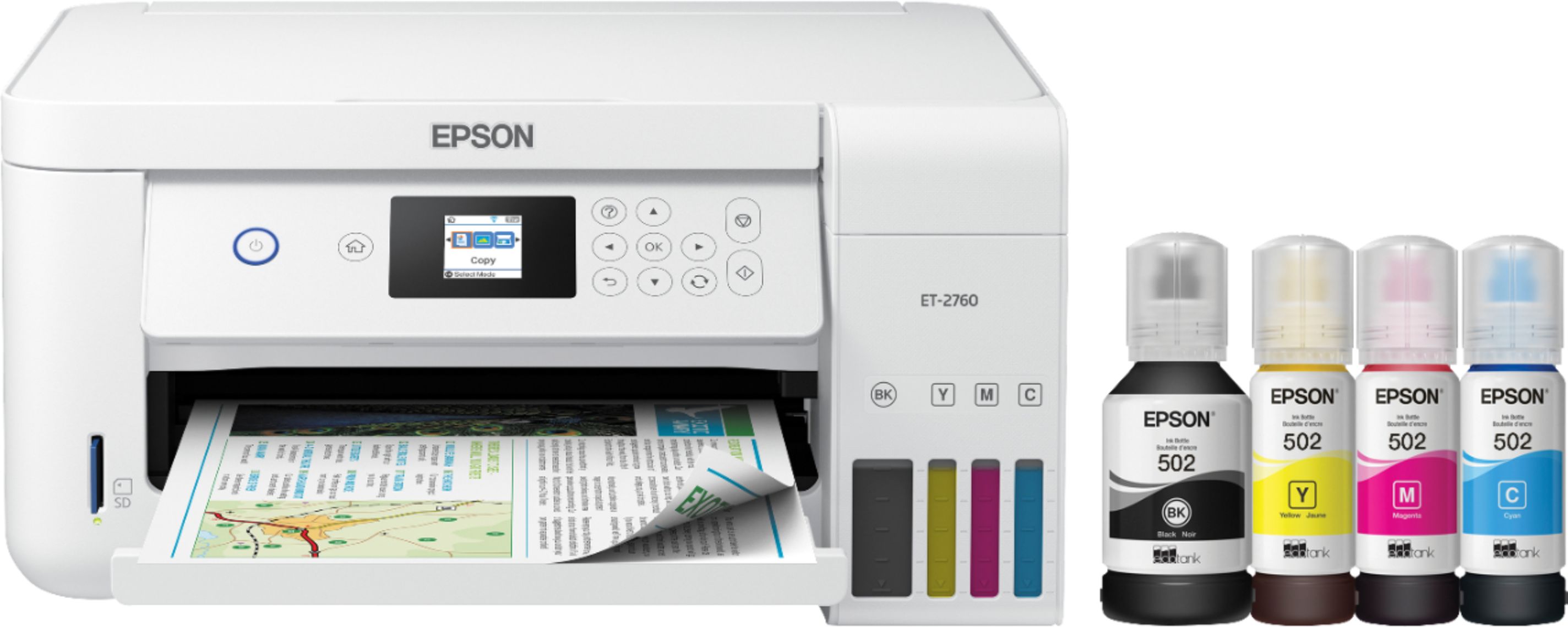
A:AnswerHi helpneeded, The EcoTank ET-2760 can print on Commercial No. 10 envelopes and labels that are compatible with ink jet printers. Regards, Mark
A:AnswerHi COlorPrinter, The EcoTank ET-2760 prints well on Epson Photo Paper. See the Epson support site for other paper types compatible with the EcoTank ET-2760. Regards, Mark - The Epson Team.